About Shopping List - Simple & Easy
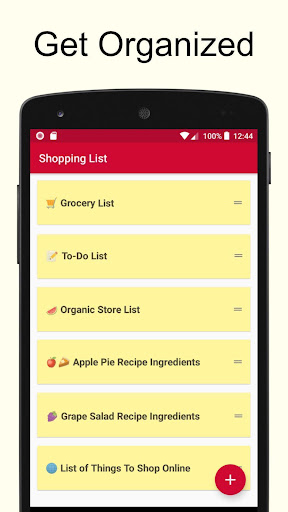
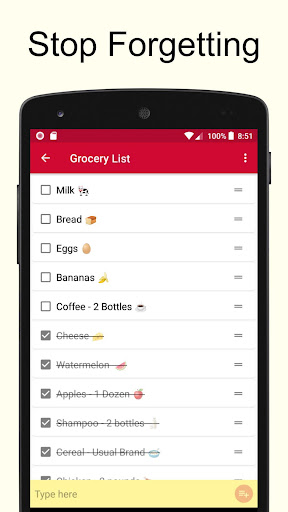
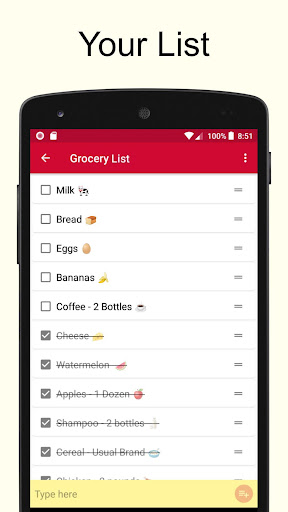
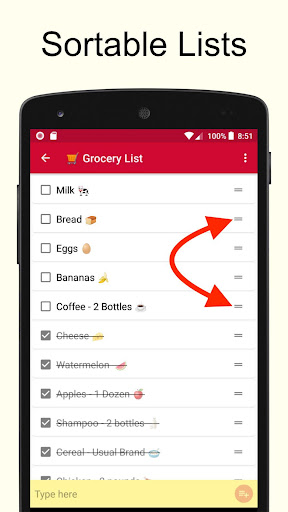
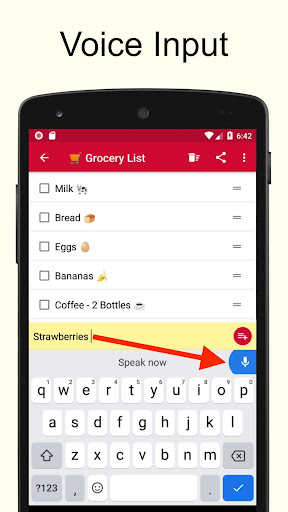
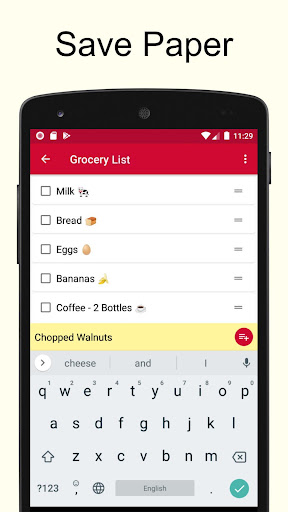
This is a very simple shopping list app. Makes it very easy to create multiple lists. For example, you can create one for each store that you shop at. Use it as a grocery list app or for any other listing needs that you may have. It's free! Here are the super simple instructions: * Click on the plus sign to create a new list. * Enter the items to buy in the yellow text box. * Tap to cross off the item when done. Some Helpful Tips * Lists are reusable. So for example, if you make a grocery list to shop for groceries at the local store, it can be reused over and over again. There is no need to keep making a new one each time. Just make it once, and after that just check and uncheck the items. It will be uniquely yours and will always have the items you buy. * Hit the trash icon to clean up and get rid of crossed items. * Emojis can be inserted using the built in function of your keyboard. * Lists can be sorted alphabetically. * Lists can be synched across multiple devices in real time.
What Shopping List - Simple & Easy Is Used For
Shopping List - Simple & Easy appears to be a basic list-making app for everyday purchases and other simple checklists. Based on the metadata, people may use it to build separate shopping lists for different stores, reuse the same list over time, and mark items off as they buy them. Its shopping category and phone-based design suggest it is meant for quick, on-the-go list updates rather than complex planning.
The app may also fit general list tracking beyond groceries, such as household items, errands, or small task lists. The description mentions cross-off controls, list cleanup, alphabetical sorting, and syncing across devices, so it seems aimed at keeping lists organized and available in more than one place. The network permissions and sync mention suggest an internet connection may be used for sharing or synchronizing data, while the prevent-sleep permission may help keep the screen active during use.
Common uses
- Create separate shopping lists for different stores or categories
- Reuse the same grocery list instead of starting over each time
- Tap items to cross them off while shopping
- Remove completed items to keep a list tidy
- Sort list items alphabetically for easier scanning
- Use it for simple non-shopping checklists too
- Sync lists across multiple devices if that feature is used
App Details
Package:
com.icedblueberry.shoppinglisteasy
Developer:
Opulogic Inc
Version:
3.16
Updated:
Mar 22, 2026
Min Android:
8.0
Age Rating:
Everyone
Contains Ads:
Yes
In-App Purchases:
Yes
Official Listing
-
Official listing available on
Google Play
-
Package name:
com.icedblueberry.shoppinglisteasy
-
Age rating:
Everyone
Related Shopping Apps
Shopping
•
Listonic - Smart Grocery Shopping
Grocery list app for quick and easy shopping list creation and management
Version 9.9.4
49.6 MB
⭐ 4.70
10,000,000+ installs
Shopping
•
Wish US Holdings LLC
Home & Life, Fashion, Electronics
Version 24.18.0
34.2 MB
⭐ 4.67
500,000,000+ installs
Shopping
•
Banggood
Online shopping for daily deals & secure payment & fast shipping
Version 7.58.5
30.5 MB
⭐ 4.61
50,000,000+ installs
Shopping
•
Light In The Box Limited
Shop smarter, save more & grab daily flash sale deals with LightInTheBox!
Version 8.66.0
68.7 MB
⭐ 4.51
10,000,000+ installs
Shopping
•
Bring! Labs AG
Create shared grocery lists & sync the shopping list organizer with your family.
Version 4.62.0
28.3 MB
⭐ 4.24
10,000,000+ installs
How to Download Shopping List - Simple & Easy
If this app is not hosted directly on APKApps official link,
then for the safest and most up-to-date version, install it from its official Google Play listing.