About Sudoku Premium
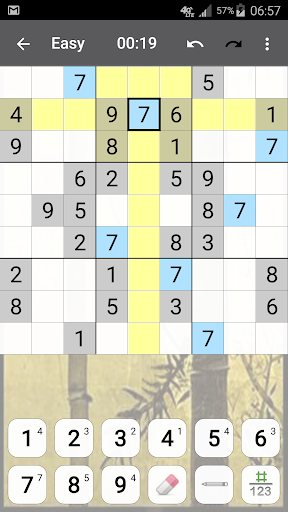
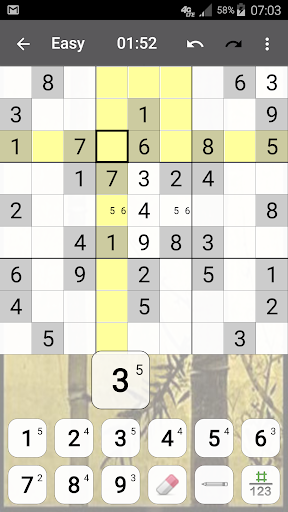
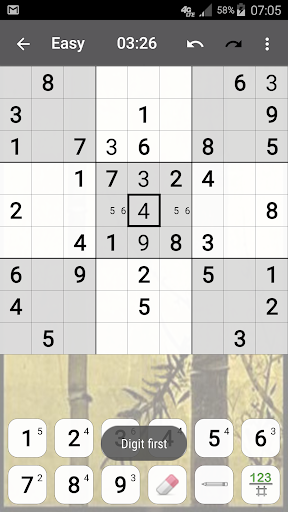
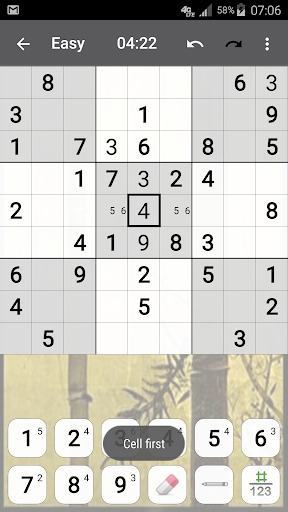
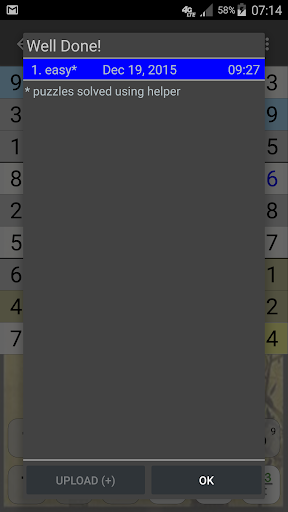
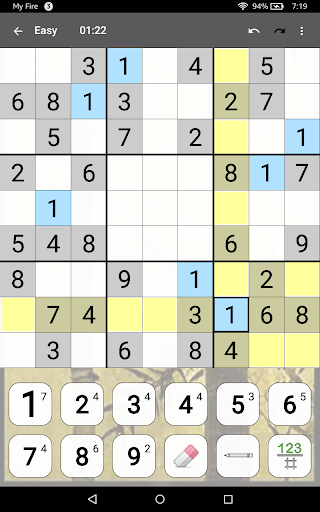
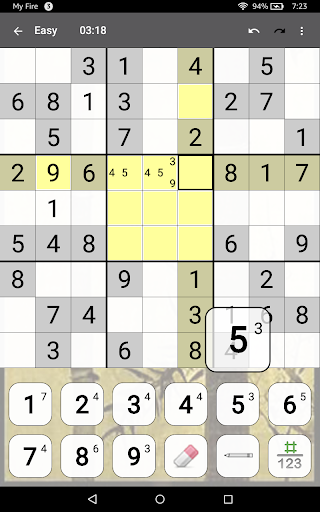
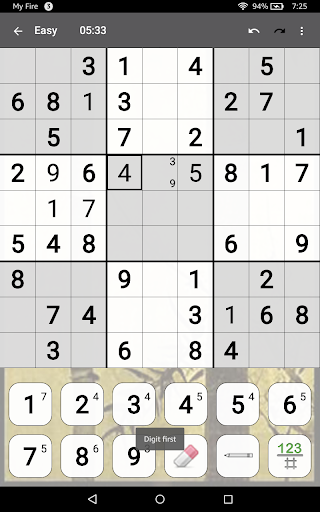
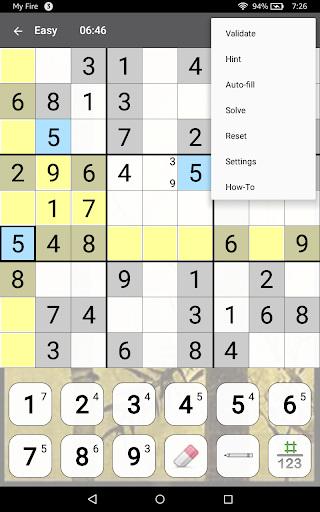
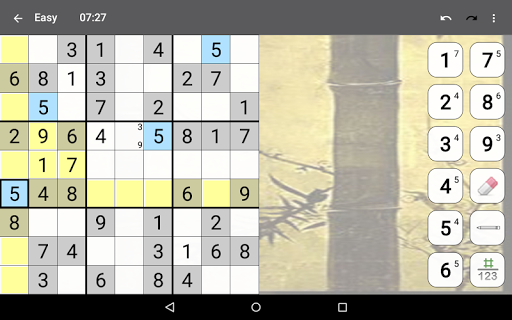
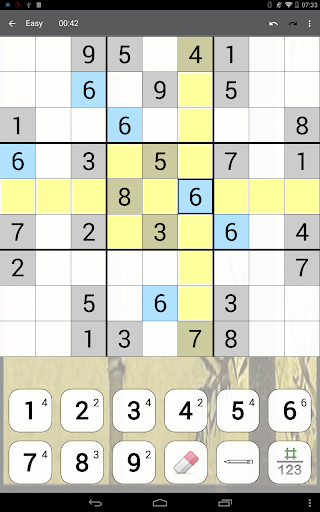
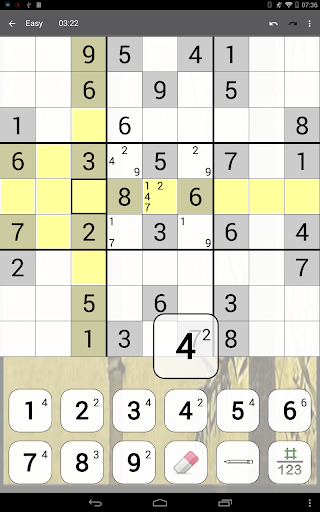
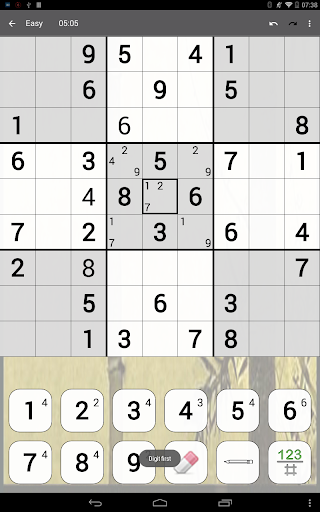
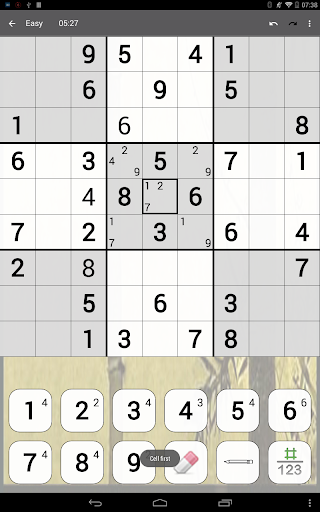
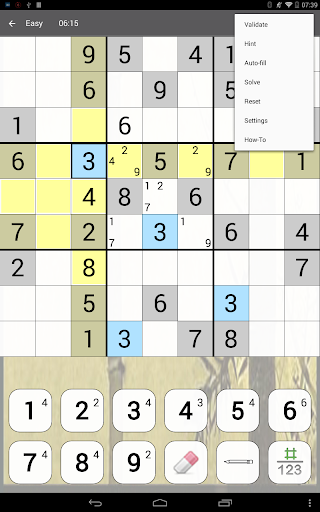
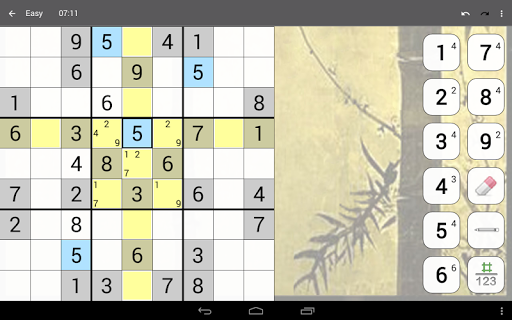
You won’t be looking for a paper puzzle ever again! With 4 difficulty levels, intuitive interface, and all the functions right at your fingertips, this Sudoku app is sure to be your favorite. Interrupted? Exit Sudoku, and the puzzle is saved exactly as you see it! Want to know how you stack up against other Sudoku players? Upload your results to our servers and see for yourself, or take part in a weekly Sudoku competition. Features: * 4 difficulty levels * 3 input modes: "Digit first", "Cell first", popup * Pencil marks (a.k.a. Notes) with auto fill / erase option * Selected digit and various other highlighting options * Show digit counts option * Auto-save * Unlimited Undo and Redo * Intelligent hints that use only logic * Two levels of automatic error checking option * Submit results and track progress online * Top scores and History * Real time competitions Sudoku supports trackball, touch screen, keyboard. Please contact our support team at
[email protected] if you have any questions, comments, or suggestions about improving this Sudoku app. Like us on Facebook: https://www.facebook.com/Genina-135806803144543 Follow us on Twitter: @GeninaDotCom Or visit us online: http://www.genina.com/apps/sudoku/ Enjoy!
What Sudoku Premium Is Used For
Sudoku Premium appears to be a mobile puzzle app for playing classic Sudoku on an Android phone. Based on the metadata, it is designed for people who want a digital version of the paper puzzle, with multiple difficulty levels and several input styles to fit different playing habits. The app also includes note-taking, highlighting, undo/redo, and logic-based hints, which suggests it is used both for casual play and for solving harder puzzles with support tools.
The metadata also points to features related to progress tracking and competition, such as saving puzzles automatically, submitting results online, and viewing top scores or history. Because it requests network access, some of these functions likely depend on an internet connection. It also mentions USB storage permissions, which may relate to saving or loading app data on the device. Overall, this app seems suited for users who want a Sudoku game with puzzle management, performance tracking, and optional online comparison features.
Common uses
- Play Sudoku on an Android phone instead of using printed puzzles.
- Choose from 4 difficulty levels for easier or harder sessions.
- Use notes, highlighting, and digit counts to manage complex boards.
- Rely on auto-save, undo, and redo when you pause or make mistakes.
- Get logic-based hints and optional error checking while solving.
- Track scores, history, and progress through online features.
- Join weekly competitions or submit results if you want to compare performance.
How to Download Sudoku Premium
If this app is not hosted directly on APKApps official link,
then for the safest and most up-to-date version, install it from its official Google Play listing.