Timestamp Camera EnterprisePro icon

Phone

Timestamp Camera EnterprisePro

Photography Bian Di ⭐ 4.40 5,000+
Version Varies with device Everyone

Screenshots

Timestamp Camera EnterprisePro screenshot
Permissions Explained 10 permissions requested View details

This app requests 10 permissions. The table below explains what each permission may allow and what users should review before installing.

Status Permission What it means Why it may be used User safety note
ℹ️ Review Approximate Location (network Based) approximate location (network-based) This is an Android permission or app-specific permission requested by the app. The app may use this permission for features related to its category, device support, background behavior, storage, connectivity, or system integration. Review this permission before installing, especially if it does not match the app’s expected purpose.
ℹ️ Review Precise Location (gps And Network Based) precise location (GPS and network-based) This is an Android permission or app-specific permission requested by the app. The app may use this permission for features related to its category, device support, background behavior, storage, connectivity, or system integration. Review this permission before installing, especially if it does not match the app’s expected purpose.
ℹ️ Review Read The Contents Of Your Usb Storage read the contents of your USB storage This is an Android permission or app-specific permission requested by the app. The app may use this permission for features related to its category, device support, background behavior, storage, connectivity, or system integration. Review this permission before installing, especially if it does not match the app’s expected purpose.
ℹ️ Review Modify Or Delete The Contents Of Your Usb Storage modify or delete the contents of your USB storage This is an Android permission or app-specific permission requested by the app. The app may use this permission for features related to its category, device support, background behavior, storage, connectivity, or system integration. Review this permission before installing, especially if it does not match the app’s expected purpose.
ℹ️ Review Take Pictures And Videos take pictures and videos This is an Android permission or app-specific permission requested by the app. The app may use this permission for features related to its category, device support, background behavior, storage, connectivity, or system integration. Review this permission before installing, especially if it does not match the app’s expected purpose.
ℹ️ Review Record Audio record audio This is an Android permission or app-specific permission requested by the app. The app may use this permission for features related to its category, device support, background behavior, storage, connectivity, or system integration. Review this permission before installing, especially if it does not match the app’s expected purpose.
ℹ️ Review View Network Connections view network connections This is an Android permission or app-specific permission requested by the app. The app may use this permission for features related to its category, device support, background behavior, storage, connectivity, or system integration. Review this permission before installing, especially if it does not match the app’s expected purpose.
ℹ️ Review Full Network Access full network access This is an Android permission or app-specific permission requested by the app. The app may use this permission for features related to its category, device support, background behavior, storage, connectivity, or system integration. Review this permission before installing, especially if it does not match the app’s expected purpose.
ℹ️ Review Change Your Audio Settings change your audio settings This is an Android permission or app-specific permission requested by the app. The app may use this permission for features related to its category, device support, background behavior, storage, connectivity, or system integration. Review this permission before installing, especially if it does not match the app’s expected purpose.
ℹ️ Review Control Vibration control vibration This is an Android permission or app-specific permission requested by the app. The app may use this permission for features related to its category, device support, background behavior, storage, connectivity, or system integration. Review this permission before installing, especially if it does not match the app’s expected purpose.

About Timestamp Camera EnterprisePro

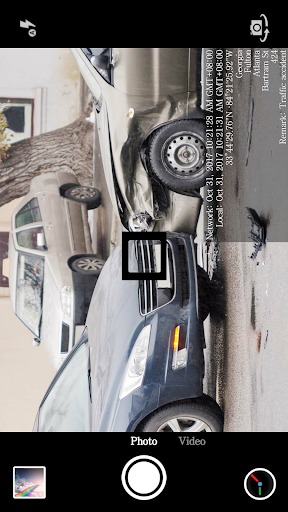
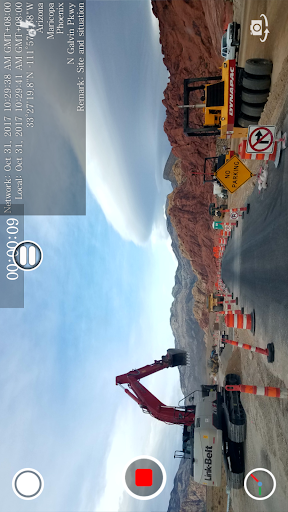
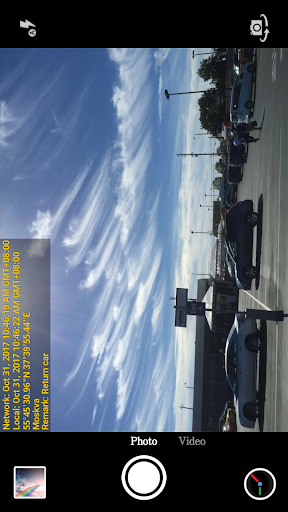
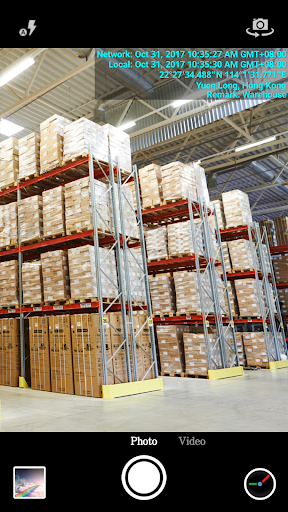
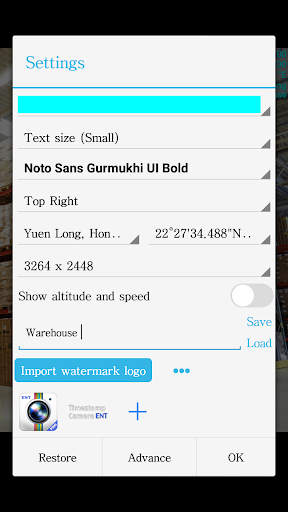
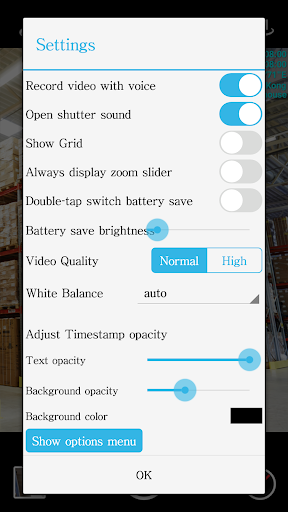
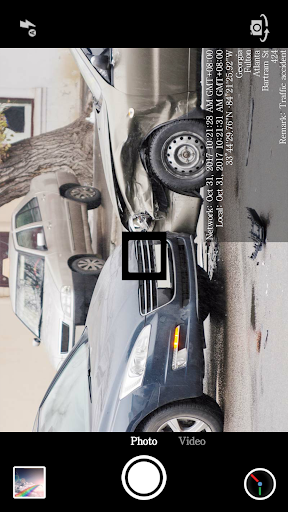
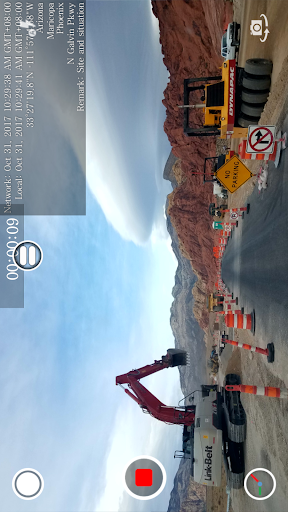
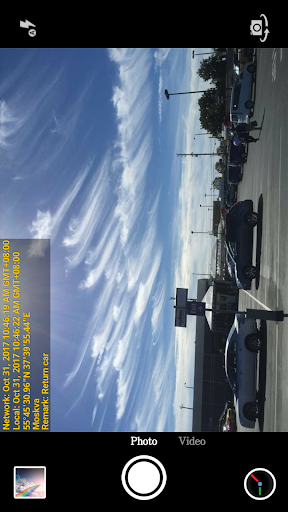
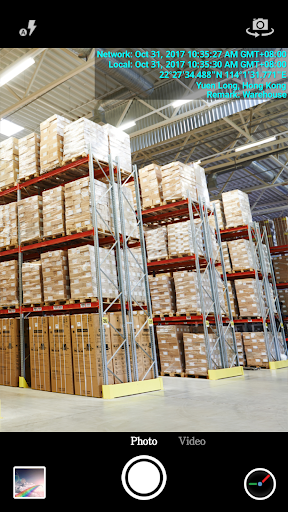
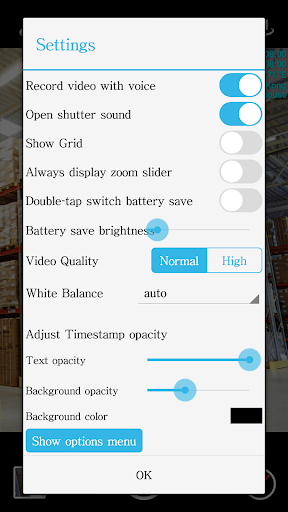
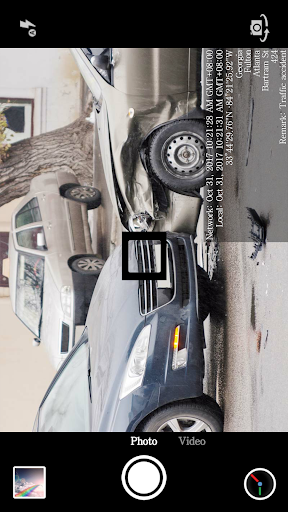
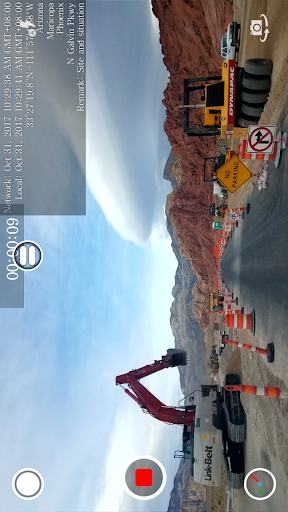
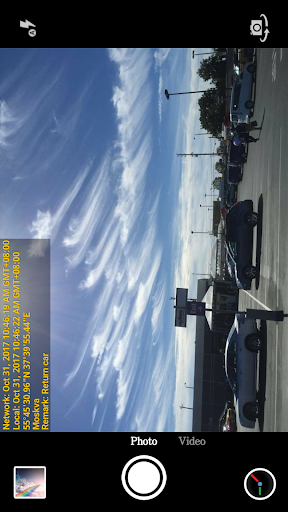
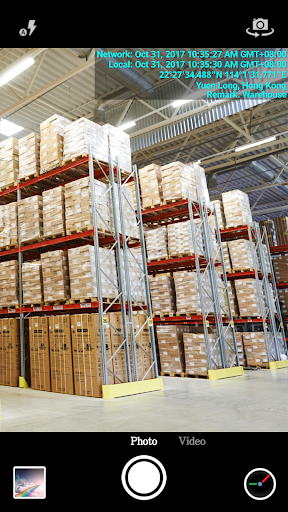
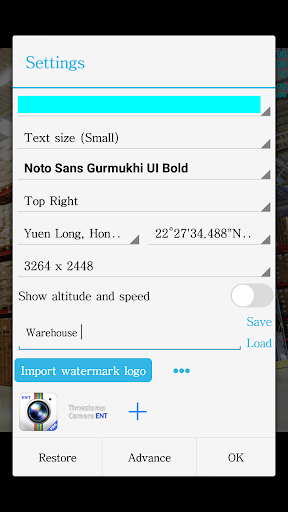
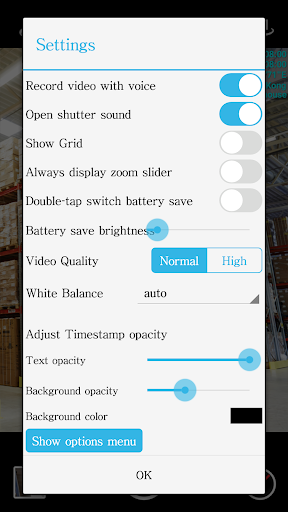
This app can add non-forged date, time, location and GPS watermark on photo and video. By getting the current time from the network, the photo and video will still have a real time watermark even if the user changes the phone time. This app can be used in a variety of occasions which need real time and location, such as the work report of the construction site , traffic accident scene, goods transfer, private detective work, evidence of borrowed items and so on. The main features: ● Add the current date, time, GPS and address watermark when taking photo or video. - Supports change font, font color, font size. - Supports set timestamp in 7 positions: top left, top center, top right, bottom left, bottom center, bottom right,center. - Supports auto add address and GPS. - Supports input and display custom text on camera. - Supports change opacity of text and text background. ● Supports import logo image to display on the camera. Can change the position, size, margins and transparency of the logo. ● Supports change video resolution. ● Supports power saving mode of black screen. ● Supports record video without audio. ● Can pause and continue record fragments to one video. ● Can toggle camera when recording. ● Supports portrait and landscape. If you have any questions or suggestions, please email to [email protected]. Thank you.

What Timestamp Camera EnterprisePro Is Used For

Timestamp Camera EnterprisePro appears to be a photography and video capture app focused on adding date, time, location, and GPS watermarks directly onto media as it is taken. Based on the metadata, people may use it when they need a record that shows when and where a photo or video was captured, such as site documentation, incident reporting, inventory handoffs, or other field work where context matters.

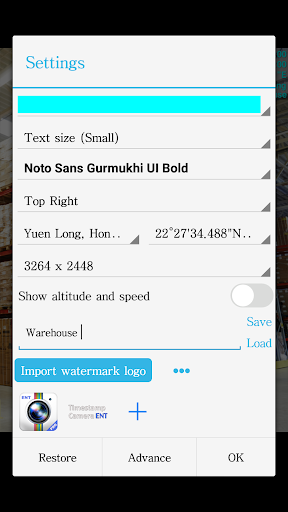
The app also seems designed for users who need more control over how that information appears. It supports custom text, logo overlays, adjustable font and text styling, multiple timestamp positions, and optional address/GPS display. Because it requests camera, storage, and location permissions, it is likely intended for taking photos or recording video on a phone while attaching location-based details and saving the result to the device. It also includes features like video resolution control, portrait/landscape support, black-screen power saving, and recording without audio, which may be useful for routine documentation on a mobile device.

Common uses

  • Add date, time, GPS, and address watermarks to photos or videos
  • Document work sites, incidents, deliveries, or item transfers
  • Display custom text or a logo on the camera view
  • Choose where the timestamp appears on the image or video
  • Capture media with optional audio recording control
  • Adjust video resolution and use portrait or landscape modes
  • Use location permissions for address and GPS-based overlays
Best for:
field documentation timestamped photos location-based records phone camera app work reporting

App Details

Package:
com.jeyluta.timestampcameraent
Category:
Photography
Developer:
Bian Di
Version:
Varies with device
Updated:
Jul 31, 2025
Min Android:
Varies with device
Age Rating:
Everyone
Contains Ads:
No
In-App Purchases:
No

Official Listing

  • Official listing available on Google Play
  • Package name: com.jeyluta.timestampcameraent
  • Age rating: Everyone

Explore More

Browse more apps in Photography or explore the Phone hub .

Related Photography Apps

Timestamp Camera Pro icon

Timestamp Camera Pro

Video Players & Editors Bian Di
Version Varies with device ⭐ 4.40 100,000+ installs

How to Download Timestamp Camera EnterprisePro

If this app is not hosted directly on APKApps official link, then for the safest and most up-to-date version, install it from its official Google Play listing.