About John GBA
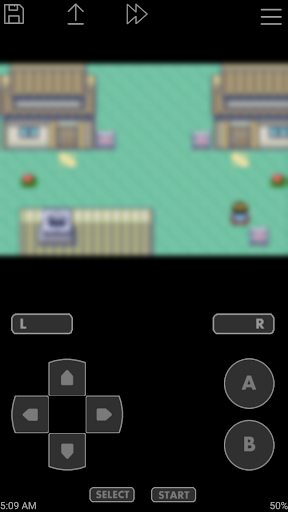
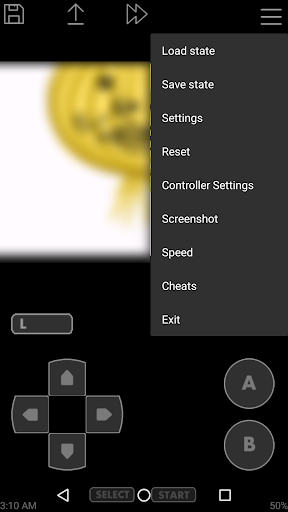
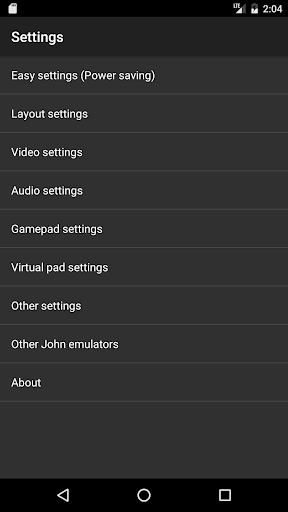
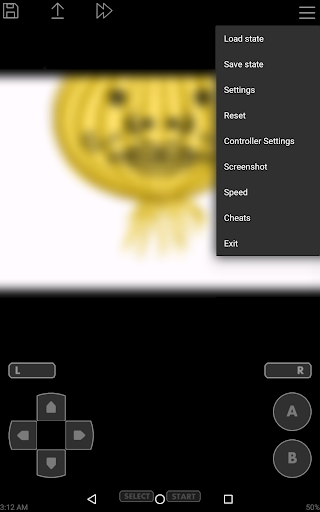
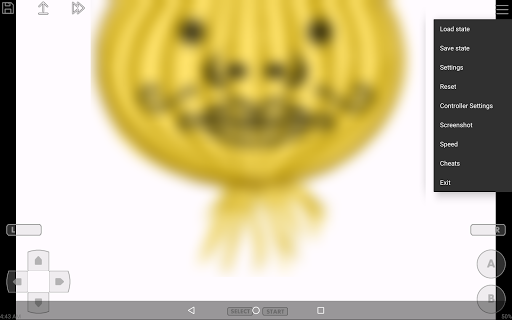
John GBA is GBA emulator for android 6.0+. This app does not work without your own game files. Please try John GBA lite before purchasing. John GBA can take over John GBA Lite data. Features - Original GBA engine - Cheats (Raw/GameShark/CodeBreaker) - High quality rendering - Search game files in SDCard & Internal Storage - Virtual On-screen keypad - Zipped file support - Save States (with previews) - Customizable keys - Turbo buttons - Screenshot - Fast forward / Slow down (x0.25 - x16) - Bluetooth / MOGA controller support - Dropbox support (requires John DataSync) - No ADs - No internet connection Hardware requirements -CPU: 1.0GHz Dual-core -RAM: 1GB
What John GBA Is Used For
John GBA appears to be a Game Boy Advance emulator for Android phones running Android 6.0 and newer. Based on the metadata, it is commonly used to load and play a user’s own GBA game files on a phone, rather than to provide games itself. The app’s category and features suggest it is aimed at retro gaming and handheld-style play on Android devices.
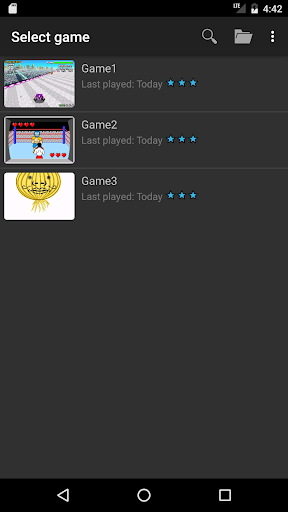
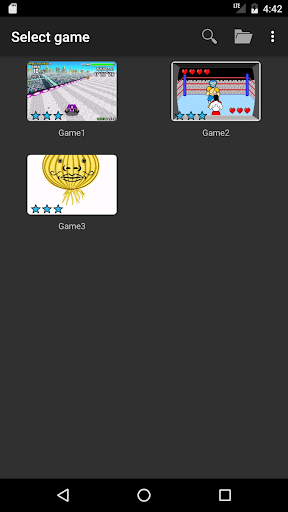
The listed features point to common emulator use cases such as on-screen controls, controller support, save states, cheat code support, and speed controls like fast forward or slow down. It also mentions scanning files in internal storage or SD card, zipped file support, and Dropbox support through John DataSync, which suggests users may use it to organize and access game files across storage locations. Permissions for USB storage access fit that file-scanning and file-management behavior.
Common uses
- Play Game Boy Advance titles using your own game files
- Use on-screen controls for touch-based play on a phone
- Connect a Bluetooth or MOGA controller for physical controls
- Save progress with save states and previews
- Adjust gameplay speed with turbo, fast forward, or slow down options
- Search for game files in internal storage or SD card
- Use cheat code support and zipped game file support
How to Download John GBA
If this app is not hosted directly on APKApps official link,
then for the safest and most up-to-date version, install it from its official Google Play listing.