Equalizer Sound & Bass Booster icon

Phone

Equalizer Sound & Bass Booster

Music & Audio TarrySoft ⭐ 4.50 5,000,000+
Version 1.1.4.1.1 Everyone

Screenshots

Equalizer Sound & Bass Booster screenshot
Permissions Explained 9 permissions requested View details

This app requests 9 permissions. The table below explains what each permission may allow and what users should review before installing.

Status Permission What it means Why it may be used User safety note
ℹ️ Review View Wi Fi Connections view Wi-Fi connections This is an Android permission or app-specific permission requested by the app. The app may use this permission for features related to its category, device support, background behavior, storage, connectivity, or system integration. Review this permission before installing, especially if it does not match the app’s expected purpose.
ℹ️ Review View Network Connections view network connections This is an Android permission or app-specific permission requested by the app. The app may use this permission for features related to its category, device support, background behavior, storage, connectivity, or system integration. Review this permission before installing, especially if it does not match the app’s expected purpose.
ℹ️ Review Full Network Access full network access This is an Android permission or app-specific permission requested by the app. The app may use this permission for features related to its category, device support, background behavior, storage, connectivity, or system integration. Review this permission before installing, especially if it does not match the app’s expected purpose.
ℹ️ Review Change Your Audio Settings change your audio settings This is an Android permission or app-specific permission requested by the app. The app may use this permission for features related to its category, device support, background behavior, storage, connectivity, or system integration. Review this permission before installing, especially if it does not match the app’s expected purpose.
ℹ️ Review Run At Startup run at startup This is an Android permission or app-specific permission requested by the app. The app may use this permission for features related to its category, device support, background behavior, storage, connectivity, or system integration. Review this permission before installing, especially if it does not match the app’s expected purpose.
ℹ️ Review Control Vibration control vibration This is an Android permission or app-specific permission requested by the app. The app may use this permission for features related to its category, device support, background behavior, storage, connectivity, or system integration. Review this permission before installing, especially if it does not match the app’s expected purpose.
ℹ️ Review Prevent Device From Sleeping prevent device from sleeping This is an Android permission or app-specific permission requested by the app. The app may use this permission for features related to its category, device support, background behavior, storage, connectivity, or system integration. Review this permission before installing, especially if it does not match the app’s expected purpose.
ℹ️ Review Google Play License Check Google Play license check This is an Android permission or app-specific permission requested by the app. The app may use this permission for features related to its category, device support, background behavior, storage, connectivity, or system integration. Review this permission before installing, especially if it does not match the app’s expected purpose.
ℹ️ Review Receive Data From Internet receive data from Internet This is an Android permission or app-specific permission requested by the app. The app may use this permission for features related to its category, device support, background behavior, storage, connectivity, or system integration. Review this permission before installing, especially if it does not match the app’s expected purpose.

About Equalizer Sound & Bass Booster

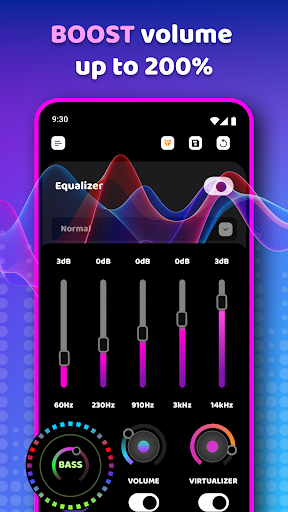
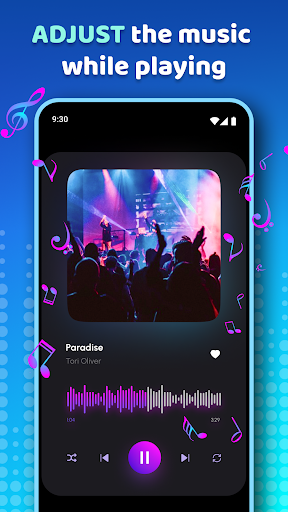
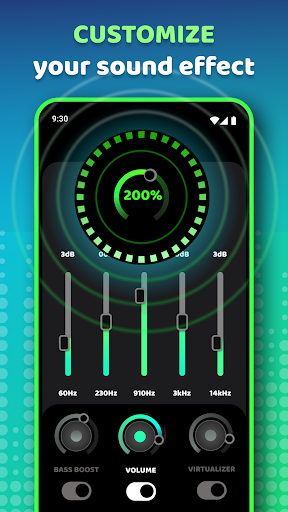
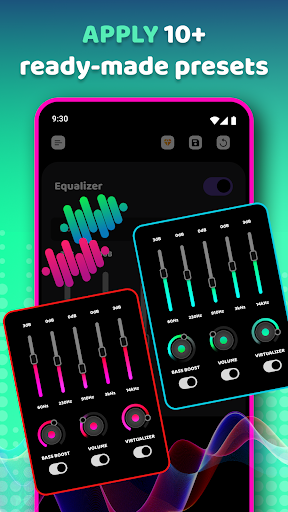
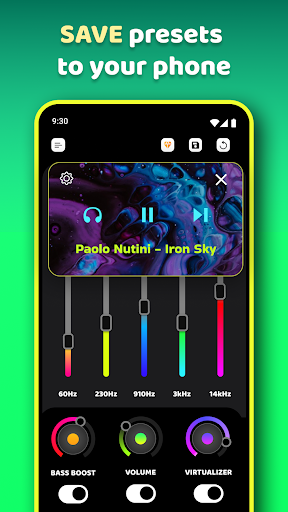
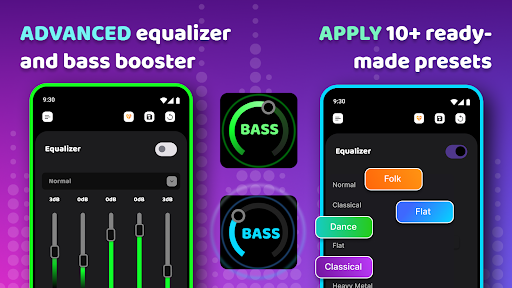
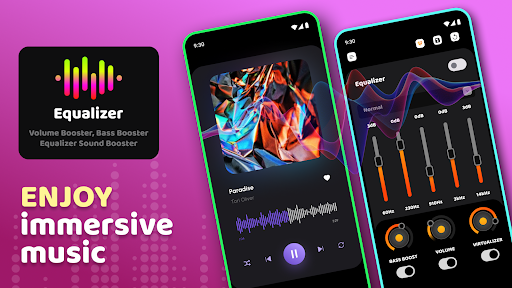
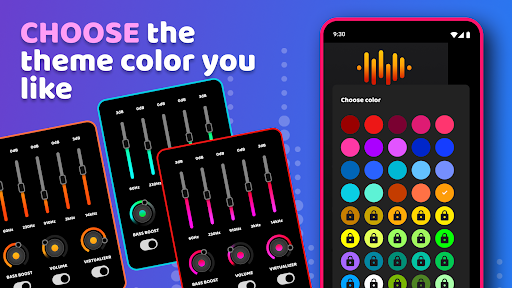
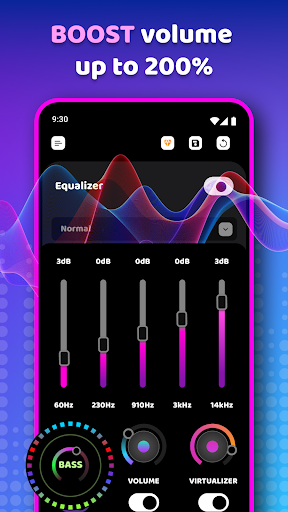
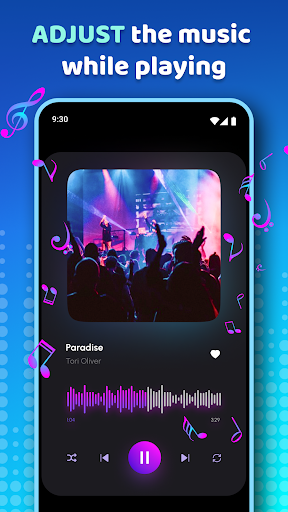
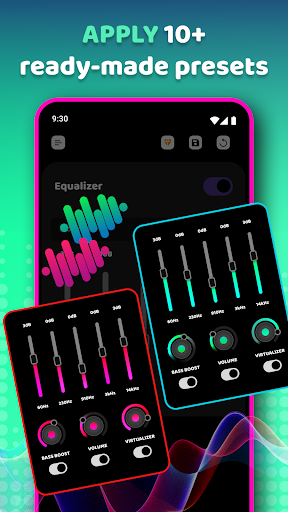
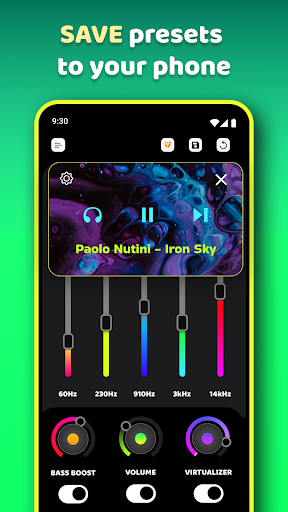
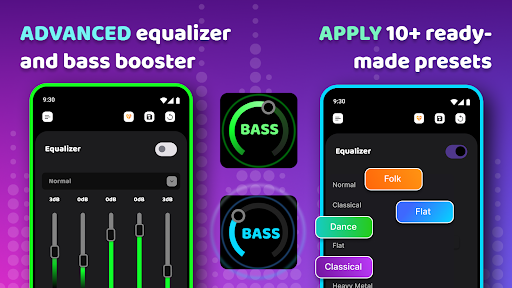
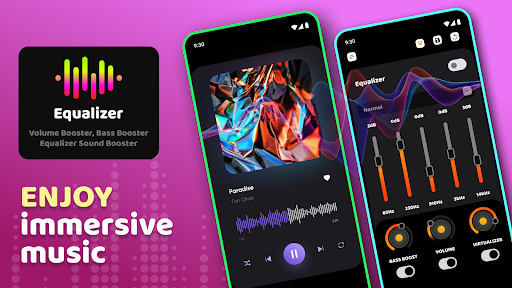
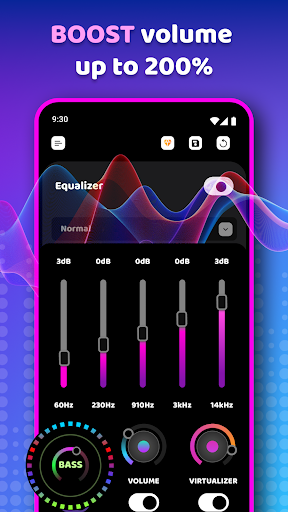
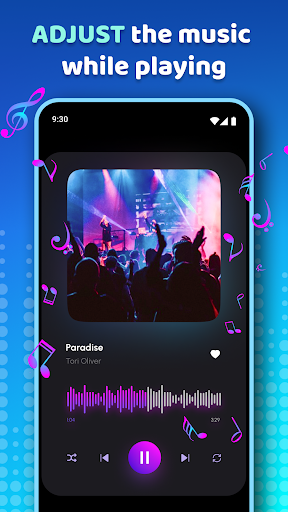
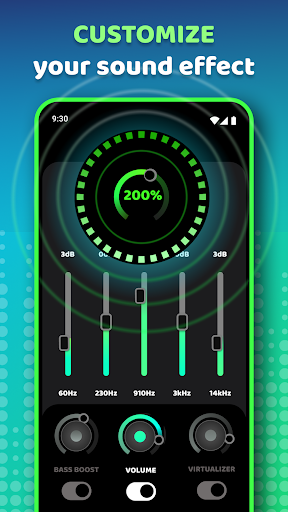
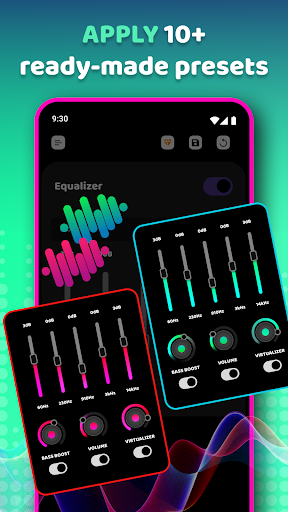
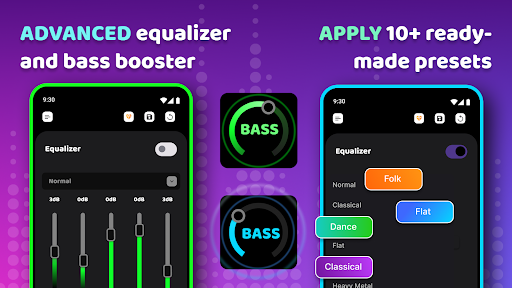
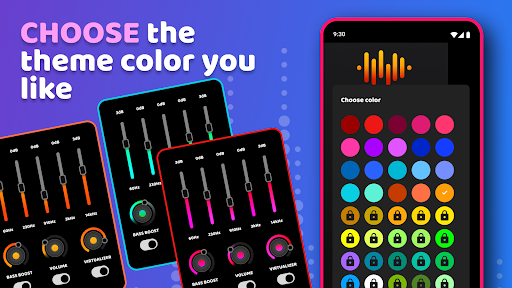
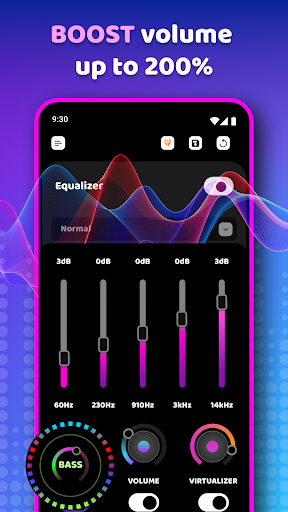
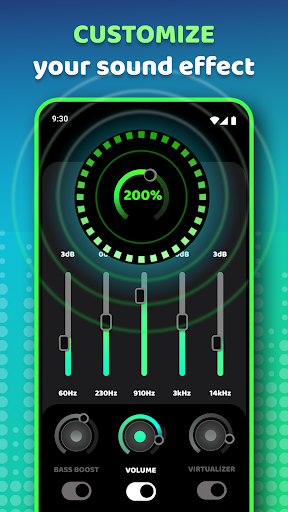
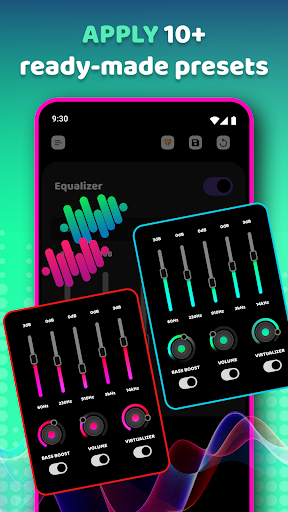
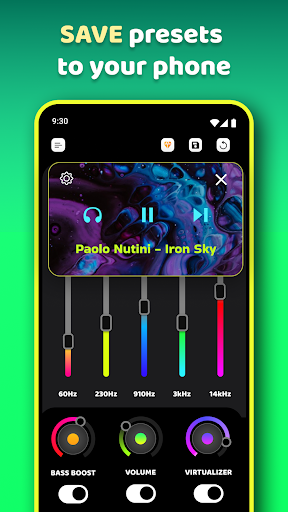
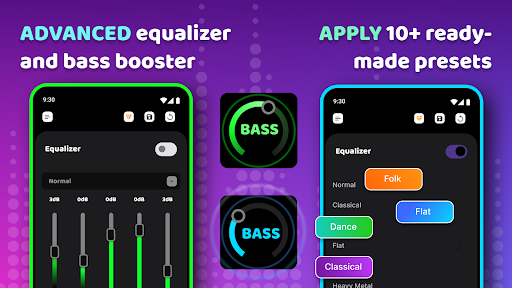
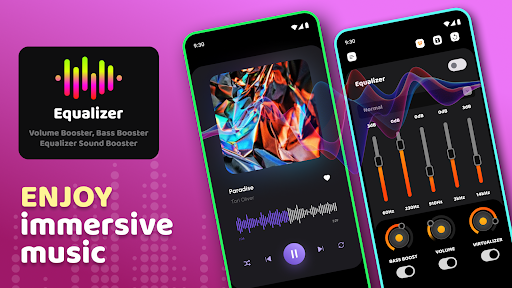
Music Equalizer allows you to enjoy your favorite music on an entirely new level! Music Equalizer - is an all-in-one bass booster and sound enhancer that offers brilliant sound quality. Discover why this is the best bass booster & music volume equalizer for Android. 🔊 Fantastic Music Equalizer! Simple and easy-to-use Equalizer & Bass Booster with powerful Volume Booster feature for your phone that follows google's material design. You can control the Equalizer, Bass Boost, and Virtualizer independently, which means you don't need to enable EQ to enable Bass Boost. Powerful Bass and Sound Booster. Listen to the top songs in your music library with the best sound booster & bass booster app for Android! To get the best results, pair this app with your best headphones. Music Equalizer is also a great speaker booster if you use a Bluetooth speaker to listen to music. Sound enhancer with great features! Volume and Bass Booster & Music Equalizer has various features, including five-band EQ, amp, bass boost, 3D virtualizer, slider volume & audio control. 🎵Simple installation and usage:🎵 • Turn on the Music player and play your music; • Turn on the Equalizer - Bass Booster application and adjust the sound level and frequency; • Put on headphones for the best results; • To close the application, open the app and switch off effects. Use loudness Enhancer with Caution! 🔊 Use our sound enhancer - volume booster with extra caution. Volume booster will significantly improve loudness, and you better be ready for it! • Bass Booster; • Volume Booster; • Loudness Enhancer; • 3D Virtualizer effect; • Maximizes the voice of the phone; • Media audio control; • Bass booster for headphones; • Five band music equalizer; • 10 presets: Normal, Classic, Dance, Flat, Folk, Heavy Metal, Hip Hop, Jazz, Pop, Rock; • Bassbooster effect - speaker booster; • Save custom preset; • Compatible with all popular music and video players on the market; • Listen to good music, whatever audio player you use; • Circular music beat bars; • Video volume booster; • Extra Volume. Powerful Equalizer Sound Booster! Everything you need from the Equalizer🔊 Bass Booster & Equalizer improve sound effects with equalizer sound booster, music eq, Sonido, music booster. Improve the sound quality of your Android device and make a sound increase for maximum phone volume with a Volume booster feature. 🎵

What Equalizer Sound & Bass Booster Is Used For

Equalizer Sound & Bass Booster appears to be a phone app for adjusting how audio sounds on Android devices. Based on the metadata, people may use it to increase bass, raise overall volume, and shape audio output with a five-band equalizer, presets, and a virtualizer effect. It is aimed at listening to music, and the description also mentions use with headphones and Bluetooth speakers, so it may be helpful when someone wants more control over playback sound than a built-in player provides.

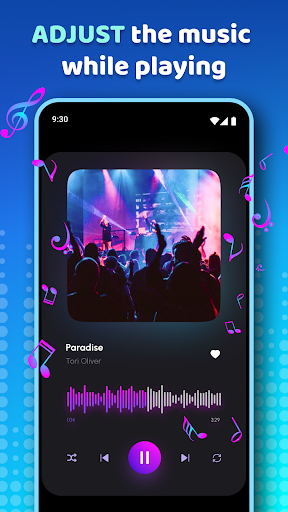
The app’s permissions and feature list suggest it works by changing audio settings at the system level and may run in the background or start automatically to apply effects. That makes it more of a sound-processing tool than a music player. It also mentions compatibility with music and video players, so it may be used while streaming or playing local media, as long as the audio is routed through the device.

Common use cases likely include boosting quiet tracks, selecting a preset for different music styles, and saving a custom sound profile. Since the app mentions extra loudness, users may want to be careful with volume levels, especially when using headphones.

Common uses

  • Increase bass for music playback
  • Adjust audio with a five-band equalizer
  • Use presets for different genres or listening styles
  • Boost volume for headphones or Bluetooth speakers
  • Apply sound effects while using other music or video players
  • Save a custom audio preset
  • Use as a phone-based audio enhancement tool
Best for:
Music listeners Headphone users Bass boost control Audio tweaking Phone app

App Details

Package:
com.kalay.equalizer
Category:
Music & Audio
Developer:
TarrySoft
Version:
1.1.4.1.1
Updated:
Oct 21, 2025
Min Android:
5.0
Age Rating:
Everyone
Contains Ads:
Yes
In-App Purchases:
Yes

Official Listing

  • Official listing available on Google Play
  • Package name: com.kalay.equalizer
  • Age rating: Everyone

Explore More

Browse more apps in Music & Audio or explore the Phone hub .

Related Music & Audio Apps

Volume Booster - Sound Booster icon

Volume Booster - Sound Booster

Music & Audio 360 Tool

Extra volume booster to boost volume & max sound of speaker and headphone.

Version 2.7.1.56 46.9 MB ⭐ 4.70 50,000,000+ installs
Boom icon

Boom

Music & Audio Global Delight Technologies Pvt. Ltd.

Amplify your sound with powerful 3D Audio, Equalizer, Volume boost & Virtualizer

Version 2.8.0 33.5 MB ⭐ 3.91 5,000,000+ installs

How to Download Equalizer Sound & Bass Booster

If this app is not hosted directly on APKApps official link, then for the safest and most up-to-date version, install it from its official Google Play listing.