About TREK: 24th Century Watch v2
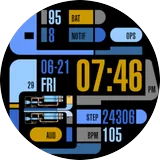
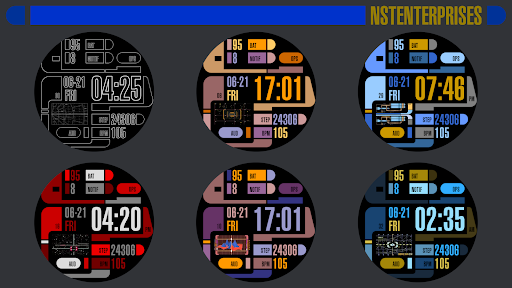
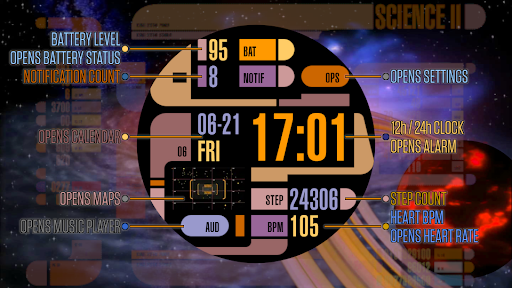
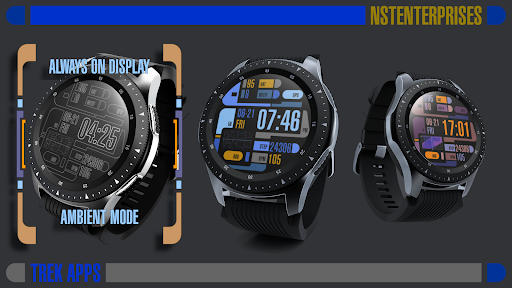
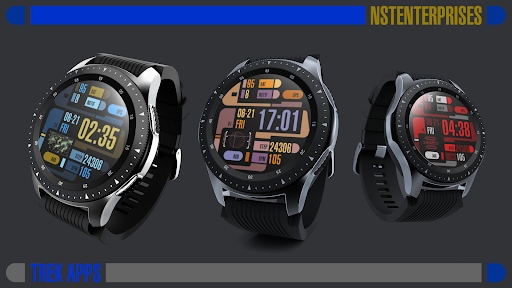
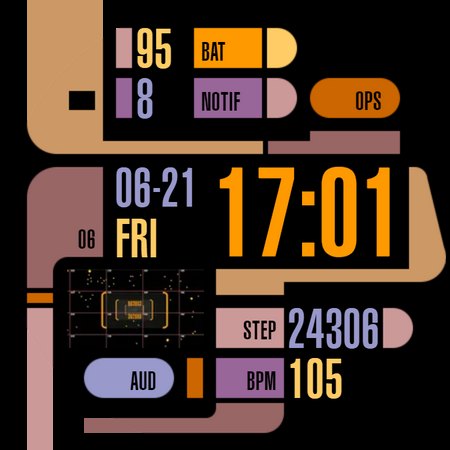
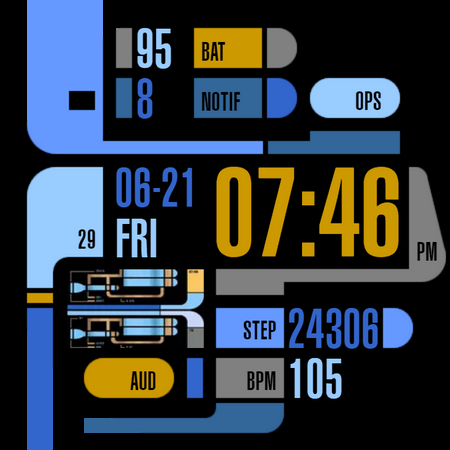
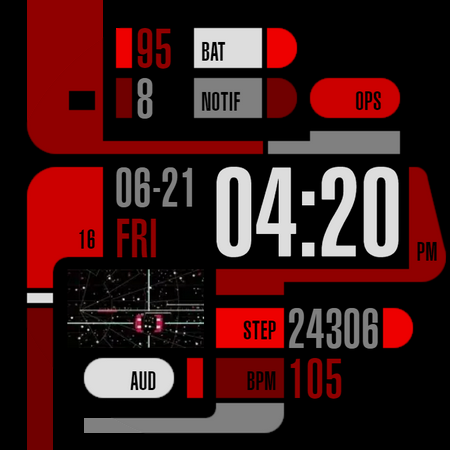
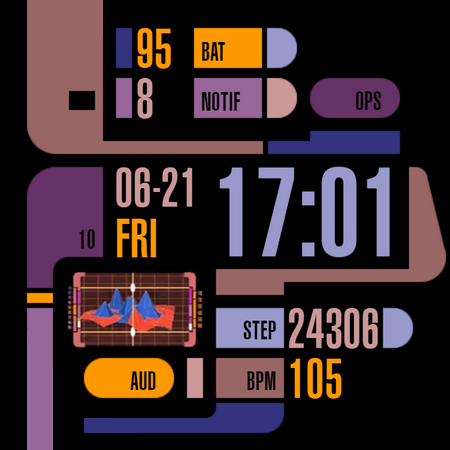
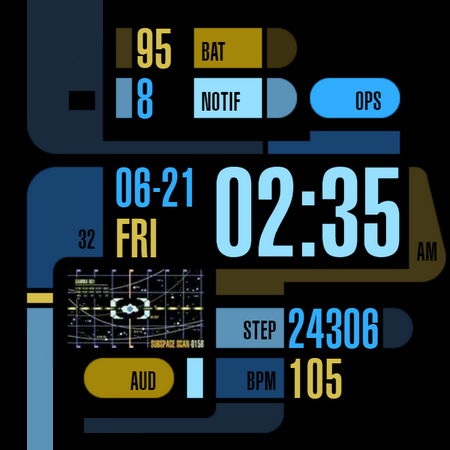
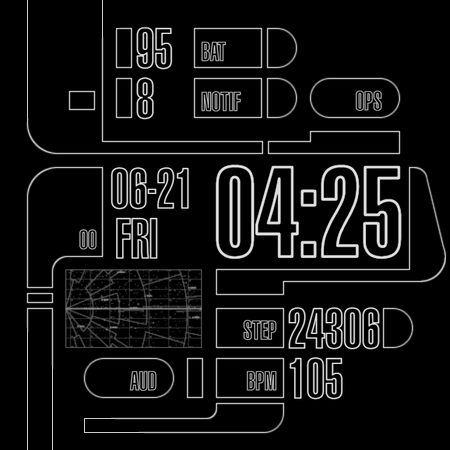
Animated Watch Face with Customizable Regular + Always On Displays in 24th Century style. This is for Wear OS and Wear OS based smartwatches. Mix & Match: • 5 backgrounds • 10 animations • 10 text color themes After installing, open your Wear app and it will be in your watch face list to be applied. See the Play Store listing's screenshot or video for list of functions/information displayed. To customize, long press your watch face and choose the customize option. Then swipe up/down/left/right through the customization options. You can also do this easier in your phone's Wear app. This watch face's interface is meant to parody the way sci-fi designers on a cheap budget imagined future computers over 30 years ago. Made with cones, curves, and various blocks in the basic colors computers were capable of at the time. Topped with tiny text that was meaningless and buttons with completely indecipherable function or layout. I stayed true to that style, but for my artistic expression, I took something so ridiculous, counter-intuitive, and nonsensical, and transformed it into something smart. I gave it actual meaning and function to make it readable and functional. This is a generic interface that uses only public domain simple curves, colors, rectangles, etc. and contains no trademarked material from any old - games, computer programs, shows or movies. I respect copyrights, so please don't ask me to update to include them in reviews or by mail. ↑ ★ ★ ★ ★ ★ ↑ Light up the stars :-) It helps me. Like and follow my Facebook page for the latest releases and updates. https://www.facebook.com/Not.Star.Trek.LCARS.Apps/ Also click on my developer name "NSTEnterprises" at the top to see my other offerings.
What TREK: 24th Century Watch v2 Is Used For
TREK: 24th Century Watch v2 appears to be a Wear OS watch face app for customizing the look and display of a smartwatch. Based on the metadata, it is meant for phones as a companion setup app, while the actual watch face is applied on a Wear OS watch. The app focuses on a sci-fi-inspired interface with animated elements, adjustable backgrounds, and multiple text color themes, so it is commonly used by people who want a themed clock face rather than a standard digital or analog display.
The listed permissions suggest it may support watch-face functions beyond simple time display, such as vibration control, preventing the device from sleeping, and access to body sensors like heart rate monitoring. That points to a smartwatch context where the face may show health or system information alongside the time. Customization is done from the watch or through the phone’s Wear app, which makes it relevant for users who want to adjust the layout, animation, and display style on a connected watch.
Common uses
- Customize a Wear OS smartwatch with a themed watch face
- Choose between multiple backgrounds, animations, and text colors
- Use it as a companion setup app for applying the face from a phone
- Display time and other watch-facing information in a sci-fi style
- Adjust the watch face through the watch or the phone’s Wear app
- Potentially work with sensor-based watch data such as heart rate
App Details
Package:
com.lcars.watchface.trek_24th_century_v2
Developer:
NSTEnterprises
Version:
4.0
Updated:
Dec 15, 2025
Min Android:
Varies with device
Age Rating:
Everyone
Contains Ads:
No
In-App Purchases:
No
Official Listing
-
Official listing available on
Google Play
-
Package name:
com.lcars.watchface.trek_24th_century_v2
-
Age rating:
Everyone
Related Personalization Apps
Personalization
•
Zedge
Discover millions of background wallpapers & ringtones or make your own with AI.
Version 9.14.2
55.5 MB
⭐ 4.70
500,000,000+ installs
Personalization
•
LBE Tech
Run multiple accounts of the same app on a single device
Version 4.0.9557
34.4 MB
⭐ 4.10
100,000,000+ installs
Personalization
•
Nexileap
6000+ Emojis, Custom Keyboard, Fonts, Themes, Genmoji AI Generator,Stickers,GIFs
Version 3.6.3.1
36.7 MB
⭐ 4.70
100,000,000+ installs
Personalization
•
Nebuchadnezzar DOO
Check Wallcraft Live 4D Wallpaper - 4k HD wallpapers & stunning 3D backgrounds!
Version Varies with device
29.6 MB
⭐ 4.60
100,000,000+ installs
Personalization
•
Delicate theme for Android App
Install our stylish keyboard with Neon Love Theme now!
Version 10.7.2.0323
33.2 MB
⭐ 4.60
100,000,000+ installs
Personalization
•
Battery Stats Saver
Ultimate Gallery Lock App - Hide Pictures, Videos and Lock Apps Instantly!
Version 2.1.12
24.6 MB
⭐ 4.60
100,000,000+ installs
How to Download TREK: 24th Century Watch v2
If this app is not hosted directly on APKApps official link,
then for the safest and most up-to-date version, install it from its official Google Play listing.