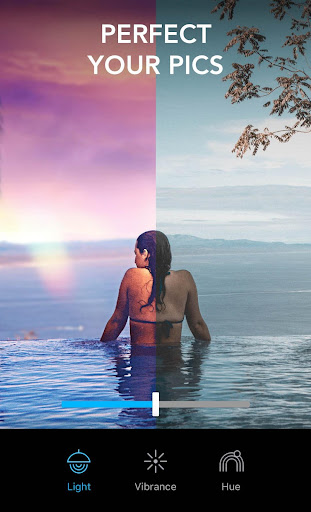
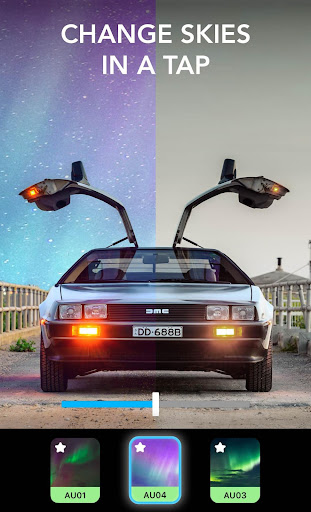
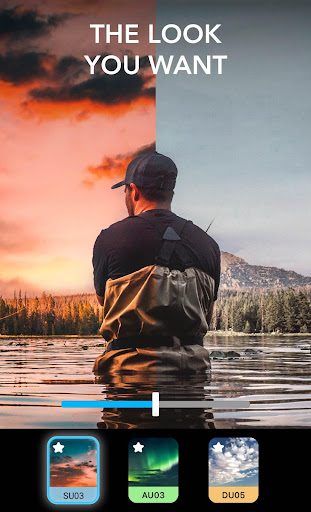
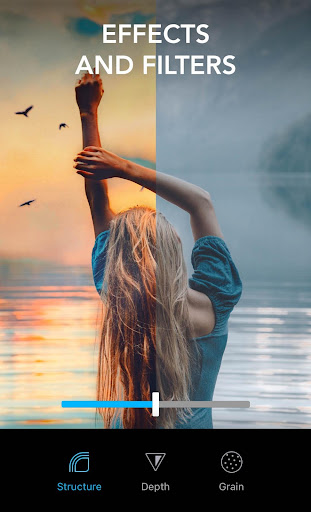
Lightleap by Lightricks icon

Phone

Lightleap by Lightricks

Photography Lightricks Ltd. ⭐ 4.00 10,000,000+

Retouch, sharpen, blur, add gradients, apply instant presets, filters & effects

Version 1.6.1 110.3 MB Everyone

Screenshots

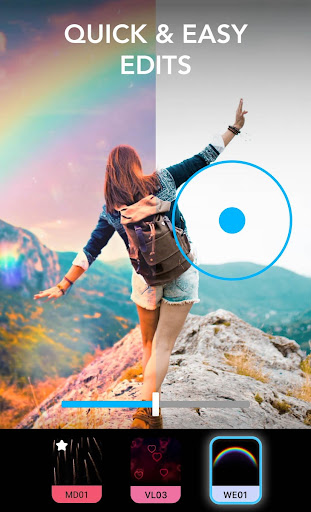
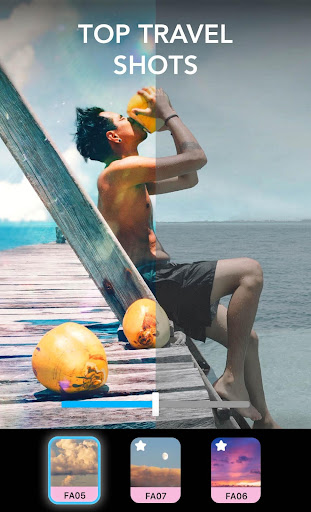
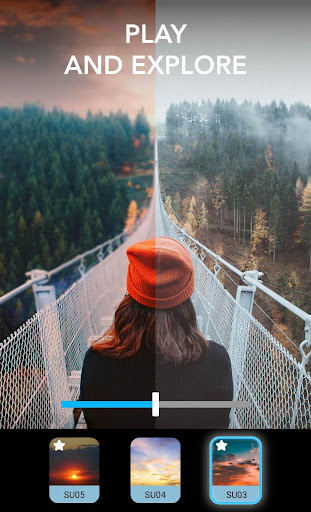
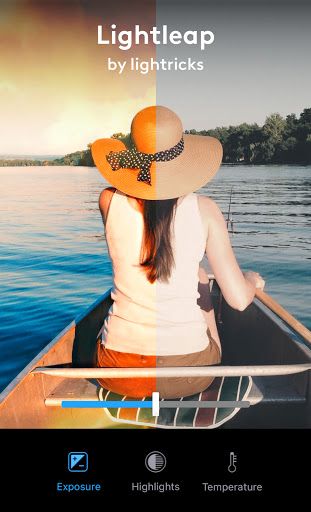
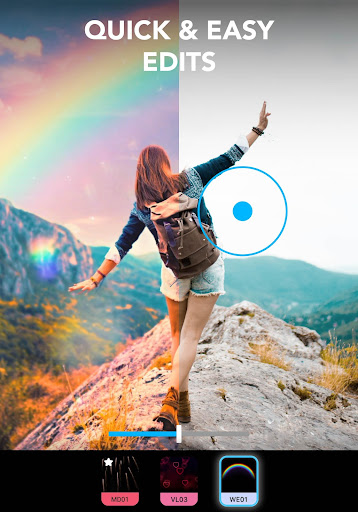
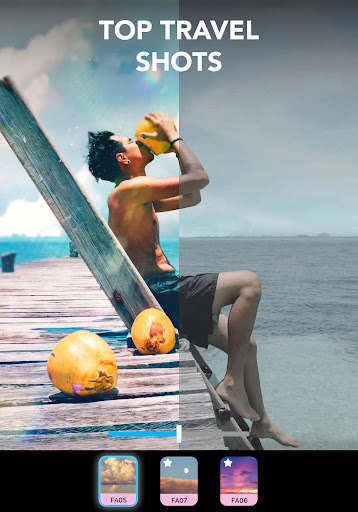
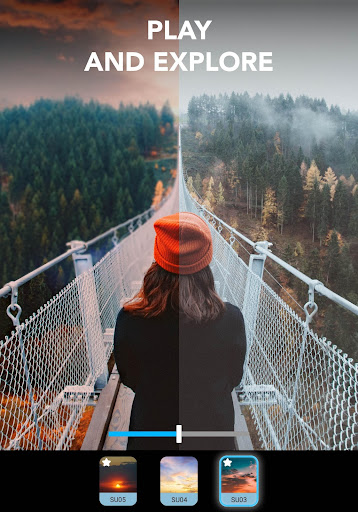
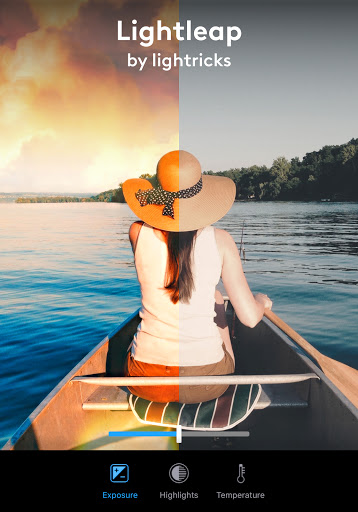
Lightleap by Lightricks screenshot
Permissions Explained 15 permissions requested View details

This app requests 15 permissions. The table below explains what each permission may allow and what users should review before installing.

Status Permission What it means Why it may be used User safety note
Common View network status android.permission.ACCESS_NETWORK_STATE Allows the app to check whether the device is connected to Wi-Fi, mobile data, or another network. Often used to avoid loading content when offline or to adjust loading based on connection quality. Generally low risk by itself.
ℹ️ Review High Sampling Rate Sensors android.permission.HIGH_SAMPLING_RATE_SENSORS This is an Android permission or app-specific permission requested by the app. The app may use this permission for features related to its category, device support, background behavior, storage, connectivity, or system integration. Review this permission before installing, especially if it does not match the app’s expected purpose.
Common Internet access android.permission.INTERNET Allows the app to open network connections and communicate with online services. Commonly used for streaming, syncing, login, ads, analytics, downloads, cloud features, and app updates. Common permission. Review the app’s behavior if it does not appear to need online access.
⚠️ Sensitive Read external storage android.permission.READ_EXTERNAL_STORAGE Allows the app to read files from shared device storage. Used by media players, file managers, backup apps, editors, upload tools, and document apps. Sensitive permission. Review carefully if the app does not need access to files or media.
ℹ️ Review Read Media Images android.permission.READ_MEDIA_IMAGES This is an Android permission or app-specific permission requested by the app. The app may use this permission for features related to its category, device support, background behavior, storage, connectivity, or system integration. Review this permission before installing, especially if it does not match the app’s expected purpose.
ℹ️ Review Receive Boot Completed android.permission.RECEIVE_BOOT_COMPLETED This is an Android permission or app-specific permission requested by the app. The app may use this permission for features related to its category, device support, background behavior, storage, connectivity, or system integration. Review this permission before installing, especially if it does not match the app’s expected purpose.
⚠️ Sensitive Modify external storage android.permission.WRITE_EXTERNAL_STORAGE Allows the app to write or modify files in shared device storage. Used for saving downloads, media files, exports, edited documents, backups, or cached content. Sensitive permission. Make sure file access matches the app’s purpose.
ℹ️ Review Vending Billing com.android.vending.BILLING This is an Android permission or app-specific permission requested by the app. The app may use this permission for features related to its category, device support, background behavior, storage, connectivity, or system integration. Review this permission before installing, especially if it does not match the app’s expected purpose.
ℹ️ Review Keep device awake android.permission.WAKE_LOCK Allows the app to prevent the device from sleeping while a task is running. Used for media playback, downloads, navigation, alarms, calls, or long-running background tasks. Review battery usage if the app keeps the device awake too often.
ℹ️ Review Finsky Permission Bind Get Install Referrer Service com.google.android.finsky.permission.BIND_GET_INSTALL_REFERRER_SERVICE This is an Android permission or app-specific permission requested by the app. The app may use this permission for features related to its category, device support, background behavior, storage, connectivity, or system integration. Review this permission before installing, especially if it does not match the app’s expected purpose.
ℹ️ Review Access Wifi State android.permission.ACCESS_WIFI_STATE This is an Android permission or app-specific permission requested by the app. The app may use this permission for features related to its category, device support, background behavior, storage, connectivity, or system integration. Review this permission before installing, especially if it does not match the app’s expected purpose.
ℹ️ Review C2dm Permission Receive com.google.android.c2dm.permission.RECEIVE This is an Android permission or app-specific permission requested by the app. The app may use this permission for features related to its category, device support, background behavior, storage, connectivity, or system integration. Review this permission before installing, especially if it does not match the app’s expected purpose.
ℹ️ Review Gms Permission Ad Id com.google.android.gms.permission.AD_ID This is an Android permission or app-specific permission requested by the app. The app may use this permission for features related to its category, device support, background behavior, storage, connectivity, or system integration. Review this permission before installing, especially if it does not match the app’s expected purpose.
ℹ️ Review Send notifications android.permission.POST_NOTIFICATIONS Allows the app to send notifications to the device. Used for alerts, reminders, messages, account activity, updates, or media controls. Review notification settings if the app sends too many alerts.
ℹ️ Review Foreground Service android.permission.FOREGROUND_SERVICE This is an Android permission or app-specific permission requested by the app. The app may use this permission for features related to its category, device support, background behavior, storage, connectivity, or system integration. Review this permission before installing, especially if it does not match the app’s expected purpose.

About Lightleap by Lightricks

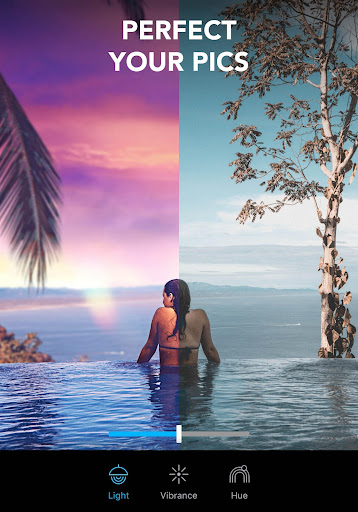
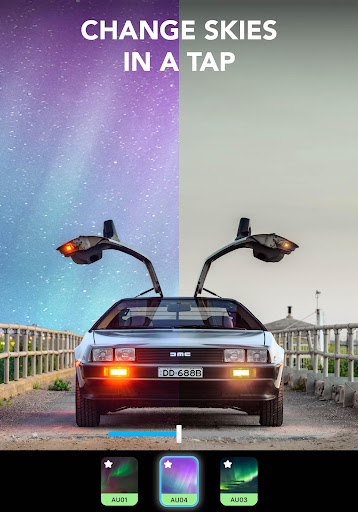
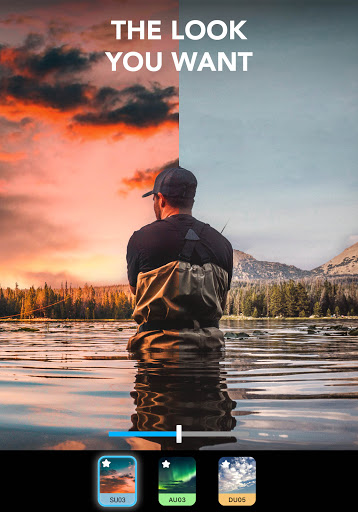
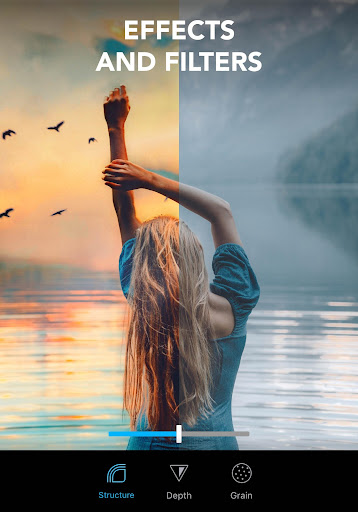
Finally, you can take the photo you actually meant to take! Lightleap (formerly Quickshot) is an ultralight professional raw photo editor that proves you no longer need to be a skillful photographer to take amazing photos. With this professional raw photo editor app, you can capture the beauty and magic you see with your own eyes – or enhance it. You become the editor with filters, effects, and retouch tools at your fingertips. The Lightleap image editor app takes moments to retouch your photos into eye-catching images with professional vibes, using stunning pre-set filters and vintage effects. With unique, easy-to-use features like background Sky, Heal, Effects, Filters, and Looks, every photo you take from now on will be picture perfect. If you’ve dreamed of taking Instagram-worthy images to inspire the world, this is your chance. Brought to you by Lightricks, the award-winning app developer, Lightleap photo editor app is part of the Enlight Creativity Suite. We help you harness your creativity in every photo. Flawless picture touch up features from Lightleap include: Sky Replace the background in your photos with a brand-new sky: - With one tap, you can darken the background or change the background with a new sky. - Select from 60+ high-quality sky backgrounds. - Choose from sunny, dusk, sunset, storm, and even fantasy skies! Heal Remove unwanted people, background smudges, and easily retouch your image with the heal function, like a true editor: - Select and erase items in the forefront and background of your image. - Smooth over bumps and quickly correct photo mistakes. - Undo retouches with a single tap to restore your image! Filters No photo is complete without one of Lightleap's gorgeous filters - one of our top features: - Find filters by theme, whether you’re looking for warm, black and white, urban, fade, and many other filters. - Easily adjust the intensity of your filters over your image. - Achieve the effects you desire in moments: add gradients, retouch, sharpen, blur, and more! Looks Change the vibe of your photo like a true editor in one tap: - Choose a predefined look as filters for your image. - Create a signature style for your Instagram feed with our designer editor looks. - Give your images a golden hour glow, or set the mood with dusk, black and white, shadows, and fantasy looks. Effects Add tons of special effects to retouch dull areas and bring your background to life: - Overlay shadow effects, sparkles, lens flares, and more to enhance your photo. - Change the weather effects and add seasonal themes. - Access our extremely popular mood elements and adjust the magic level of your photo effects! Adjust The entire collection of essential editor tools is at your fingertips: - Every minor retouch adjustment can be made, including light and contrast to temperature, tint, and hue editors. - Crop your photo, retouch, and edit all within the app. - Sharpen, adjust the depth, structure, retouch, and add grain as a professional…

What Lightleap by Lightricks Is Used For

Lightleap by Lightricks appears to be a phone-based photo editing app for people who want to adjust and stylize images after taking them. Based on the metadata, it is used for common retouching tasks such as sharpening, blurring, adding gradients, applying presets, and using filters or effects to change the look of a photo. The app also seems aimed at quick edits rather than complex desktop-style workflows, which fits a mobile photography tool.

The listed features suggest it may be useful when you want to improve selfies, portraits, travel shots, or social media images directly on an Android phone. Permission access to media storage indicates it can likely open and save photos from the device, while network and billing permissions suggest online features and in-app purchases may be part of the experience. Overall, it appears designed for users who want simple, visual photo adjustments with effects such as sky replacement and healing tools, without needing advanced editing knowledge.

Common uses

  • Edit photos on an Android phone using filters, presets, and visual effects.
  • Retouch images by sharpening, blurring, or smoothing selected areas.
  • Remove or reduce unwanted objects and marks with healing-style tools.
  • Change the mood of a photo with gradients and themed looks.
  • Replace or stylize skies for outdoor photos and scenic shots.
  • Save edited images back to device storage for sharing or later use.
Best for:
mobile photo editing social media images quick retouching portrait tweaks travel photos

App Details

Package:
com.lightricks.quickshot
Category:
Photography
Developer:
Lightricks Ltd.
Version:
1.6.1
Updated:
Nov 5, 2025
Min Android:
8.0
Age Rating:
Everyone
Contains Ads:
No
In-App Purchases:
Yes

Official Listing

  • Official listing available on Google Play
  • Package name: com.lightricks.quickshot
  • Age rating: Everyone

Explore More

Browse more apps in Photography or explore the Phone hub .

Related Photography Apps

Fotogenic icon

Fotogenic

Photography Hde7 Software

An extensive collection of Photo editing , drawing and retouch tools

Version 2.0.20 86.0 MB ⭐ 4.81 5,000,000+ installs
VIMAGE icon

VIMAGE

Photography Photo & Video Editors - Instant Solution

Cinemagraphs with live overlays, 3D parallax effect, loop vfx & video effects

Version 4.1.0.7 535.2 MB ⭐ 4.44 10,000,000+ installs
LightX icon

LightX

Photography AndOr Communications Pvt Ltd

Photo & Video Editor: Face Retouch, BG Remove, AI Filters

Version 2.2.1 182.6 MB ⭐ 4.26 50,000,000+ installs

How to Download Lightleap by Lightricks

If this app is not hosted directly on APKApps official link, then for the safest and most up-to-date version, install it from its official Google Play listing.