Voice Command, Setup for Alex+ icon

Phone

Voice Command, Setup for Alex+

Tools MAPLE LABS CO., LTD ⭐ 3.90 10,000,000+
Version 3.2.7 Everyone

Screenshots

Voice Command, Setup for Alex+ screenshot
Permissions Explained 12 permissions requested View details

This app requests 12 permissions. The table below explains what each permission may allow and what users should review before installing.

Status Permission What it means Why it may be used User safety note
ℹ️ Review Read Phone Status And Identity read phone status and identity This is an Android permission or app-specific permission requested by the app. The app may use this permission for features related to its category, device support, background behavior, storage, connectivity, or system integration. Review this permission before installing, especially if it does not match the app’s expected purpose.
ℹ️ Review Read The Contents Of Your Usb Storage read the contents of your USB storage This is an Android permission or app-specific permission requested by the app. The app may use this permission for features related to its category, device support, background behavior, storage, connectivity, or system integration. Review this permission before installing, especially if it does not match the app’s expected purpose.
ℹ️ Review Record Audio record audio This is an Android permission or app-specific permission requested by the app. The app may use this permission for features related to its category, device support, background behavior, storage, connectivity, or system integration. Review this permission before installing, especially if it does not match the app’s expected purpose.
ℹ️ Review View Wi Fi Connections view Wi-Fi connections This is an Android permission or app-specific permission requested by the app. The app may use this permission for features related to its category, device support, background behavior, storage, connectivity, or system integration. Review this permission before installing, especially if it does not match the app’s expected purpose.
ℹ️ Review View Network Connections view network connections This is an Android permission or app-specific permission requested by the app. The app may use this permission for features related to its category, device support, background behavior, storage, connectivity, or system integration. Review this permission before installing, especially if it does not match the app’s expected purpose.
ℹ️ Review Pair With Bluetooth Devices pair with Bluetooth devices This is an Android permission or app-specific permission requested by the app. The app may use this permission for features related to its category, device support, background behavior, storage, connectivity, or system integration. Review this permission before installing, especially if it does not match the app’s expected purpose.
ℹ️ Review Access Bluetooth Settings access Bluetooth settings This is an Android permission or app-specific permission requested by the app. The app may use this permission for features related to its category, device support, background behavior, storage, connectivity, or system integration. Review this permission before installing, especially if it does not match the app’s expected purpose.
ℹ️ Review Allow Wi Fi Multicast Reception allow Wi-Fi Multicast reception This is an Android permission or app-specific permission requested by the app. The app may use this permission for features related to its category, device support, background behavior, storage, connectivity, or system integration. Review this permission before installing, especially if it does not match the app’s expected purpose.
ℹ️ Review Full Network Access full network access This is an Android permission or app-specific permission requested by the app. The app may use this permission for features related to its category, device support, background behavior, storage, connectivity, or system integration. Review this permission before installing, especially if it does not match the app’s expected purpose.
ℹ️ Review Reorder Running Apps reorder running apps This is an Android permission or app-specific permission requested by the app. The app may use this permission for features related to its category, device support, background behavior, storage, connectivity, or system integration. Review this permission before installing, especially if it does not match the app’s expected purpose.
ℹ️ Review Prevent Device From Sleeping prevent device from sleeping This is an Android permission or app-specific permission requested by the app. The app may use this permission for features related to its category, device support, background behavior, storage, connectivity, or system integration. Review this permission before installing, especially if it does not match the app’s expected purpose.
ℹ️ Review Receive Data From Internet receive data from Internet This is an Android permission or app-specific permission requested by the app. The app may use this permission for features related to its category, device support, background behavior, storage, connectivity, or system integration. Review this permission before installing, especially if it does not match the app’s expected purpose.

About Voice Command, Setup for Alex+

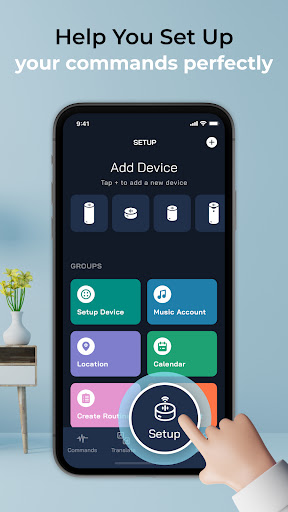
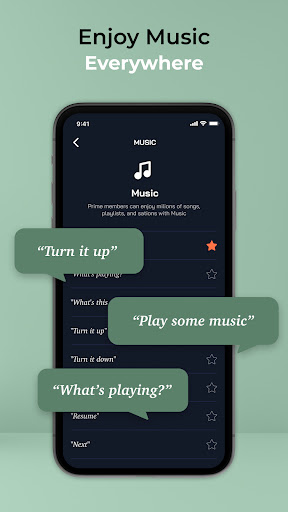
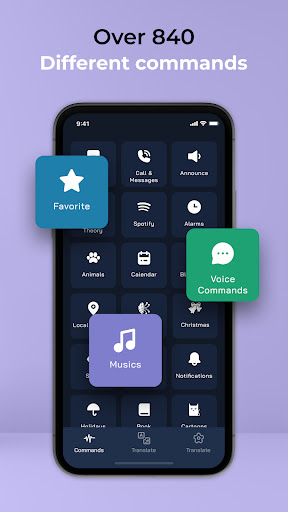
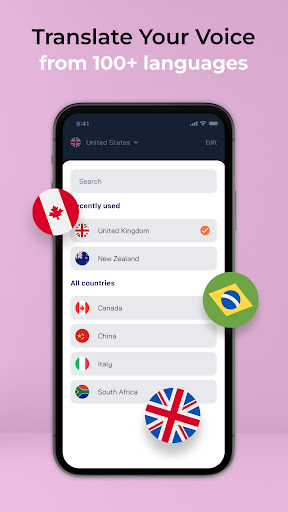
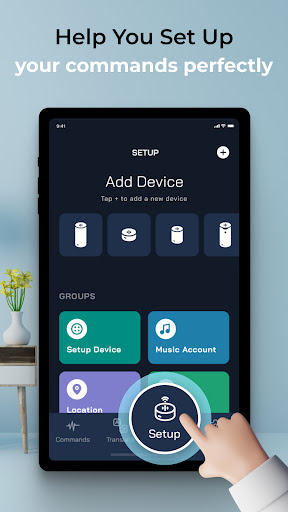
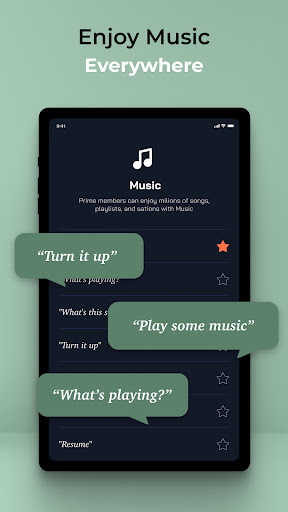
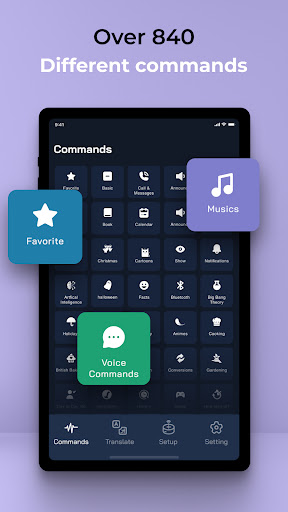
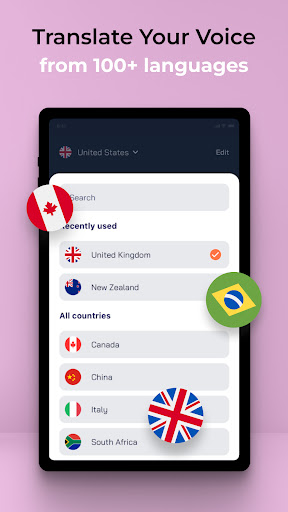
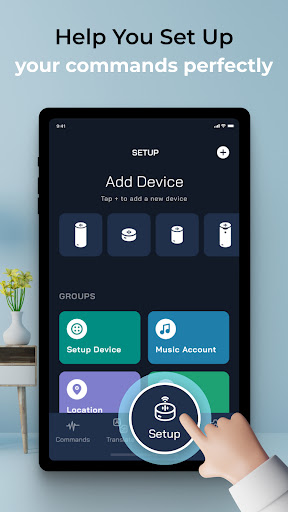
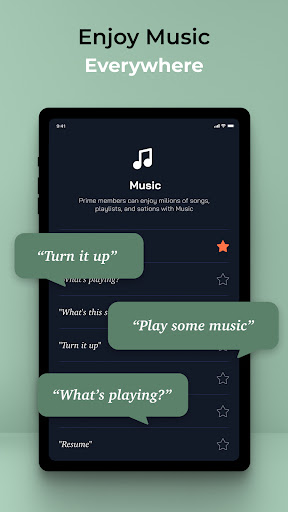
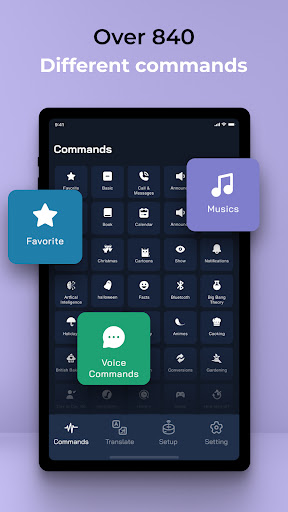
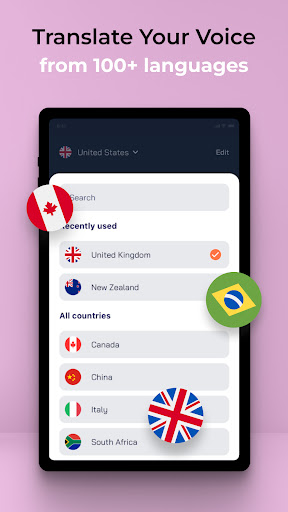
Elevate Your Smart Device Experience with Our Personal Digital Assistant App 🚀 Are you frustrated with speaking in standard English to control your smart speakers? Discover the ultimate solution with our Voice Command Assistant App! Designed to enhance your interaction with smart devices, this app transforms how you use voice commands and simplifies managing your virtual personal assistant. Let’s explore why this app is your perfect voice commander for Android. Transform Your Smart Device Control with Seamless Voice Commands 🎙️ Our Voice Command Assistant App offers an intuitive and efficient way to interact with your smart speakers. With its advanced features, you can take full control of your devices without the hassle of conventional voice commands. Here's what you can expect: QUICK COMMANDS: Effortless Interaction ⚡ The app supports over 1000 commands, categorized and optimized for ease of use. Whether you need to adjust the volume, change the channel, or control your smart home devices, our app has you covered with quick and precise voice commands. BOOKMARK YOUR FAVORITE COMMANDS: Personalized Efficiency 🌟 Save time by bookmarking commands that you use frequently. This feature allows you to talk directly to your devices without needing to remember complex phrases, streamlining your interaction for maximum convenience. TRANSLATOR: Break Language Barriers 🌐 Easily create custom voice commands in your native language. Our app includes a powerful translator tool that converts your phrases into English, making it easier to communicate with your smart devices no matter what language you speak. DETAILED SETUP INSTRUCTIONS: Get Started Quickly 📘 New to smart devices? Our app guides you through detailed setup instructions. From configuring your devices to enjoying features like smart home integration, music playback, traffic updates, weather forecasts, and news, you’ll find everything you need to get started. Why Choose Our Voice Command Assistant App? 🤔 Our app is designed to be the perfect voice commander for Android, offering a comprehensive solution for managing your smart speakers and virtual personal assistant. It combines ease of use with powerful functionality to provide an unmatched user experience. Ready to Revolutionize Your Smart Device Experience? 🚀 Don’t wait to transform how you interact with your smart devices. Download our Voice Command Assistant App today and enjoy the convenience of seamless voice control. Click the link below to get started! Experience the future of smart device control with our personal digital assistant app and redefine your interaction with technology! Disclaimer: This application is not affiliated nor endorsed by Amazon. Terms of Use: http://maplelabs.co/policies/#_tos Privacy Policy: http://maplelabs.co/policies/ Contact Us: [email protected]

What Voice Command, Setup for Alex+ Is Used For

Based on the metadata, Voice Command, Setup for Alex+ appears to be a tools app for Android phones that helps users manage voice-based interaction with a smart assistant or connected smart devices. It seems focused on providing ready-made command options, setup guidance, and a simpler way to issue voice commands, especially for people who want help getting started with device control or prefer using an interface that organizes commands for them.

The app description suggests it may be used for common assistant-style tasks such as controlling smart home devices, adjusting media, checking weather or news, and accessing music or traffic-related functions. The listed permissions, including microphone access, network access, Bluetooth, Wi‑Fi, and phone status, are consistent with an app that connects to devices and processes voice input. Based on the metadata, it may also support bookmarking frequently used commands and translating custom phrases, which could be helpful for users who do not want to remember exact voice wording.

Common uses

  • Use as a voice-command helper for connected smart devices.
  • Browse organized commands instead of memorizing exact phrases.
  • Set up assistant-style features with guided instructions.
  • Save frequently used commands for quicker access later.
  • Translate custom phrases into English before issuing commands.
  • Interact with the app over Wi‑Fi or Bluetooth-connected devices.
  • Use microphone-based input for hands-free control tasks.
Best for:
smart device users voice command helpers phone app productivity users setup guidance

App Details

Package:
com.maplelabs.alexa
Category:
Tools
Developer:
MAPLE LABS CO., LTD
Version:
3.2.7
Updated:
Jan 7, 2026
Min Android:
8.0
Age Rating:
Everyone
Contains Ads:
Yes
In-App Purchases:
Yes

Official Listing

  • Official listing available on Google Play
  • Package name: com.maplelabs.alexa
  • Age rating: Everyone

Explore More

Browse more apps in Tools or explore the Phone hub .

Related Tools Apps

Microphone Amplifier icon

Microphone Amplifier

Medical Firehawk

Use the phone microphone or headset mic as sound amplifier for louder hearing.

Version 13.1.2 3.7 MB ⭐ 4.40 1,000,000+ installs
Edge Light Colors icon

Edge Light Colors

Personalization Pixel Kraft Studios

Screen Edge Light on Lock Screen, Caller ID & Live Wallpaper with custom Colors

Version 4.8 17.4 MB ⭐ 4.72 10,000,000+ installs

How to Download Voice Command, Setup for Alex+

If this app is not hosted directly on APKApps official link, then for the safest and most up-to-date version, install it from its official Google Play listing.