OfficeSuite Pro + PDF icon

Phone

OfficeSuite Pro + PDF

Business MobiSystems ⭐ 4.50 1,000,000+
Version 14.4.51693 Everyone

Screenshots

OfficeSuite Pro + PDF screenshot
Permissions Explained 15 permissions requested View details

This app requests 15 permissions. The table below explains what each permission may allow and what users should review before installing.

Status Permission What it means Why it may be used User safety note
ℹ️ Review Read The Contents Of Your Usb Storage read the contents of your USB storage This is an Android permission or app-specific permission requested by the app. The app may use this permission for features related to its category, device support, background behavior, storage, connectivity, or system integration. Review this permission before installing, especially if it does not match the app’s expected purpose.
ℹ️ Review Modify Or Delete The Contents Of Your Usb Storage modify or delete the contents of your USB storage This is an Android permission or app-specific permission requested by the app. The app may use this permission for features related to its category, device support, background behavior, storage, connectivity, or system integration. Review this permission before installing, especially if it does not match the app’s expected purpose.
ℹ️ Review View Wi Fi Connections view Wi-Fi connections This is an Android permission or app-specific permission requested by the app. The app may use this permission for features related to its category, device support, background behavior, storage, connectivity, or system integration. Review this permission before installing, especially if it does not match the app’s expected purpose.
ℹ️ Review View Network Connections view network connections This is an Android permission or app-specific permission requested by the app. The app may use this permission for features related to its category, device support, background behavior, storage, connectivity, or system integration. Review this permission before installing, especially if it does not match the app’s expected purpose.
ℹ️ Review Create Accounts And Set Passwords create accounts and set passwords This is an Android permission or app-specific permission requested by the app. The app may use this permission for features related to its category, device support, background behavior, storage, connectivity, or system integration. Review this permission before installing, especially if it does not match the app’s expected purpose.
ℹ️ Review Full Network Access full network access This is an Android permission or app-specific permission requested by the app. The app may use this permission for features related to its category, device support, background behavior, storage, connectivity, or system integration. Review this permission before installing, especially if it does not match the app’s expected purpose.
ℹ️ Review Control Near Field Communication control Near Field Communication This is an Android permission or app-specific permission requested by the app. The app may use this permission for features related to its category, device support, background behavior, storage, connectivity, or system integration. Review this permission before installing, especially if it does not match the app’s expected purpose.
ℹ️ Review Run At Startup run at startup This is an Android permission or app-specific permission requested by the app. The app may use this permission for features related to its category, device support, background behavior, storage, connectivity, or system integration. Review this permission before installing, especially if it does not match the app’s expected purpose.
ℹ️ Review Reorder Running Apps reorder running apps This is an Android permission or app-specific permission requested by the app. The app may use this permission for features related to its category, device support, background behavior, storage, connectivity, or system integration. Review this permission before installing, especially if it does not match the app’s expected purpose.
ℹ️ Review Control Vibration control vibration This is an Android permission or app-specific permission requested by the app. The app may use this permission for features related to its category, device support, background behavior, storage, connectivity, or system integration. Review this permission before installing, especially if it does not match the app’s expected purpose.
ℹ️ Review Prevent Device From Sleeping prevent device from sleeping This is an Android permission or app-specific permission requested by the app. The app may use this permission for features related to its category, device support, background behavior, storage, connectivity, or system integration. Review this permission before installing, especially if it does not match the app’s expected purpose.
ℹ️ Review Add Words To User Defined Dictionary add words to user-defined dictionary This is an Android permission or app-specific permission requested by the app. The app may use this permission for features related to its category, device support, background behavior, storage, connectivity, or system integration. Review this permission before installing, especially if it does not match the app’s expected purpose.
ℹ️ Review Install Shortcuts install shortcuts This is an Android permission or app-specific permission requested by the app. The app may use this permission for features related to its category, device support, background behavior, storage, connectivity, or system integration. Review this permission before installing, especially if it does not match the app’s expected purpose.
ℹ️ Review Manage Document Storage manage document storage This is an Android permission or app-specific permission requested by the app. The app may use this permission for features related to its category, device support, background behavior, storage, connectivity, or system integration. Review this permission before installing, especially if it does not match the app’s expected purpose.
ℹ️ Review Receive Data From Internet receive data from Internet This is an Android permission or app-specific permission requested by the app. The app may use this permission for features related to its category, device support, background behavior, storage, connectivity, or system integration. Review this permission before installing, especially if it does not match the app’s expected purpose.

About OfficeSuite Pro + PDF

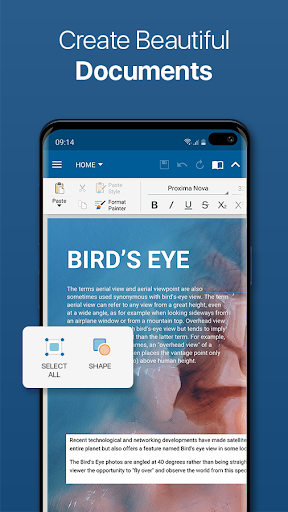
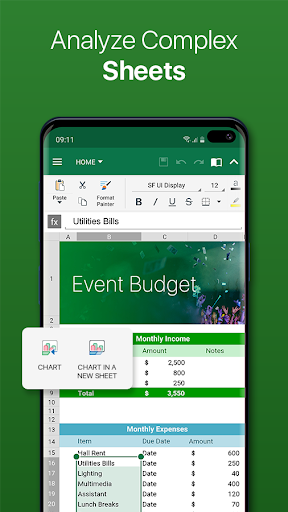
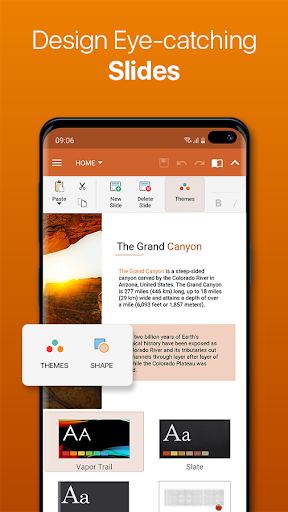
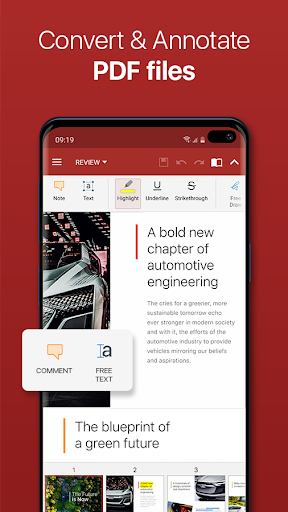
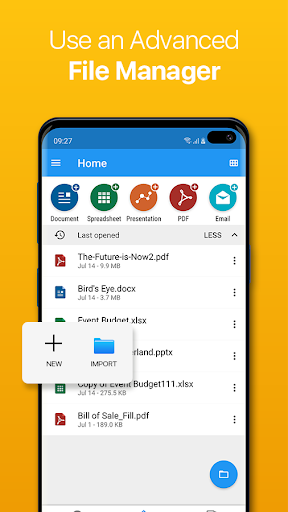
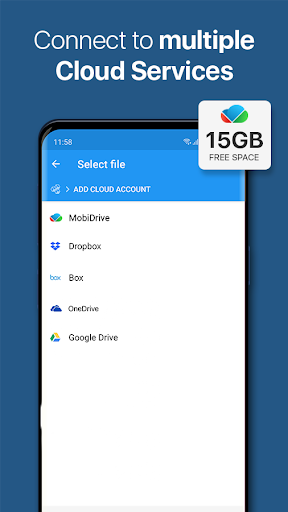
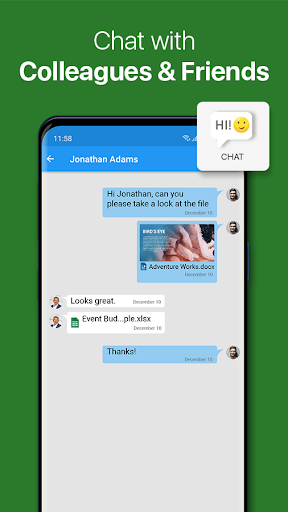
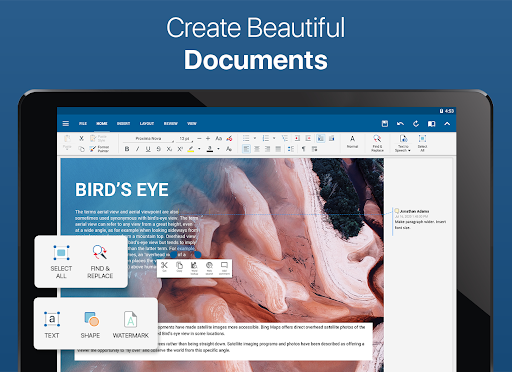
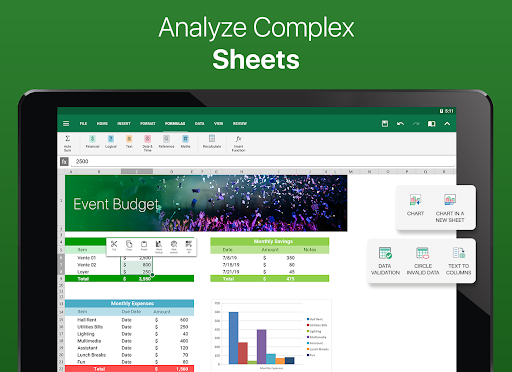
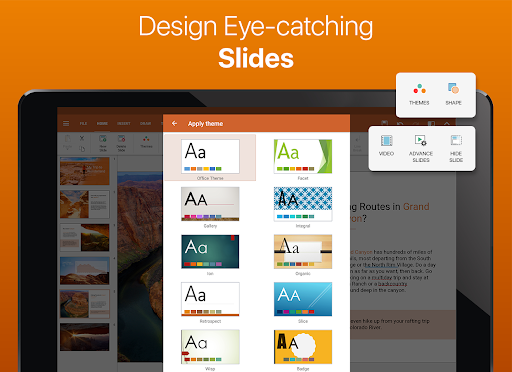
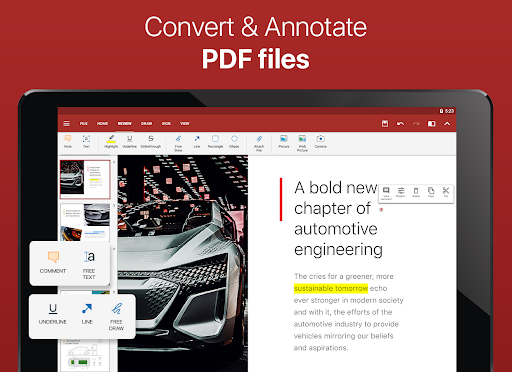
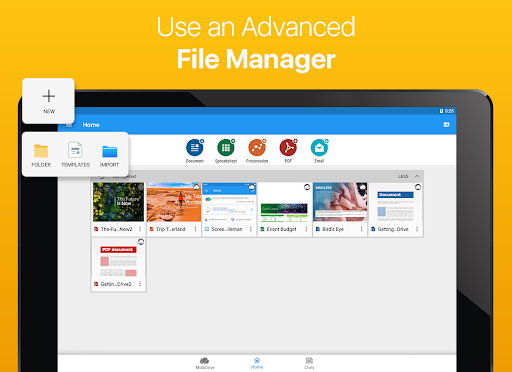
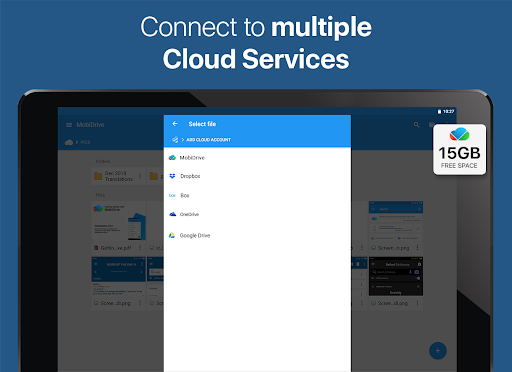
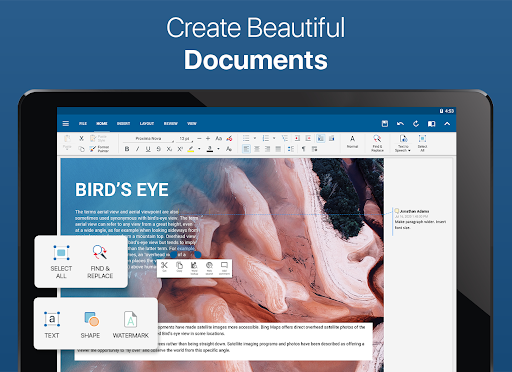
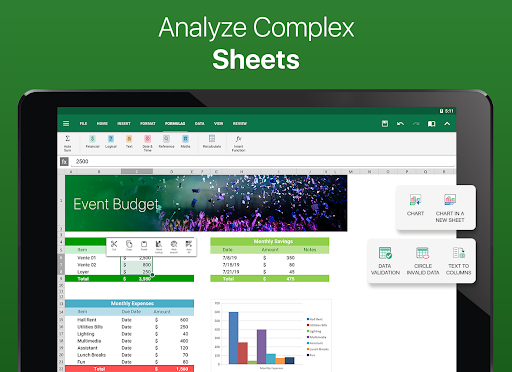
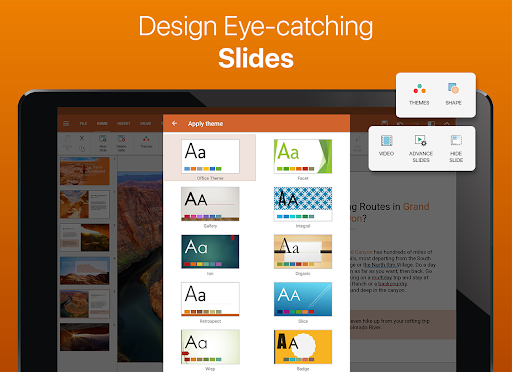
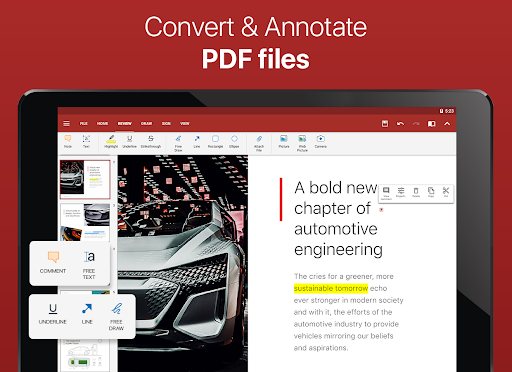
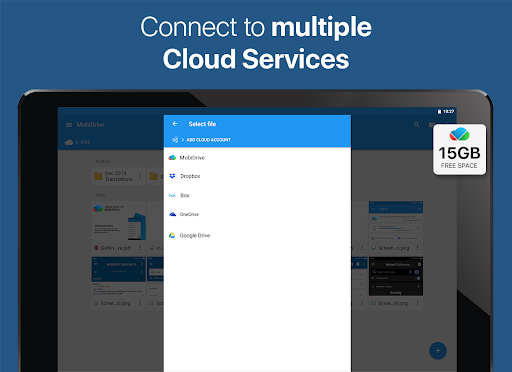
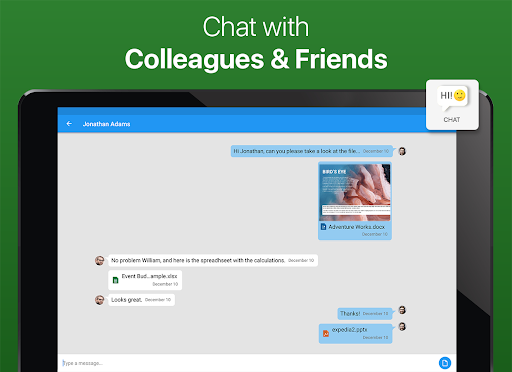
This is the full-feature PRO version of the award-winning OfficeSuite application that lets you easily view, edit, and create Word, Excel, and PowerPoint documents, convert to PDF, and manage your files.  • The most downloaded office app on Google Play  • Delivers the most exclusive features over any other office app  • Installed on 200 million devices in 195 countries and growing   Preloaded by top manufacturers including Sony, Amazon, Acer, Alcatel, Toshiba, Sharp, Kyocera and more. GOOGLE PLAY EDITORS’ CHOICE INFOWORLD'S TOP MOBILE OFFICE LIFEHACKER'S BEST ANDROID OFFICE APP PCMAG EDITORS’ CHOICE AWARD KEY FEATURES: •View, create and edit complex office documents using a familiar desktop-style interface •Full compatibility with Microsoft formats including DOC, DOCX, DOCM, XLS, XLSX, XLSM, PPT, PPTX, PPS, PPSX, PPTM, PPSM •Support for PDF files including PDF camera scanning, Export to PDF and Fillable forms •Additional support for common formats like RTF, TXT, LOG, CSV, EML, ZIP; (Open Office - ODT, ODS and ODP - support available as in-app purchase) •Integrated with File Commander for advanced synchronization and quick and easy access to both local and remote files •MobiSystems Drive - you can now store up to 15.0 GB of documents in the cloud •NEW! OfficeSuite Chats – Chat and exchange documents with your friends and colleagues •Integrated spell checker - Available in more than 40 languages the spell checker guarantees that your work in Documents, Slides and Sheets is impeccably written •Sharing via cloud services like OfficeSuite Drive, Box, DropBox, Google Drive, OneDrive, as well as over email and Bluetooth •PDF security and editing features including digital signatures support, permissions management, text to PDF, and annotations •Text-to-Speech support for documents and PDFs •View documents the way they're meant to be seen with the Japanese, Extended and Extended & Japanese Font Pack (available as an add-on) •Create a profile and sync your settings across all your Android, iOS and Windows Desktop (OfficeSuite Personal license) devices •Chromecast dual screen support •Available in 56 languages THE LATEST OFFICESUITE IS SPECIALLY DESIGNED AROUND ANDROID Q AND ALSO INCLUDES: •NEW! With OfficeSuite Chats you can easily send documents, collaborate with colleagues or simply chat with your friends on the go •NEW! Sign into OfficeSuite Now using a phone number •Convert and open files created with Apple Pages, Numbers, or Keynote apps •Open multiple documents and work on two documents simultaneously using split-screen mode with drag-and-drop support (Android 7 and up) •Open documents or create new ones faster than ever with the new Quick access notification drawer •With the enhanced mouse support for Chromebooks users can now work faster and easier than ever •Choose between beautiful new themes to create great presentations •Protect individual sheets and cells in Spreadsheets for extra security •Cast presentations across multiple devices on the…

What OfficeSuite Pro + PDF Is Used For

OfficeSuite Pro + PDF appears to be a mobile office and document-management app for Android phones. Based on the metadata, people commonly use it to open, create, and edit Word, Excel, and PowerPoint files, along with PDFs and other common document formats. Its business category and desktop-style interface suggest it is meant for everyday productivity tasks such as reviewing work files, making quick changes, and organizing documents on a phone.

The PDF-related features indicate it may also be used for converting documents to PDF, filling forms, scanning paper documents with the camera, adding annotations, and handling signatures or permissions in PDF files. Several permissions, such as storage access, network access, and startup/background behavior, fit an app that manages local files, syncs content, and connects to cloud or shared storage services. Based on the metadata, it seems useful for users who need to work with documents while away from a desktop computer.

Common uses

  • Open and edit Word, Excel, and PowerPoint files on Android
  • Create new office documents from a phone
  • Convert documents to PDF for sharing or archiving
  • View, fill, and annotate PDF files
  • Scan paper documents into PDF using the camera
  • Manage files stored locally or connected through cloud services
  • Sync or share documents across devices and services
Best for:
mobile document editing pdf management business use phone app productivity

App Details

Package:
com.mobisystems.editor.office_registered
Category:
Business
Developer:
MobiSystems
Version:
14.4.51693
Updated:
Jul 29, 2024
Min Android:
7.0
Age Rating:
Everyone
Contains Ads:
No
In-App Purchases:
Yes

Official Listing

  • Official listing available on Google Play
  • Package name: com.mobisystems.editor.office_registered
  • Age rating: Everyone

Explore More

Browse more apps in Business or explore the Phone hub .

Related Business Apps

Polaris Office: Edit&View, PDF icon

Polaris Office: Edit&View, PDF

Productivity Polaris Office Corp.

Android's Mobile Office : Word, Excel, PowerPoint and PDF, TXT + Zip file

Version 9.9.16 178.8 MB ⭐ 3.70 50,000,000+ installs

How to Download OfficeSuite Pro + PDF

If this app is not hosted directly on APKApps official link, then for the safest and most up-to-date version, install it from its official Google Play listing.