Stemz: AI Tool for Musicians icon

Phone

Stemz: AI Tool for Musicians

Music & Audio MWM - AI Music and Creative Apps ⭐ 4.30 1,000,000+
Version 1.16.00 Everyone

Screenshots

Stemz: AI Tool for Musicians screenshot
Permissions Explained 8 permissions requested View details

This app requests 8 permissions. The table below explains what each permission may allow and what users should review before installing.

Status Permission What it means Why it may be used User safety note
ℹ️ Review Read The Contents Of Your Usb Storage read the contents of your USB storage This is an Android permission or app-specific permission requested by the app. The app may use this permission for features related to its category, device support, background behavior, storage, connectivity, or system integration. Review this permission before installing, especially if it does not match the app’s expected purpose.
ℹ️ Review Modify Or Delete The Contents Of Your Usb Storage modify or delete the contents of your USB storage This is an Android permission or app-specific permission requested by the app. The app may use this permission for features related to its category, device support, background behavior, storage, connectivity, or system integration. Review this permission before installing, especially if it does not match the app’s expected purpose.
ℹ️ Review Record Audio record audio This is an Android permission or app-specific permission requested by the app. The app may use this permission for features related to its category, device support, background behavior, storage, connectivity, or system integration. Review this permission before installing, especially if it does not match the app’s expected purpose.
ℹ️ Review View Wi Fi Connections view Wi-Fi connections This is an Android permission or app-specific permission requested by the app. The app may use this permission for features related to its category, device support, background behavior, storage, connectivity, or system integration. Review this permission before installing, especially if it does not match the app’s expected purpose.
ℹ️ Review View Network Connections view network connections This is an Android permission or app-specific permission requested by the app. The app may use this permission for features related to its category, device support, background behavior, storage, connectivity, or system integration. Review this permission before installing, especially if it does not match the app’s expected purpose.
ℹ️ Review Full Network Access full network access This is an Android permission or app-specific permission requested by the app. The app may use this permission for features related to its category, device support, background behavior, storage, connectivity, or system integration. Review this permission before installing, especially if it does not match the app’s expected purpose.
ℹ️ Review Reorder Running Apps reorder running apps This is an Android permission or app-specific permission requested by the app. The app may use this permission for features related to its category, device support, background behavior, storage, connectivity, or system integration. Review this permission before installing, especially if it does not match the app’s expected purpose.
ℹ️ Review Prevent Device From Sleeping prevent device from sleeping This is an Android permission or app-specific permission requested by the app. The app may use this permission for features related to its category, device support, background behavior, storage, connectivity, or system integration. Review this permission before installing, especially if it does not match the app’s expected purpose.

About Stemz: AI Tool for Musicians

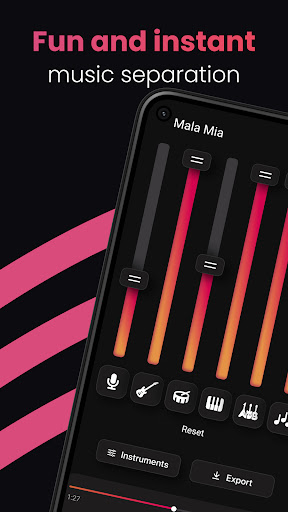
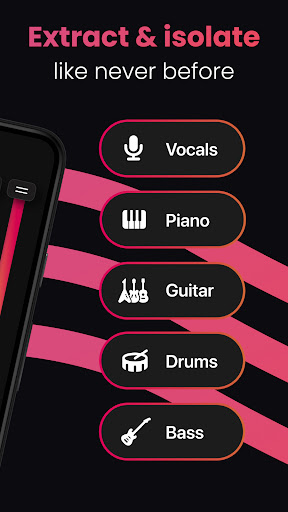
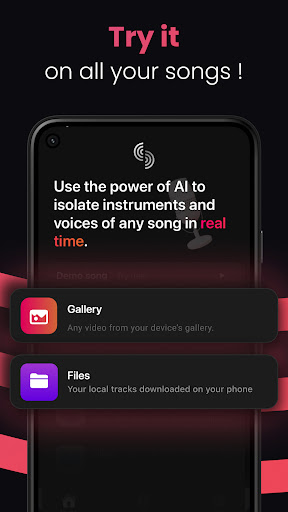
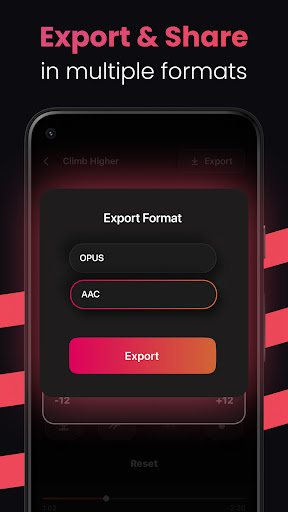
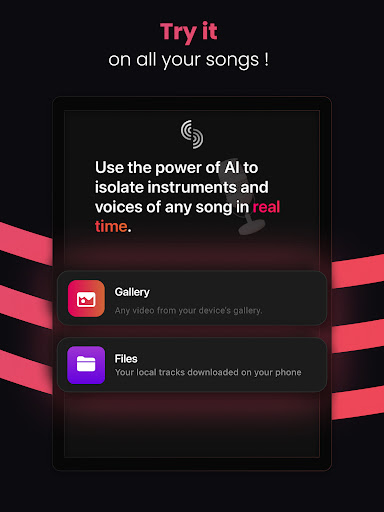
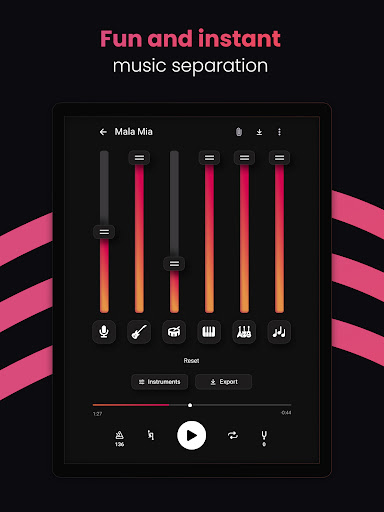
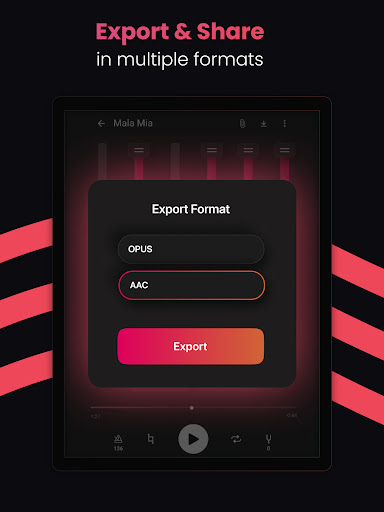
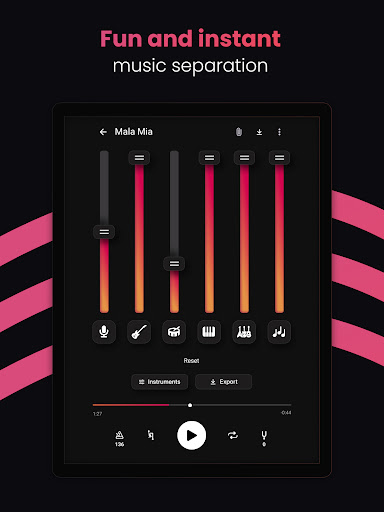
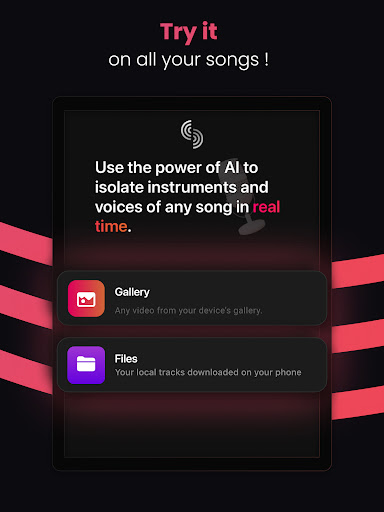
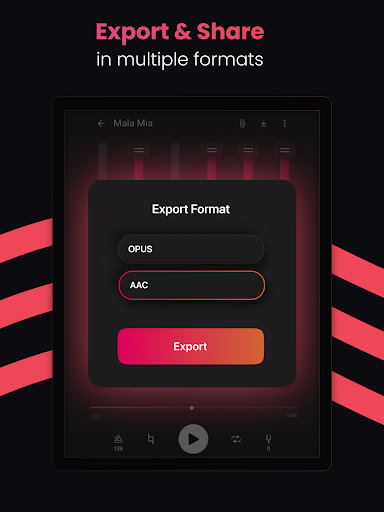
Are you looking for the best instrumental for your practice? Singers, guitarists, pianists, drummers, bass players, dancers, musicians, this app is for you! You can now play alongside your favorite artists! Stemz: AI Tool for Musicians opens up new opportunities for an entire generation of music lovers. This is a groundbreaking music app powered by cutting-edge AI technology. Unleash your musical creativity like never before with Stemz and its revolutionary Vocal and Instrument Separation features, allowing you to effortlessly extract vocals and music instruments from any song and create mesmerizing remixes with the separation feature. Take control of your favorite tracks by isolating and separation of individual instruments with the Instrument Separation tool, granting you the freedom to reimagine melodies and rhythms. Dive into a world of limitless possibilities as Stemz opens up new horizons for music enthusiasts, producers, and DJs alike - all with the power of AI. Elevate your music-making experience and immerse yourself in the future of AI-driven music innovation with Stemz. Stemz contains a complete set of features: # Practice with your own tracks - Import any songs from the Files apps: iCloud, Drive, Dropbox... - Extract the audio from your Camera Rolls Videos # The most-advanced AI source separation algorithm - Select the tracks you want to edit - Extract, separate and isolate all the instruments: vocals, guitar, piano, drums, bass - Easy-to-use separation interface to remix and edit your music track - Manipulate each stemz individually thanks to sliders, or cut stemz instantly - Select the best group of stemz suiting your track # Export your mix - Share your music mix results with your friends - Standard format: M4A, CAF It has never been easier to create your own creative performance! The application is perfect for drummers, music teachers, producers, singers, bassists, pianists, guitarists, dancers, musical beginners and professionals! Stemz has been developed by a passionate team of musicians and engineers.

What Stemz: AI Tool for Musicians Is Used For

Based on the metadata, Stemz: AI Tool for Musicians appears to be a phone app for music practice, audio editing, and stem separation. It is commonly used by singers, instrumentalists, producers, and DJs who want to isolate vocals or individual instruments from a song so they can rehearse parts, study arrangements, or build custom mixes. Its category and title also suggest a music-focused tool rather than a general audio player.

The description indicates that the app can import audio from local files and cloud storage, and it may also extract audio from videos saved on the device. The listed permissions, such as storage access, audio recording, network access, and preventing sleep, fit an app that works with media files, records or handles sound, and processes tracks while the device stays active. On a phone, it seems most useful for quick practice sessions, remix prep, and music-learning workflows where users want to separate stems and export results for sharing or further editing.

Common uses

  • Isolating vocals, drums, bass, piano, or guitar from songs
  • Practicing along with reduced or separated backing tracks
  • Importing tracks from device storage or cloud file services
  • Extracting audio from saved videos for music editing
  • Creating simple remixes or custom practice mixes
  • Supporting singers, instrument players, teachers, and producers
Best for:
music practice stem separation audio editing phone app remix preparation

App Details

Package:
com.mwm.stems
Category:
Music & Audio
Developer:
MWM - AI Music and Creative Apps
Version:
1.16.00
Updated:
Jul 23, 2025
Min Android:
6.0
Age Rating:
Everyone
Contains Ads:
No
In-App Purchases:
Yes

Official Listing

  • Official listing available on Google Play
  • Package name: com.mwm.stems
  • Age rating: Everyone

Explore More

Browse more apps in Music & Audio or explore the Phone hub .

Related Music & Audio Apps

How to Download Stemz: AI Tool for Musicians

If this app is not hosted directly on APKApps official link, then for the safest and most up-to-date version, install it from its official Google Play listing.