About MyScript Calculator 2
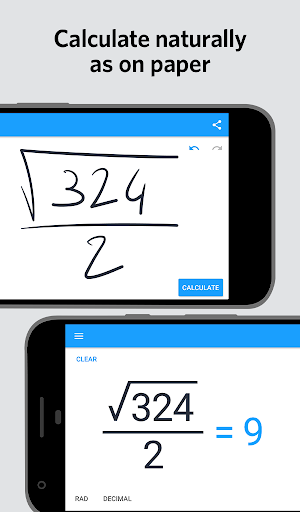
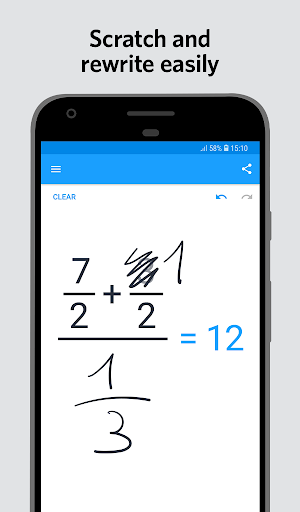
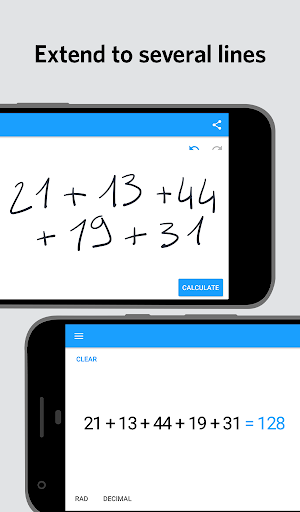
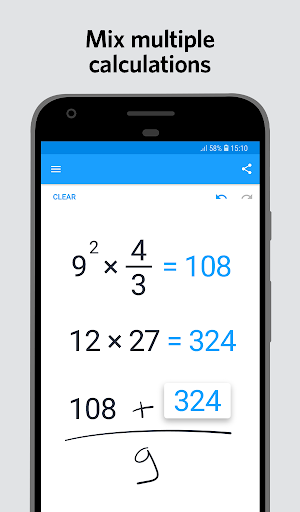
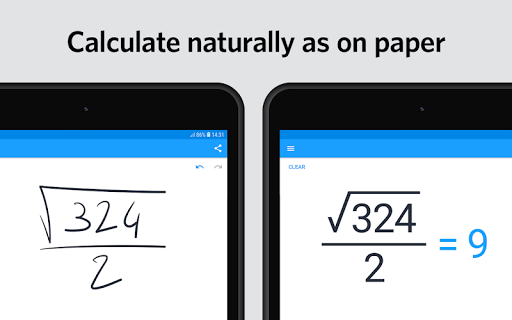
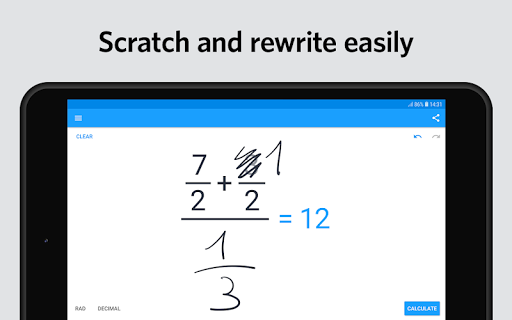
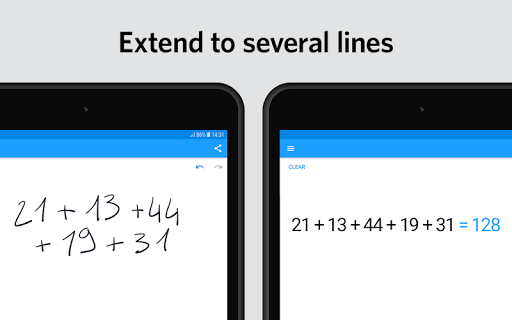
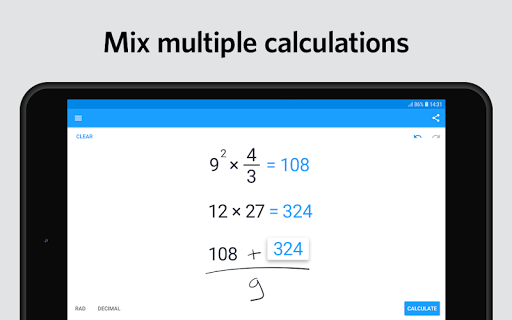
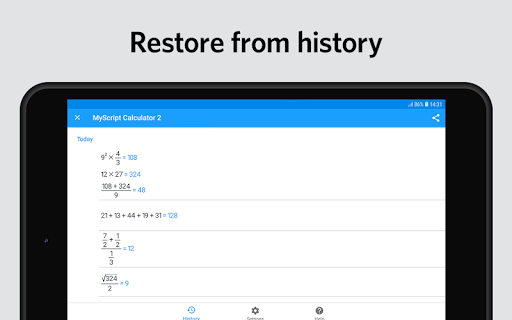
Calculator 2 turns your device into an interactive piece of paper. Simply write a calculation and it gets you the result in real time. Develop it further with editing gestures or by adding new elements anywhere. Reuse previous results with drag and drop. Calculator 2 interprets everything you do on the fly. Calculator 2 is based on MyScript Interactive Ink®, the next step for digital ink. It is the successor of the award-winning first handwriting calculator. BENEFITS AND FEATURES • Write calculations in an intuitive and natural way without a keyboard. • Erase easily by using scratch-out gestures to remove symbols and numbers. • Drag and drop numbers from and to the canvas, the memory bar or to an external app. • Copy your results to the clipboard or export them to other apps. • Fractions: Display results using decimals, fractions or mixed numbers. • Multi-line: Continue the same calculation on the next line or write several calculations on multiple lines. • Memory: Save results into memory. Reuse them anytime in your calculations. • History: Retrieve all your past calculations to reuse or export. SUPPORTED OPERATORS • Basic operations: +, -, ×, ÷, /, ·, : • Powers, roots, exponentials: 7², √, ∛, e³ • Miscellaneous operations: %, |5|, 3! • Brackets: ( ) • Trigonometry: sin, cos, tan, cot, cosh, sinh, tanh, coth • Inverse trigonometry: asin, acos, atan, acot, arcsin, arccos, arctan, arccot, acosh, asinh, atanh, acoth, arcosh, arsinh, artanh, arcoth • Logarithms: ln, log • Constants: π, e, phi For help and support, create a ticket at https://myscri.pt/support.
What MyScript Calculator 2 Is Used For
MyScript Calculator 2 appears to be a handwriting-based calculator app for Android phones. Based on the metadata, it is used to write math problems on the screen instead of typing them, then see the result calculated in real time. That makes it a practical tool for quick everyday arithmetic as well as more advanced expressions, especially if you prefer a pen-like input style.
It may be helpful for students, professionals, or anyone who wants to reuse calculations through history and memory features. The app also appears to support editing gestures, drag and drop, copying results, and exporting numbers to other apps, which suggests it is designed for repeated calculation work rather than a simple one-off calculator. The listed network permissions indicate it can access the internet, while the sleep-prevention permission suggests it may stay active during longer calculation sessions.
Common uses
- Write calculations by hand on the screen without using a keyboard
- Review results as you add, edit, or extend expressions
- Use scratch-out gestures to remove symbols or numbers
- Reuse past calculations through history and memory
- Copy or export results for use in other apps
- Handle mixed number, fraction, and multi-line calculations
- Support advanced math like powers, roots, trigonometry, and logarithms
App Details
Package:
com.myscript.calculator
Developer:
MyScript
Version:
2.1.4
Updated:
Sep 14, 2023
Min Android:
5.0
Age Rating:
Everyone
Contains Ads:
No
In-App Purchases:
No
Official Listing
-
Official listing available on
Google Play
-
Package name:
com.myscript.calculator
-
Age rating:
Everyone
Related Tools Apps
Education
•
Chegg, Inc.
Mathway helps you solve your most difficult math homework problems
Version 6.8.0
42.7 MB
⭐ 4.10
50,000,000+ installs
Education
•
Desmos Inc
Explore math with Desmos! Plot functions, create tables, add sliders, and more.
Version 7.14.0.0
4.4 MB
⭐ 4.51
5,000,000+ installs
How to Download MyScript Calculator 2
If this app is not hosted directly on APKApps official link,
then for the safest and most up-to-date version, install it from its official Google Play listing.