About OPNManager
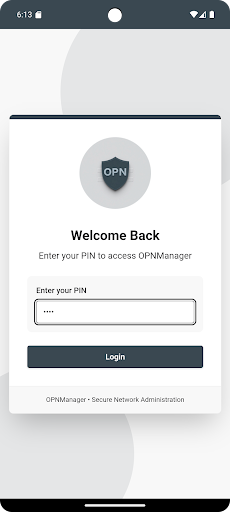
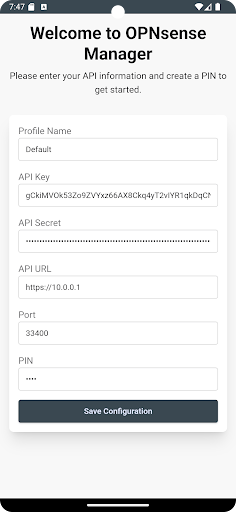
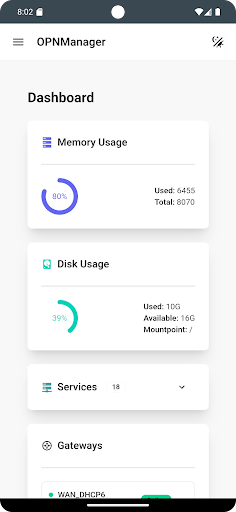
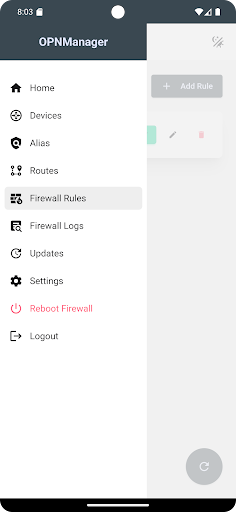
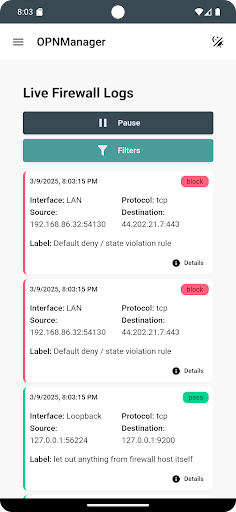
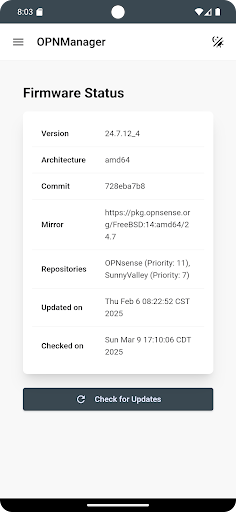
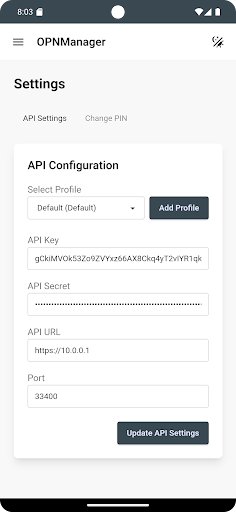
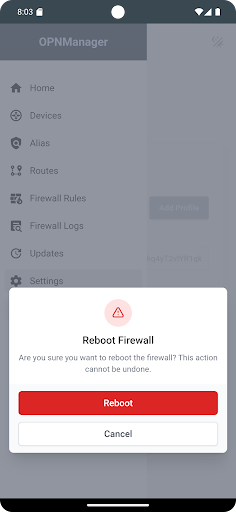
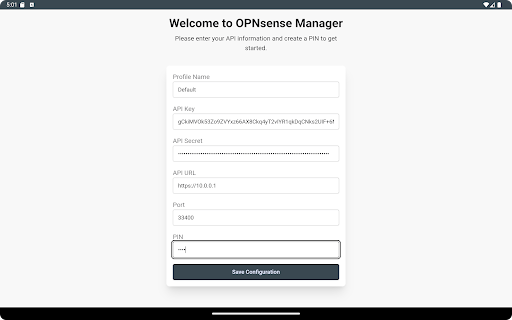
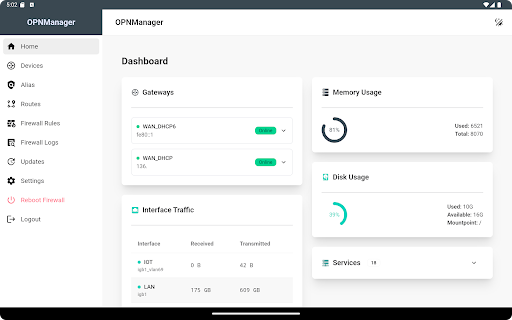
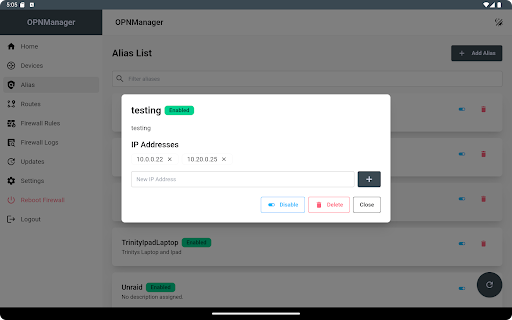
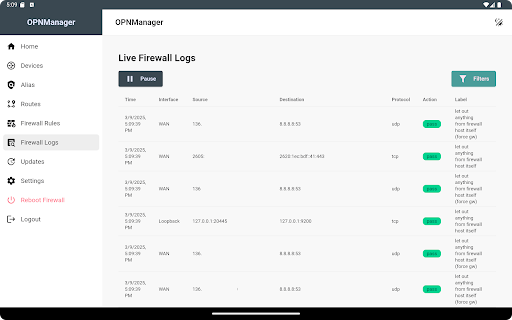
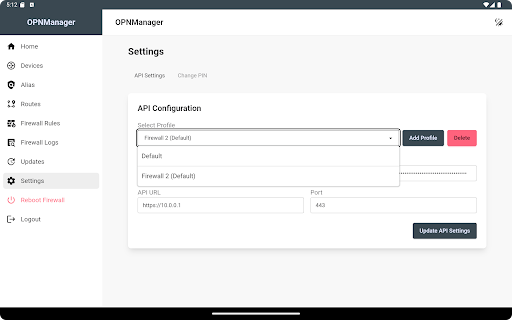
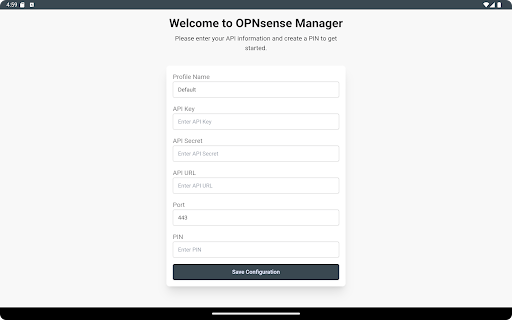
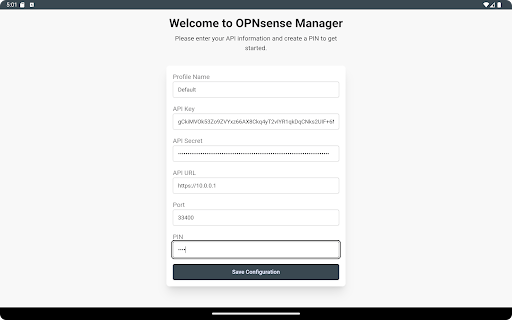
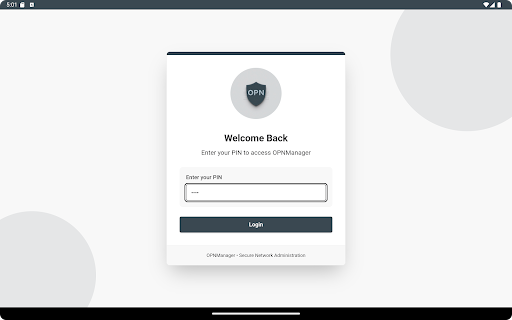
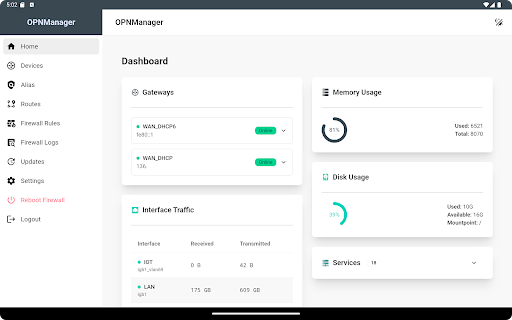
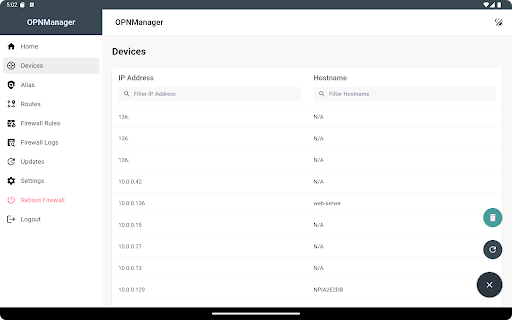
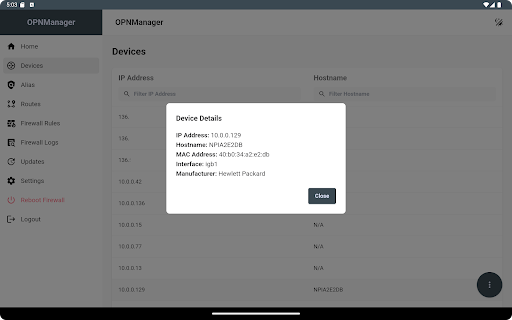
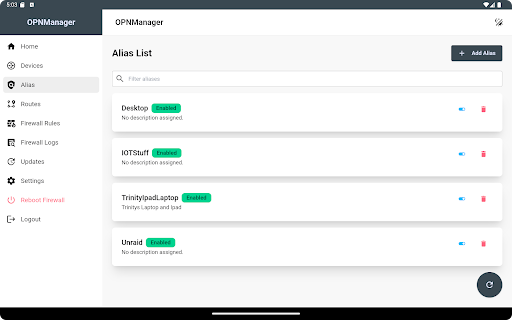
OPNManager is a powerful mobile companion for managing and monitoring your OPNsense firewall — designed with a touch-friendly interface for seamless on-the-go control. Whether you're a network administrator, IT professional, or home lab enthusiast, OPNManager makes firewall management fast, intuitive, and secure — no need to log in from a browser or desktop. **Key Features:** • Dashboard monitoring for system resources, gateways, and interface traffic • Create, edit, and toggle firewall rules • Live firewall logs with filtering and real-time updates • Manage aliases and routes with ease • Device discovery with basic network info • View and apply firmware updates • ZFS snapshot creation and management (v3.1.0+) • Temperature widget and interface status (v3.1.0+) • Visual network topology map (v3.1.0+) • Support for multiple OPNsense profiles • PIN-based local access control with encrypted credential storage OPNManager connects directly to your OPNsense firewall via the official API, requiring only your API key and URL. All data remains on-device and secured with encryption. OPNManager is independently developed and is not affiliated with or endorsed by the OPNsense project or Deciso B.V.
What OPNManager Is Used For
OPNManager appears to be a mobile companion app for people who manage an OPNsense firewall and want quick access from an Android phone. Based on the metadata, it is meant for monitoring and administering firewall settings without opening a desktop browser, which may be useful for network administrators, IT staff, and home lab users who need to check status or make changes while away from their main workstation.
Common use cases seem to include viewing dashboards for system resources and interface traffic, checking firewall logs, and managing rules, aliases, routes, and firmware updates. The app also mentions support for multiple OPNsense profiles, device discovery, ZFS snapshots, and a visual network topology map in newer versions. Because it requests full network access and USB storage permissions, it likely needs network connectivity to communicate with the firewall API and may store or handle local data on the device. Its touch-friendly design suggests it is intended for phone-based administration rather than deep desktop-style configuration.
Common uses
- Monitor OPNsense system and gateway status from a phone
- Review live firewall logs and filter activity
- Create, edit, or toggle firewall rules on the go
- Manage aliases, routes, and firmware updates
- Switch between multiple OPNsense profiles
- View basic device discovery and network topology information
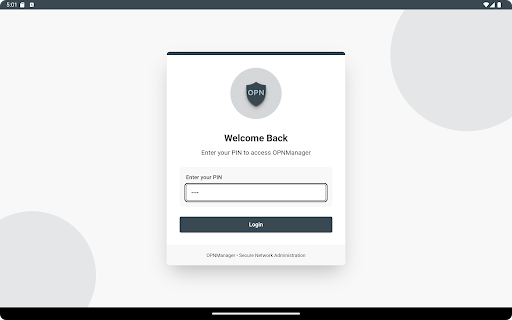
- Use PIN-based local access control for the app interface
App Details
Package:
com.OPNManager.app
Developer:
Flannel Software Forge
Version:
3.1.2
Updated:
May 2, 2025
Min Android:
7.0
Age Rating:
Everyone
Contains Ads:
No
In-App Purchases:
No
Official Listing
-
Official listing available on
Google Play
-
Package name:
com.OPNManager.app
-
Age rating:
Everyone
Related Tools Apps
Tools
•
Innovative Connecting
Enjoy fast streaming, secure & private internet with super unlimited VPN Turbo
Version 4.2.9.8
25.3 MB
⭐ 4.70
100,000,000+ installs
Tools
•
AVG Mobile
Scam & Malware protection, Virus Cleaner, Hack Alerts, App Locker, Photo Vault
Version 26.6.0
56.3 MB
⭐ 4.60
100,000,000+ installs
Tools
•
Avast Software
Android Mobile Security with Antivirus, Virus cleaner, App Lock & Phone cleaner
Version 26.2.3.260318122
56.8 MB
⭐ 4.60
100,000,000+ installs
Tools
•
F-Secure Corporation
Antivirus, Virus Cleaner & Malware Scan | Mobile Security & Hacker Protection
Version 10.57-ff32089
17.9 MB
⭐ 4.20
100,000,000+ installs
Tools
•
Flextech Inc.
Get 1TB Cloud Storage Space with One-Click. Unlock AI Tools in One Smart Space.
Version 4.13.7
112.7 MB
⭐ 4.40
100,000,000+ installs
Tools
•
Secure Signal Inc.
Access favorite websites and apps more securely on the go.
Version 4.3.11
5.6 MB
⭐ 4.70
100,000,000+ installs
How to Download OPNManager
If this app is not hosted directly on APKApps official link,
then for the safest and most up-to-date version, install it from its official Google Play listing.