About Notepad Pro
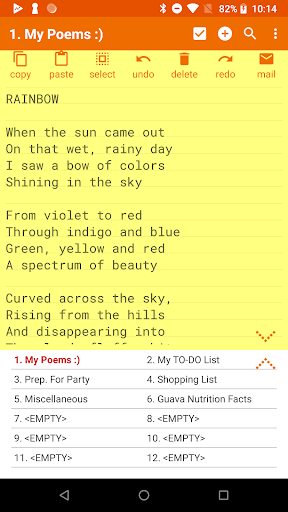
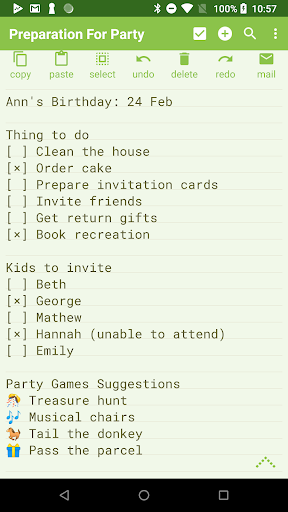
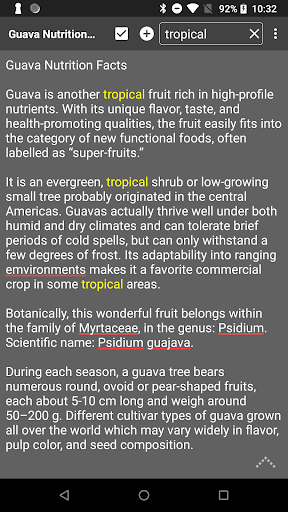
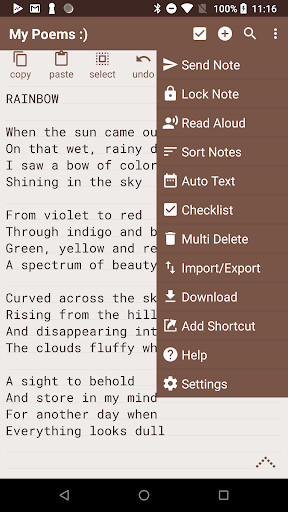
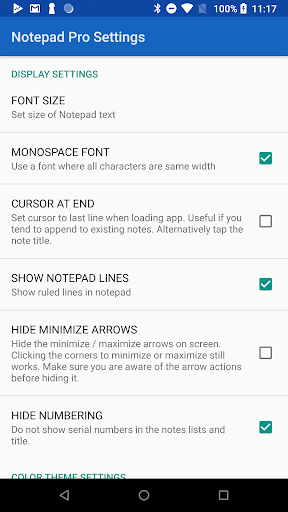
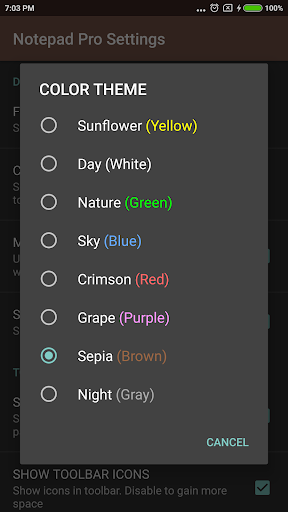
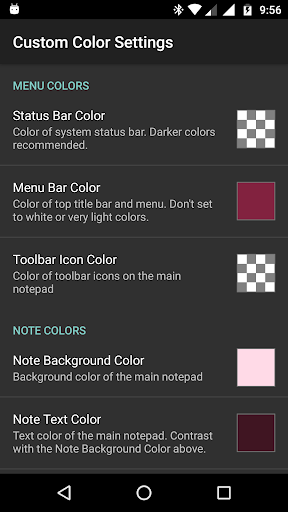
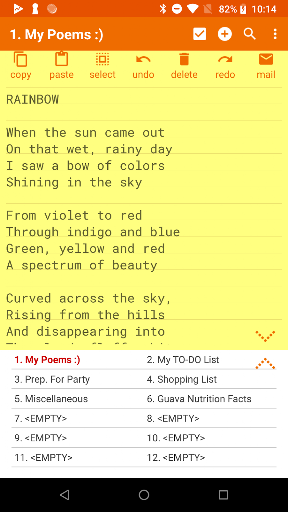
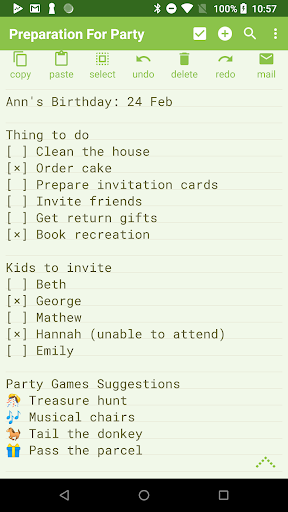
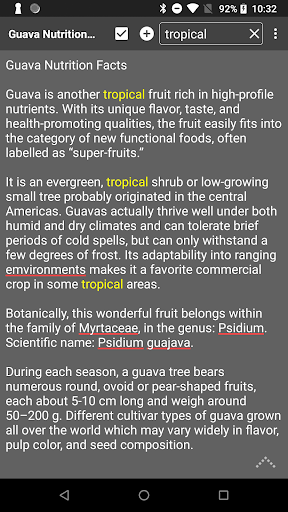
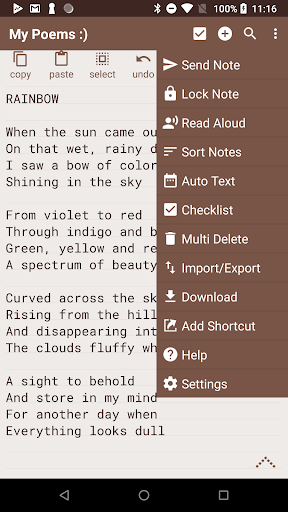
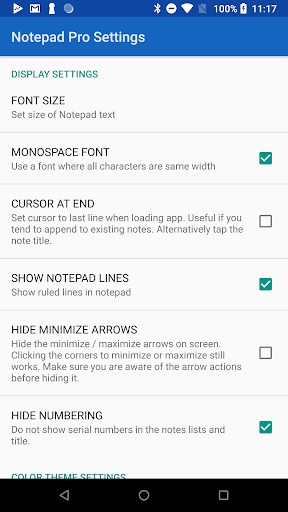
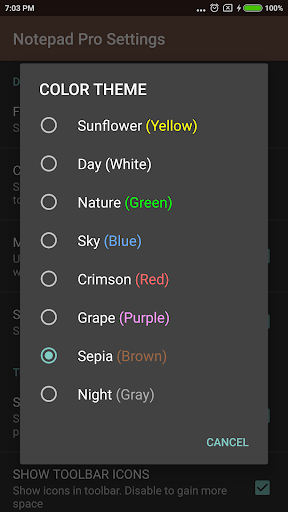
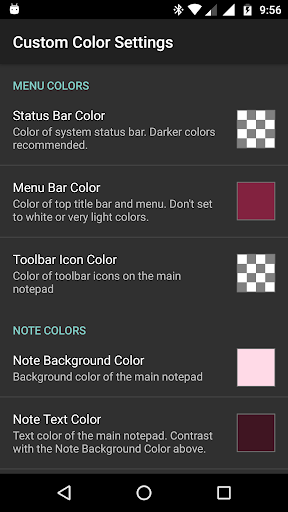
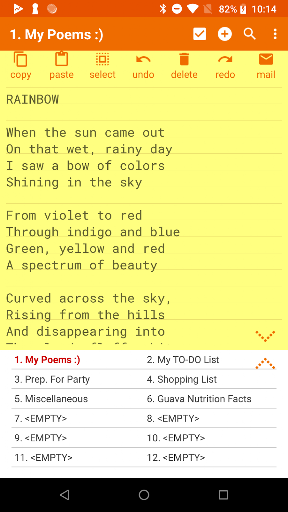
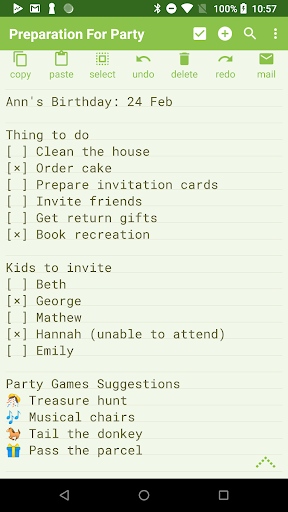
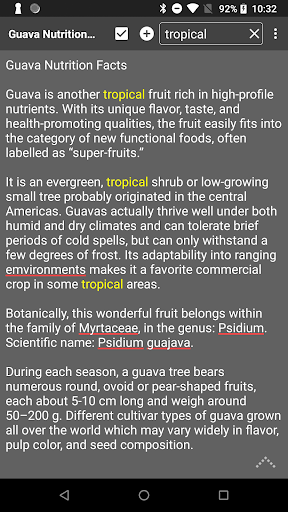
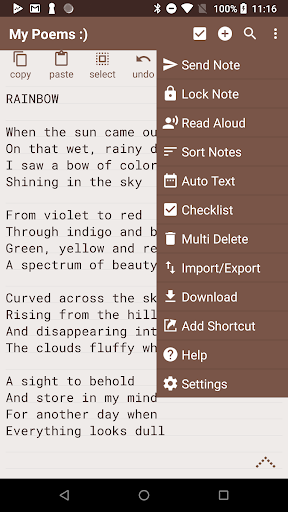
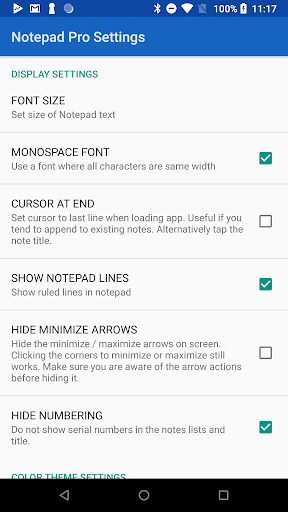
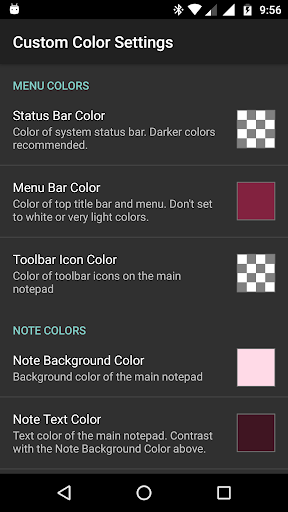
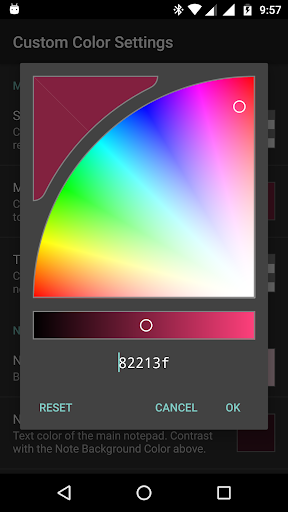
The Pro Version of Android's tiniest Notepad app. You can find the free version here. https://play.google.com/store/apps/details?id=com.panagola.app.notepad Apart from being a versatile Auto Save Notepad, it offers the following features over and above the free version. GENERAL ✓ Unlimited notepad slots ✓ In-line checklist capability ✓ Search within and across notes ✓ Tiny size, just 0.3 MB! ✓ No unwanted permissions ✓ Desktop Widget support DISPLAY ✓ Custom sort/rearrange notes ✓ Categorize/Bookmark notes ✓ Supports custom themes ✓ Always visible note title ✓ Blank note at start option ✓ Full-screen view of notes list SAFEGUARD ✓ Restore notes by opening backup file ✓ Download notes & backups locally ✓ Make notes read-only ✓ Specify backup frequency ✓ Import/Export notes selectively ACCESSIBILITY ✓ Read aloud (speak) notes ✓ Create desktop shortcuts to any note ✓ Home/End of Note shortcuts ✓ More configuration options SHARING ✓ Open text send from any external app ✓ Attach note as file in mail ✓ Specify preferred email app
What Notepad Pro Is Used For
Notepad Pro appears to be a lightweight note-taking app for Android phones, designed for quickly creating, saving, and organizing text notes. Based on the metadata, it focuses on simple everyday writing tasks such as personal reminders, checklists, draft text, and small reference notes, with auto-save support so users do not have to manually save each change.
The app also seems useful for people who want more control over how notes are managed. It includes search across notes, sorting and rearranging, categories or bookmarks, and options for backups, import/export, and read-only notes. The listed install-shortcuts permission suggests it may create home screen shortcuts to specific notes, which can be helpful for fast access. Features like desktop widgets, note sharing, and read-aloud support indicate it may fit users who want a compact productivity tool with quick access on a phone.
Common uses
- Create and edit quick text notes on an Android phone
- Keep reminders, lists, and small drafts in one place
- Use in-line checklists for simple task tracking
- Search within a note or across multiple notes
- Organize notes with sorting, bookmarks, and custom categories
- Back up, import, or export notes for later recovery
- Create shortcuts or widgets for faster access to specific notes
How to Download Notepad Pro
If this app is not hosted directly on APKApps official link,
then for the safest and most up-to-date version, install it from its official Google Play listing.