PDF Reader - PDF Viewer icon

Phone

PDF Reader - PDF Viewer

Tools Technoline Apps 1,000,000+
Version 5.2.5 Everyone

Screenshots

PDF Reader - PDF Viewer screenshot
Permissions Explained 6 permissions requested View details

This app requests 6 permissions. The table below explains what each permission may allow and what users should review before installing.

Status Permission What it means Why it may be used User safety note
ℹ️ Review Read The Contents Of Your Usb Storage read the contents of your USB storage This is an Android permission or app-specific permission requested by the app. The app may use this permission for features related to its category, device support, background behavior, storage, connectivity, or system integration. Review this permission before installing, especially if it does not match the app’s expected purpose.
ℹ️ Review Modify Or Delete The Contents Of Your Usb Storage modify or delete the contents of your USB storage This is an Android permission or app-specific permission requested by the app. The app may use this permission for features related to its category, device support, background behavior, storage, connectivity, or system integration. Review this permission before installing, especially if it does not match the app’s expected purpose.
ℹ️ Review View Network Connections view network connections This is an Android permission or app-specific permission requested by the app. The app may use this permission for features related to its category, device support, background behavior, storage, connectivity, or system integration. Review this permission before installing, especially if it does not match the app’s expected purpose.
ℹ️ Review Full Network Access full network access This is an Android permission or app-specific permission requested by the app. The app may use this permission for features related to its category, device support, background behavior, storage, connectivity, or system integration. Review this permission before installing, especially if it does not match the app’s expected purpose.
ℹ️ Review Prevent Device From Sleeping prevent device from sleeping This is an Android permission or app-specific permission requested by the app. The app may use this permission for features related to its category, device support, background behavior, storage, connectivity, or system integration. Review this permission before installing, especially if it does not match the app’s expected purpose.
ℹ️ Review Receive Data From Internet receive data from Internet This is an Android permission or app-specific permission requested by the app. The app may use this permission for features related to its category, device support, background behavior, storage, connectivity, or system integration. Review this permission before installing, especially if it does not match the app’s expected purpose.

About PDF Reader - PDF Viewer

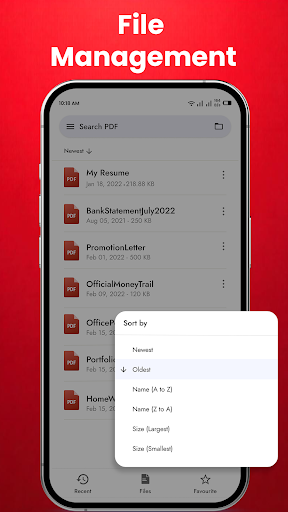
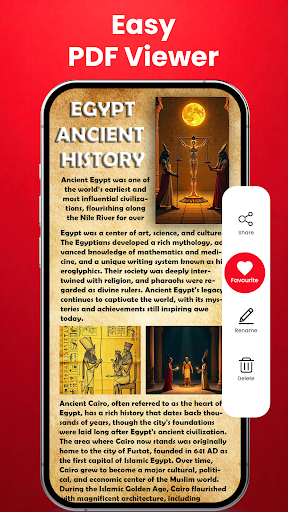
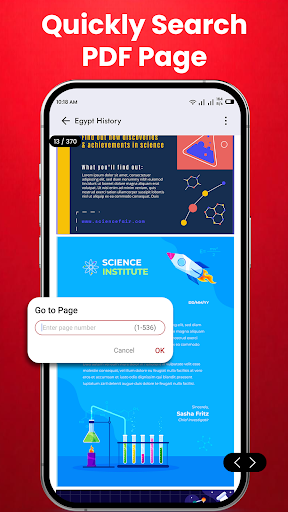
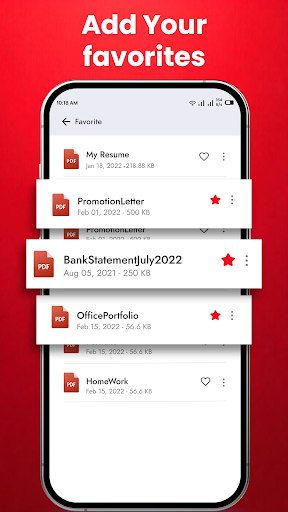
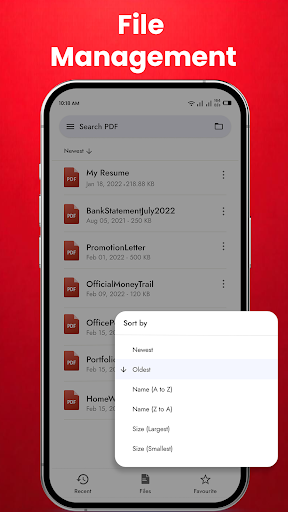
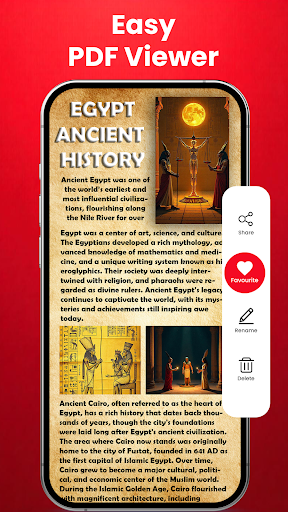
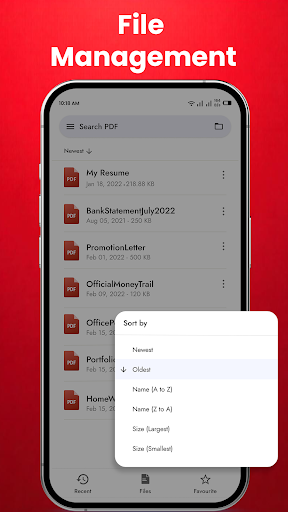
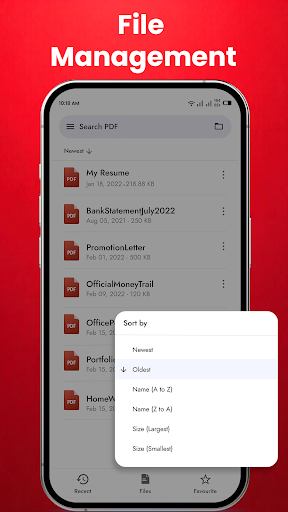
PDF Reader - PDF Viewer, Book Reader & File Viewer PDF Reader & Book Reader is the best PDF reading app on Google Play. Free eBook Reader is a great office application that helps you interact with PDF files, PDF documents easily and conveniently. The PDF viewer manages and displays all PDF files on one screen. You will not need to search for PDF files everywhere on your phone. Just select the PDF file you want to view and open it. This application allows you to easily open PDF files and document offline anywhere and anytime. Try the quick search function and you will find it easy to search your target PDF file. Just enter the keywords and the results will be displayed automatically. PDF Reader and Free PDF viewer also allows you to rename files, delete files, share PDF files as you like. Use it as your default PDF viewer or PDF reader and directly open a PDF file from the file manager, email, cloud, or web in this PDF reader without having to open the app. This PDF viewer is the most efficient office and productivity tool for reading PDF files. This app is not only an effective PDF reader but also an instant all document reader. Key Features of PDF Reader & Free PDF Viewer: Quickly open and view PDF documents. A simple list of PDF files. Search, scroll, and zoom in and out. Choose a single page or continuous scroll mode. Bookmark PDF pages for future reference. Go to the page number directly and see the page count and total pages. Scroll PDF Documents page by page. Start working right away with these PDF Viewer features: ⭕ Automatically search and display PDF files: Find and display PDF files on your device. ⭕ Recent - It contains all the PDF docs you have opened, sorted by the last time you opened it, and you can easily view the PDF files you have recently viewed without having to spend time searching for them. ⭕ Search - If there are many documents on your device, the "Search" function will make your search easier. ⭕ Delete/Rename - You can rename, delete files, and view details of your PDF files easily with simple operations. ⭕ Share - If you view a PDF file or want to share it, it is a great feature that will help you broadcast to your friends. ⭕ Reader - This is a simple and easy to use reader that has great support for you ⭕ View mode - Horizontal/vertical scrolling mode. With 2 reading modes, File Reader Free - File Viewer provides the most complete experience. ⭕ Zoom in and out according to your taste ⭕ Go to page - directs you to the desired page. With many useful features that help you read PDF files, the PDF reader for android is a very good tool to help you in life, especially in work and study. From now on, you can open, read PDF files professionally. Download now the PDF viewer for android free download application to experience useful features completely FREE! If you like our app, please help us with a 5-star review. Thank you.

What PDF Reader - PDF Viewer Is Used For

PDF Reader - PDF Viewer appears to be a phone app for opening and managing PDF documents and other document files. Based on the metadata, it is commonly used for reading PDFs on the device, finding files stored in phone storage, and reopening recently viewed documents without having to browse through folders each time.

It also seems suited to basic file handling around documents, since the app mentions rename, delete, share, search, zoom, bookmark, and page navigation tools. The storage permission context suggests it needs access to local files so it can list and open PDFs from USB or internal storage, while network permissions may relate to ads or online features rather than core reading. This makes it a practical option for people who want a simple document viewer for everyday office, school, or personal files on an Android phone.

Common uses

  • Open and read PDF files stored on the device
  • Browse recent documents from a single list
  • Search for specific files by name or keywords
  • Zoom, scroll, and move through pages more easily
  • Bookmark pages for later reference
  • Rename, delete, or share document files
  • Use it as a default viewer for PDFs opened from other apps
Best for:
Phone users PDF reading Document viewing Basic file management Office and study use

App Details

Package:
com.pdfexpert.fastpdfreader.pdfviewer
Category:
Tools
Developer:
Technoline Apps
Version:
5.2.5
Updated:
Mar 7, 2026
Min Android:
9
Age Rating:
Everyone
Contains Ads:
Yes
In-App Purchases:
Yes

Official Listing

  • Official listing available on Google Play
  • Package name: com.pdfexpert.fastpdfreader.pdfviewer
  • Age rating: Everyone

Explore More

Browse more apps in Tools or explore the Phone hub .

Related Tools Apps

PDF Reader(KDAN PDF): Edit PDF icon

PDF Reader(KDAN PDF): Edit PDF

Business Kdan Mobile Software Ltd.

Read, manage, and navigate PDFs easily with smart tabbed viewing.

Version 3.45.2 70.9 MB ⭐ 3.80 10,000,000+ installs
福昕PDF阅读器 icon

福昕PDF阅读器

Productivity Foxit Software Inc.

An easy-to-use PDF editor that allows you to view, annotate, and protect PDFs.

Version 9.5.31201 96.6 MB ⭐ 4.21 10,000,000+ installs

How to Download PDF Reader - PDF Viewer

If this app is not hosted directly on APKApps official link, then for the safest and most up-to-date version, install it from its official Google Play listing.