DS PRO - Recover All Deleted icon

Phone

DS PRO - Recover All Deleted

Tools Detective Studio ⭐ 4.30 100,000+
Version 26.0.0 Everyone

Screenshots

DS PRO - Recover All Deleted screenshot
Permissions Explained 8 permissions requested View details

This app requests 8 permissions. The table below explains what each permission may allow and what users should review before installing.

Status Permission What it means Why it may be used User safety note
ℹ️ Review Read Your Contacts read your contacts This is an Android permission or app-specific permission requested by the app. The app may use this permission for features related to its category, device support, background behavior, storage, connectivity, or system integration. Review this permission before installing, especially if it does not match the app’s expected purpose.
ℹ️ Review Modify Your Contacts modify your contacts This is an Android permission or app-specific permission requested by the app. The app may use this permission for features related to its category, device support, background behavior, storage, connectivity, or system integration. Review this permission before installing, especially if it does not match the app’s expected purpose.
ℹ️ Review Read The Contents Of Your Usb Storage read the contents of your USB storage This is an Android permission or app-specific permission requested by the app. The app may use this permission for features related to its category, device support, background behavior, storage, connectivity, or system integration. Review this permission before installing, especially if it does not match the app’s expected purpose.
ℹ️ Review Modify Or Delete The Contents Of Your Usb Storage modify or delete the contents of your USB storage This is an Android permission or app-specific permission requested by the app. The app may use this permission for features related to its category, device support, background behavior, storage, connectivity, or system integration. Review this permission before installing, especially if it does not match the app’s expected purpose.
ℹ️ Review View Wi Fi Connections view Wi-Fi connections This is an Android permission or app-specific permission requested by the app. The app may use this permission for features related to its category, device support, background behavior, storage, connectivity, or system integration. Review this permission before installing, especially if it does not match the app’s expected purpose.
ℹ️ Review View Network Connections view network connections This is an Android permission or app-specific permission requested by the app. The app may use this permission for features related to its category, device support, background behavior, storage, connectivity, or system integration. Review this permission before installing, especially if it does not match the app’s expected purpose.
ℹ️ Review Full Network Access full network access This is an Android permission or app-specific permission requested by the app. The app may use this permission for features related to its category, device support, background behavior, storage, connectivity, or system integration. Review this permission before installing, especially if it does not match the app’s expected purpose.
ℹ️ Review Prevent Device From Sleeping prevent device from sleeping This is an Android permission or app-specific permission requested by the app. The app may use this permission for features related to its category, device support, background behavior, storage, connectivity, or system integration. Review this permission before installing, especially if it does not match the app’s expected purpose.

About DS PRO - Recover All Deleted

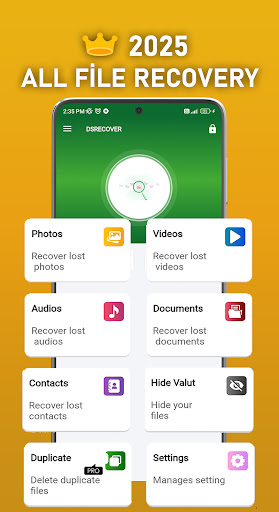
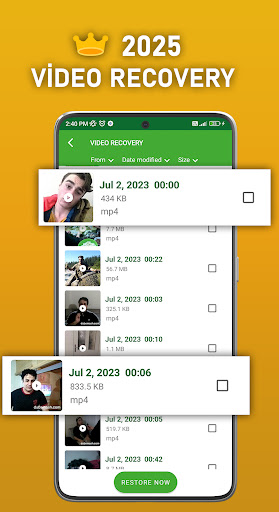
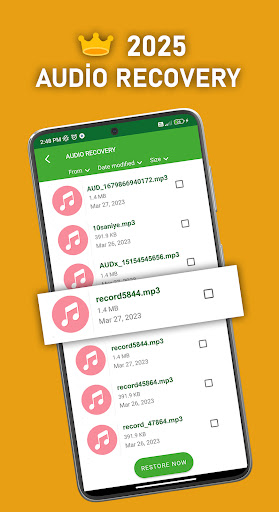
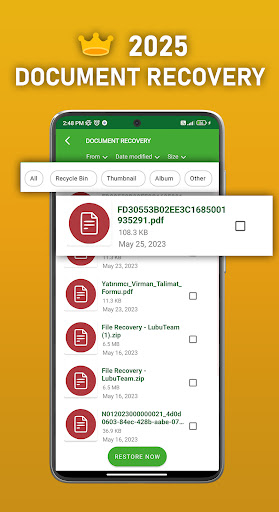
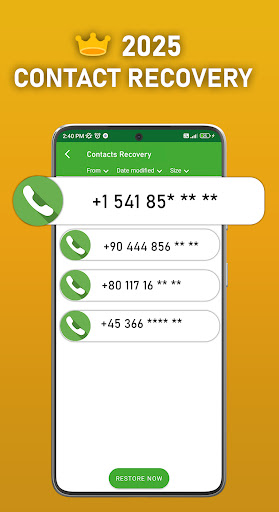
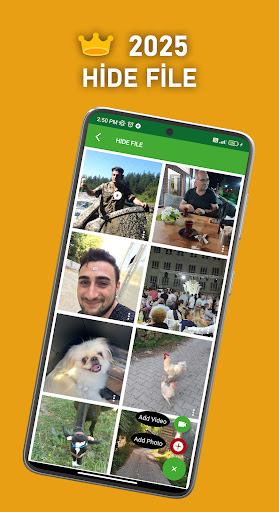
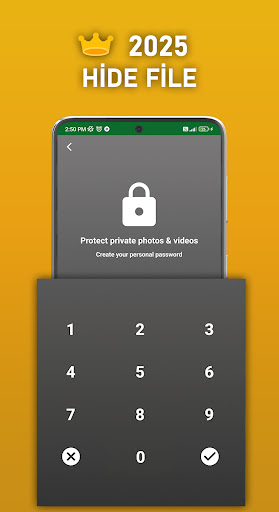
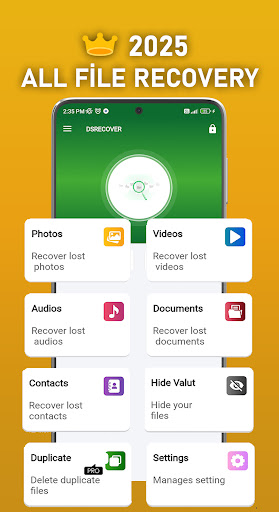
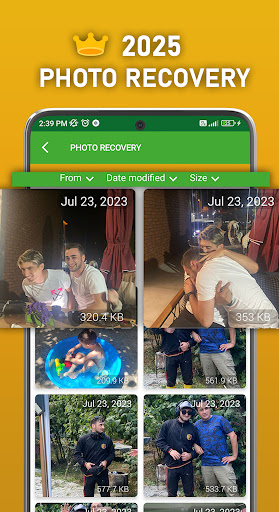
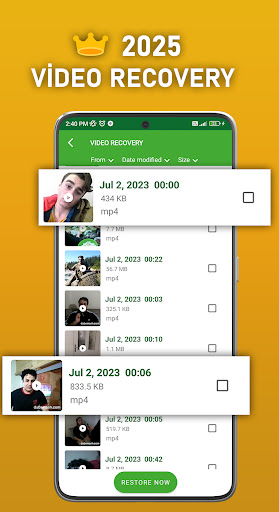
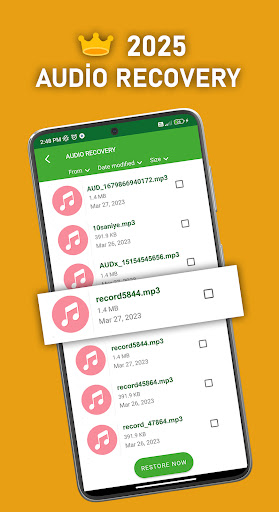
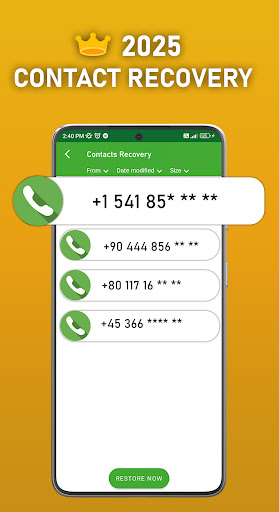
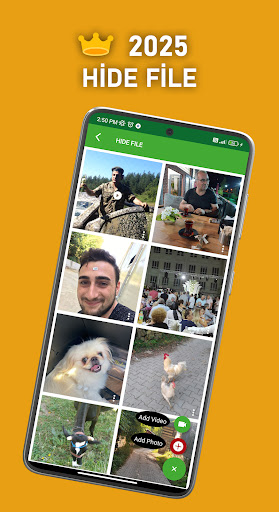
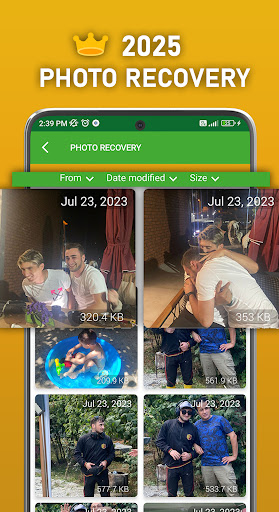
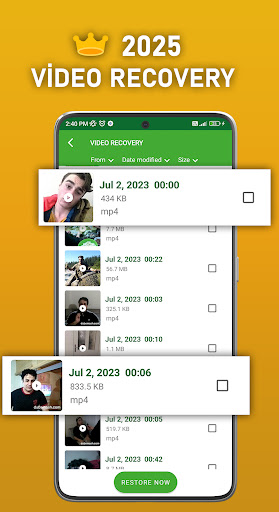
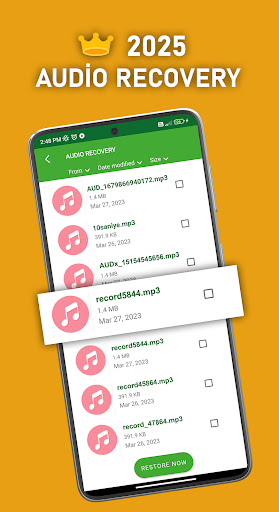
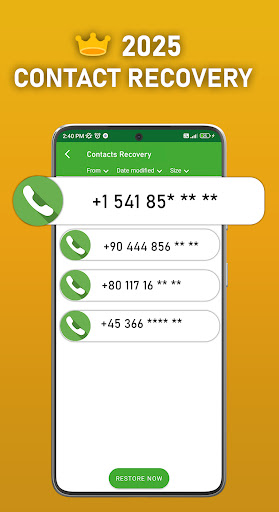
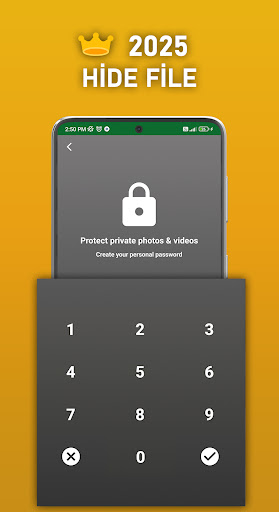
🔥 The app works more efficiently in the Pro version. You can also get rid of the ads that will bore you. The main idea and function of the DS-Recovery PRO is to recover all Deleted Files for android. Ever deleted photos, video or sound (Audio) by accident❓ 📁The Photo Recovery PRO App is a photo and Productivity tool that attempts to recover all lost, deleted, or hidden photos and images on your device. No root is required. Check in-app recommendations for Video (mp4) and Audio (mp3) recovery.Retrieves your deleted contacts' numbers.Helps you find and recover your deleted documents. It is now possible to get rid of similar files, allowing you to find multiple identical files. 🔥File Hide Feature🔥 If you do not want your pictures or videos to appear in the gallery, this feature is for you. By protecting it with a password, you ensure that your pictures and videos are not visible to people you do not want. 🔥Addition🔥 Deleted Video RecoveryPRO - Restore Deleted Videos may show some videos even if they are not deleted yet. Just keep looking and you will find deleted videos you are looking for. 📁Functionality📁 ♦️ Recover photos and recover all deleted video as well as simple step. ♦️ Recover Deleted Files quickly without any program or pc ♦️ Internal memory recovery app for deleted photos and video but recovering deleted contacts is the best thing in tis app ♦️ Recover all supported image files and Video. ♦️ Recover deleted photos and recover archives and restore all images. ♦️ While this amazing app starts to recover documents and recover deleted messages, you can also use it to recover pictures on your phone or sd. The application helps you find your deleted pictures. It will search your photos deeply and bring back the deleted file. It recovers your videos when they are deleted with the same recovery process. It also recovers your deleted sounds regardless of the format, and includes separate music. Restore Deleted Photos Video and Sound 📁Instantly Restore Deleted Files📁 DS-Recovery PRO turns app restore into a breeze. Deleted apps and photo recovery are instantaneous and straightforward — enter your recycle bin, click on the app you wish to restore, and voila - it will instantly reappear on your device. DS-Recovery PRO provides backup for all deleted apps, images, videos, documents, and more. No matter what you need to recover, DS-Recovery PRO can instantly restore it to your device. 🔥Note🔥 DS-Recovery PRO requires the "Access all files" permission on your device, to be able to search all locations on the device for lost and recoverable photos. When you are asked for this permission, please enable it so that DS-Recovery PRO can search your device most effectively. 📁Questions? Head to DSRecoveryPro's FAQ section📁 https://apptosd.com/en/category/photo-video-audio-recover or contact us at [email protected] 📁Tips📁 DS-RecoveryPRO - Photo Video Audio Recovery Tool is the #1 solution for video, photo, sound, document and contact number recovery.

What DS PRO - Recover All Deleted Is Used For

DS PRO - Recover All Deleted appears to be a phone utility focused on finding and restoring deleted or hidden content on Android devices. Based on the metadata, it is commonly used for recovering photos, videos, audio files, documents, and contacts that were removed by accident or are no longer easy to locate. The app also mentions support for internal storage and USB storage, which suggests it may be used when browsing files saved on the device or attached storage.

The listing also points to file-hiding and duplicate-file-related features, so some people may use it to manage personal media before others can see it in the gallery. Because it requests access to contacts, storage, network, and sleep prevention, it appears designed to scan data on the phone, handle file operations, and stay active while it works. Based on the metadata, this is the kind of app someone might open after deleting an important file, looking for missing media, or organizing stored content on a mobile device.

Common uses

  • Recover deleted photos from phone storage
  • Look for deleted videos and audio files
  • Try to restore contacts from the device
  • Search for documents stored on internal or USB storage
  • Hide selected pictures or videos from the gallery
  • Find duplicate or similar files
  • Use as a phone file-recovery and storage-management tool
Best for:
deleted file recovery photo recovery contacts recovery phone app productivity

App Details

Package:
com.photoandvideo.recoveryfilepro
Category:
Tools
Developer:
Detective Studio
Version:
26.0.0
Updated:
Jan 15, 2025
Min Android:
4.4W
Age Rating:
Everyone
Contains Ads:
No
In-App Purchases:
No

Official Listing

  • Official listing available on Google Play
  • Package name: com.photoandvideo.recoveryfilepro
  • Age rating: Everyone

Explore More

Browse more apps in Tools or explore the Phone hub .

Related Tools Apps

WhatisRemoved icon

WhatisRemoved

Tools Development Colors

Recover deleted messages and files from your notifications

Version 12.0.0 WR- 22.0 MB ⭐ 3.99 10,000,000+ installs

How to Download DS PRO - Recover All Deleted

If this app is not hosted directly on APKApps official link, then for the safest and most up-to-date version, install it from its official Google Play listing.