About Video Player
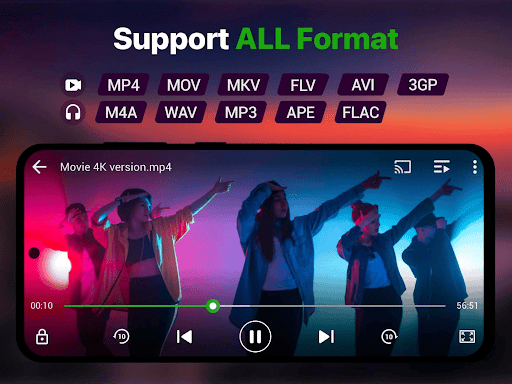
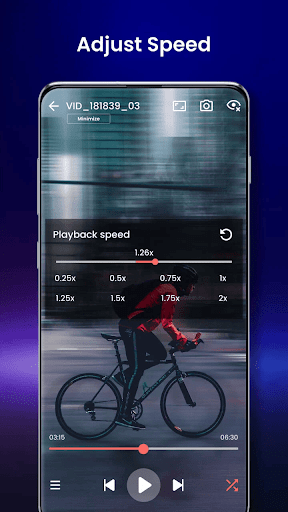
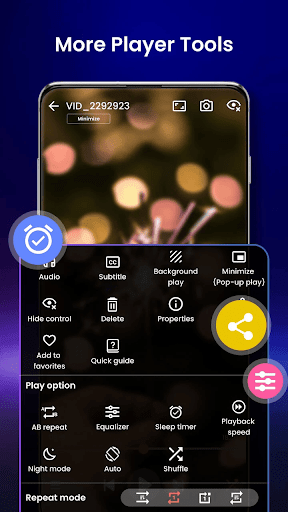
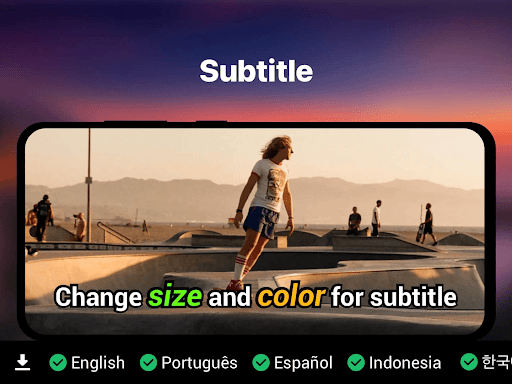
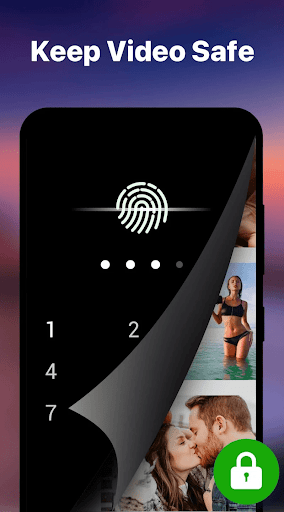
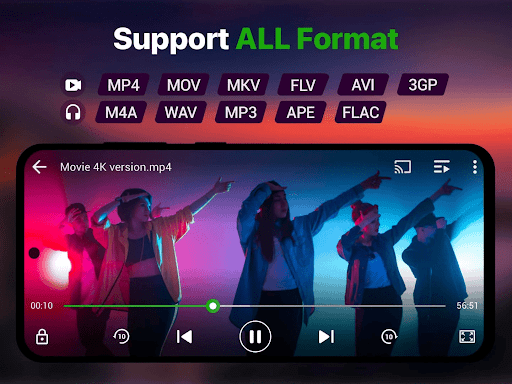
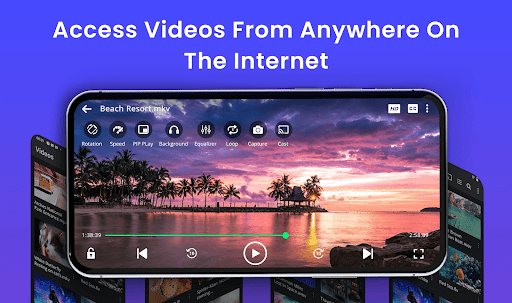
Experience the ultimate video playback with our powerful and feature-rich Video Player app — your all-in-one solution for watching videos in stunning HD and 4K quality. Whether it's local video files, cloud-based media, or streamed content, this app delivers smooth, high-performance playback on Android devices with full support for all video formats including MP4, MKV, AVI, MOV, FLV, 3GP, WMV, and more. 📽️ Top Features: ✓ Ultra HD & 4K playback support ✓ All video formats: MP4, MKV, AVI, MOV, WMV, FLV, TS, M4V, 3GP ✓ Smart gesture controls: volume, brightness, seeking ✓ Subtitle support: SRT, SSA, ASS, VTT, and built-in track detection ✓ Background play & pop-up window mode ✓ Night mode and eye-protection features ✓ Speed control: Slow-motion and fast forward (0.25x to 4x) ✓ File manager integration: Auto-detects and organizes video files ✓ Private folder: Keep your videos secure with PIN lock ✓ Chromecast support to stream to TV ✓ Resume playback and last seen tracker ✓ No ads 🎯 Why Choose This Video Player? Designed for speed, simplicity, and powerful performance, our video player uses advanced decoding technology to ensure smooth playback of high-resolution videos. With AI-enhanced rendering, it boosts clarity and optimizes frames for a seamless viewing experience. Whether you're watching movies, recorded clips, or downloaded files, enjoy premium video quality with zero lag. 🌎 Localized Support & Customization Our video player supports multiple languages and includes theme customization, making it a truly global and user-friendly app for all Android users. 🔍 Perfect for: Watching downloaded movies and shows Playing video tutorials or lectures Managing media collections Secure private viewing Download now and transform your Android device into a cinema-grade video experience. With over-the-top video format support, subtitle synchronization, smart controls, and a lightweight design, our Video Player app is the perfect entertainment companion.
What Video Player Is Used For
Based on the metadata, Video Player appears to be a general-purpose Android media player for watching video files on a phone. It is described as supporting common local formats such as MP4, MKV, AVI, MOV, and others, so it may be used for personal movie libraries, downloaded clips, recorded videos, or tutorial playback on a mobile device.
The app also mentions cloud-based media, streamed content, subtitle support, playback speed control, and resume playback, which suggests it is intended for everyday viewing and basic video management rather than editing. Its USB storage permissions fit with an app that needs to read and organize video files stored on the device or connected storage. Network access may be used for streaming, subtitle retrieval, casting, or other online playback features. The mention of Chromecast support also indicates it may be used to send videos from a phone to a compatible TV.
Common uses
- Play local video files on an Android phone
- Watch downloaded movies, clips, or recorded videos
- Use subtitle files while viewing supported video formats
- Adjust playback speed for tutorials or lectures
- Resume videos from the last watched position
- Cast supported videos to a TV with Chromecast
- Manage video files stored on USB or device storage
App Details
Package:
com.polarisvortex.videoplayer
Developer:
Polaris Vortex
Version:
2.0
Updated:
Nov 13, 2025
Min Android:
5.0
Age Rating:
Everyone
Contains Ads:
No
In-App Purchases:
No
Official Listing
-
Official listing available on
Google Play
-
Package name:
com.polarisvortex.videoplayer
-
Age rating:
Everyone
Related Video Players & Editors Apps
Video Players & Editors
•
UPlayer
HD Video Player and Music Player with Equalizer, Subtitle, Video locker & more.
Version 2.5.1
20.6 MB
⭐ 4.64
10,000,000+ installs
Video Players & Editors
•
Visha Group
Visha Player provides an uninterrupted video experience without any ads.
Version 8.0.0.0050
76.0 MB
⭐ 4.38
500,000,000+ installs
How to Download Video Player
If this app is not hosted directly on APKApps official link,
then for the safest and most up-to-date version, install it from its official Google Play listing.