About Recognise Shoulder
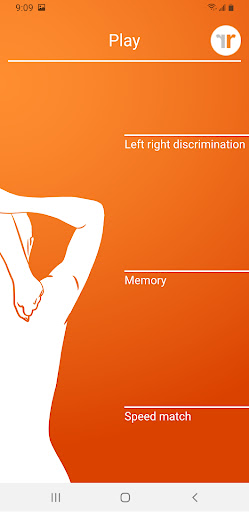
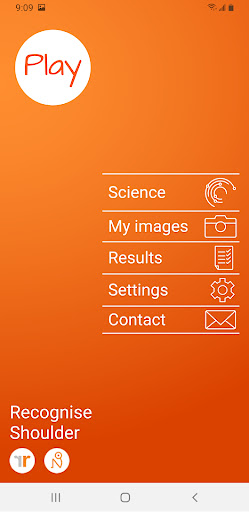
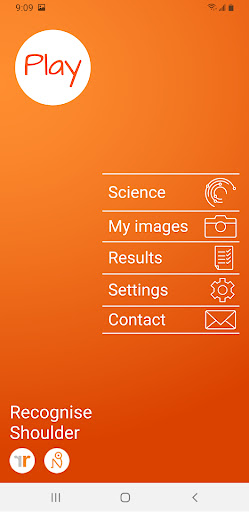
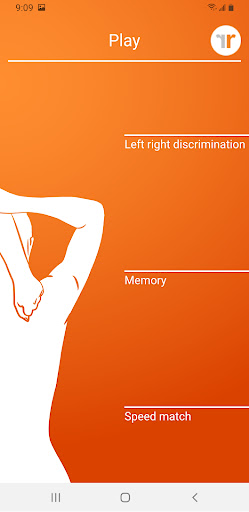
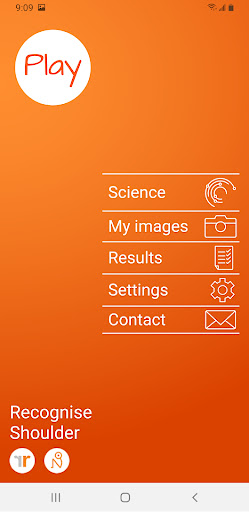
Using Recognise™ has been shown to reduce pain, improve performance and assist with rehabilitation in a range of complex pain, and injury states, when used as part of a Graded Motor Imagery programme. TEST AND TRAIN - TEST your ability to quickly and accurately recognise an image of a body area as either left or right (‘Left/Right Discrimination’) - TRAIN your brain and harness its neuroplasticity using a range of tools FEATURES -‘Memory’ and ‘Speed match’ tools to take your training to the next level -Graded difficulty levels and personal best challenges -Detailed onscreen results and graphs to map your progress -Powerful clinical integration tools - export and email your results directly to your clinician or therapist -Capture your own images on your device and use them in your training -Comprehensive explanation of the science behind Left/Right Discrimination and Graded Motor Imagery WHAT’S NEW IN 2016 This is not an update - Recognise™ is a brand new App, built from the ground up with powerful new features and tools. FEET, BACKS, NECKS, SHOULDERS, KNEES? This App is for shoulders, for Recognise™ Feet, Recognise™ Back, Recognise™ Neck, Recognise™ Feet and Recognise™ Knee, check the Play store and free downloads.
What Recognise Shoulder Is Used For
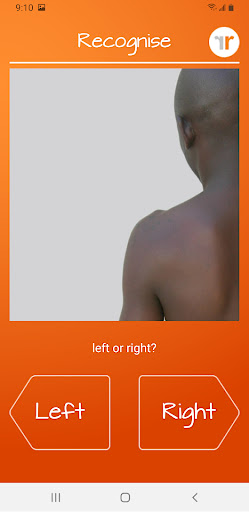
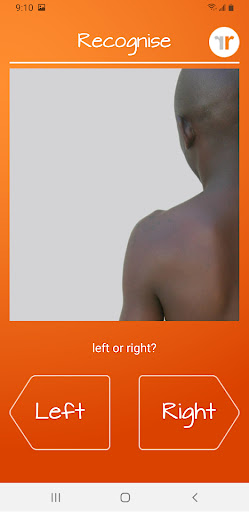
Recognise Shoulder appears to be a health and fitness app focused on shoulder rehabilitation exercises built around left/right discrimination and graded motor imagery. Based on the metadata, it is commonly used by people working through pain, injury recovery, or movement retraining, especially when a clinician or therapist wants a structured way to test and practice recognition of shoulder images as left or right.
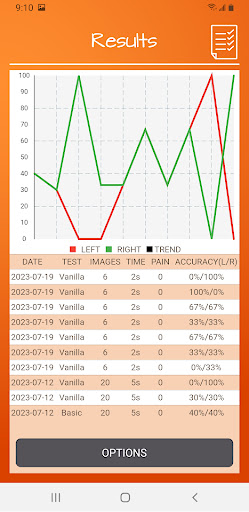
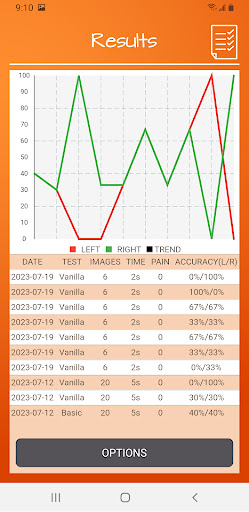
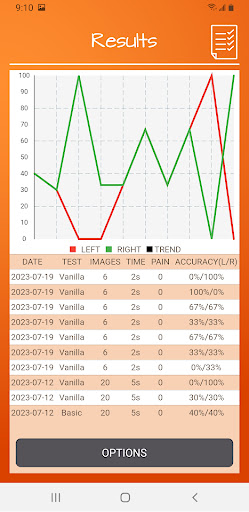
The app also seems designed for tracking progress over time, with features such as difficulty levels, performance results, graphs, and personal best challenges. Its permissions suggest it may let users save or export training content, capture images with the device camera, and connect to the internet for sharing results. In practice, this kind of app may be used on a phone during home rehabilitation sessions, or alongside a therapist, to support guided exercise and monitoring rather than general fitness tracking.
Common uses
- Practice identifying shoulder images as left or right
- Support graded motor imagery exercises for rehabilitation
- Track progress with results, scores, and graphs
- Use challenge modes to gradually increase difficulty
- Capture your own images for custom training sessions
- Share or export results to a clinician or therapist
- Work through a phone-based rehab routine at home
App Details
Package:
com.recognise.paidappshoulder
Developer:
Noigroup
Version:
Varies with device
Min Android:
Varies with device
Age Rating:
Everyone
Contains Ads:
No
In-App Purchases:
No
Official Listing
-
Official listing available on
Google Play
-
Package name:
com.recognise.paidappshoulder
-
Age rating:
Everyone
Related Health & Fitness Apps
Health & Fitness
•
Leap Fitness Group
Build muscle & muscle booster with workout planner at home
Version 1.6.9
19.5 MB
⭐ 4.90
100,000,000+ installs
Health & Fitness
•
Google LLC
Fitbit is dedicated to helping people lead healthier, more active lives.
Version Varies with device
125.8 MB
⭐ 4.20
100,000,000+ installs
Health & Fitness
•
Flo Health Inc.
From periods to pregnancy & perimenopause, Flo helps you track it all. Try now.
Version Varies with device
175.9 MB
⭐ 4.70
100,000,000+ installs
Health & Fitness
•
Sweatco Ltd
Pedometer that gives you sweatcoins for steps. It pays to walk!
Version 239.1.0
89.4 MB
⭐ 4.20
100,000,000+ installs
Health & Fitness
•
MyFitnessPal, Inc.
Monitor and track your macros, nutrition, macro tracking, and meal planning
Version Varies with device
96.8 MB
⭐ 4.40
100,000,000+ installs
Health & Fitness
•
Leap Fitness Group
Lose weight and Burn Belly Fat with at-home fitness app's workouts for women.
Version 2.3.5
22.3 MB
⭐ 4.90
100,000,000+ installs
How to Download Recognise Shoulder
If this app is not hosted directly on APKApps official link,
then for the safest and most up-to-date version, install it from its official Google Play listing.