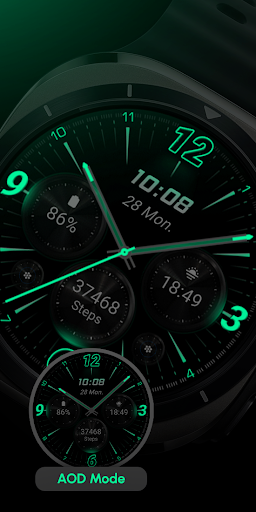
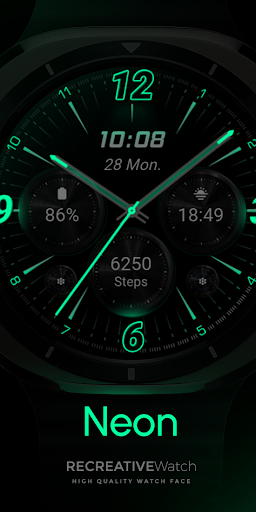
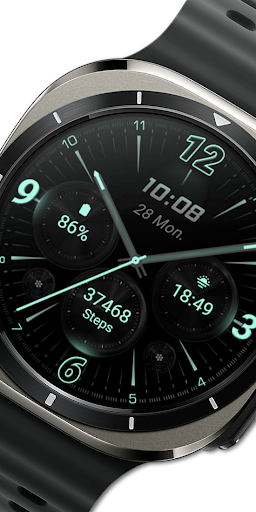
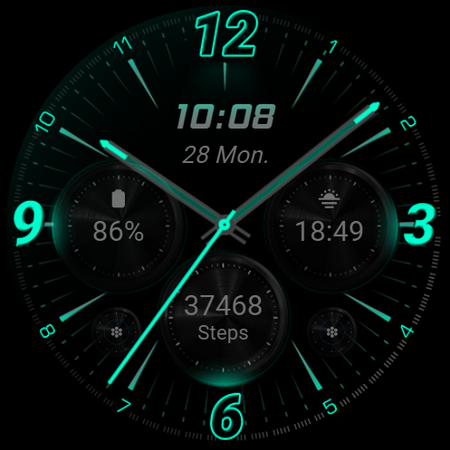
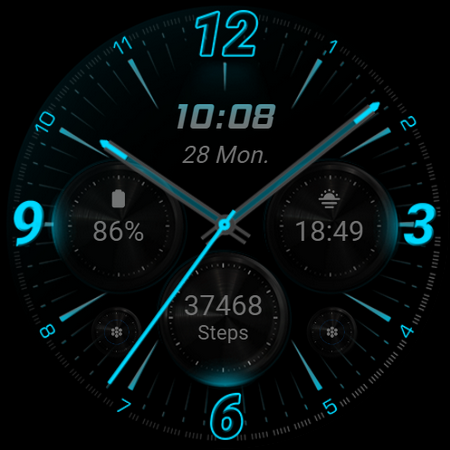
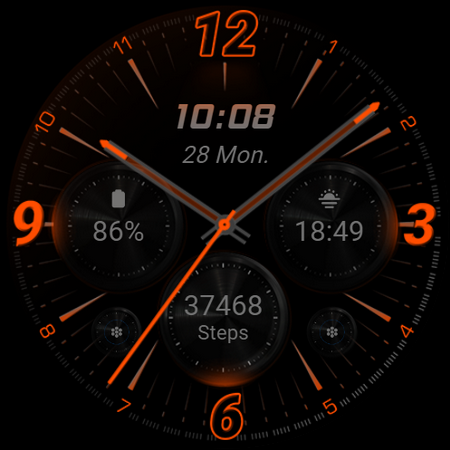
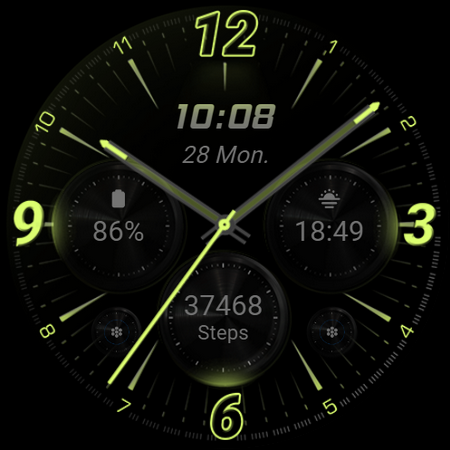
About RE59 - Neon Analogue
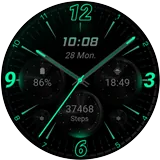
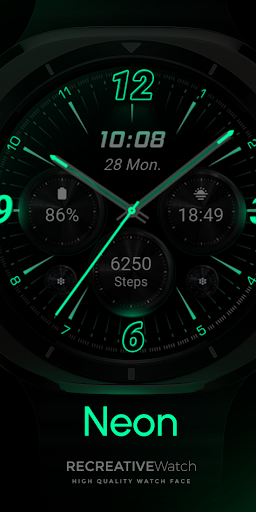
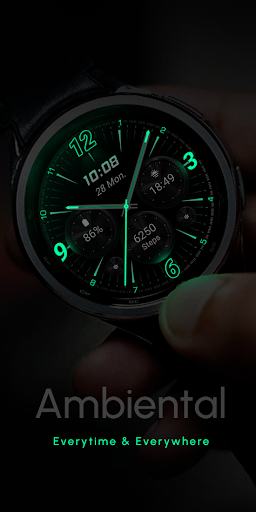
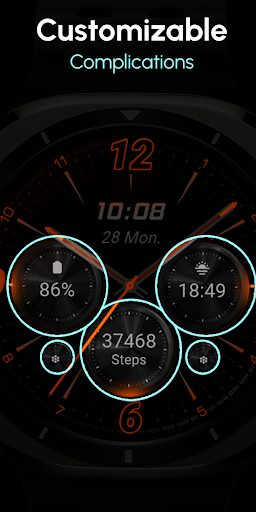
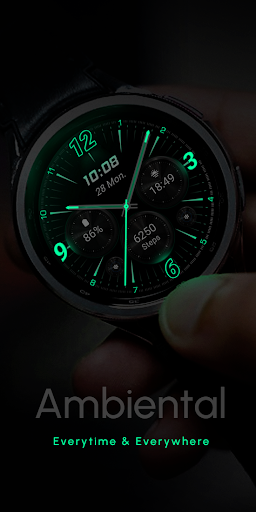
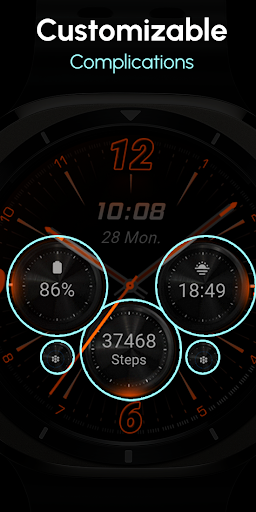
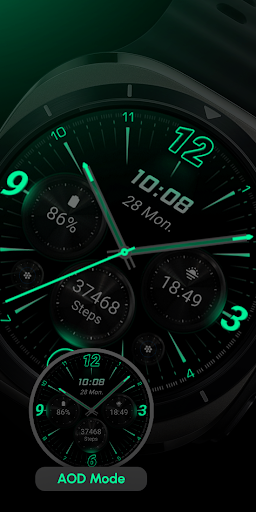
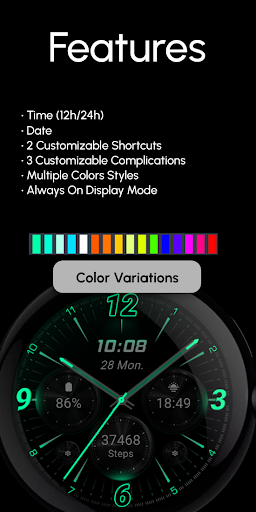
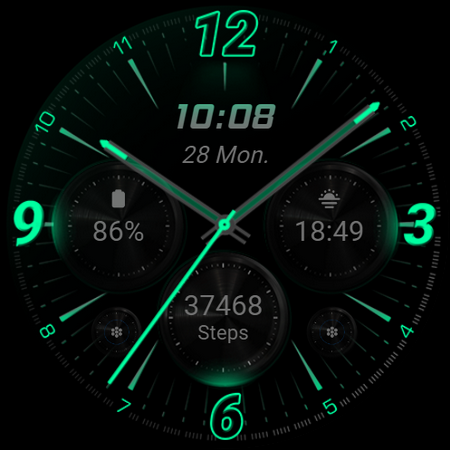
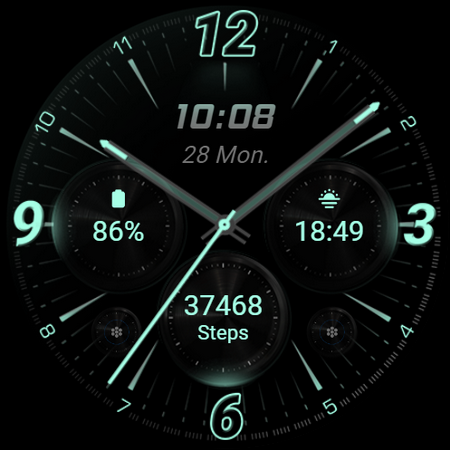
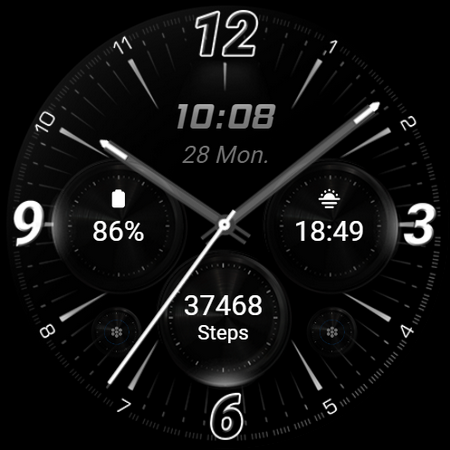
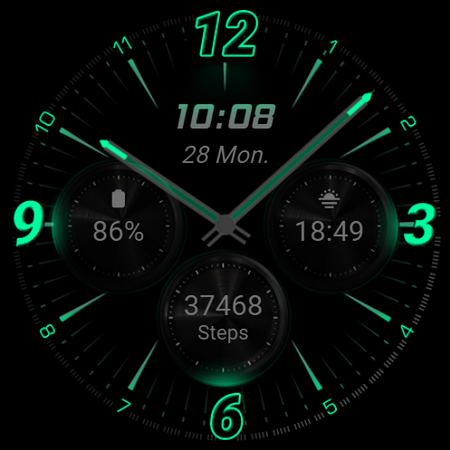
Neon-inspired Watch Face with realistic effects and a true black background, designed for Wear OS. Perfect for a sleek, modern look that makes the neon elements pop on your wrist. Powered by Watch Face Format ⚙️ Phone App Features The phone app is simply a tool to facilitate installation and locating the watch face on your Wear OS watch. Only the mobile app contains ads. ⚙️ Watch Face Features - 12/24hr Digital Time - 2 customizable shortcuts - 3 customizable complications - Always ON Display - Color Variations 🎨 Customization 1 - Touch and hold display 2 - Tap on Customize option 🎨 Complications Touch and hold display to open customization mode. You can customize the field with any data you want. 🔋 Battery For better battery performance of the watch, we recommend disabling the "Always On Display" mode. ✅ Compatible devices include API level 33+ Google Pixel, Galaxy Watch 4, 5, 6, and other Wear OS models. Installation and troubleshooting Follow this link: https://www.recreative-watch.com/help/#installation-methodes Watch faces don't automatically apply on your watch screen after the installation. That's why you must set it on your watch's screen. 💌 Write to
[email protected] for assistance.
What RE59 - Neon Analogue Is Used For
RE59 - Neon Analogue appears to be a Wear OS watch face app in the Personalization category. Based on the metadata, its main purpose is to let you install and use a neon-style digital watch face on a compatible smartwatch, with a true black background, color variations, and Always On Display support. The phone app is described as a companion tool for installing the watch face and helping users find it on their Wear OS watch, rather than being the main product itself.
This app may be useful for people who want to customize the look of a Wear OS watch and add practical glanceable information. The watch face supports 12/24-hour time, two customizable shortcuts, and three customizable complications, which suggests it can be set up to show details like battery, calendar, or other supported data fields. The metadata also mentions touchscreen customization on the watch and network permissions needed for the companion app, while noting that the mobile app contains ads. It appears intended for phones used alongside Wear OS devices such as Pixel Watch and Galaxy Watch models.
Common uses
- Install the companion phone app to help set up the watch face on a Wear OS watch.
- Use it to apply a neon-themed digital watch face with a black background.
- Customize the time display with 12-hour or 24-hour format.
- Set up two shortcut areas for quick access to watch functions.
- Add up to three complications for glanceable data on the watch face.
- Enable Always On Display if you want the face to stay visible, with possible battery impact.
- Use the phone app for locating and installing the watch face on compatible Wear OS devices.
How to Download RE59 - Neon Analogue
If this app is not hosted directly on APKApps official link,
then for the safest and most up-to-date version, install it from its official Google Play listing.