About Easter Spring Bunny - ReS18
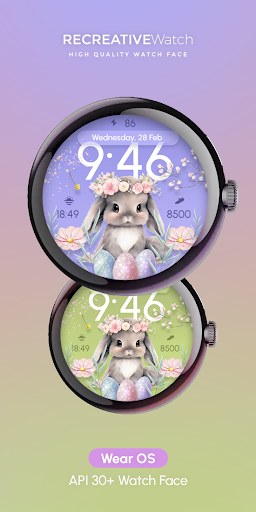
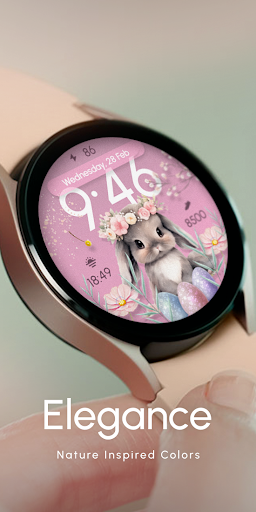
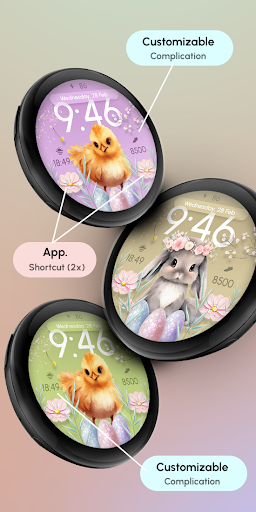
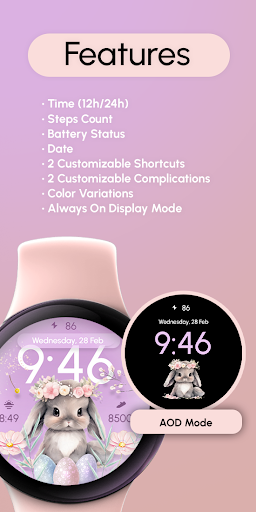
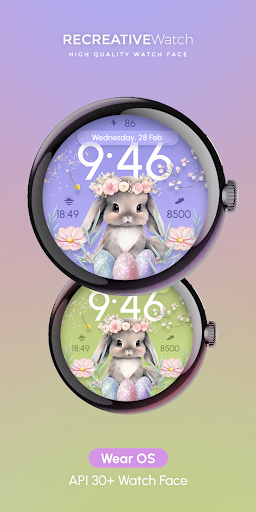
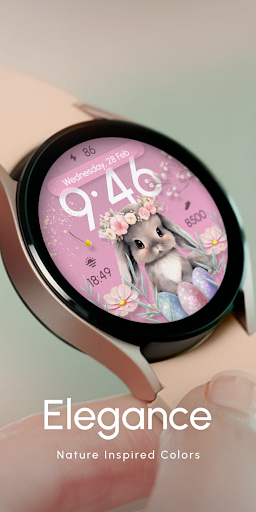
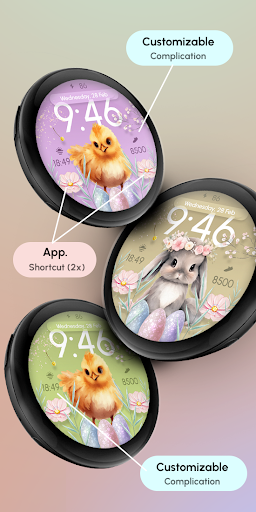
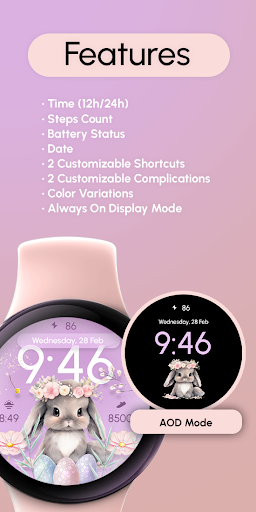
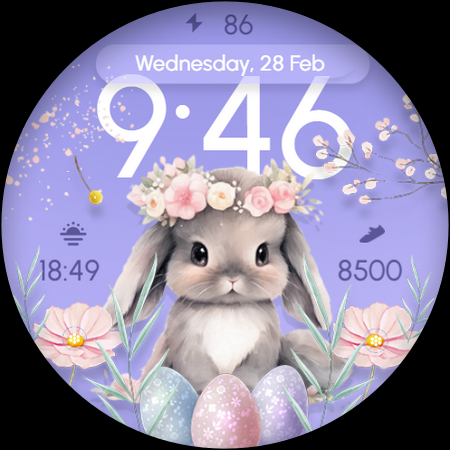
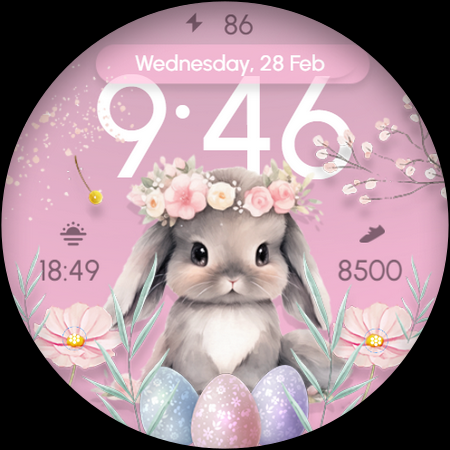
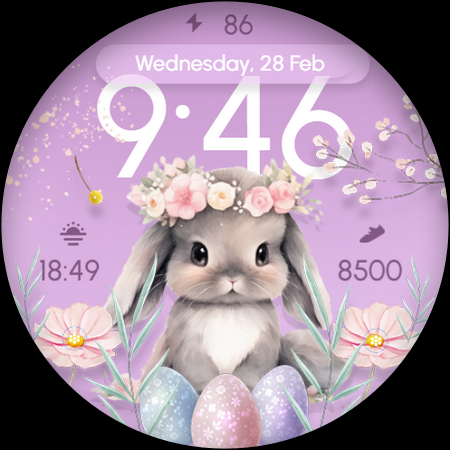
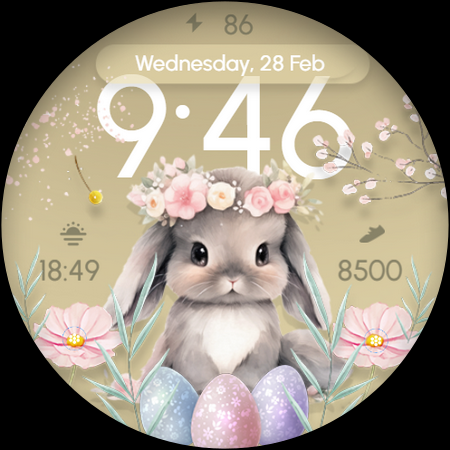
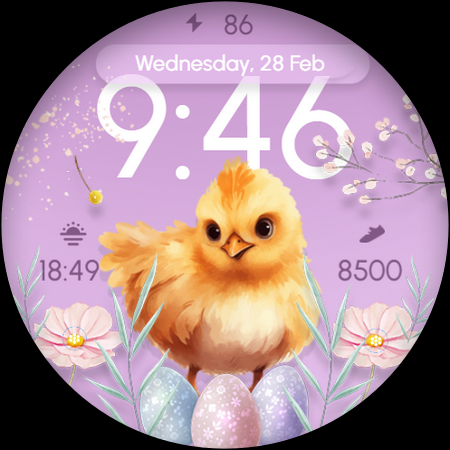
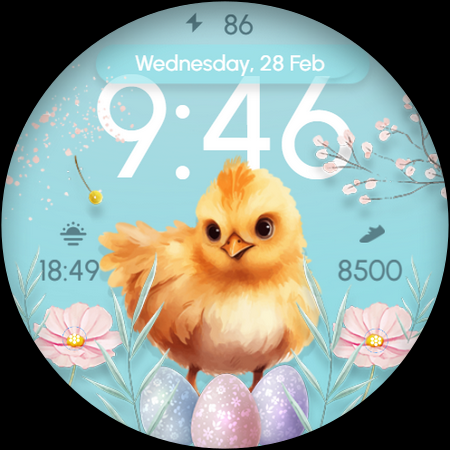
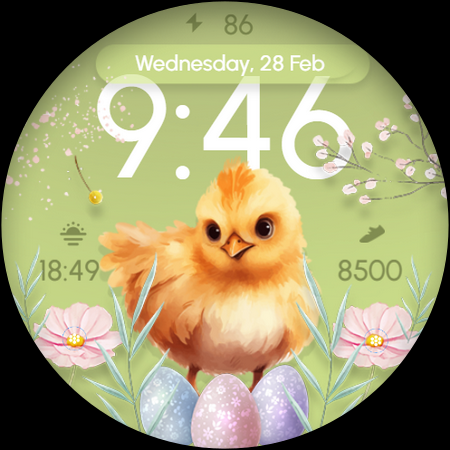
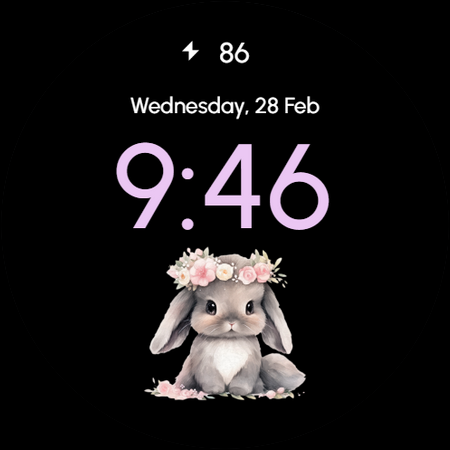
Introducing the Wear OS Easter Watch Face! 🐰🌸 Get into the spring spirit with this delightful watch face adorned with pastel colors, featuring adorable bunny and chick. 🐣⌚️ Perfect for adding a touch of Easter charm to your smartwatch this season! 🌷✨ Powered by Watch Face Format ⚙️ Phone App Features The phone app is simply a tool to facilitate installation and locating the watch face on your Wear OS watch. Only the mobile app contains ads. ⚙️ Watch Face Features • 12/24h Digital Time • Date • Battery • Steps Count • 2 customizable Shortcut • 2 customizable Complications • Color Variations • 2 Cute Animals • Always ON Display 🎨 Customization 1 - Touch and hold display 2 - Tap on Customize option 🎨 Complications Touch and hold display to open customization mode. You can customize the field with any data you want. 🔋 Battery For better battery performance of the watch, we recommend disabling the "Always On Display" mode. ✅ Compatible devices include API level 33+ Google Pixel, Galaxy Watch 4, 5, 6, 7 and other Wear OS models. Installation and troubleshooting Follow this link: https://www.recreative-watch.com/help/#installation-methodes Watch faces don't automatically apply on your watch screen after the installation. That's why you must set it on your watch's screen. 💌 Write to
[email protected] for assistance.
What Easter Spring Bunny - ReS18 Is Used For
Easter Spring Bunny - ReS18 appears to be a Wear OS watch face app focused on seasonal customization. Based on the metadata, it is used to install and display an Easter-themed watch face on a compatible smartwatch, with pastel colors and bunny/chick visuals designed for spring or holiday styling. The phone app is described as an installation and discovery tool, while the watch face itself provides the main experience on the wrist.
Common use cases may include checking the time in 12/24-hour format, viewing the date, battery level, and step count, and personalizing the look with color variations. It also appears to support two customizable shortcuts and two complications, which can be useful for quick access to selected functions on a Wear OS watch. The always-on display option suggests it is meant for day-to-day smartwatch use, though the metadata notes that disabling AOD may help battery performance. The listed network permissions fit the phone app’s role in installation, ads, and locating the watch face, rather than adding broader phone features.
Common uses
- Used to install and launch a seasonal Wear OS watch face
- Displays time, date, battery, and step count on the watch
- Offers color variations for changing the look of the face
- Includes 2 customizable shortcuts for quick access
- Supports 2 customizable complications for extra data fields
- Provides an always-on display option on compatible watches
- Phone app appears to help with installation and watch face discovery
How to Download Easter Spring Bunny - ReS18
If this app is not hosted directly on APKApps official link,
then for the safest and most up-to-date version, install it from its official Google Play listing.