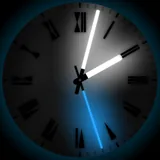
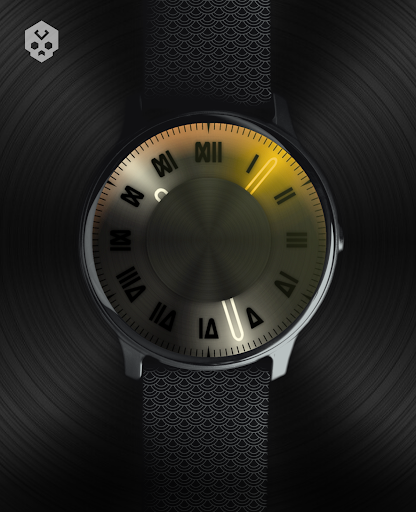
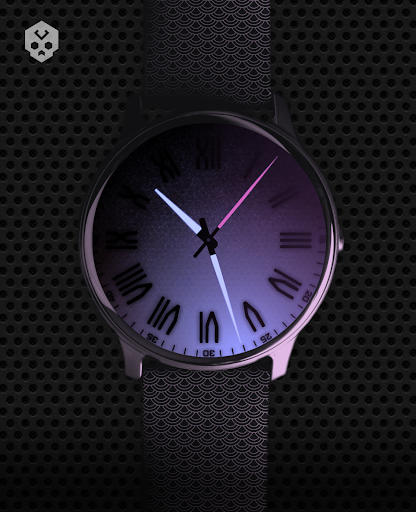
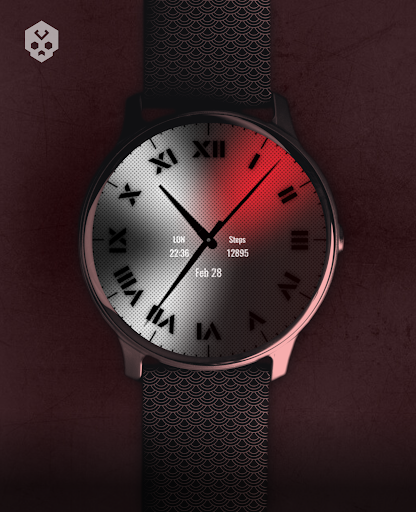
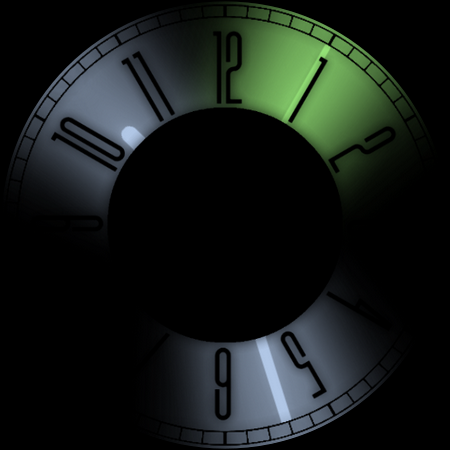
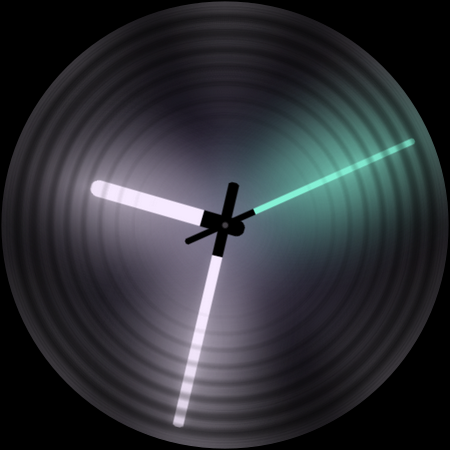
About Dark Metal Saber Watch Face
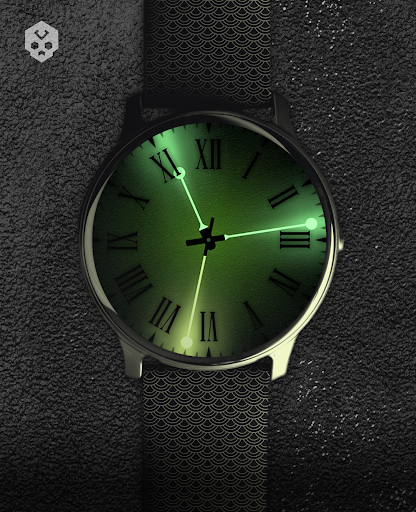
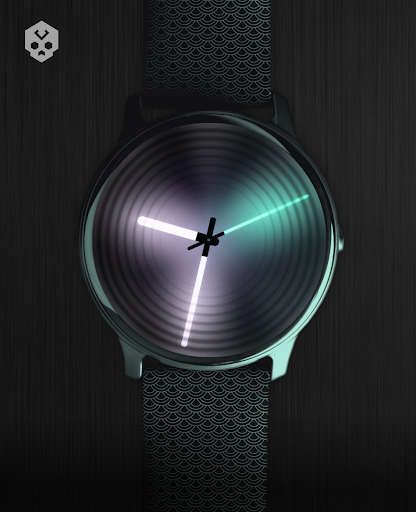
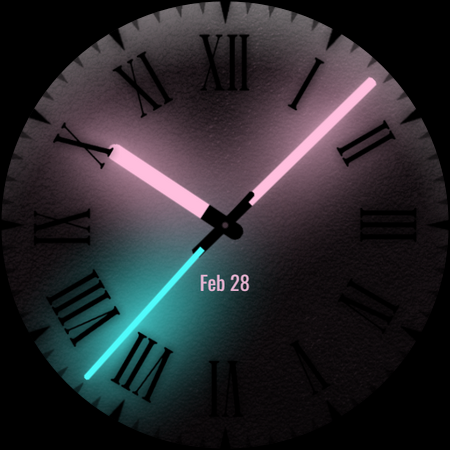
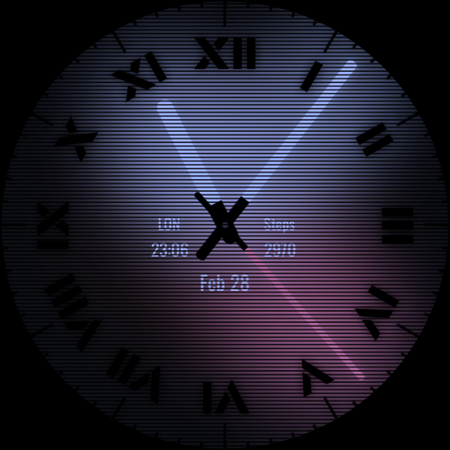
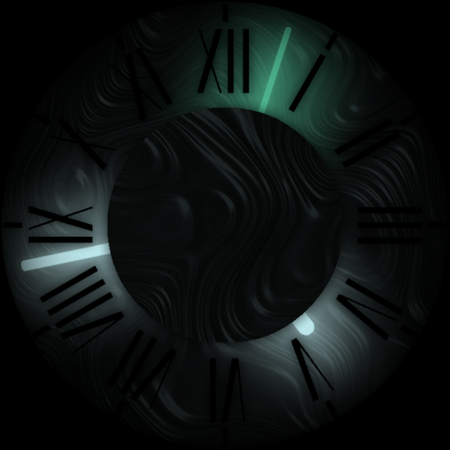
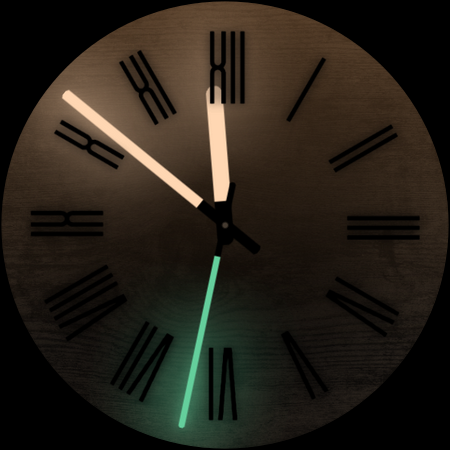
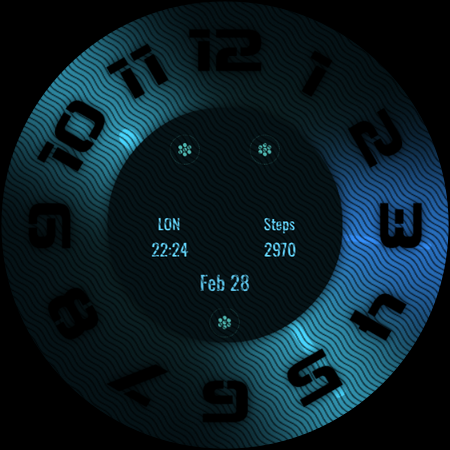
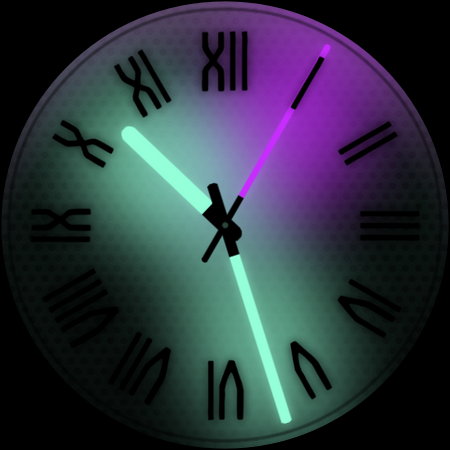
A watch face based on shades and lights, featuring an huge amount of customization. Ideal to be stylish! Introduction This is a native, standalone Wear OS watch face. This means that it can be installed on many smartwatches running this OS (like Samsung, Mobvoi Ticwatch, Fossil, Oppo, the latest Xiaomi and more). It is completely handcrafted, to be unique. Features The watch face includes: ◉ 30 color schemes ◉ Many different customizations ◉ Customizable clock hands (light, black on glow, etc) ◉ Custom index, decorator, darkness.. ◉ Customizable Overlay, backlight, logo and background ◉ Reacts to low battery, notifications and charging ◉ 5 customizable complications, in different sizes! ◉ Easy to use (and uninstallable) companion app Installation The installation is straightforward, don't worry! Here's the procedure and a quick Q&A: ◉ Install this app in your smartphone ◉ Open it, and connect your Wear OS smartwatch to your device ◉ If the watch is connected, you will be able to tap the "view and install on smartwatch" button. (if not, refer to the Q&A below) ◉ Check your watch, you should see my watch face and the install button (if you see the price instead, refer to the Q&A below) ◉ Install it in your smartwatch ◉ Long press on your current watch face ◉ Swipe left until you see a "+" button, tap on it ◉ Look for the new watch face, tap on it ◉ Done. If you want, you can uninstall the companion app now! Q&A Q - I'm being charged twice! / The watch is asking me to pay again / you're a [derogatory adjective] A - Keep calm. This happens when the account you’re using on the smartphone is different from the account used on the smartwatch. You have to use the same account (else, Google has no way to know that you already bought the watch face). Q - I can't press the button in the companion app but my smartwatch is connected, why? A - Most probably, you're using an incompatible device, like an old Samsung smartwatch or any other non-Wear OS smartwatch/smartband. You can easily check on Google if your device runs Wear OS before installling any watch face. If you're sure you have a Wear OS device and still you can't press the button, open the Play Store on your watch and search for my watch face manually! Q - I have a Wear OS device, but it's not working! I'm gonna leave a one star review 😏 A - Stop right there! Most definitely there's an issue on your side while following the procedure, so please just send me an email (i usually reply during the weekends) and don't damage me with a bad and misleading review! Q - The [name of a feature] is not working! A - Try setting another watch face and then set mine again, or try allowing the permissions manually (on the watch obviously). If it still doesn't work, there's an handy "email button" in the companion app! Support If you need help or you have a suggestion, feel free to send me an email, I'll do my best to help. I usually reply during the weekend because I'm just one person (not a company) and I have a…
What Dark Metal Saber Watch Face Is Used For
Dark Metal Saber Watch Face appears to be a Wear OS watch face app used to change the look and behavior of a smartwatch display. Based on the metadata, it focuses on a dark, metallic style with extensive customization, letting users adjust visual details such as colors, hands, overlays, backgrounds, and other design elements. It is meant for people who want a more personalized watch face rather than a default system design.
The app also appears to support smartwatch use cases beyond appearance. Its listed features mention complications, battery and charging reactions, and notification-related behavior, which suggests it may be useful for users who want at-a-glance watch information alongside a custom theme. The companion app is described as a phone app used to install the watch face on a Wear OS smartwatch, so it is mainly relevant for Wear OS devices and not general phone use.
Common uses
- Customize a Wear OS smartwatch watch face
- Change colors, hands, and background styling
- Add and arrange watch complications
- See battery, charging, and notification-related visual changes
- Install and manage the watch face through a phone companion app
- Use it on Wear OS smartwatches for a more personalized display
App Details
Package:
com.rzrdesign.darksaber
Developer:
RazorSharp Design Studio
Version:
Varies with device
Updated:
Feb 10, 2026
Min Android:
Varies with device
Age Rating:
Everyone
Contains Ads:
No
In-App Purchases:
No
Official Listing
-
Official listing available on
Google Play
-
Package name:
com.rzrdesign.darksaber
-
Age rating:
Everyone
Related Personalization Apps
Personalization
•
Zedge
Discover millions of background wallpapers & ringtones or make your own with AI.
Version 9.14.2
55.5 MB
⭐ 4.70
500,000,000+ installs
Personalization
•
LBE Tech
Run multiple accounts of the same app on a single device
Version 4.0.9557
34.4 MB
⭐ 4.10
100,000,000+ installs
Personalization
•
Nexileap
6000+ Emojis, Custom Keyboard, Fonts, Themes, Genmoji AI Generator,Stickers,GIFs
Version 3.6.3.1
36.7 MB
⭐ 4.70
100,000,000+ installs
Personalization
•
Nebuchadnezzar DOO
Check Wallcraft Live 4D Wallpaper - 4k HD wallpapers & stunning 3D backgrounds!
Version Varies with device
29.6 MB
⭐ 4.60
100,000,000+ installs
Personalization
•
Delicate theme for Android App
Install our stylish keyboard with Neon Love Theme now!
Version 10.7.2.0323
33.2 MB
⭐ 4.60
100,000,000+ installs
Personalization
•
Battery Stats Saver
Ultimate Gallery Lock App - Hide Pictures, Videos and Lock Apps Instantly!
Version 2.1.12
24.6 MB
⭐ 4.60
100,000,000+ installs
How to Download Dark Metal Saber Watch Face
If this app is not hosted directly on APKApps official link,
then for the safest and most up-to-date version, install it from its official Google Play listing.