Signature Maker to My Name icon

Phone

Signature Maker to My Name

Personalization Cards ⭐ 4.50 1,000,000+
Version 4.1.0.1 Everyone

Screenshots

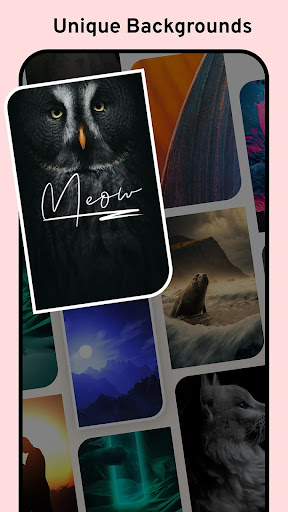
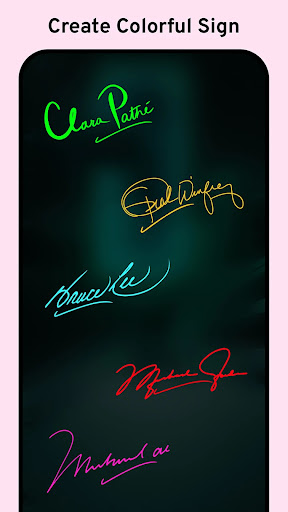
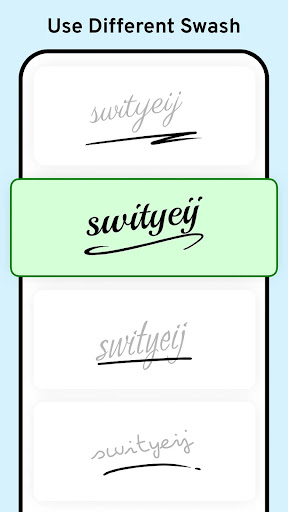
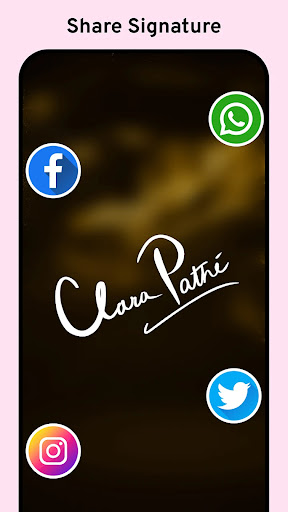
Signature Maker to My Name screenshot
Permissions Explained 8 permissions requested View details

This app requests 8 permissions. The table below explains what each permission may allow and what users should review before installing.

Status Permission What it means Why it may be used User safety note
ℹ️ Review Read The Contents Of Your Usb Storage read the contents of your USB storage This is an Android permission or app-specific permission requested by the app. The app may use this permission for features related to its category, device support, background behavior, storage, connectivity, or system integration. Review this permission before installing, especially if it does not match the app’s expected purpose.
ℹ️ Review Modify Or Delete The Contents Of Your Usb Storage modify or delete the contents of your USB storage This is an Android permission or app-specific permission requested by the app. The app may use this permission for features related to its category, device support, background behavior, storage, connectivity, or system integration. Review this permission before installing, especially if it does not match the app’s expected purpose.
ℹ️ Review Take Pictures And Videos take pictures and videos This is an Android permission or app-specific permission requested by the app. The app may use this permission for features related to its category, device support, background behavior, storage, connectivity, or system integration. Review this permission before installing, especially if it does not match the app’s expected purpose.
ℹ️ Review View Wi Fi Connections view Wi-Fi connections This is an Android permission or app-specific permission requested by the app. The app may use this permission for features related to its category, device support, background behavior, storage, connectivity, or system integration. Review this permission before installing, especially if it does not match the app’s expected purpose.
ℹ️ Review View Network Connections view network connections This is an Android permission or app-specific permission requested by the app. The app may use this permission for features related to its category, device support, background behavior, storage, connectivity, or system integration. Review this permission before installing, especially if it does not match the app’s expected purpose.
ℹ️ Review Full Network Access full network access This is an Android permission or app-specific permission requested by the app. The app may use this permission for features related to its category, device support, background behavior, storage, connectivity, or system integration. Review this permission before installing, especially if it does not match the app’s expected purpose.
ℹ️ Review Prevent Device From Sleeping prevent device from sleeping This is an Android permission or app-specific permission requested by the app. The app may use this permission for features related to its category, device support, background behavior, storage, connectivity, or system integration. Review this permission before installing, especially if it does not match the app’s expected purpose.
ℹ️ Review Receive Data From Internet receive data from Internet This is an Android permission or app-specific permission requested by the app. The app may use this permission for features related to its category, device support, background behavior, storage, connectivity, or system integration. Review this permission before installing, especially if it does not match the app’s expected purpose.

About Signature Maker to My Name

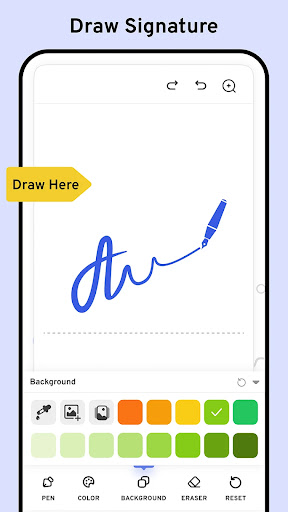
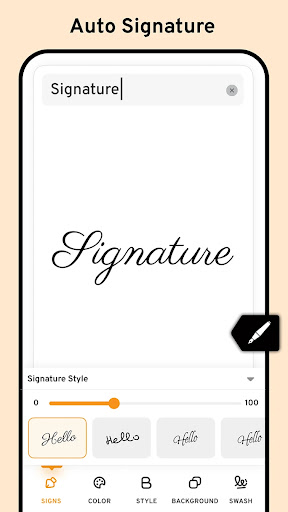
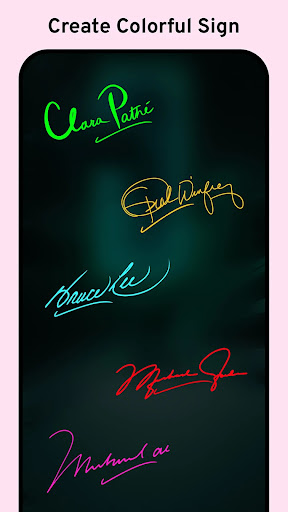
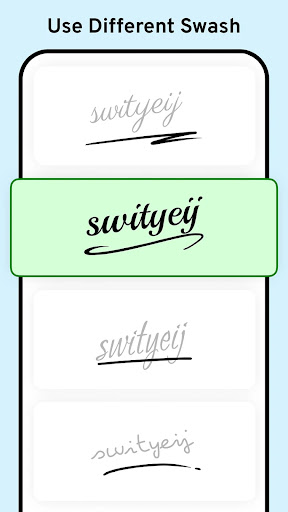
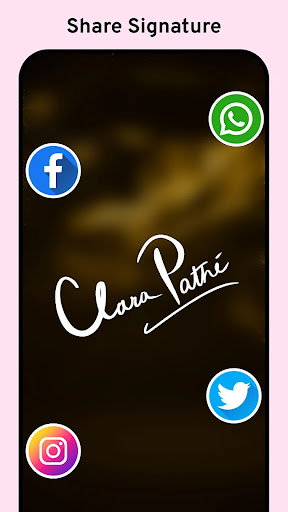
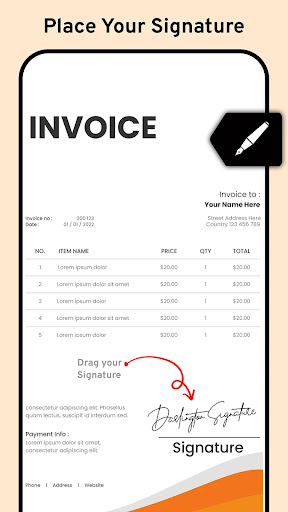
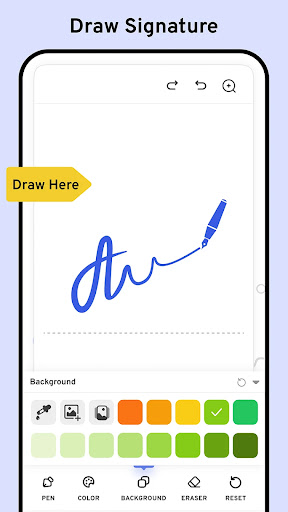
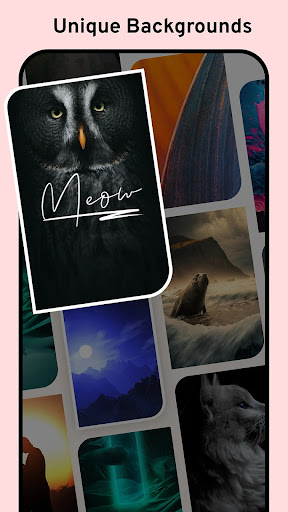
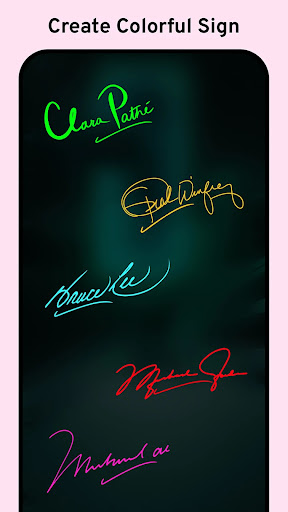
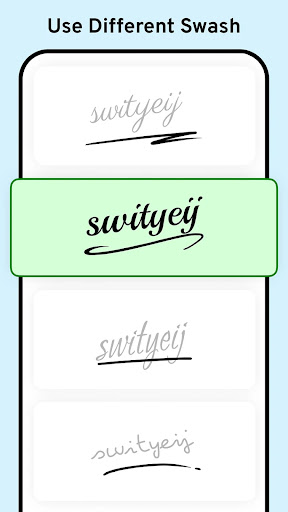
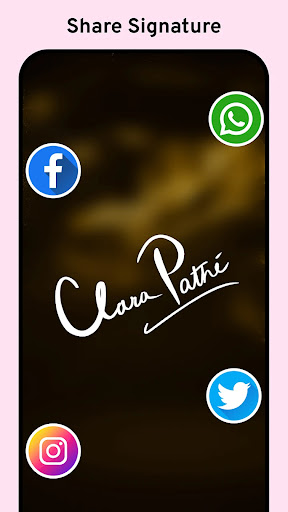
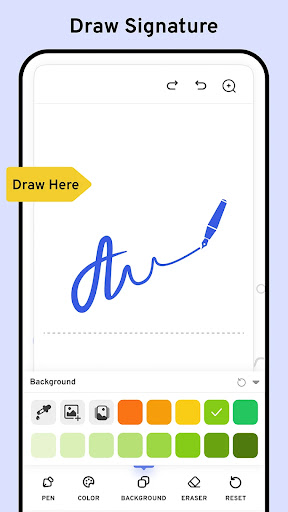
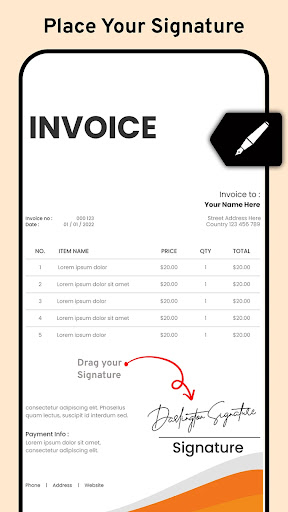
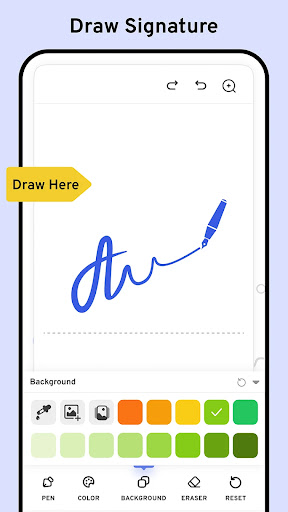
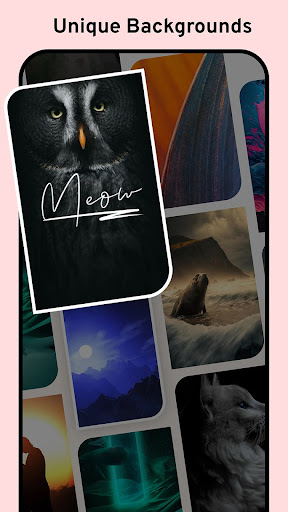
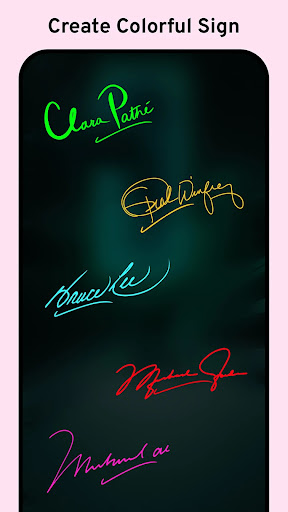
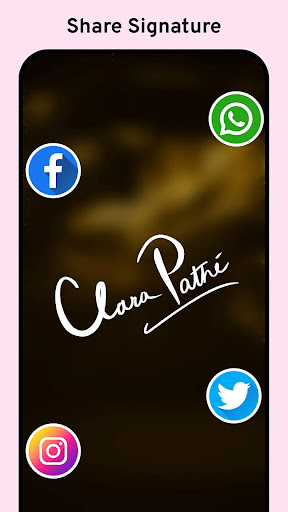
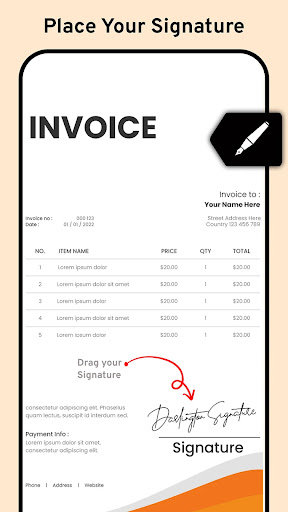
Signature Maker: Signing App - The Ultimate App for Digital and Custom Signatures! Looking for a simple and efficient way to create professional-looking signatures? The Cool Signature Maker is here to help! In fact, it has everything you need to sign important documents or add personal touches to them. The Electronic Signature Creator is an easy way to make beautiful names, perfect for those whose signature goes on digital documents a lot. As a matter of fact, the Digital Signature App: Sign Documents actually makes easy what was always understood to be quite a simple process, whether personal or professional. 🖋️Electronic Signature Creator Key Features:🖋️ 📄 Cool Signature Maker: Design personalized autographs for your needs; 📄 Electronic Signature Creator: Create electronically with ease; 📄 Digital Signature App: Sign Documents: Sign important files quickly and professionally; 📄 Name Signature App: Document Signer: Generate and apply your name to any document; 📄 Custom Signature: Sign Generator: Customize your style with various tools; 📄 E Signature App: Autograph Maker: Add your autograph to digital files; 📄 Esignature Maker: Sign PDFs: Easily sign PDFs and important documents; 📄 Signing App: An intuitive Cool Signature Maker for signing and saving them securely. Cool Signature Maker: Create Custom Names Effortlessly! With the Cool Signature Maker, you can access various customization options to make your name stand out. You can pick from different fonts, pen sizes, and colors to ensure your name reflects your unique style. The Cool Signature Maker app also supports manual drawing, so you can create your name precisely how you want it. Whether you're looking for a Custom Signature: Sign Generator or an Electronic Signature Creator, this Name Signature App: Document Signer app covers you. 📃Sign Documents with Ease:📃 The Digital Signature App: Sign Documents makes signing digital files easier than ever. Whether you're dealing with contracts, forms, or agreements, this app allows you to sign documents quickly and efficiently. The Name Signature App: Document Signer is perfect for anyone needing a secure and fast way to apply their name to important files. No need for a pen and paper—just use the E Signature App: Autograph Maker to create a professional-looking name. 📝Custom Signature: Sign Generator - Personalize Your Name:📝 The app offers numerous features to ensure you have full control over your design. With the E Signature App: Autograph Maker, you can easily adjust the size, position, and rotation of your name. You can also save your signature directly on your device for future use, making it a breeze to sign documents again. Plus, the Esignature Maker: Sign PDFs feature ensures that signing PDFs is fast and simple, helping you save time. Start Signing with Ease Using the Best Signature App! With the Signing App, you can sign and share your name instantly. From personal autographs to professional document signing, the app offers everything…

What Signature Maker to My Name Is Used For

Signature Maker to My Name appears to be a personalization app focused on creating custom handwritten-style signatures and name designs on a phone. Based on the metadata, it is commonly used by people who want to draw, stylize, or save a signature for digital forms, PDFs, or other documents where a personal signature is needed.

The app description suggests it may offer basic tools such as font choices, pen sizes, color options, and manual drawing controls, so users can shape a signature to match their preferred style. The listed storage permissions indicate it may need access to files on the device to open, save, or apply signatures to documents, while network access may support app features, ads, or updates. Because it is a phone app, it seems best suited for quick signing tasks on a handheld device rather than large-scale document editing.

Common uses

  • Create a custom signature or autograph from a phone
  • Draw a handwritten-style name for digital use
  • Apply a signature to documents or PDFs
  • Adjust style options such as font, line thickness, or color
  • Save signature designs for later reuse
  • Use it for personal or basic professional signing needs
  • Work with stored files on the device through storage access
Best for:
quick document signing custom signature design phone users personalization tools PDF signing

App Details

Package:
com.signature.creator.stylish.name.maker.draw
Developer:
Cards
Version:
4.1.0.1
Updated:
Nov 10, 2024
Min Android:
6.0
Age Rating:
Everyone
Contains Ads:
Yes
In-App Purchases:
Yes

Official Listing

  • Official listing available on Google Play
  • Package name: com.signature.creator.stylish.name.maker.draw
  • Age rating: Everyone

Explore More

Browse more apps in Personalization or explore the Phone hub .

Related Personalization Apps

Docusign - Upload & Sign Docs icon

Docusign - Upload & Sign Docs

Productivity Docusign

Fill, sign & send docs, forms, agreements & contracts via electronic signature.

Version 3.58.0 175.6 MB ⭐ 4.60 10,000,000+ installs
DaVinci - AI Image Generator icon

DaVinci - AI Image Generator

Art & Design HubX

AI Art Generator transforms your words into AI generated art & paintings.

Version 4.4.2 66.8 MB ⭐ 3.60 10,000,000+ installs

How to Download Signature Maker to My Name

If this app is not hosted directly on APKApps official link, then for the safest and most up-to-date version, install it from its official Google Play listing.