About SQLite Editor
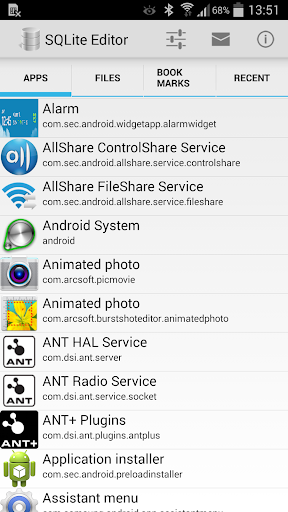
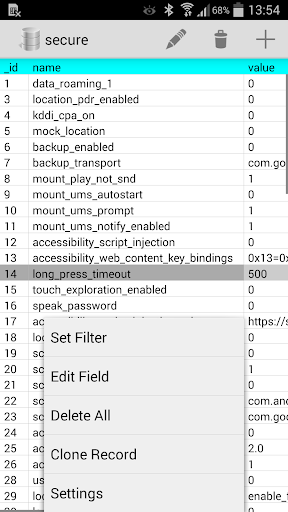
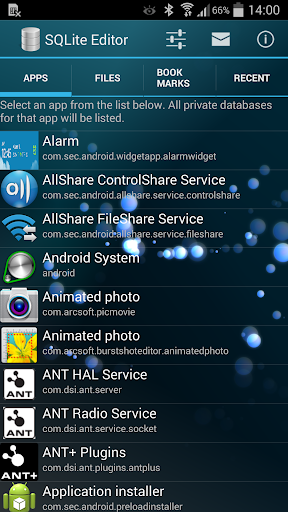
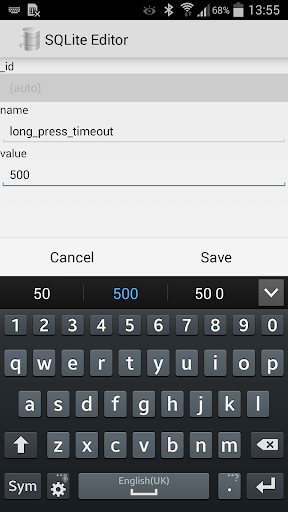
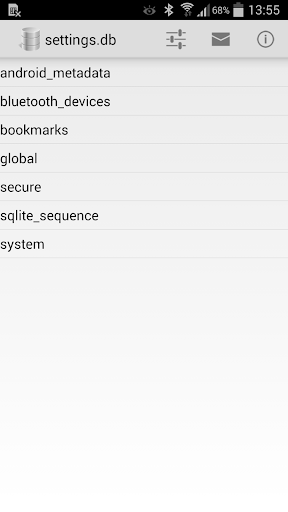
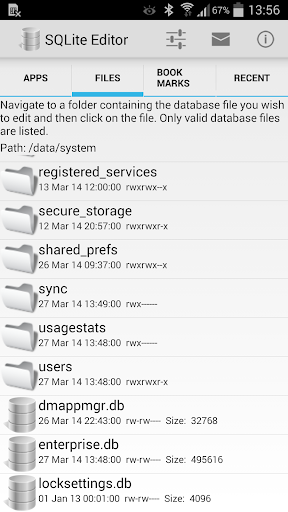
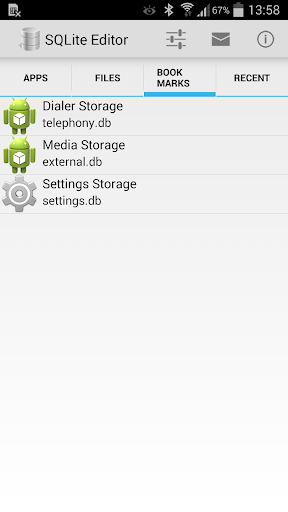
Allows you to edit and delete records in any SQLite database on your phone. For root users, lists all installed apps which have local internal databases. You can then select an app and edit any of its databases. Fully integrated with Root Explorer. When browsing files in Root Explorer, selecting a database file automatically launches this app instead of the database viewer that is built into Root Explorer. Non-root users can browse and edit databases on the SD card. Data is displayed in a smooth scrollable grid and records can be filtered on any field value. To quickly get to regularly accessed databases you can either add them to the bookmarks list or look on the recently accessed tab.
What SQLite Editor Is Used For
SQLite Editor appears to be a tools app for viewing and editing SQLite database files on Android phones. Based on the metadata, it is commonly used by people who need direct access to database records, such as checking table contents, changing entries, or removing records in a local SQLite database. It may also be useful for app developers, testers, or advanced users who work with stored app data.
The app description suggests different use cases depending on device access. Non-root users can browse and edit databases stored on USB or SD card storage, while root users may be able to see databases used by installed apps with local internal storage. It also seems to support filtering records, bookmarking databases, and revisiting recent items, which can help when working with the same files repeatedly. Because it has permissions to read and modify storage, it is best suited to users who already know which database they want to inspect and how database editing affects stored data.
Common uses
- Browse SQLite database files on the phone
- Edit or delete database records
- Inspect app databases when root access is available
- Work with databases stored on USB or SD card
- Filter records by field values
- Save frequently used databases as bookmarks
- Return to recently opened databases
App Details
Package:
com.speedsoftware.sqleditor
Developer:
Speed Software
Version:
2.5.3
Updated:
Sep 24, 2024
Min Android:
4.0
Age Rating:
Everyone
Contains Ads:
No
In-App Purchases:
No
Official Listing
-
Official listing available on
Google Play
-
Package name:
com.speedsoftware.sqleditor
-
Age rating:
Everyone
Related Tools Apps
Productivity
•
NeatBytes
Organize, protect and share your files in a dual pane layout.
Version 2.8.43
22.9 MB
⭐ 4.29
10,000,000+ installs
How to Download SQLite Editor
If this app is not hosted directly on APKApps official link,
then for the safest and most up-to-date version, install it from its official Google Play listing.