About Moon Dial - Watch face
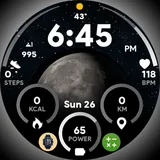
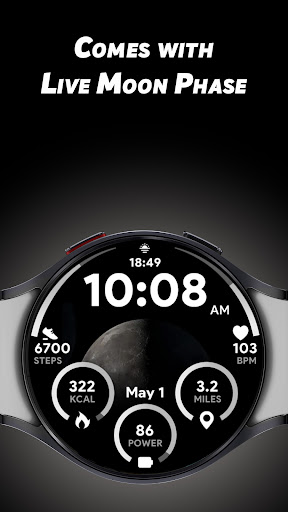
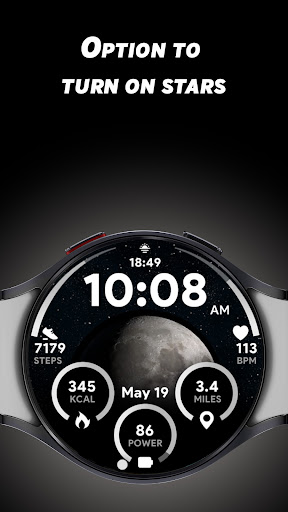
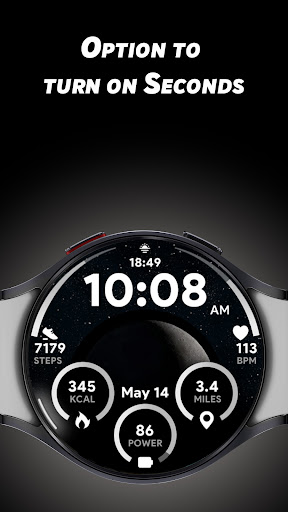
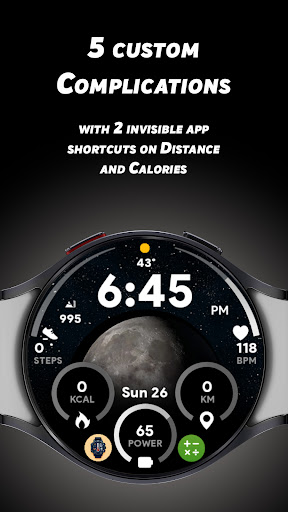
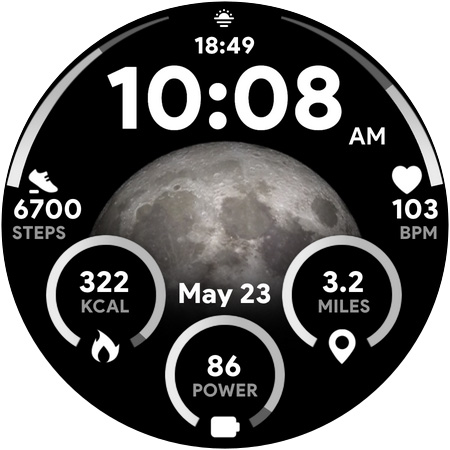
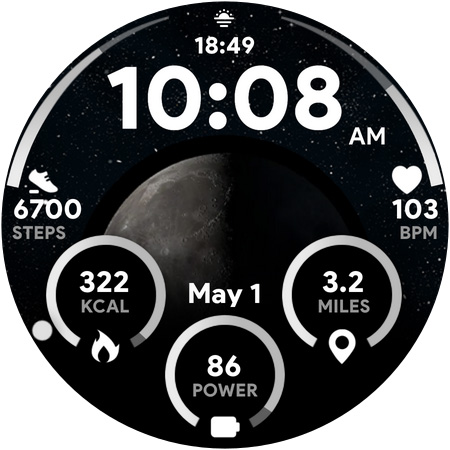
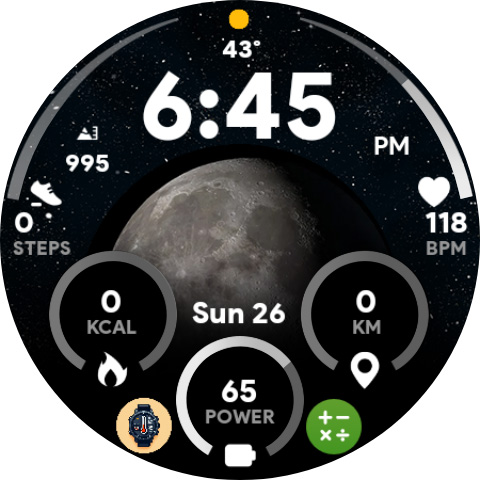
Curious how big or small moon will be at night ? now don’t be with our Moon Dial watch face you can get to know regarding Moon Phase at a glance. It comes with all essential information along with 5 custom complications so that you can add more data as of your liking for your Wear OS devices. ** Customisations ** * Live Moon Phase 🌑 * Option to turn on Stars effect 🌌 * 5 Custom complications ⌚️ * 2 Invisible App shortcuts on Calories and Distance (For opening your favourite app by taping any of it) P.S it won’t change Calories and Distance functionality, just let you assign your favourite app on Tap. ** Features ** * Big Moon Phase * All essential info at a glance * 12/24hrs. * KM/Miles. * Press Battery % to open battery app. * Press Heart Rate value to open Heart Rate measuring option.
What Moon Dial - Watch face Is Used For
Moon Dial - Watch face appears to be a Wear OS watch face app designed to show moon phase information directly on the watch screen. Based on the metadata, it is mainly used by people who want a quick visual check of the moon’s current phase, along with common watch-face details such as time and other status information.
The app may also be useful for users who like to customize their smartwatch display. It includes configurable complications, options for a stars effect, and watch-face shortcuts that can be assigned to open favorite apps from the watch. The metadata also suggests a few tap actions tied to items like battery percentage and heart rate, which may make it convenient for routine glance-and-tap use on Wear OS devices.
Because it is a watch face rather than a general phone app, the main context is the smartwatch screen where glanceable information matters. It seems intended for everyday wear, especially for people who prefer a moon-themed layout and want a small amount of extra personalization without changing the core watch-face function.
Common uses
- Shows the moon phase at a glance on a Wear OS watch
- Provides time and other essential watch-face information
- Offers 5 custom complications for added data on the watch face
- Includes optional stars effect for visual customization
- Supports two invisible app shortcuts for quick launching favorites
- Lets you switch between 12-hour and 24-hour time formats
- Can open battery and heart rate related actions from the watch face
App Details
Package:
com.spwatches.moondial
Developer:
SP Watches
Version:
Varies with device
Updated:
Mar 14, 2025
Min Android:
Varies with device
Age Rating:
Everyone
Contains Ads:
No
In-App Purchases:
No
Official Listing
-
Official listing available on
Google Play
-
Package name:
com.spwatches.moondial
-
Age rating:
Everyone
Related Lifestyle Apps
Lifestyle
•
Life360
All-in-one family safety: location sharing, crash alerts, driver reports & more
Version 26.11.1
37.5 MB
⭐ 4.40
100,000,000+ installs
Lifestyle
•
Bitsmedia
Duas, Qibla, Azan & Islamic tools to support your daily worship & prayer.
Version Varies with device
61.2 MB
⭐ 4.00
100,000,000+ installs
Lifestyle
•
Beijing Xiaomi Mobile Software Co.,Ltd
Xiaomi Home is the official Android app for Xiaomi Home.
Version 11.3.702
126.5 MB
⭐ 4.50
50,000,000+ installs
Lifestyle
•
Dairy App & Notes & Audio Editor & Voice Recorder
Version 1.04.11.0306
45.7 MB
⭐ 4.80
50,000,000+ installs
Lifestyle
•
TP-LINK SYSTEMS INC.
Control your Tapo smart devices from anywhere.
Version 3.17.512
338.1 MB
⭐ 4.70
10,000,000+ installs
Lifestyle
•
Assistant App Teknoloji AS
Azan Prayer Times, Qibla Finder, اوقات الصلاة, القران الكريم, اذان القبله, صلاتي
Version 6.1.9
71.9 MB
⭐ 4.70
10,000,000+ installs
How to Download Moon Dial - Watch face
If this app is not hosted directly on APKApps official link,
then for the safest and most up-to-date version, install it from its official Google Play listing.