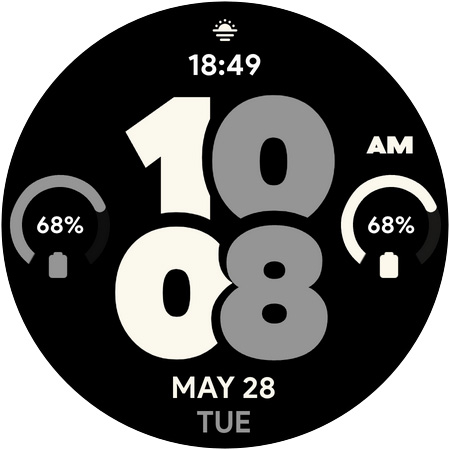
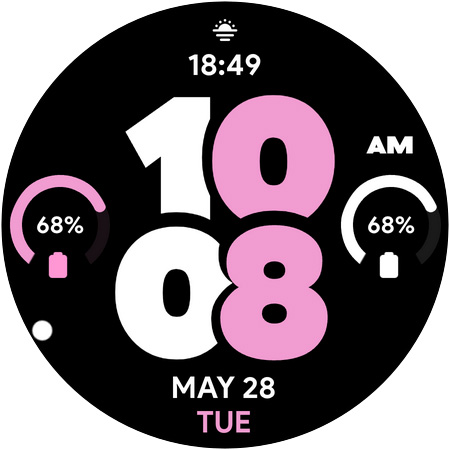

Pixel Pro 2 - Watch face icon

Phone

Pixel Pro 2 - Watch face

Lifestyle SP Watches ⭐ 4.10 10,000+
Version Varies with device Everyone

Screenshots

Pixel Pro 2 - Watch face screenshot

About Pixel Pro 2 - Watch face

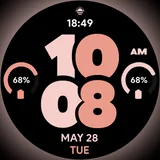
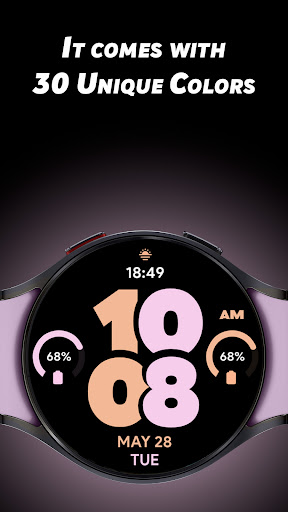
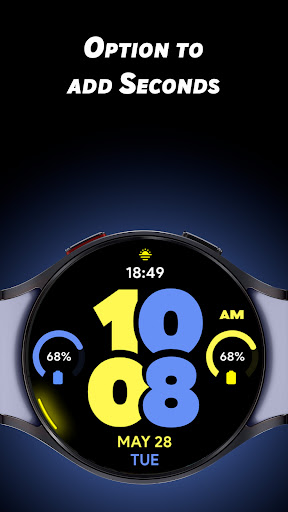
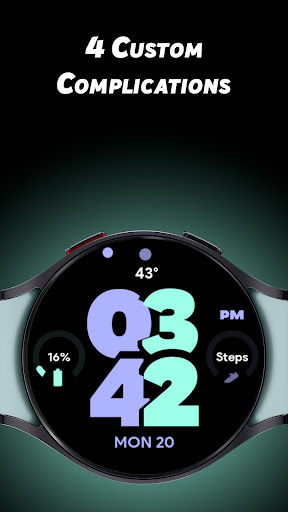
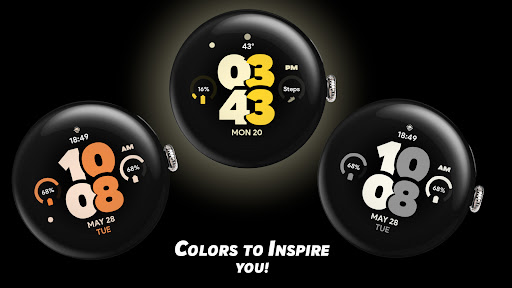
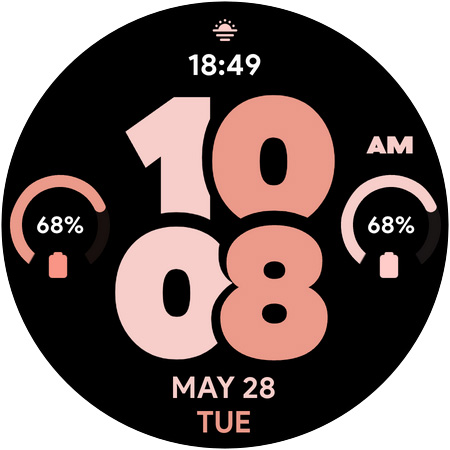
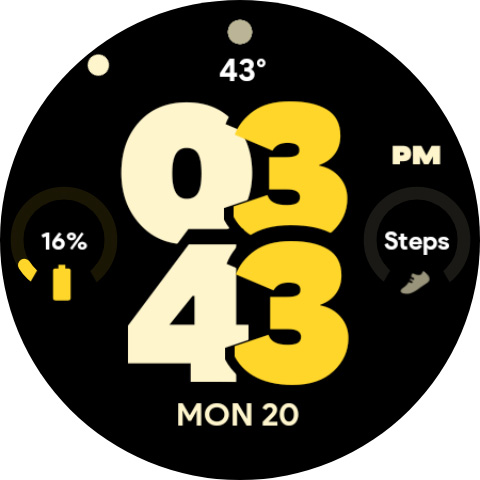
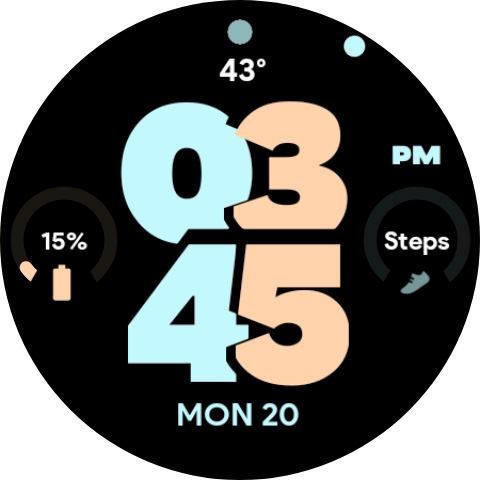
Give your Wear OS watch a new life with our Pixel Pro 2 watch face. It comes with 30 unique colors Inspired by you! along with 4 custom complications so that you can add the data that you love to see at a glance. ** Customisations ** * 30 Unique colors * 4 Custom complications (1 invisible App shortcut on TIME) * Turn on seconds (with unique rotating on the edge of your watch) * Just time AOD (with an option to turn it off) ** Features ** * 12/24hrs. * Variety of Colors to chose from.

What Pixel Pro 2 - Watch face Is Used For

Pixel Pro 2 - Watch face appears to be a customizable watch face app for Wear OS devices. Based on the metadata, people commonly use this type of app to change how their smartwatch clock looks, choose a preferred color theme, and adjust the on-screen layout so key information is easier to glance at during the day.

The listed features suggest it is mainly for personalizing the watch display rather than adding broad smartwatch tools. It may be useful if you want a cleaner time-only look, a display with optional seconds, or quick access to selected information through the four custom complications. Since it is a watch face app, it is oriented toward Wear OS on a connected watch rather than a standard phone experience.

Common uses

  • Personalize the look of a Wear OS watch face
  • Choose from multiple color options
  • Show or hide seconds on the watch display
  • Add up to four complications for quick glance information
  • Use a time-only always-on display option
  • Switch between 12-hour and 24-hour time formats
  • Set an invisible app shortcut on the watch face
Best for:
watch customization Wear OS users glanceable info minimal clock display smartwatch personalization

App Details

Package:
com.spwatches.pixelprotwo
Category:
Lifestyle
Developer:
SP Watches
Version:
Varies with device
Updated:
Sep 4, 2025
Min Android:
Varies with device
Age Rating:
Everyone
Contains Ads:
No
In-App Purchases:
No

Official Listing

  • Official listing available on Google Play
  • Package name: com.spwatches.pixelprotwo
  • Age rating: Everyone

Explore More

Browse more apps in Lifestyle or explore the Phone hub .

Related Lifestyle Apps

Life360: Stay Connected & Safe icon

Life360: Stay Connected & Safe

Lifestyle Life360

All-in-one family safety: location sharing, crash alerts, driver reports & more

Version 26.11.1 37.5 MB ⭐ 4.40 100,000,000+ installs

Muslim Pro: Quran Athan Prayer icon

Muslim Pro: Quran Athan Prayer

Lifestyle Bitsmedia

Duas, Qibla, Azan & Islamic tools to support your daily worship & prayer.

Version Varies with device 61.2 MB ⭐ 4.00 100,000,000+ installs
Xiaomi Home icon

Xiaomi Home

Lifestyle Beijing Xiaomi Mobile Software Co.,Ltd

Xiaomi Home is the official Android app for Xiaomi Home.

Version 11.3.702 126.5 MB ⭐ 4.50 50,000,000+ installs
AT&T Secure Family® parent app icon

AT&T Secure Family® parent app

Lifestyle AT&T Services, Inc.

Family location tracker & parental controls to limit screen time & block apps.

Version 11.5.1 80.9 MB ⭐ 4.50 10,000,000+ installs
TP-Link Tapo icon

TP-Link Tapo

Lifestyle TP-LINK SYSTEMS INC.

Control your Tapo smart devices from anywhere.

Version 3.17.512 338.1 MB ⭐ 4.70 10,000,000+ installs

How to Download Pixel Pro 2 - Watch face

If this app is not hosted directly on APKApps official link, then for the safest and most up-to-date version, install it from its official Google Play listing.