About Pixel Weather 3 - Watch face
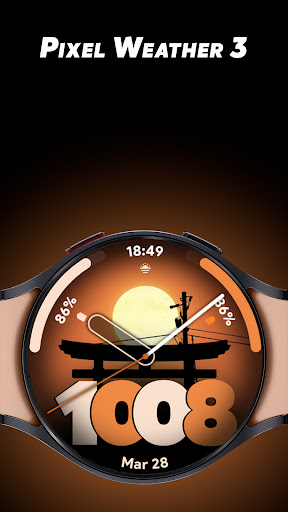
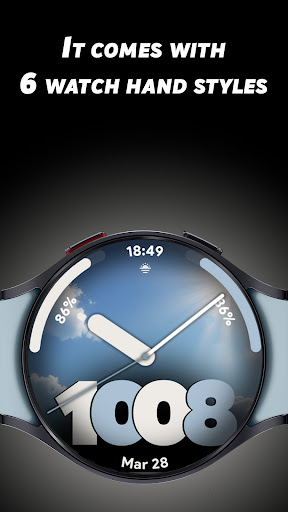
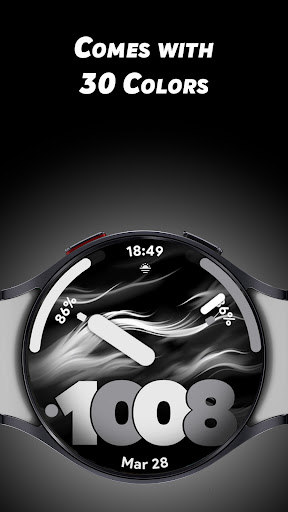
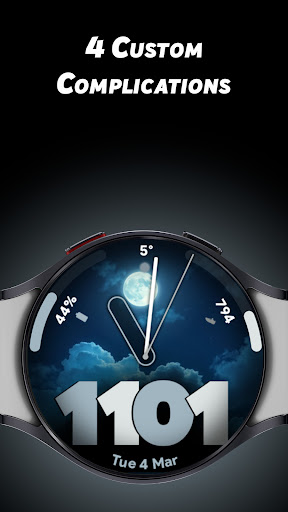
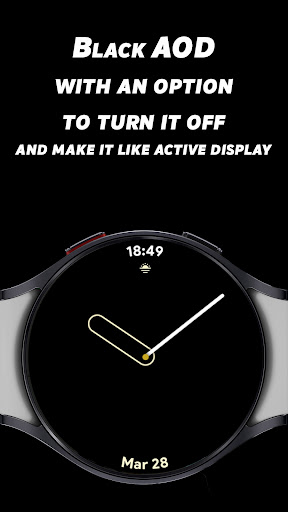
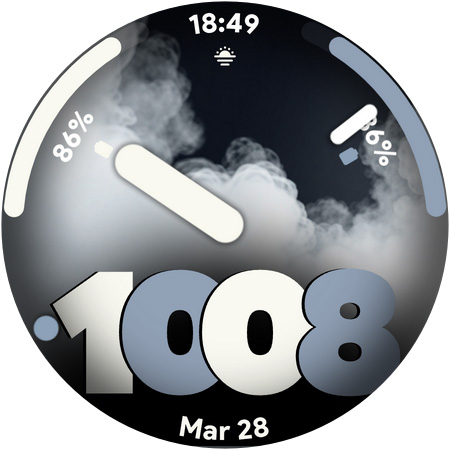
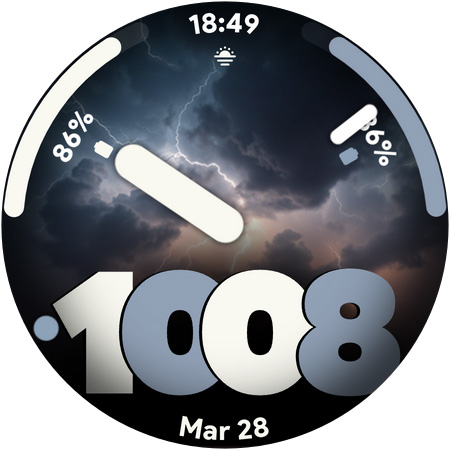
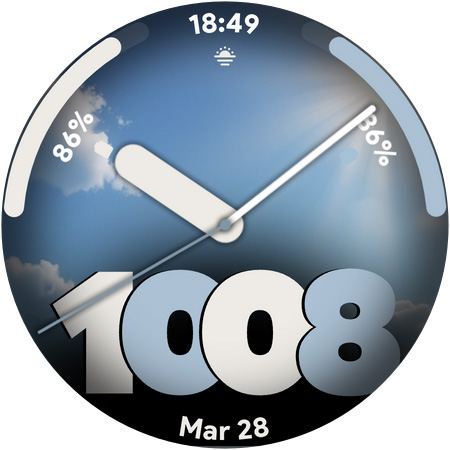
Turn your Wear OS smartwatch into a dynamic weather station with the Pixel Weather 3 Watch Face! Featuring auto-changing weather backgrounds, this watch face updates based on real-time conditions, keeping your display both informative and stylish. Customize it further with 30 color options, 6 watch hand styles, and 5 custom complications. Plus, enjoy a black Always-On Display (AOD) with the option to turn it off or make it look like an active display. Key Features 🌦 Dynamic Weather Backgrounds – Changes automatically with real-time weather updates. 🕒 12/24-Hour Digital Time. 🎨 30 Colors – Personalize your watch face with a variety of color options. ⌚ 6 Watch Hand Styles – Choose from multiple analog hand designs. ⚙️ 5 Custom Complications – Display steps, battery, weather, or quick app shortcuts. 🔋 Black AOD with Customization – Keep it energy-efficient or make it look like an active display. Download Pixel Weather 3 now and experience a watch face that blends weather updates, customization, and style seamlessly!
What Pixel Weather 3 - Watch face Is Used For
Pixel Weather 3 - Watch face appears to be a Wear OS watch face app designed to show time alongside weather-based visuals on a smartwatch. Based on the metadata, it is commonly used by people who want their watch face to reflect current weather conditions while still showing everyday information like digital time, battery status, steps, or app shortcuts.
The app also seems focused on customization for a wearable display. Users may choose from multiple colors and hand styles, and the black Always-On Display option suggests it is meant to work well as a watch face throughout the day. Because it is a phone app for a Wear OS watch face, it is likely intended for setup and configuration on an Android phone, then used on a connected smartwatch for daily glanceable information.
Common uses
- Show the time in a digital 12/24-hour format on a Wear OS watch
- Display changing weather-themed backgrounds based on current conditions
- Customize the look with multiple colors and watch hand styles
- Add complications such as steps, battery, weather, or shortcuts
- Use an Always-On Display mode for a darker, simpler watch presentation
- Set up and manage the watch face from an Android phone for a Wear OS watch
App Details
Package:
com.spwatches.pixelweatherthree
Developer:
SP Watches
Version:
Varies with device
Updated:
Aug 5, 2025
Min Android:
Varies with device
Age Rating:
Everyone
Contains Ads:
No
In-App Purchases:
No
Official Listing
-
Official listing available on
Google Play
-
Package name:
com.spwatches.pixelweatherthree
-
Age rating:
Everyone
Related Lifestyle Apps
Lifestyle
•
Life360
All-in-one family safety: location sharing, crash alerts, driver reports & more
Version 26.11.1
37.5 MB
⭐ 4.40
100,000,000+ installs
Lifestyle
•
Bitsmedia
Duas, Qibla, Azan & Islamic tools to support your daily worship & prayer.
Version Varies with device
61.2 MB
⭐ 4.00
100,000,000+ installs
Lifestyle
•
Beijing Xiaomi Mobile Software Co.,Ltd
Xiaomi Home is the official Android app for Xiaomi Home.
Version 11.3.702
126.5 MB
⭐ 4.50
50,000,000+ installs
Lifestyle
•
Dairy App & Notes & Audio Editor & Voice Recorder
Version 1.04.11.0306
45.7 MB
⭐ 4.80
50,000,000+ installs
Lifestyle
•
TP-LINK SYSTEMS INC.
Control your Tapo smart devices from anywhere.
Version 3.17.512
338.1 MB
⭐ 4.70
10,000,000+ installs
Lifestyle
•
Assistant App Teknoloji AS
Azan Prayer Times, Qibla Finder, اوقات الصلاة, القران الكريم, اذان القبله, صلاتي
Version 6.1.9
71.9 MB
⭐ 4.70
10,000,000+ installs
How to Download Pixel Weather 3 - Watch face
If this app is not hosted directly on APKApps official link,
then for the safest and most up-to-date version, install it from its official Google Play listing.