About Pixel Weather 2 - Watch face
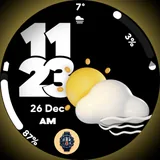
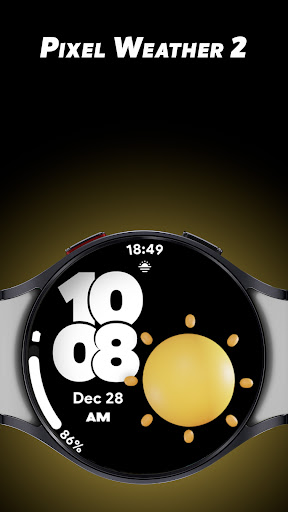
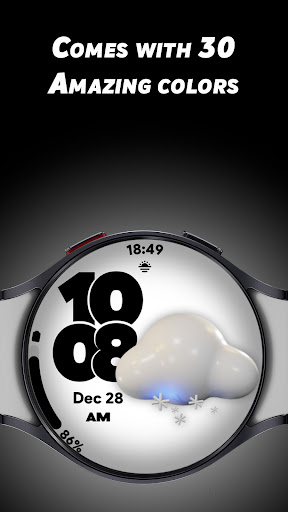
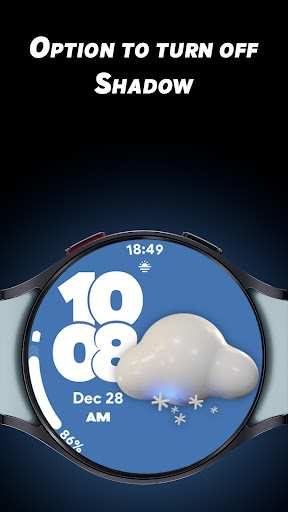
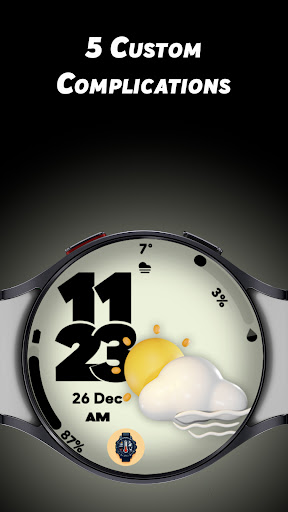
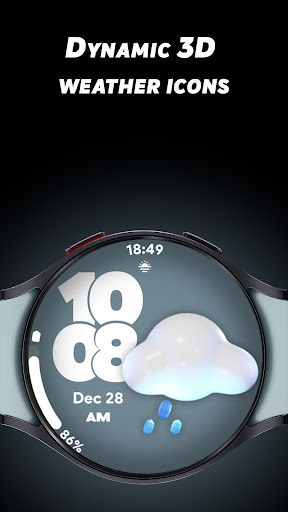
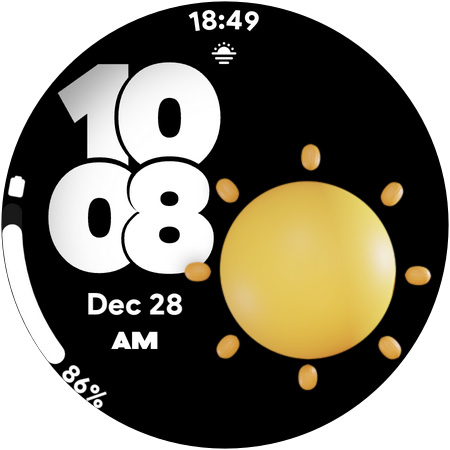
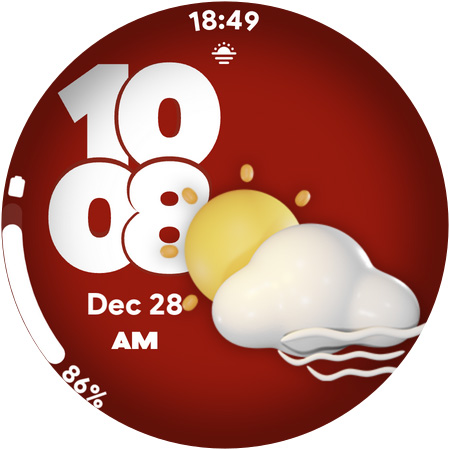
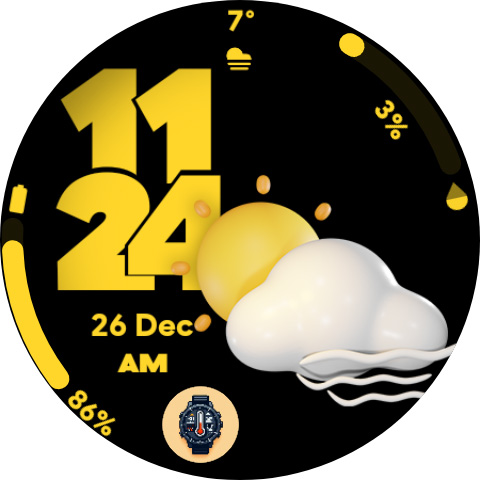
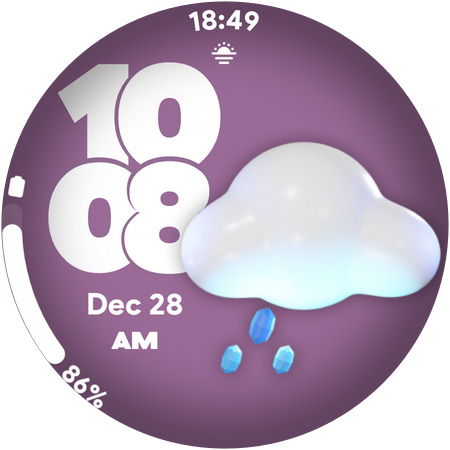
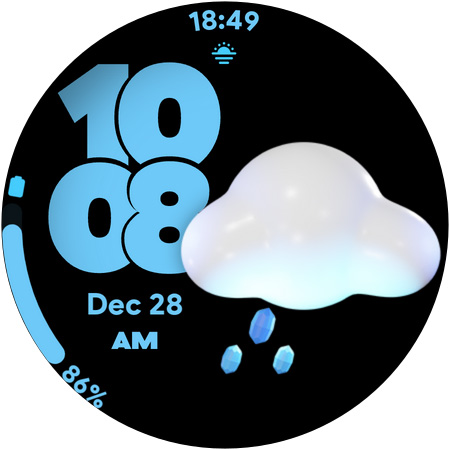
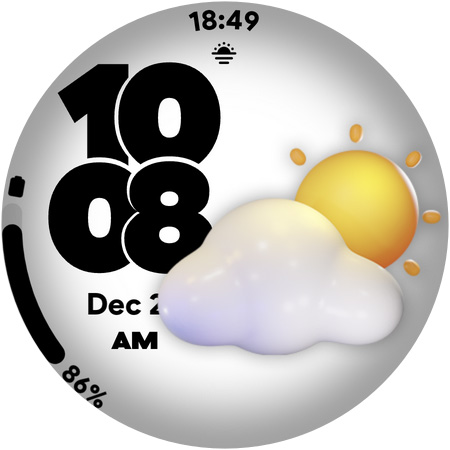
Elevate your Wear OS smartwatch with the Pixel Weather 2 Watch Face – a perfect blend of dynamic visuals, vibrant customization, and functional design. Featuring dynamic weather icons that automatically update based on real-time weather conditions, this watch face brings your smartwatch to life with every glance. Key Features 🌦️ Dynamic Weather Icons: Real-time weather updates reflected in beautiful, auto-changing icons. 🎨 30 Stunning Colors: Personalize your watch face to suit your style or mood. 🌟 Customizable Shadow Effect: Choose to turn the shadow on or off for a sleek look. ⚙️ 5 Custom Complications: Display the info you love most, such as steps, battery level, or your favorite app shortcuts. 🕒 12/24-Hour Time Format: Switch between formats effortlessly. 🔋 Battery-Friendly Always-On Display (AOD): Optimized for performance without compromising battery life. Pixel Weather 2 Watch Face is designed for those who value a seamless mix of style, functionality, and efficiency. With endless customization options and dynamic weather visuals, your smartwatch will always look and feel fresh. Download Pixel Weather 2 now and make every second on your Wear OS smartwatch uniquely yours!
What Pixel Weather 2 - Watch face Is Used For
Pixel Weather 2 - Watch face appears to be a Wear OS watch face app for people who want to change the look and on-screen information of their smartwatch. Based on the metadata, it is commonly used to display time in either 12-hour or 24-hour format while also showing weather-based visuals that update to match current conditions.
The app also appears aimed at users who like customizing their watch face. It includes color options, a shadow effect toggle, and support for complications, which are small information widgets often used for things like steps, battery status, or app shortcuts. Since it is a watch face, it is most relevant on a Wear OS smartwatch rather than as a general phone app. The listed battery-friendly always-on display support suggests it may be used by people who want a readable watch face that stays visible without being overly demanding on power.
Common uses
- Display time on a Wear OS smartwatch
- Show weather-themed icons that change with conditions
- Customize the watch face color and visual style
- Add complications for steps, battery, or shortcuts
- Switch between 12-hour and 24-hour time formats
- Use an always-on display watch face on supported watches
- Personalize the look of the watch for everyday wear
App Details
Package:
com.spwatches.pixelweathertwo
Developer:
SP Watches
Version:
Varies with device
Updated:
Nov 10, 2025
Min Android:
Varies with device
Age Rating:
Everyone
Contains Ads:
No
In-App Purchases:
No
Official Listing
-
Official listing available on
Google Play
-
Package name:
com.spwatches.pixelweathertwo
-
Age rating:
Everyone
Related Lifestyle Apps
Lifestyle
•
Life360
All-in-one family safety: location sharing, crash alerts, driver reports & more
Version 26.11.1
37.5 MB
⭐ 4.40
100,000,000+ installs
Lifestyle
•
Bitsmedia
Duas, Qibla, Azan & Islamic tools to support your daily worship & prayer.
Version Varies with device
61.2 MB
⭐ 4.00
100,000,000+ installs
Lifestyle
•
Beijing Xiaomi Mobile Software Co.,Ltd
Xiaomi Home is the official Android app for Xiaomi Home.
Version 11.3.702
126.5 MB
⭐ 4.50
50,000,000+ installs
Lifestyle
•
Dairy App & Notes & Audio Editor & Voice Recorder
Version 1.04.11.0306
45.7 MB
⭐ 4.80
50,000,000+ installs
Lifestyle
•
TP-LINK SYSTEMS INC.
Control your Tapo smart devices from anywhere.
Version 3.17.512
338.1 MB
⭐ 4.70
10,000,000+ installs
Lifestyle
•
Assistant App Teknoloji AS
Azan Prayer Times, Qibla Finder, اوقات الصلاة, القران الكريم, اذان القبله, صلاتي
Version 6.1.9
71.9 MB
⭐ 4.70
10,000,000+ installs
How to Download Pixel Weather 2 - Watch face
If this app is not hosted directly on APKApps official link,
then for the safest and most up-to-date version, install it from its official Google Play listing.