About Moon & Weather watchface
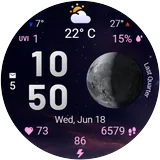
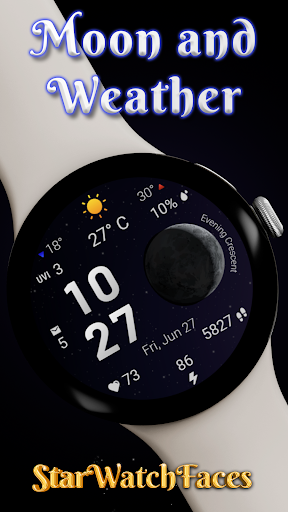
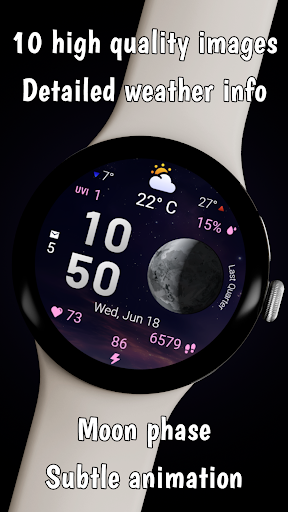
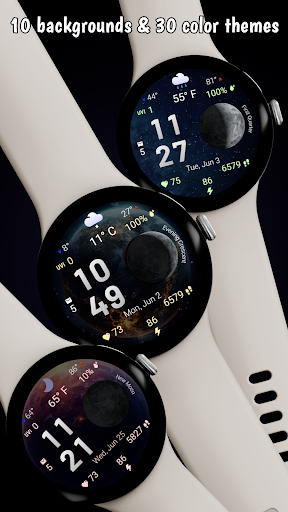
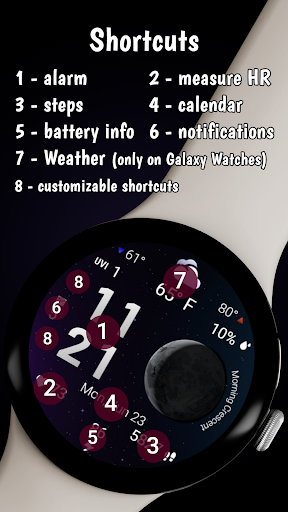
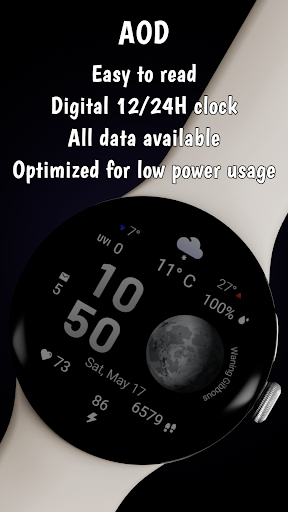
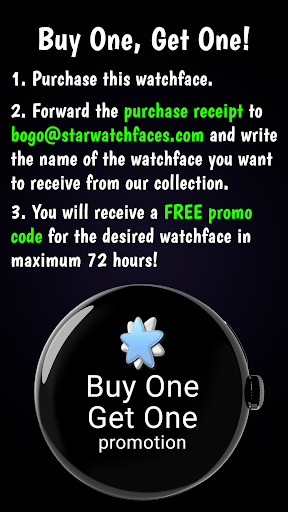
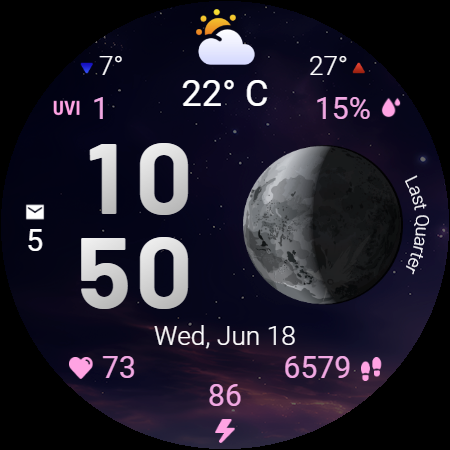
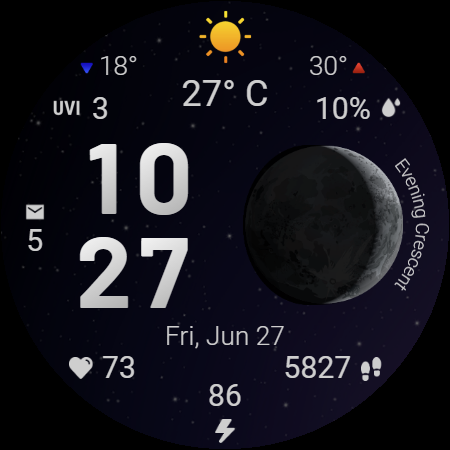
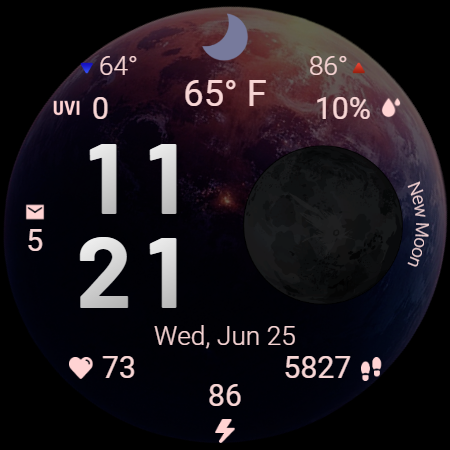
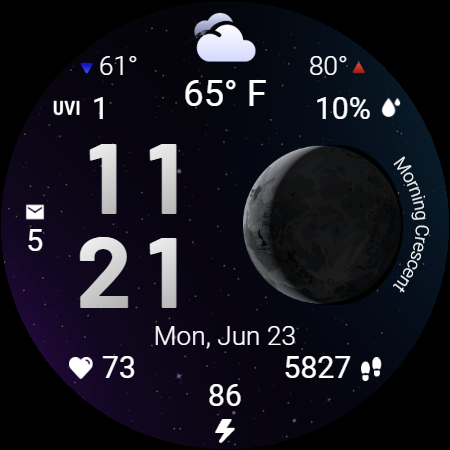
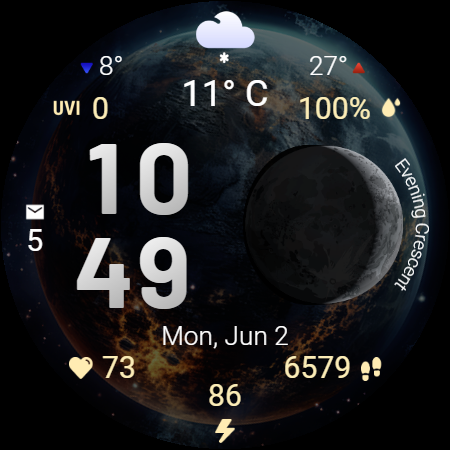
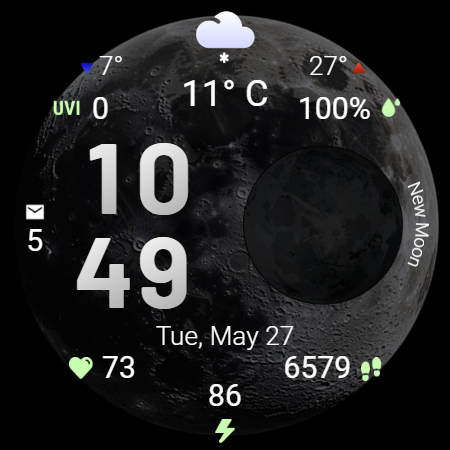
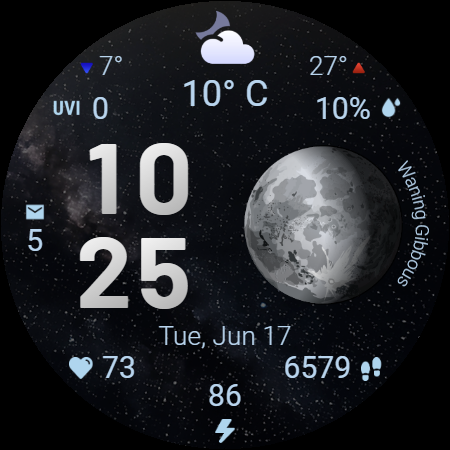
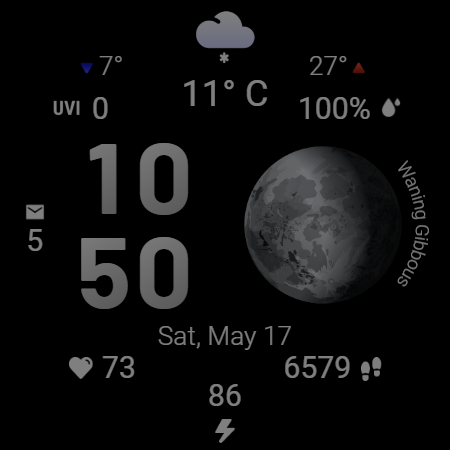
Moon & Weather 🌙⛅ — A brilliant fusion of astronomy, weather insight, and health monitoring in a mesmerizing, animated watch face for Wear OS. This beautifully crafted watch face brings the night sky to life with 10 space-themed backgrounds with subtle animation, giving your smartwatch a unique, elegant, and cosmic look. Every detail is carefully placed and refined to offer instant information at a glance — day or night. 🌠 Stunning Visuals & Customization: • 10 space-themed backgrounds including moonlit skies, deep galaxies, twilight gradients, and more • Live moon phase visualization with accurate phase labels like “Full Moon,” “Evening Crescent,” and “Last Quarter” • 30 perfectly matched color themes — from calm blues to vibrant pinks, every theme enhances legibility and mood • Supports 12h and 24h digital time formats • Date display adapts to your device language 🌍 ☀️ Detailed Weather Dashboard: • Current temperature in °C or °F (based on your device settings) • Min and max temperature of the day with clear directional arrows (🔻/🔺) • Weather condition icon (sunny, cloudy, rainy, moonlit night, etc.) • UV index level with numerical clarity • Precipitation chance % 💧 ❤️ Health & System Stats: • Heart rate monitoring with real-time BPM ❤️ • Step count • Battery level • Unread notification counter ⚡ Performance & Productivity: • 2 customizable shortcut areas — quickly launch your favorite apps or tools with a single tap • Always-On Display (AOD) mode mirrors the main layout for uninterrupted glanceability • Optimized for low battery consumption without sacrificing data or visuals 🎯 At-a-Glance Information Hub: • Easy-to-read digital time and date • All key info organized logically for quick scanning Important Note: This watch face is designed for Galaxy Watches by Samsung with Wear OS 5 or newer. On other Wear OS smartwatches, certain features like weather updates or shortcut functionality may not operate properly due to manufacturer limitations. ✨ Whether you’re a stargazer, weather enthusiast, or someone who wants an elegant and data-rich watch face, Moon & Weather is your perfect companion. Download now and bring the cosmos to your wrist! 🌌🛰️ BOGO promotion - Buy One Get One Purchase the watchface, then send us the purchase receipt to
[email protected] and tell us the name of the watchface you wish to receive from our collection. You will receive a FREE coupon code in 72 hours maximum. To customize the watchface and change the background image, color theme, or the complications, press and hold on the display, then tap the Customize button and customize it the way you want. Don't forget: use the companion app on your phone to discover other amazing watchfaces made by us! For more watchfaces, visit our developer page on Play Store! Enjoy!
What Moon & Weather watchface Is Used For
Moon & Weather watchface appears to be a Wear OS watch face for people who want time, weather, and basic health stats shown on the wrist in a visually themed layout. Based on the metadata, it combines astronomy-style visuals such as moon phases and space backgrounds with practical information like the time, date, temperature, and weather conditions. That makes it useful as an at-a-glance watch face rather than a standalone weather app.
The app may be especially relevant on Samsung Galaxy Watches running Wear OS 5 or newer, since the listing notes that some features may not work the same way on other Wear OS devices. The permissions for network access suggest it likely needs internet connectivity to fetch weather data and related updates, while the sleep-prevention permission may help keep the watch face responsive. It also appears to include shortcuts and glanceable status indicators such as battery, steps, heart rate, and unread notifications, which can be helpful for everyday smartwatch use without opening separate apps.
Common uses
- Displays time and date in a themed moon-and-space watch face
- Shows current weather details, including temperature and conditions
- Provides moon phase information for astronomy-focused users
- Includes basic health and device stats like heart rate, steps, and battery
- Offers shortcut areas for launching apps or tools from the watch face
- Supports always-on display viewing for quick glances
- Appears designed mainly for Wear OS smartwatches, especially Samsung Galaxy Watch models
How to Download Moon & Weather watchface
If this app is not hosted directly on APKApps official link,
then for the safest and most up-to-date version, install it from its official Google Play listing.