Image Converter - HEIC to JPG icon

Phone

Image Converter - HEIC to JPG

Art & Design TAPUNIVERSE ⭐ 4.70 50,000+
Version 1.0.19 Everyone

Screenshots

Image Converter - HEIC to JPG screenshot
Permissions Explained 6 permissions requested View details

This app requests 6 permissions. The table below explains what each permission may allow and what users should review before installing.

Status Permission What it means Why it may be used User safety note
ℹ️ Review Read The Contents Of Your Usb Storage read the contents of your USB storage This is an Android permission or app-specific permission requested by the app. The app may use this permission for features related to its category, device support, background behavior, storage, connectivity, or system integration. Review this permission before installing, especially if it does not match the app’s expected purpose.
ℹ️ Review Modify Or Delete The Contents Of Your Usb Storage modify or delete the contents of your USB storage This is an Android permission or app-specific permission requested by the app. The app may use this permission for features related to its category, device support, background behavior, storage, connectivity, or system integration. Review this permission before installing, especially if it does not match the app’s expected purpose.
ℹ️ Review View Network Connections view network connections This is an Android permission or app-specific permission requested by the app. The app may use this permission for features related to its category, device support, background behavior, storage, connectivity, or system integration. Review this permission before installing, especially if it does not match the app’s expected purpose.
ℹ️ Review Full Network Access full network access This is an Android permission or app-specific permission requested by the app. The app may use this permission for features related to its category, device support, background behavior, storage, connectivity, or system integration. Review this permission before installing, especially if it does not match the app’s expected purpose.
ℹ️ Review Run At Startup run at startup This is an Android permission or app-specific permission requested by the app. The app may use this permission for features related to its category, device support, background behavior, storage, connectivity, or system integration. Review this permission before installing, especially if it does not match the app’s expected purpose.
ℹ️ Review Prevent Device From Sleeping prevent device from sleeping This is an Android permission or app-specific permission requested by the app. The app may use this permission for features related to its category, device support, background behavior, storage, connectivity, or system integration. Review this permission before installing, especially if it does not match the app’s expected purpose.

About Image Converter - HEIC to JPG

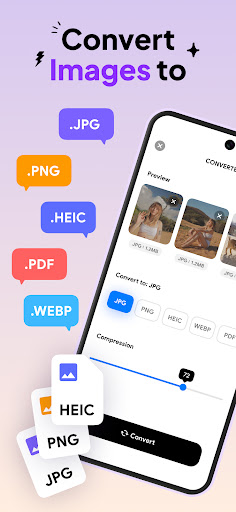
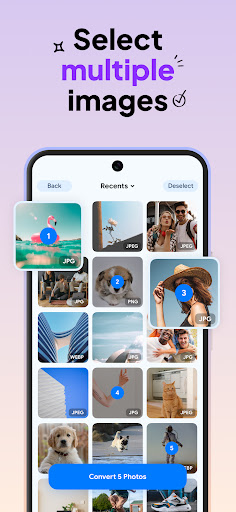
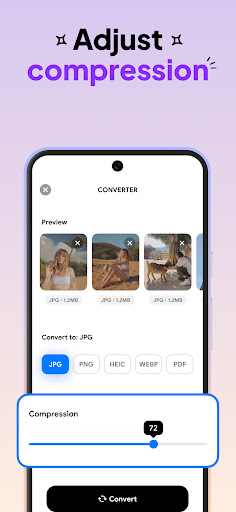
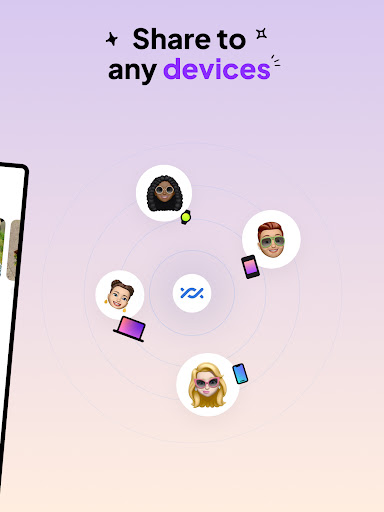
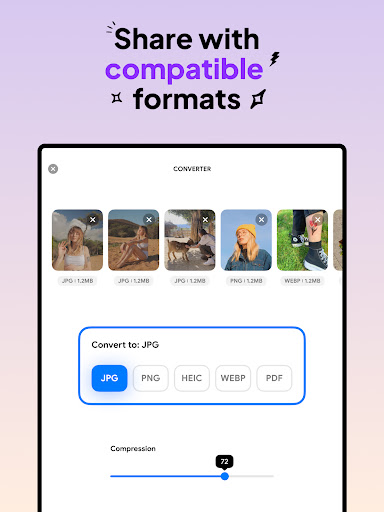
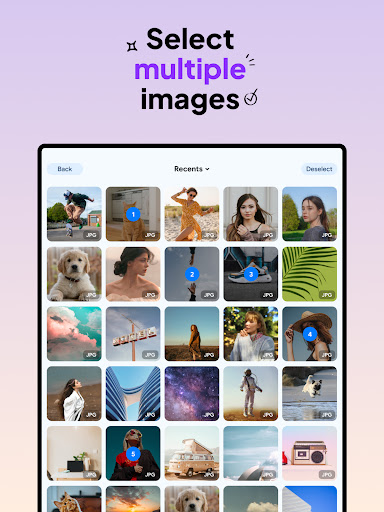
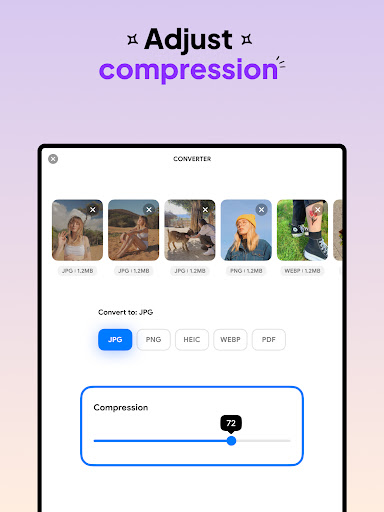
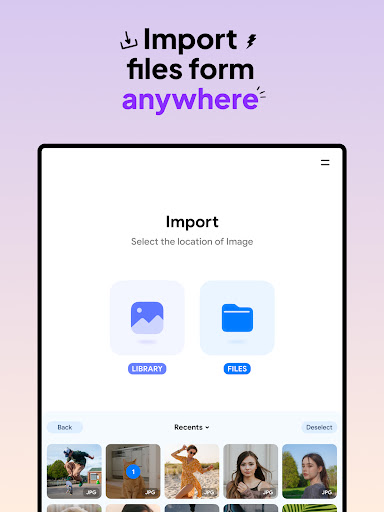
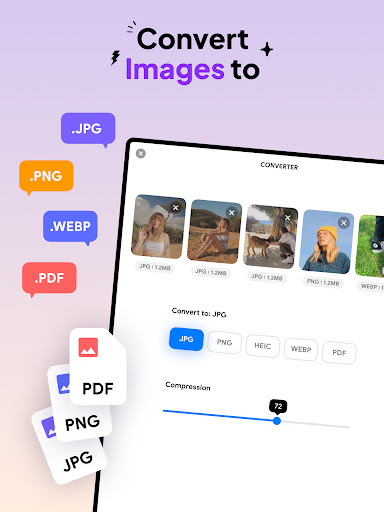
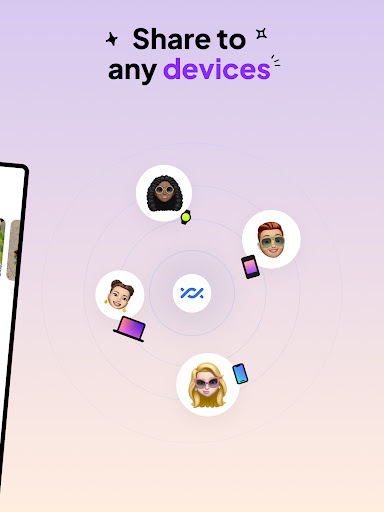
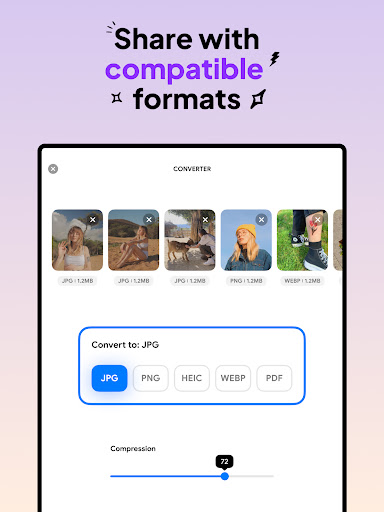
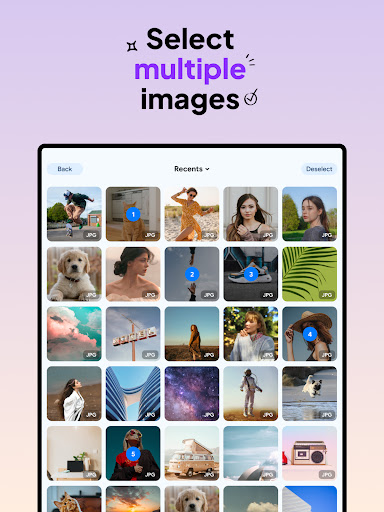
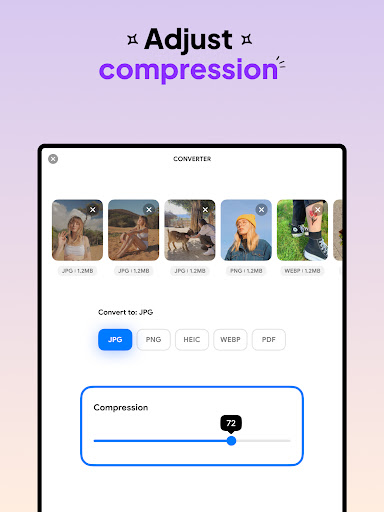
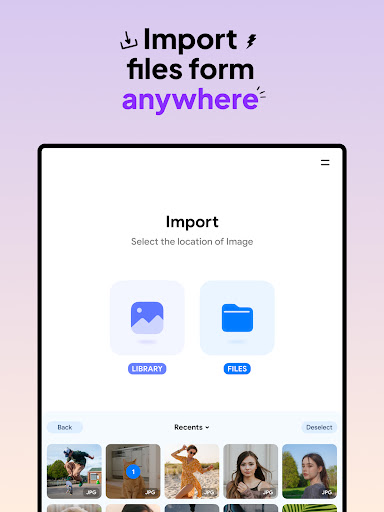
Introducing Image Converter - HEIC to JPG, an ultimate picture converter designed to enhance your convert image processing experience. Easily convert all image formats to JPG, PNG, HEIC or PDF and compress photos with Image Converter without the fear of losing image quality and resolution. This handy picture converter supports almost any image formats to convert to JPG, PNG, HEIC and PDF. Whether you want to convert JPEG to PDF, or PNG to PDF, this app has everything that you need. This picture converter also offers batch conversion, which will make it easier and faster for you to convert multiple photos at a time. Key Features: - Convert image with batch conversion - Seamless integration with various photo sources - Support almost all image formats to convert to JPG or any other format such as PNG to PDF - Preserve image quality and resolution during conversion - Compress photos and freely adjust compression quality using Image Converter - HEIC to JPG - Save and share JPG to PDF or any converted files across devices in compatible formats. How to Use Image Converter - HEIC to JPG: 1. Select your input files, from JPG PNG to any other format that you need to convert image 2. Select image format and compression quality 3. Wait for your photos convert to JPG, HEIC, PNG to PDF in seconds 4. Save or share to your desired destination Switch effortlessly between popular image formats such as JPG PNG, HEIC and even PDF, all within a few taps. Fine-tune your picture converter process with the flexibility to compress photos and change the compression level freely. With user-friendly interface, this Image Converter - HEIC to JPG helps you to convert image with ease and fast, support all image formats as input, ensuring you can effortlessly convert to JPG, PNG or even HEIC, PDF. Experiencing the powerful features of Image Converter - HEIC to JPG and speed up the process of converting images and compress photos. Convert image and transform multiple files at once with ease, save and share HEIC, JPG, PNG to PDF files to your gallery or to any device. Download Image Converter - HEIC to JPG now, a powerful picture converter where quality, efficiency and convenience converge.

What Image Converter - HEIC to JPG Is Used For

Image Converter - HEIC to JPG appears to be a phone app for changing image file formats and preparing photos for sharing or storage. Based on the metadata, people may use it to convert common image types such as JPG, PNG, HEIC, and PDF, especially when a device or app needs a different format than the one a photo was originally saved in.

It also appears to support batch conversion, which can be useful when handling multiple pictures at once instead of converting them one by one. The permissions to read and modify USB storage suggest it may work with files stored on the device or external storage, while network access and startup permission may support app functions and background behavior. The compression controls may appeal to users who want to reduce file size before saving or sharing images, though the exact results can vary by file and settings.

Because it is categorized under Art & Design, this app may be used as a practical media utility rather than a creative editor. Common use cases likely include converting HEIC photos for compatibility, making PDF versions of images, and adjusting image compression for easier transfer or storage.

Common uses

  • Convert photos between formats such as JPG, PNG, HEIC, and PDF
  • Process multiple images at once with batch conversion
  • Compress image files to reduce storage size
  • Prepare HEIC photos for sharing or opening in other apps
  • Create PDF files from image files
  • Work with files stored on device or USB storage
  • Save converted files for later use or transfer
Best for:
quick file conversion HEIC photo conversion batch image processing phone users file compatibility

App Details

Package:
com.tapuniverse.imageconverter
Category:
Art & Design
Developer:
TAPUNIVERSE
Version:
1.0.19
Updated:
Sep 18, 2025
Min Android:
9
Age Rating:
Everyone
Contains Ads:
No
In-App Purchases:
No

Official Listing

  • Official listing available on Google Play
  • Package name: com.tapuniverse.imageconverter
  • Age rating: Everyone

Explore More

Browse more apps in Art & Design or explore the Phone hub .

Related Art & Design Apps

Pixlr AI Photo & Video Editor icon

Pixlr AI Photo & Video Editor

Photography Pixlr Pte Ltd

AI Photo Retouch & Image Generation. Express Collage Design and Editing.

Version 3.8.3 74.7 MB ⭐ 4.10 100,000,000+ installs
Prisma Art Effect Photo Editor icon

Prisma Art Effect Photo Editor

Photography Prisma Labs, Inc.

Aesthetic Editor: cool editing photo to picture, make retouch & funny selfie

Version 4.6.4.632 79.3 MB ⭐ 4.50 50,000,000+ installs

How to Download Image Converter - HEIC to JPG

If this app is not hosted directly on APKApps official link, then for the safest and most up-to-date version, install it from its official Google Play listing.