Passport Photo: ID Photo Print icon

Phone

Passport Photo: ID Photo Print

Art & Design TAPUNIVERSE ⭐ 4.70 100,000+
Version 1.2.15 Everyone

Screenshots

Passport Photo: ID Photo Print screenshot
Permissions Explained 6 permissions requested View details

This app requests 6 permissions. The table below explains what each permission may allow and what users should review before installing.

Status Permission What it means Why it may be used User safety note
ℹ️ Review Read The Contents Of Your Usb Storage read the contents of your USB storage This is an Android permission or app-specific permission requested by the app. The app may use this permission for features related to its category, device support, background behavior, storage, connectivity, or system integration. Review this permission before installing, especially if it does not match the app’s expected purpose.
ℹ️ Review Modify Or Delete The Contents Of Your Usb Storage modify or delete the contents of your USB storage This is an Android permission or app-specific permission requested by the app. The app may use this permission for features related to its category, device support, background behavior, storage, connectivity, or system integration. Review this permission before installing, especially if it does not match the app’s expected purpose.
ℹ️ Review View Network Connections view network connections This is an Android permission or app-specific permission requested by the app. The app may use this permission for features related to its category, device support, background behavior, storage, connectivity, or system integration. Review this permission before installing, especially if it does not match the app’s expected purpose.
ℹ️ Review Full Network Access full network access This is an Android permission or app-specific permission requested by the app. The app may use this permission for features related to its category, device support, background behavior, storage, connectivity, or system integration. Review this permission before installing, especially if it does not match the app’s expected purpose.
ℹ️ Review Run At Startup run at startup This is an Android permission or app-specific permission requested by the app. The app may use this permission for features related to its category, device support, background behavior, storage, connectivity, or system integration. Review this permission before installing, especially if it does not match the app’s expected purpose.
ℹ️ Review Prevent Device From Sleeping prevent device from sleeping This is an Android permission or app-specific permission requested by the app. The app may use this permission for features related to its category, device support, background behavior, storage, connectivity, or system integration. Review this permission before installing, especially if it does not match the app’s expected purpose.

About Passport Photo: ID Photo Print

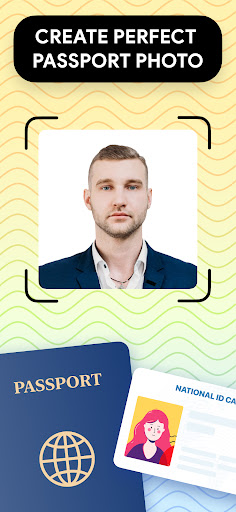
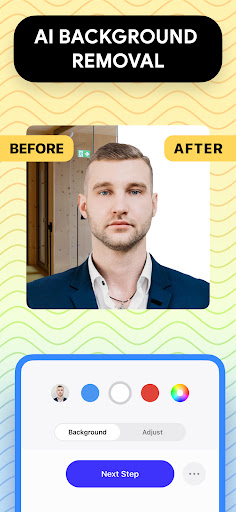
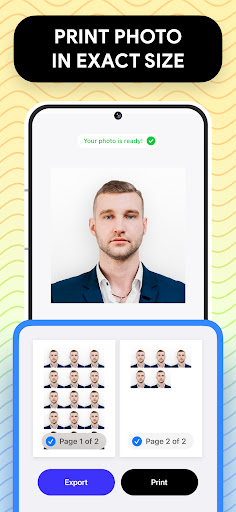
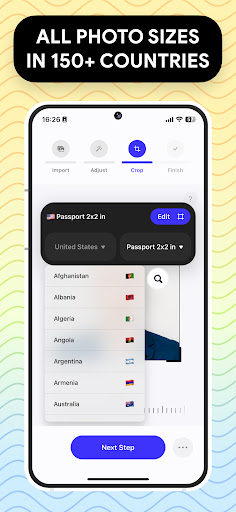
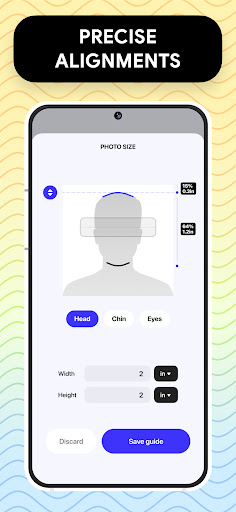
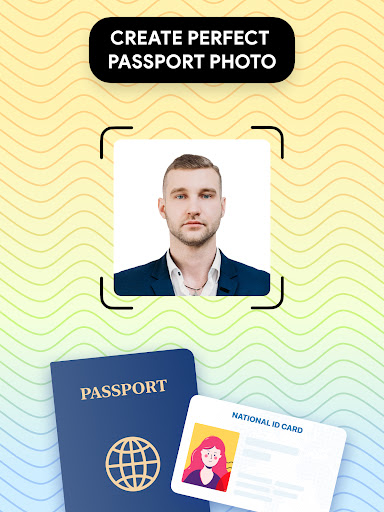
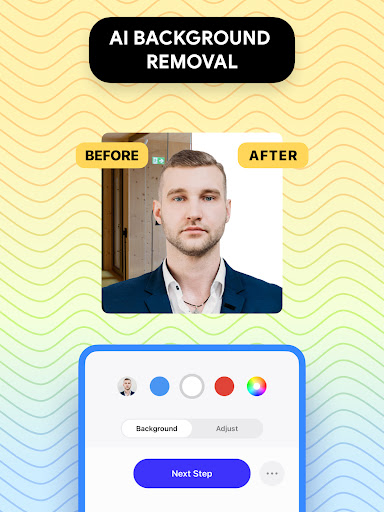
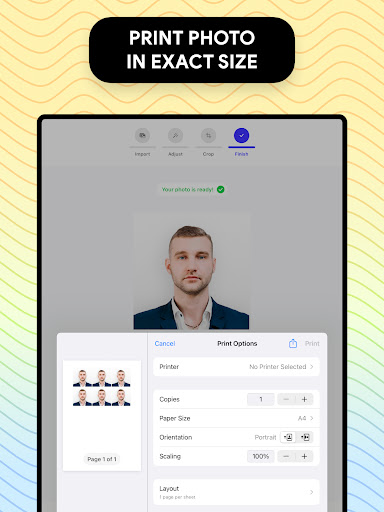
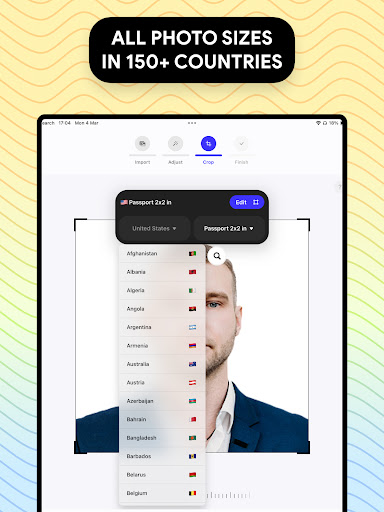
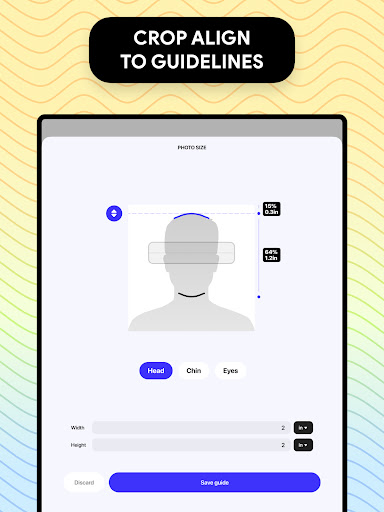
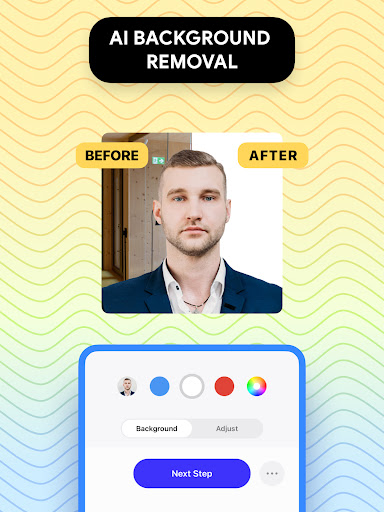
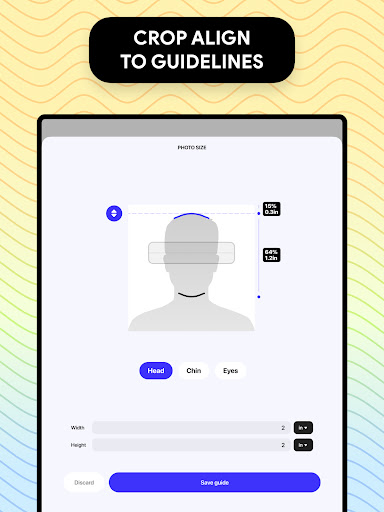
Passport Photo - ID Photo Print is a powerful passport photo editor that will adjust your passport size photo properly. It's the easiest way for you to create passport id and visa photo at home. With the passport size photo maker, you can have quick access to high quality passport picture, visa photo that meets all government requirements. Passport Photo - ID Photo Print has all the premium features that make it the ideal passport size photo solution for a convenient visa photo or passport photo editor. You can take passport photo at home, adjust your id photo into 3x4, 4x4, 4x6, 5x7 or 2x2 photo and print it right from your phone using this app. With ID Photo Print, you can: - Take passport photo at home and adjust size in seconds - Customize your passport id with passport photo editor features with ease - Access a database of US passport requirements or any country's visa photo regulations - Remove background to create a white background image - Export/print your visa photo in few seconds right from your phone. We understand that each country has different passport size photo requirements, so we're here to make the process of preparing your passport id as easy as possible. Whether it's 3x4, 4x6, 5x7 or 2x2 photo, this passport size photo maker can create any photo size for ID, visa, US passport or for any countries that you need. You can also change aspect ratio and crop id photo to exact dimension. If your passport id needs a little touch-up, we have a variety of passport photo editor tools for you to adjust brightness, temperature or sharpen your photo, etc. This passport size photo maker also offers a background remover feature to make you a white background image or any colored background that you need, make it easier for you to take passport photo at home without worrying about finding a suitable background for your photo. Passport Photo - ID Photo Print is the perfect app for those who need to update their passport picture quickly and easily. With a database of regulations from around the world, you'll be able to create your ID photo for US passport in a snap, or create a custom passport picture that meet any country's requirements.

What Passport Photo: ID Photo Print Is Used For

Passport Photo: ID Photo Print appears to be a phone app for preparing ID-style photos for passports, visas, and other official documents. Based on the metadata, it focuses on resizing, cropping, and adjusting a photo to common print formats such as 2x2, 3x4, 4x6, and 5x7, which may help users create a picture that matches document requirements without using a separate editor.

The app also seems aimed at people who want to do this from home and then print or export the result from their device. The description mentions tools like background removal, brightness and color adjustments, and reference information for different country rules. The listed storage permissions suggest it may read and save edited images on the device, while network access could support requirement data or related online features. As a phone app in the Art & Design category, it may be most useful for quick photo preparation rather than general image editing.

Common uses

  • Create passport or visa-style photos on a phone
  • Resize photos to common ID and print dimensions
  • Crop images to match document photo ratios
  • Adjust brightness, temperature, or sharpness for a cleaner headshot
  • Remove or change the background for ID photo use
  • Save or print the finished photo from the device
  • Check size guidance for different country requirements
Best for:
Passport photos Visa photos ID photo editing Quick print prep Phone users

App Details

Package:
com.tapuniverse.passportphoto
Category:
Art & Design
Developer:
TAPUNIVERSE
Version:
1.2.15
Updated:
Dec 23, 2025
Min Android:
9
Age Rating:
Everyone
Contains Ads:
No
In-App Purchases:
No

Official Listing

  • Official listing available on Google Play
  • Package name: com.tapuniverse.passportphoto
  • Age rating: Everyone

Explore More

Browse more apps in Art & Design or explore the Phone hub .

Related Art & Design Apps

How to Download Passport Photo: ID Photo Print

If this app is not hosted directly on APKApps official link, then for the safest and most up-to-date version, install it from its official Google Play listing.