About Neon Chrome
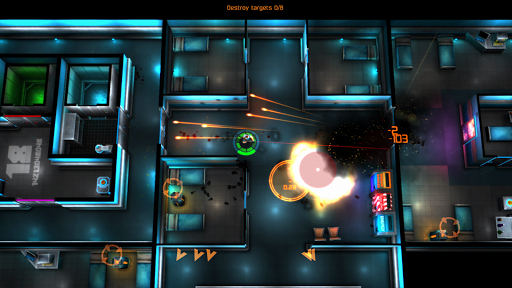
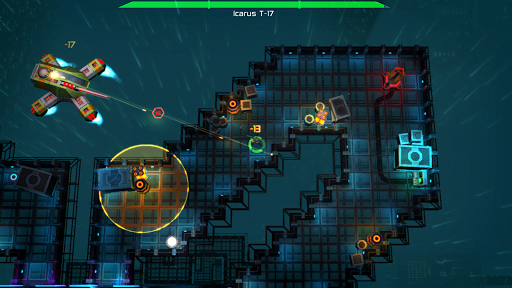
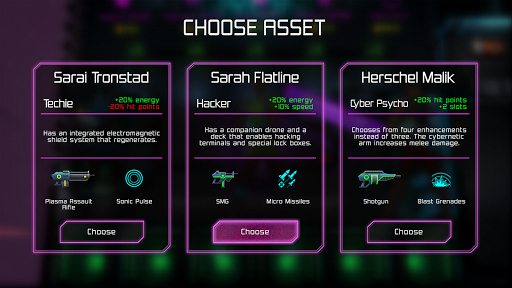
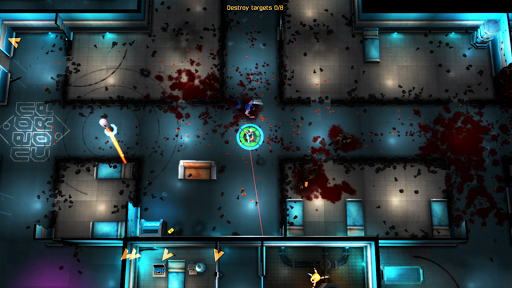
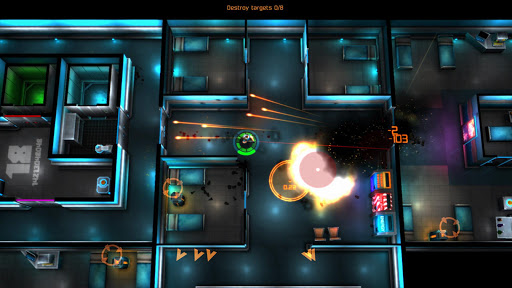
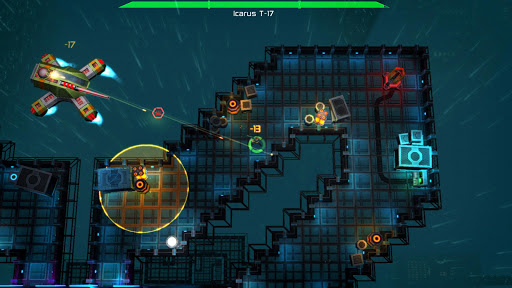
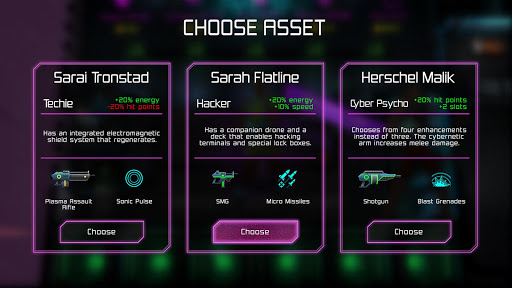
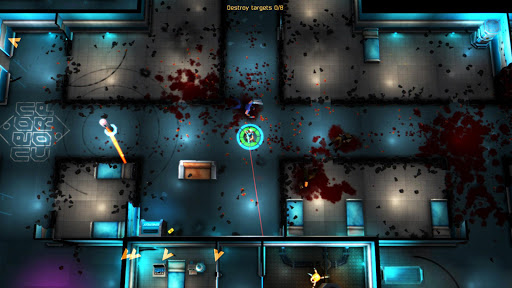
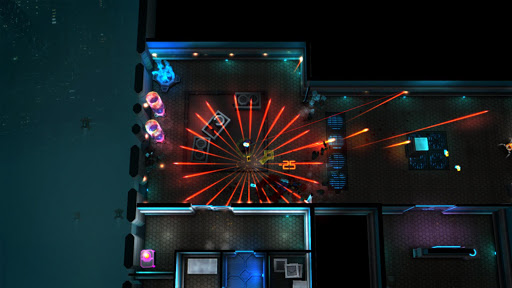
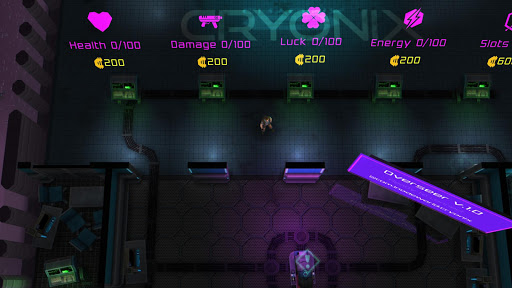
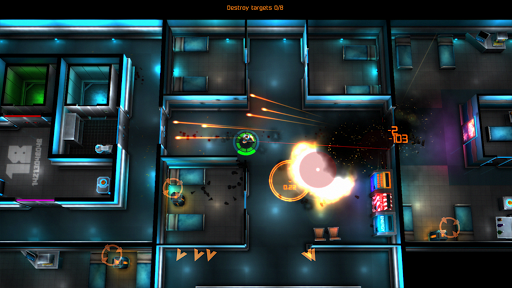
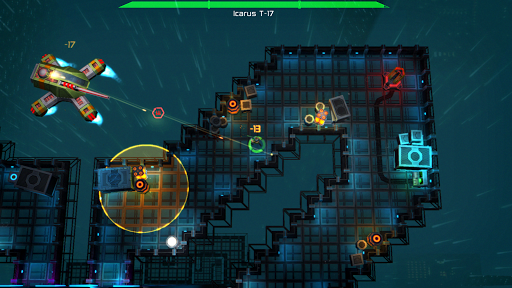
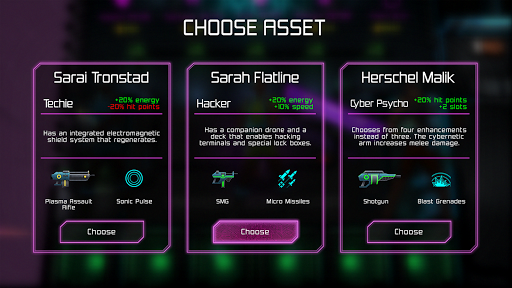
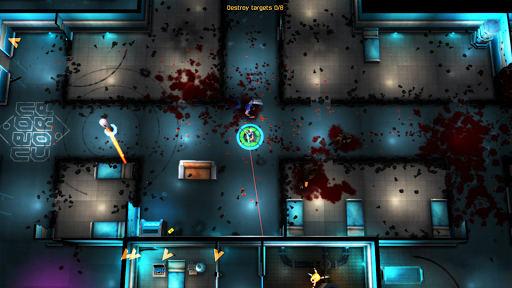
Neon Chrome is an infinite twin-stick top-down shooter with procedurally generated levels and destructible environment. Choose your character, enter the elevator and try to bring down the Overseer - again and again. Neon Chrome is an endless symphony of fight, die, improve and repeat - many players have over 100 hours logged! Neon Chrome is high end game filled with massive explosions, destructible environment, countless bullets and rich AI behavior. Older devices may struggle to run the game with high frame rate. - Procedurally generated levels - true endless replayability - Completely destructible environment - Persistent RPG-like character development using loot from your runs - Enemies ranging from security guards to massive boss hover tanks - Perk system in the form of cybernetic enhancements - Discover & unlock enhancements, abilities and weapons Neon Chrome was created by 10tons - the company behind the cult hit game Crimsonland.
What Neon Chrome Is Used For
Neon Chrome appears to be a phone game for players who want a fast, replayable action experience. Based on the metadata, it is an infinite twin-stick top-down shooter where you move through procedurally generated levels, fight enemies, and keep trying to progress farther on repeated runs. The game’s action focus and destructible environments suggest short, intense play sessions as well as longer grinding sessions for players who enjoy improving over time.
The description also indicates RPG-like progression, where loot and unlocked enhancements may carry over between runs. That makes it a fit for players who like action games with gradual character growth, perk choices, and a strong repeat-attempt loop. Network permissions and the license check permission suggest the app may contact online services for validation or related game features, while vibration support points to standard mobile gameplay feedback. Because the metadata notes that older devices may struggle with performance, it appears to be more suited to capable phones than low-end hardware.
Common uses
- Play as a character and fight through endless combat runs
- Use procedurally generated levels for varied replays
- Destroy parts of the environment during battles
- Collect loot and upgrades to improve future attempts
- Unlock weapons, abilities, and cybernetic enhancements
- Face a range of enemies, including larger boss-style opponents
- Use on a phone for short action sessions or extended progression play
App Details
Package:
com.the10tons.neonchrome
Developer:
10tons Ltd
Version:
1.1.3.009
Updated:
Nov 24, 2025
Min Android:
6.0
Age Rating:
Teen
Contains Ads:
No
In-App Purchases:
No
Official Listing
-
Official listing available on
Google Play
-
Package name:
com.the10tons.neonchrome
-
Age rating:
Teen
Related Action Apps
Role Playing
•
10tons Ltd
Version 1.2.2.04
⭐ 3.80
100,000+ installs
Role Playing
•
Protopop Games
Version 2.2
⭐ 4.30
10,000+ installs
Action
•
10tons Ltd
Version 1.4.2.9
⭐ 4.80
5,000+ installs
How to Download Neon Chrome
If this app is not hosted directly on APKApps official link,
then for the safest and most up-to-date version, install it from its official Google Play listing.