Automend Pro OBD 2 Car Scanner icon

Phone

Automend Pro OBD 2 Car Scanner

Auto & Vehicles WowSuite Software ⭐ 3.20 100,000+
Version 1.3.39 Everyone

Screenshots

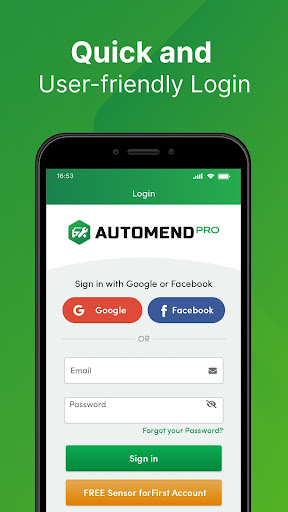
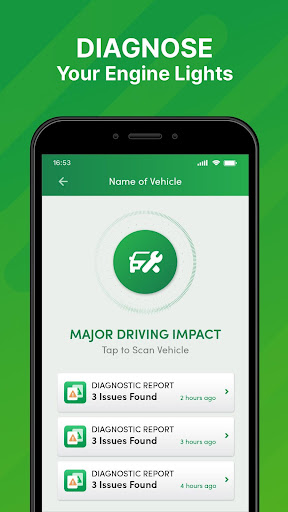
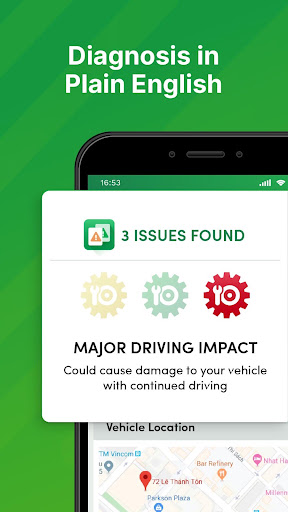
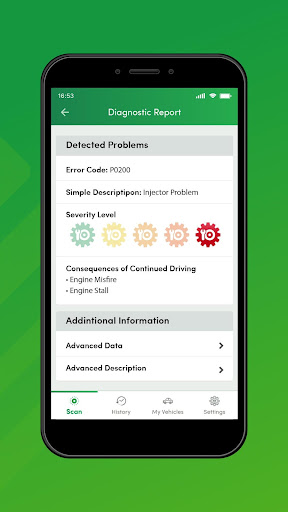
Automend Pro OBD 2 Car Scanner screenshot
Permissions Explained 16 permissions requested View details

This app requests 16 permissions. The table below explains what each permission may allow and what users should review before installing.

Status Permission What it means Why it may be used User safety note
ℹ️ Review Approximate Location (network Based) approximate location (network-based) This is an Android permission or app-specific permission requested by the app. The app may use this permission for features related to its category, device support, background behavior, storage, connectivity, or system integration. Review this permission before installing, especially if it does not match the app’s expected purpose.
ℹ️ Review Precise Location (gps And Network Based) precise location (GPS and network-based) This is an Android permission or app-specific permission requested by the app. The app may use this permission for features related to its category, device support, background behavior, storage, connectivity, or system integration. Review this permission before installing, especially if it does not match the app’s expected purpose.
ℹ️ Review Read Phone Status And Identity read phone status and identity This is an Android permission or app-specific permission requested by the app. The app may use this permission for features related to its category, device support, background behavior, storage, connectivity, or system integration. Review this permission before installing, especially if it does not match the app’s expected purpose.
ℹ️ Review Read The Contents Of Your Usb Storage read the contents of your USB storage This is an Android permission or app-specific permission requested by the app. The app may use this permission for features related to its category, device support, background behavior, storage, connectivity, or system integration. Review this permission before installing, especially if it does not match the app’s expected purpose.
ℹ️ Review Modify Or Delete The Contents Of Your Usb Storage modify or delete the contents of your USB storage This is an Android permission or app-specific permission requested by the app. The app may use this permission for features related to its category, device support, background behavior, storage, connectivity, or system integration. Review this permission before installing, especially if it does not match the app’s expected purpose.
ℹ️ Review Take Pictures And Videos take pictures and videos This is an Android permission or app-specific permission requested by the app. The app may use this permission for features related to its category, device support, background behavior, storage, connectivity, or system integration. Review this permission before installing, especially if it does not match the app’s expected purpose.
ℹ️ Review View Wi Fi Connections view Wi-Fi connections This is an Android permission or app-specific permission requested by the app. The app may use this permission for features related to its category, device support, background behavior, storage, connectivity, or system integration. Review this permission before installing, especially if it does not match the app’s expected purpose.
ℹ️ Review View Network Connections view network connections This is an Android permission or app-specific permission requested by the app. The app may use this permission for features related to its category, device support, background behavior, storage, connectivity, or system integration. Review this permission before installing, especially if it does not match the app’s expected purpose.
ℹ️ Review Pair With Bluetooth Devices pair with Bluetooth devices This is an Android permission or app-specific permission requested by the app. The app may use this permission for features related to its category, device support, background behavior, storage, connectivity, or system integration. Review this permission before installing, especially if it does not match the app’s expected purpose.
ℹ️ Review Access Bluetooth Settings access Bluetooth settings This is an Android permission or app-specific permission requested by the app. The app may use this permission for features related to its category, device support, background behavior, storage, connectivity, or system integration. Review this permission before installing, especially if it does not match the app’s expected purpose.
ℹ️ Review Full Network Access full network access This is an Android permission or app-specific permission requested by the app. The app may use this permission for features related to its category, device support, background behavior, storage, connectivity, or system integration. Review this permission before installing, especially if it does not match the app’s expected purpose.
ℹ️ Review Run At Startup run at startup This is an Android permission or app-specific permission requested by the app. The app may use this permission for features related to its category, device support, background behavior, storage, connectivity, or system integration. Review this permission before installing, especially if it does not match the app’s expected purpose.
ℹ️ Review Control Vibration control vibration This is an Android permission or app-specific permission requested by the app. The app may use this permission for features related to its category, device support, background behavior, storage, connectivity, or system integration. Review this permission before installing, especially if it does not match the app’s expected purpose.
ℹ️ Review Prevent Device From Sleeping prevent device from sleeping This is an Android permission or app-specific permission requested by the app. The app may use this permission for features related to its category, device support, background behavior, storage, connectivity, or system integration. Review this permission before installing, especially if it does not match the app’s expected purpose.
ℹ️ Review Google Play License Check Google Play license check This is an Android permission or app-specific permission requested by the app. The app may use this permission for features related to its category, device support, background behavior, storage, connectivity, or system integration. Review this permission before installing, especially if it does not match the app’s expected purpose.
ℹ️ Review Receive Data From Internet receive data from Internet This is an Android permission or app-specific permission requested by the app. The app may use this permission for features related to its category, device support, background behavior, storage, connectivity, or system integration. Review this permission before installing, especially if it does not match the app’s expected purpose.

About Automend Pro OBD 2 Car Scanner

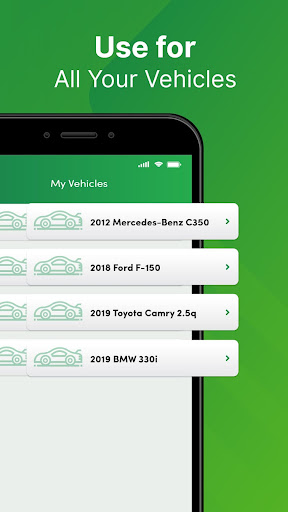
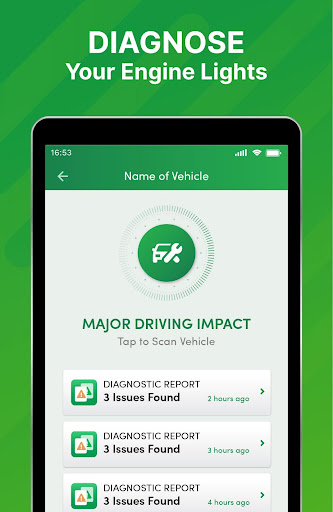
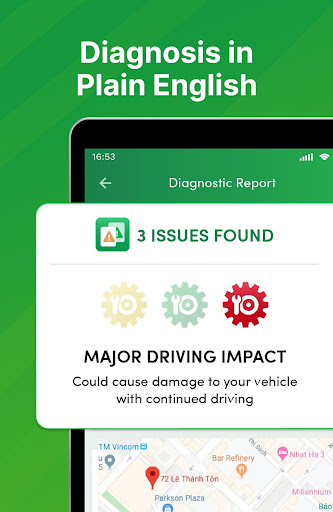
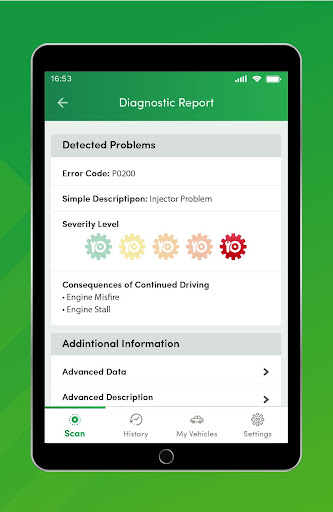
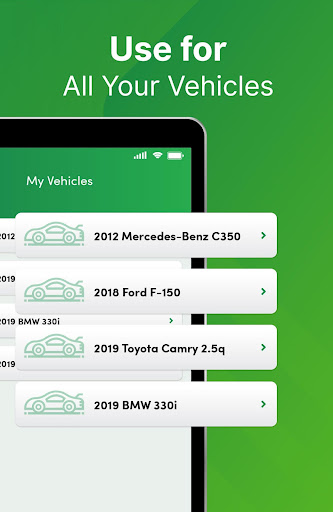
The Automend Pro OBD 2 app takes the guesswork out of car maintenance. By simply starting your car, Automend Pro can diagnose exactly what may be wrong with your car — instantly and clearly. A car scanner, car tracker, and advanced car diagnostic tool rolled into one, the Automend Pro OBD 2 provides reliably accurate information about your car’s health and which repairs are actually needed. It’s the onboard diagnostic tool you’ve been searching for. Car Diagnostics in a Snap Perfect for both car enthusiasts and those with less car experience, Automend Pro OBD2 concisely reveals the details of any type of car trouble through its OBD2 trouble codes. In clear language, the OBD2 reader what’s wrong — or not — with your car, SUV, truck, and more. In just seconds, the app works with the OBDii car diagnostic scanner to identify and explain a wide range of repairs and maintenance needs, saving you thousands that come with unnecessary repairs — or saving you a trip to the mechanic. The OBD2 app breaks down the severity of each issue, pinpointing the exact repairs needed, and also lets you know the potential impact of ignoring the problem. It’s also highly adaptable, working well with all diesel, hybrid, and gas cars built from 1996 onward. Time is of the essence when it comes to needed car repairs. With the Automend Pro OB2, you can get updates in real-time about your car’s condition, taking the mystery out of mechanical problems and helping you get on your way quickly, safely, and easily. Speak the Mechanic Language Many drivers can, unfortunately, be taken advantage of when it comes to car repairs. Mechanics can bank on you not knowing what needs to be done and what isn't needed, as well as not knowing the real long-term cost of certain repairs. With the Automend Pro OBD 2 car scanner, you will know exactly what the problem is before you head to the mechanic. You will also be able to speak with them about what you need using the exact diagnostic trouble codes, or DTCs, the Automend Pro details for you during malfunctions. Both common and advanced car mechanical terms are explained plainly, making even the most complex terms easy to understand and explain to others. Over time you’ll become knowledgeable about not just your car’s features and health, but about car repairs in general. This also helps you better plan for regular maintenance and budget for the repairs your vehicle truly requires to keep it running smoothly for years to come. Automend Pro OBD2 Car Scanner Features - The OBD2 reader functions as a vital database for your vehicle, organizing the history of every issue and revealing a timeline of your car’s health. It’s a car diagnostic dream. - Automend Pro OBD 2 makes maintaining your car easy, with reports on emissions and fuel efficiency. - It’s lightning-fast, IDing and outlining any problem in mere seconds. - That stressful check engine light? The OBD2 car scanner can reset it. - Automend Pro OBD 2 can work with multiple vehicles, keeping…

What Automend Pro OBD 2 Car Scanner Is Used For

Automend Pro OBD 2 Car Scanner appears to be a phone app for reading and explaining vehicle diagnostic information from an OBD2 scanner. Based on the metadata, people may use it to check what a warning light or trouble code means, review the severity of an issue, and understand whether a repair might be needed before visiting a mechanic.

The app is aimed at drivers who want a clearer view of car health, including owners of gas, diesel, hybrid, SUV, and truck models built from 1996 onward. Its permissions and description suggest it may connect through Bluetooth and use network access to communicate with a scanner and present results on the device. It also appears to support practical maintenance and troubleshooting use cases, especially when someone wants to translate diagnostic trouble codes into plain language.

Because it is a phone app in the Auto & Vehicles category, it seems best suited for on-the-go checks rather than in-car infotainment. Users may find it helpful for comparing multiple fault codes, tracking conditions over time, and preparing questions for a repair shop with the code details already in hand.

Common uses

  • Read OBD2 trouble codes from a car scanner
  • Help interpret dashboard warning lights
  • Review the likely severity of detected issues
  • Check basic vehicle health before a mechanic visit
  • Translate diagnostic codes into plain language
  • Work with supported cars, SUVs, trucks, and hybrids from 1996 onward
  • Use Bluetooth or network-based connections where supported
Best for:
Drivers DIY car owners Used car checks Mechanic prep Phone users

App Details

Package:
com.thinktech.automendpro
Developer:
WowSuite Software
Version:
1.3.39
Updated:
Oct 18, 2023
Min Android:
5.0
Age Rating:
Everyone
Contains Ads:
No
In-App Purchases:
Yes

Official Listing

  • Official listing available on Google Play
  • Package name: com.thinktech.automendpro
  • Age rating: Everyone

Explore More

Browse more apps in Auto & Vehicles or explore the Phone hub .

Related Auto & Vehicles Apps

FIXD OBD2 Scanner icon

FIXD OBD2 Scanner

Auto & Vehicles FIXD

Your car is talking. Start listening.

Version 26.5 23.1 MB ⭐ 4.20 1,000,000+ installs
Carista OBD2 icon

Carista OBD2

Auto & Vehicles Prizmos Ltd.

Diagnose fault codes, customize features, monitor live data and service your car

Version 9.8.0 17.3 MB ⭐ 3.70 1,000,000+ installs
RepairSolutions2 icon

RepairSolutions2

Auto & Vehicles Innova Electronics Corporation

Quick and easy car diagnostics to get you the right fix.

Version 2.6.6 50.9 MB ⭐ 4.70 1,000,000+ installs
TopScan icon

TopScan

Tools TopDon HK
Version 6.20.004 ⭐ 3.10 100,000+ installs

How to Download Automend Pro OBD 2 Car Scanner

If this app is not hosted directly on APKApps official link, then for the safest and most up-to-date version, install it from its official Google Play listing.