White Noise icon

Phone

White Noise

Health & Fitness TMSOFT ⭐ 4.50 100,000+
Version Varies with device 37.5 MB Everyone

Screenshots

White Noise screenshot
Permissions Explained 10 permissions requested View details

This app requests 10 permissions. The table below explains what each permission may allow and what users should review before installing.

Status Permission What it means Why it may be used User safety note
Common Internet access android.permission.INTERNET Allows the app to open network connections and communicate with online services. Commonly used for streaming, syncing, login, ads, analytics, downloads, cloud features, and app updates. Common permission. Review the app’s behavior if it does not appear to need online access.
Common View network status android.permission.ACCESS_NETWORK_STATE Allows the app to check whether the device is connected to Wi-Fi, mobile data, or another network. Often used to avoid loading content when offline or to adjust loading based on connection quality. Generally low risk by itself.
⚠️ Sensitive Modify external storage android.permission.WRITE_EXTERNAL_STORAGE Allows the app to write or modify files in shared device storage. Used for saving downloads, media files, exports, edited documents, backups, or cached content. Sensitive permission. Make sure file access matches the app’s purpose.
ℹ️ Review Keep device awake android.permission.WAKE_LOCK Allows the app to prevent the device from sleeping while a task is running. Used for media playback, downloads, navigation, alarms, calls, or long-running background tasks. Review battery usage if the app keeps the device awake too often.
ℹ️ Review Disable Keyguard android.permission.DISABLE_KEYGUARD This is an Android permission or app-specific permission requested by the app. The app may use this permission for features related to its category, device support, background behavior, storage, connectivity, or system integration. Review this permission before installing, especially if it does not match the app’s expected purpose.
⚠️ Sensitive Microphone access android.permission.RECORD_AUDIO Allows the app to record audio from the device microphone. Used for voice messages, calls, video chat, speech search, audio recording, or voice commands. Sensitive permission. Only grant it to apps where microphone use is expected.
⚠️ Sensitive Approximate location android.permission.ACCESS_COARSE_LOCATION Allows the app to access an approximate device location. Used for weather, local content, regional features, nearby services, or location-based settings. Sensitive permission. Review whether the app needs location access.
⚠️ Sensitive Precise location android.permission.ACCESS_FINE_LOCATION Allows the app to access the device’s precise location when granted by the user. Used for maps, navigation, local recommendations, weather, rideshare, nearby devices, or location-based content. Sensitive permission. Grant only when location access matches the app’s purpose.
ℹ️ Review Providers Gsf Permission Read Gservices com.google.android.providers.gsf.permission.READ_GSERVICES This is an Android permission or app-specific permission requested by the app. The app may use this permission for features related to its category, device support, background behavior, storage, connectivity, or system integration. Review this permission before installing, especially if it does not match the app’s expected purpose.
⚠️ Sensitive Read external storage android.permission.READ_EXTERNAL_STORAGE Allows the app to read files from shared device storage. Used by media players, file managers, backup apps, editors, upload tools, and document apps. Sensitive permission. Review carefully if the app does not need access to files or media.

About White Noise

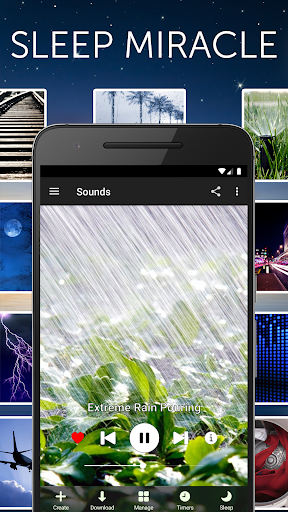
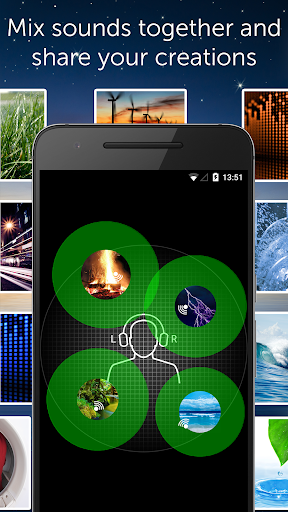
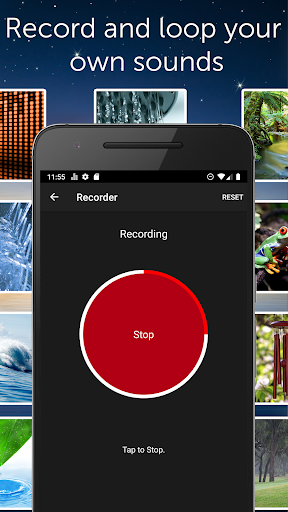
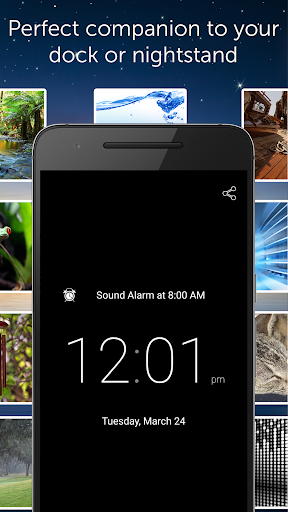
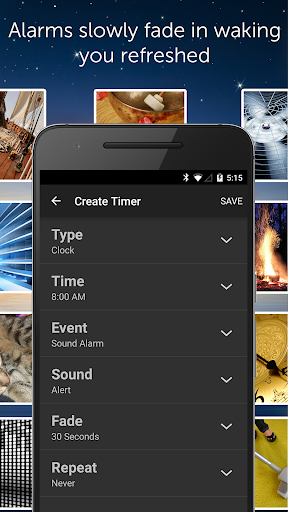
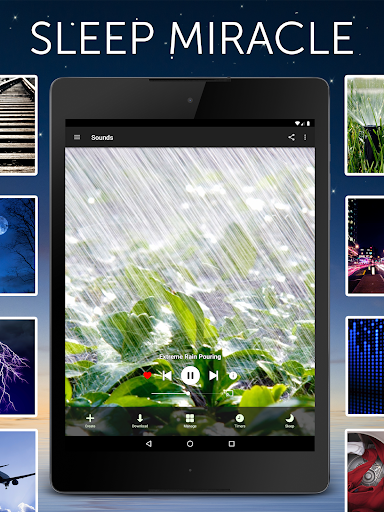
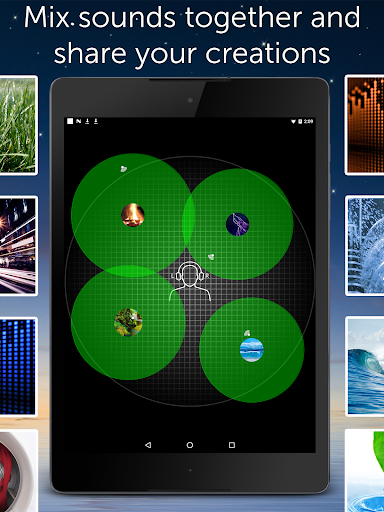
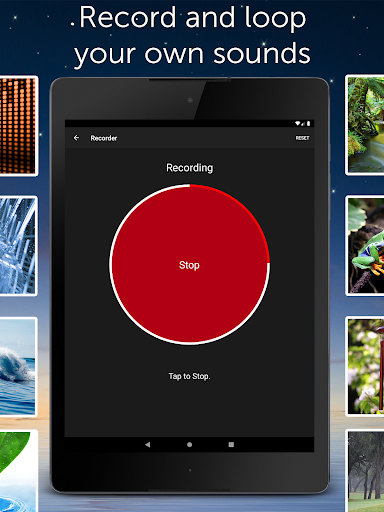
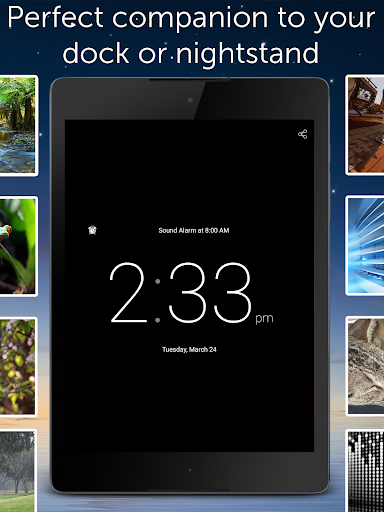
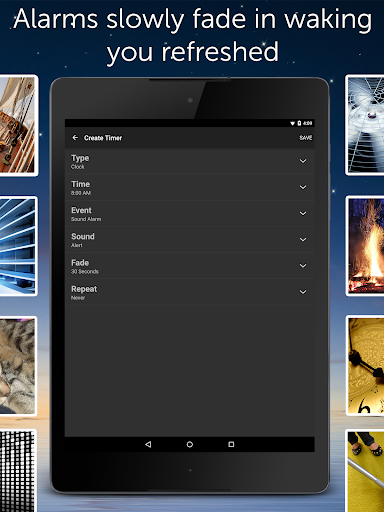
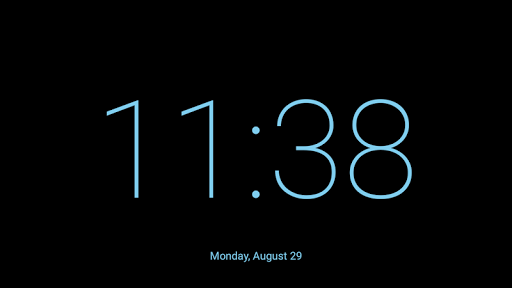
Recommended as a miracle for better sleep! Find out why the world is sleeping better with White Noise. Features ambient sounds of the environment to help you relax during the day and sleep great at night. Do you have trouble going to sleep? Are you traveling on a plane and need a quick power nap? Does your newborn baby wake up in the middle of the night? There are numerous benefits to using White Noise: • Helps you sleep by blocking distractions • Relaxes and reduces stress • Pacifies fussy and crying babies • Increases focus while enhancing privacy • Soothes headaches and migraines • Masks tinnitus (ringing of the ears) Even when you’re asleep, your brain is constantly scanning and listening for sounds. If it’s too quiet, unwanted noises such as faucet drips or police sirens can interrupt your sleep. White Noise generates sounds over a wide range of frequencies, masking those noise interruptions, so you can not only fall asleep, but stay asleep. SOUND CATALOG 40 sounds are included as part of the application (no downloading required unless you want more) including all the color noises (brown, white, pink, etc), mechanical sounds like a bedroom fan or air conditioner, light to heavy rains, rushing water sounds, beach and ocean waves, and so much more. For the entire list of sounds please visit our website. No streaming is required for playback. APPLICATION FEATURES • 40+ perfectly looped sounds with additional free sounds from the White Noise Market at https://whitenoisemarket.com/ • Record and loop new sounds with total ease • Background audio support so you can use other apps while listening • App Widget and Chromecast TV support for audio control and playback. (Note: Chromecast audio devices require using the Google Home app) • Create new soundscapes by mixing multiple noises together with support for adjusting volume, balance, and pitch of each individual sound in the mix. • Full screen digital clock with multiple colors and brightness controls makes it the perfect companion for any nightstand • Advanced alarm and timer system that slowly fades audio in and out so you awake naturally feeling more refreshed • On-screen media player and volume controls with swipe gesture support for navigating sound collection • Star favorite sounds and mixes in the sound catalog for quick access using the Favorite view • Designed to work on all Android-based phones and tablets • Advanced Settings let you prevent interruptions such as notifications, tweak buffer size for optimal playback, adjust sound volume, balance, pitch, custom alarm snooze times, and more. All the pro tools and settings you need for better sleep. • No Advertising PRESS REVIEWS White Noise has been featured by numerous publications and media outlets including Consumer Reports, Today Show, The Dr. Oz Show, Fox & Friends First, Time, The Washington Post, Health Magazine, NY Times, Macworld, PC Magazine, PC World, CNET, Esquire, and Late Night with Jimmy Fallon show. PERMISSIONS EXPLAINED…

What White Noise Is Used For

White Noise appears to be a sound and sleep-support app for phones, based on its Health & Fitness category and the metadata describing ambient audio, timers, and alarm controls. It is commonly used to play looping background sounds such as rain, fans, ocean waves, and other noise types that may help mask distractions during rest, travel, or quiet work.

Based on the metadata, the app may also be useful for people who want a simple audio source to relax, improve focus, or create a calmer environment for sleep routines. The inclusion of background audio support, a widget, and a clock suggests it can be used as a bedside companion or while multitasking. Permissions like storage and microphone access align with features for saving content and recording sounds, while wake lock and keyguard-related permissions may support uninterrupted playback and alarm behavior.

Common uses

  • Play ambient sounds to help block nearby noise during sleep or rest.
  • Use timers and fade-in/fade-out controls for bedtime or nap routines.
  • Mix multiple sounds to create a custom soundscape.
  • Keep audio running in the background while using other apps.
  • Use the alarm and clock features as a nightstand helper.
  • Record and loop your own sounds if you want personalized audio.
  • Use it on a phone for travel, focus, or a calmer room environment.
Best for:
Sleep support Relaxation Noise masking Bedside use Phone app

App Details

Package:
com.tmsoft.whitenoise.full
Developer:
TMSOFT
Version:
Varies with device
Updated:
Jan 8, 2026
Min Android:
6.0
Age Rating:
Everyone
Contains Ads:
No
In-App Purchases:
Yes

Official Listing

  • Official listing available on Google Play
  • Package name: com.tmsoft.whitenoise.full
  • Age rating: Everyone

Explore More

Browse more apps in Health & Fitness or explore the Phone hub .

Related Health & Fitness Apps

How to Download White Noise

If this app is not hosted directly on APKApps official link, then for the safest and most up-to-date version, install it from its official Google Play listing.