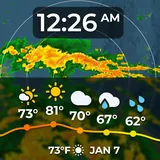
SkyHalo 2 Weather (Wear OS 5+) icon

Phone

SkyHalo 2 Weather (Wear OS 5+)

Weather Videotropic ⭐ 4.50 100+
Version 1.4.4a Everyone

Screenshots

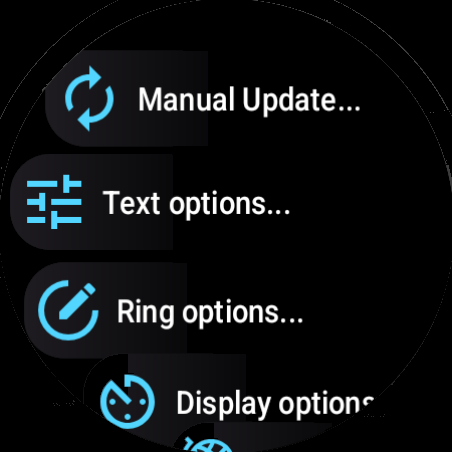
SkyHalo 2 Weather (Wear OS 5+) screenshot
Permissions Explained 9 permissions requested View details

This app requests 9 permissions. The table below explains what each permission may allow and what users should review before installing.

Status Permission What it means Why it may be used User safety note
ℹ️ Review Approximate Location (network Based) approximate location (network-based) This is an Android permission or app-specific permission requested by the app. The app may use this permission for features related to its category, device support, background behavior, storage, connectivity, or system integration. Review this permission before installing, especially if it does not match the app’s expected purpose.
ℹ️ Review Precise Location (gps And Network Based) precise location (GPS and network-based) This is an Android permission or app-specific permission requested by the app. The app may use this permission for features related to its category, device support, background behavior, storage, connectivity, or system integration. Review this permission before installing, especially if it does not match the app’s expected purpose.
ℹ️ Review View Network Connections view network connections This is an Android permission or app-specific permission requested by the app. The app may use this permission for features related to its category, device support, background behavior, storage, connectivity, or system integration. Review this permission before installing, especially if it does not match the app’s expected purpose.
ℹ️ Review Full Network Access full network access This is an Android permission or app-specific permission requested by the app. The app may use this permission for features related to its category, device support, background behavior, storage, connectivity, or system integration. Review this permission before installing, especially if it does not match the app’s expected purpose.
ℹ️ Review Control Vibration control vibration This is an Android permission or app-specific permission requested by the app. The app may use this permission for features related to its category, device support, background behavior, storage, connectivity, or system integration. Review this permission before installing, especially if it does not match the app’s expected purpose.
ℹ️ Review Prevent Device From Sleeping prevent device from sleeping This is an Android permission or app-specific permission requested by the app. The app may use this permission for features related to its category, device support, background behavior, storage, connectivity, or system integration. Review this permission before installing, especially if it does not match the app’s expected purpose.
ℹ️ Review Modify System Settings modify system settings This is an Android permission or app-specific permission requested by the app. The app may use this permission for features related to its category, device support, background behavior, storage, connectivity, or system integration. Review this permission before installing, especially if it does not match the app’s expected purpose.
ℹ️ Review Google Play License Check Google Play license check This is an Android permission or app-specific permission requested by the app. The app may use this permission for features related to its category, device support, background behavior, storage, connectivity, or system integration. Review this permission before installing, especially if it does not match the app’s expected purpose.
ℹ️ Review Read Google Service Configuration read Google service configuration This is an Android permission or app-specific permission requested by the app. The app may use this permission for features related to its category, device support, background behavior, storage, connectivity, or system integration. Review this permission before installing, especially if it does not match the app’s expected purpose.

About SkyHalo 2 Weather (Wear OS 5+)

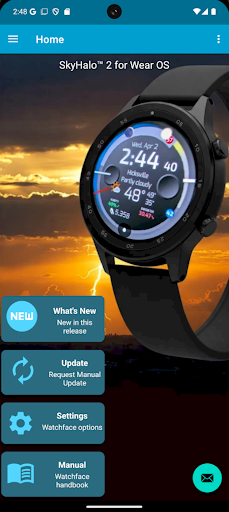
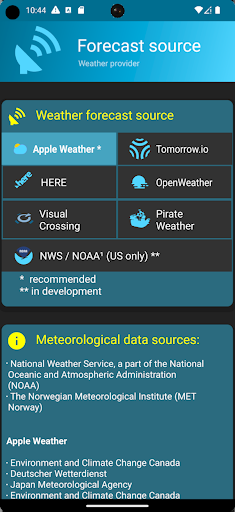
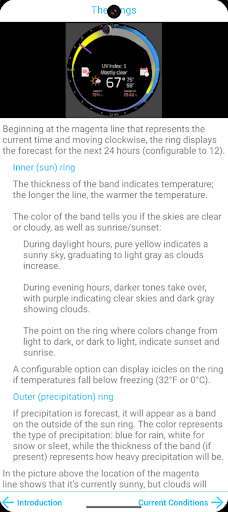
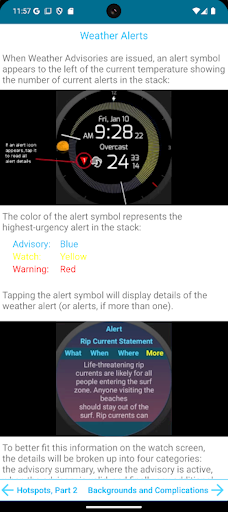
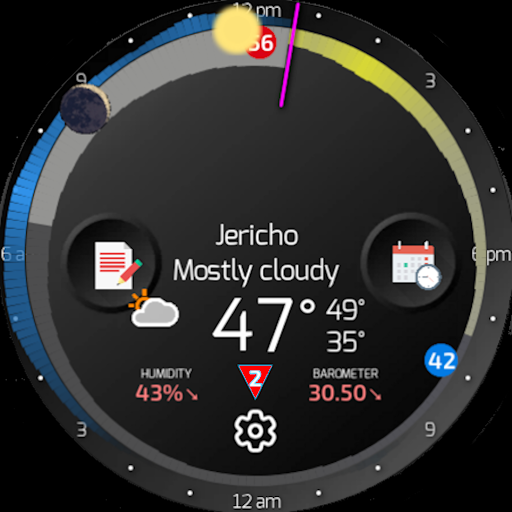
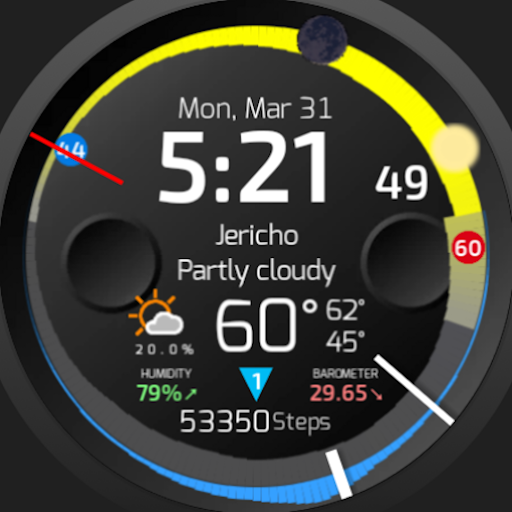
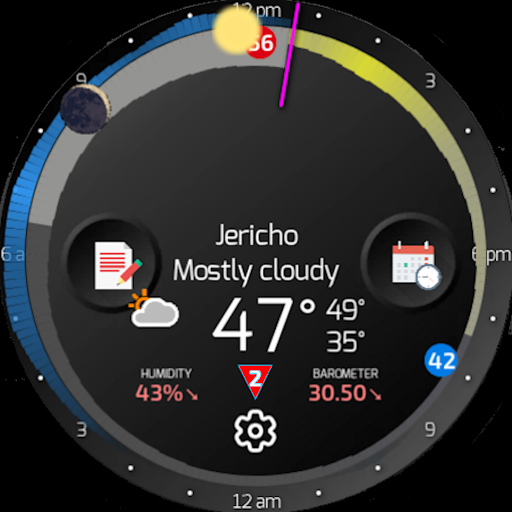
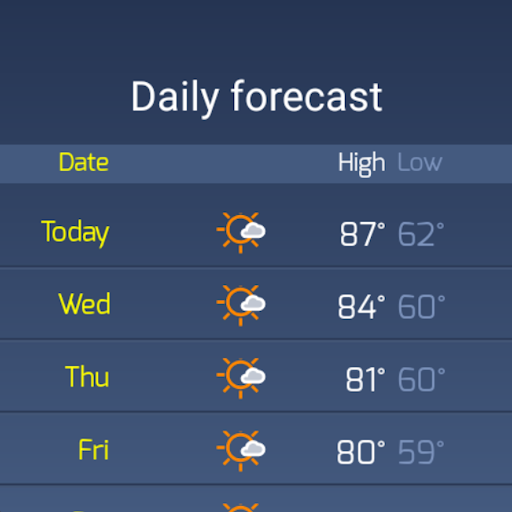
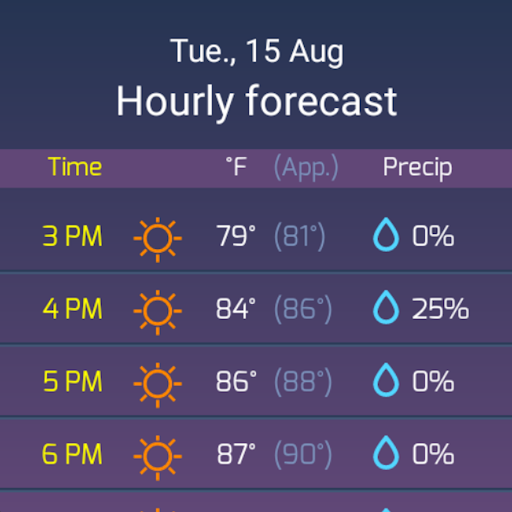
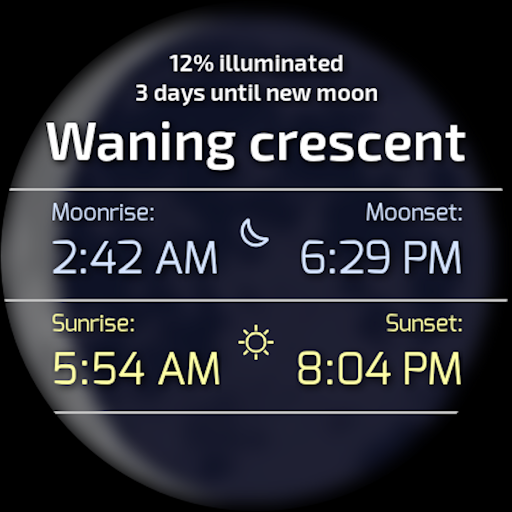
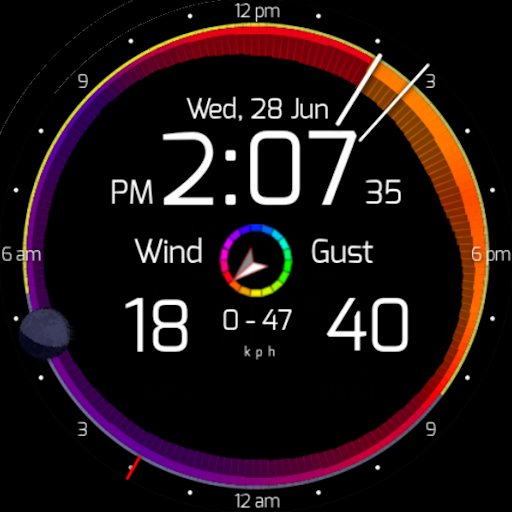
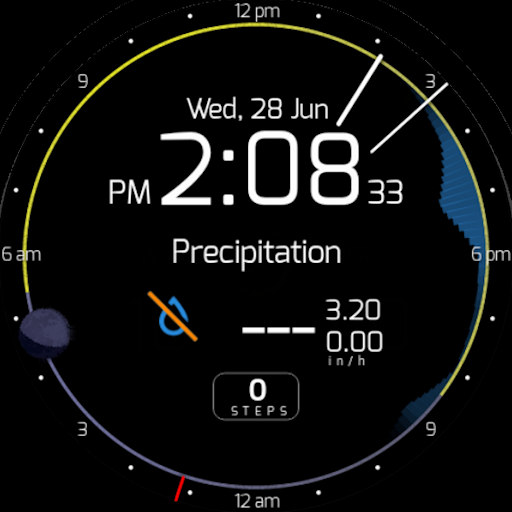
(IMPORTANT: This is the standalone SkyHalo™ 2 app and complication. To convert it to a watchface, next download & install the free SkyHalo™ 2 watchface front-end — the specialized container that holds the SkyHalo™ 2 complication and tuns it into into a complete Wear 5+ watchface) Fully compatible with Wear OS 6! SkyHalo is the ultimate weather forecast watch face for all Wear 5+ watches (Pixel, Galaxy, OnePlus, et al.). Features include: — Choice of ten forecast sources (incl. Apple Weather, Google Weather, OpenWeather, Open-Meteo and others) -- and counting! — Continuous forecasts up to 48 hours — Daily forecasts for up to 10 days, hourly up to 72 hours — Weather alerts (now global) — Rain/snow forecasts — Barometer and wind displays — Sun/moon rise/set — Moon phase and location — Up to three complications It's the most weather information available in any watch face, in a beautiful and intuitive format. SkyHalo is tested on Wear 4.x, 5.x and 6.x, and is protected from obsolescence by allowing you to choose from ten global weather sources. HOW IT WORKS: The halos are read clockwise from the hour hand (the current time), and graphically present the following information: — Temperature: The width of the ring at any point represents the temperature forecast for that time: the thicker the ring, the warmer it will be. — Cloudiness: The color of that part of the ring represents the sky conditions, with yellow for sunny, gray for completely cloudy, or any shade in between for partial sun. Sunset and sunrise times are indicated by a violet tint. — Rain and snow: An outer halo will appear if precipitation is in the forecast: blue for rain, white for snow/sleet. The thickness of the outer ring indicates the intensity of the precipitation. With no more than these three indicators you can glance at the ring and immediately see that it's cool and raining right now, but the sun should start coming out about 2:00pm with the temperatures topping out around 4:30pm, and sunset occurring at 6:15pm. You can graphically watch the increase/decrease of daylight hours as the year progresses. --------------------- Outside the weather rings is the moon, showing the current phase and location: upper half of the watch face means "above the horizon" (east on the left, west on the right). Tapping the moon pops up the exact times of sun/moon rise and set. --------------------- Current weather conditions, humidity and barometer are displayed in the lower half of the face. Tapping this area will cycle through three screens: — Temperature (current / high / low); — Wind speed (current / high / low); thickness of the ring represents wind speed; the wind direction is indicated by the ring's color (defined by the color key icon in the lower portion of the screen). Gust speed is indicated by the outer ring. — Precipitation (rain, snow, sleet) If severe weather advisories have been issued for your area, a color-coded alert triangle will be displayed to the left of the current…

What SkyHalo 2 Weather (Wear OS 5+) Is Used For

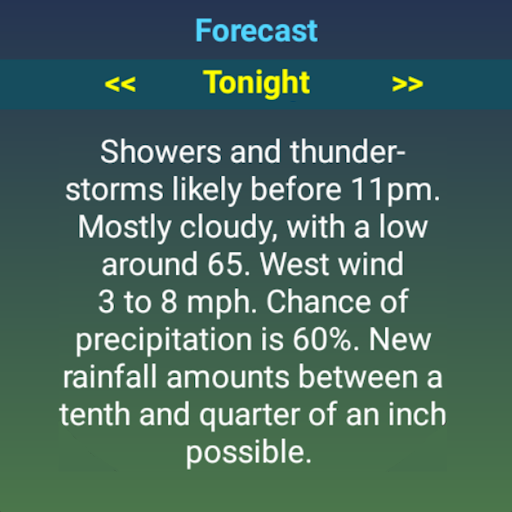
SkyHalo 2 Weather appears to be a weather-focused Wear OS app built around a watch face and complication. Based on the metadata, it is commonly used to show forecast details directly on a smartwatch, with an emphasis on at-a-glance viewing rather than opening a separate weather app. The app description suggests it can display temperature, cloud cover, rain or snow, wind, barometer data, sunrise and sunset times, moon phase, and weather alerts.

Because it requests location access and network access, the app may use your device’s current location to retrieve local forecasts and update weather information from online sources. The metadata also indicates support for multiple forecast providers and compatibility with Wear OS 5+ and 6, so it appears intended for users who want a customizable weather display on compatible watches. It may be especially useful for people who prefer seeing short-term and multi-day weather information on the watch face itself.

Common uses

  • Display current and forecast weather on a Wear OS watch face
  • Check rain, snow, cloudiness, and temperature trends at a glance
  • View hourly and multi-day forecast information on the watch
  • Monitor sunrise, sunset, and moon phase details
  • Use location-based weather updates for local conditions
  • Choose from multiple weather data sources
  • Add complication-style weather info to a compatible watch face
Best for:
Wear OS users Weather at a glance Smartwatch customization Forecast tracking Location-based weather

App Details

Package:
com.videotropic.skyhalo2
Category:
Weather
Developer:
Videotropic
Version:
1.4.4a
Updated:
Mar 23, 2026
Min Android:
Varies with device
Age Rating:
Everyone
Contains Ads:
No
In-App Purchases:
Yes

Official Listing

  • Official listing available on Google Play
  • Package name: com.videotropic.skyhalo2
  • Age rating: Everyone

Explore More

Browse more apps in Weather or explore the Phone hub .

Related Weather Apps

ByssWeather icon

ByssWeather

Weather byss mobile

Weather radar and forecast watch faces for Wear OS

Version 2.7.7.7 38.1 MB ⭐ 3.98 1,000,000+ installs

How to Download SkyHalo 2 Weather (Wear OS 5+)

If this app is not hosted directly on APKApps official link, then for the safest and most up-to-date version, install it from its official Google Play listing.