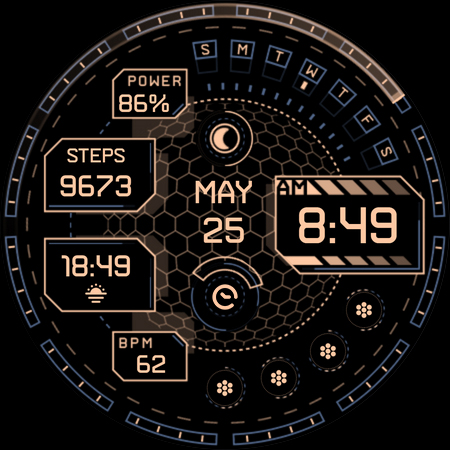
About Cyberoid Ultra - watch face
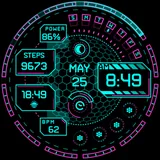
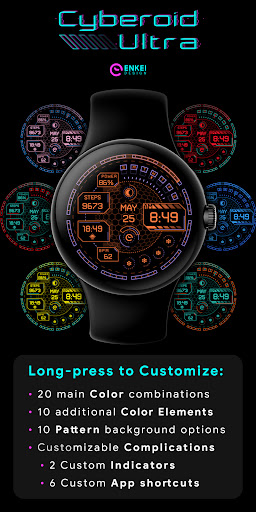
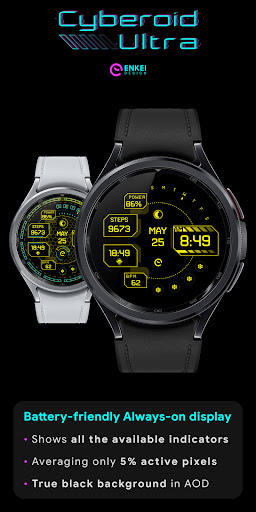
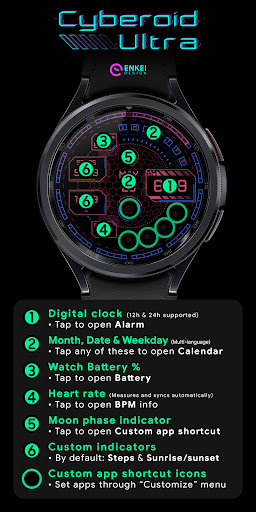
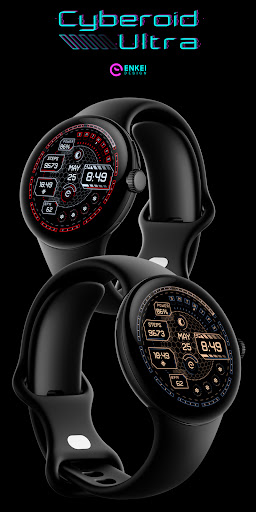
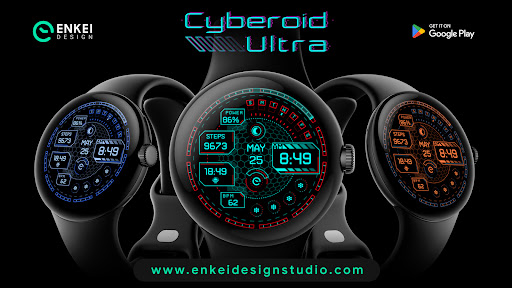
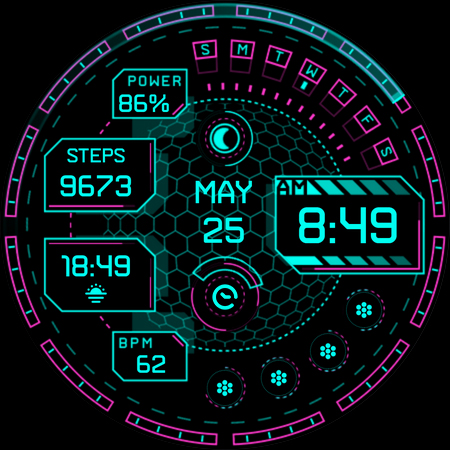
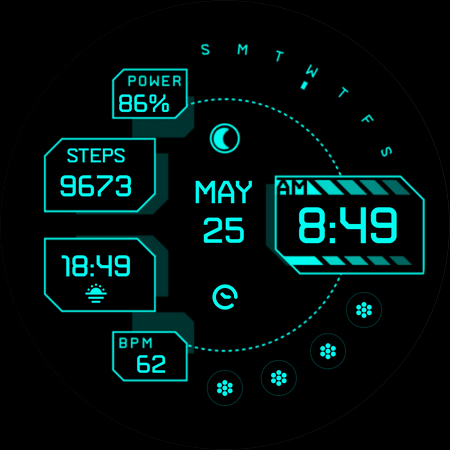
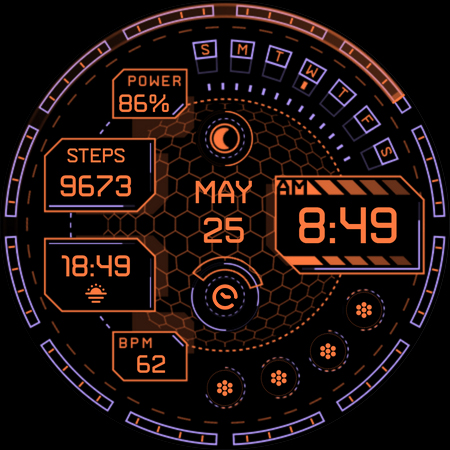
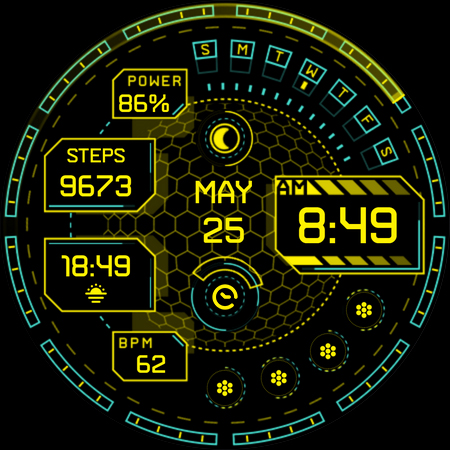
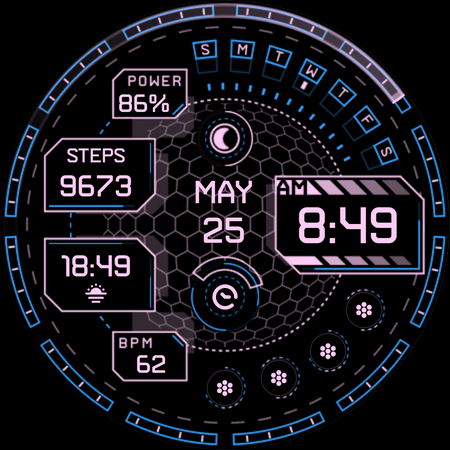
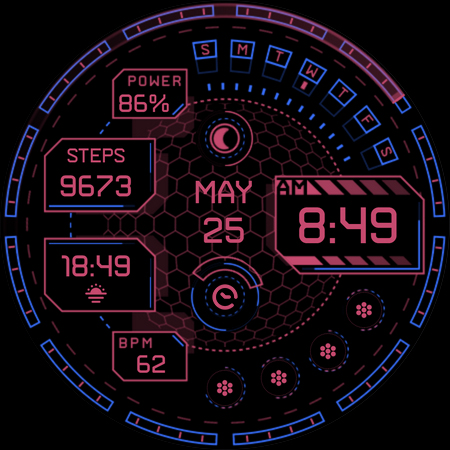
Presenting one of our classics from Tizen OS - the futuristic, cyberpunk-themed animated watch face - Cyberoid Ultra! Perfect blend of functionality and customization, with unique & futuristic cyberpunk design! Powered by Watch Face Format - offering expanded customization options and useful features! Made only for devices running Wear OS 5.0 and newer versions (API 34+) Please install only to your watch device. Phone companion app serves only to help direct installation to your watch device. Buy-One-Get-One PROMOTION https://www.enkeidesignstudio.com/bogo-promotion FEATURES: - Digital clock - 12h/24h - TAP to open Alarm - Month and Date - Multi-language - TAP to open Calendar - Weekday indicator - English-only (SMTWTFS) - TAP to open Calendar - Watch battery % - TAP to open Battery info - BPM indicator - Measures and syncs automatically - TAP to open BPM info - Moon Phase Type - Shows 1 of 8 main Moon phase images - 2 Customizable short-text indicators - Steps by default - Sunrise/Sunset by default - 6 Customizable app shortcuts - 4 visible icons - 2 hidden ones (Moon phase & "Enkei Design" logo) - Battery efficient AOD - Averaging just 5% active pixels - Long-press to access Customize menu: - Color - 20 main colors - Color Elements - 10 accent colors - Pattern - 10 background patterns - Complications - 2 Custom indicators - 6 Custom app shortcuts INSTALLATION TIPS: https://www.enkeidesignstudio.com/how-to-install CONTACT:
[email protected] E-mail us for any questions, issues or general feedback. We're here for you! Customer satisfaction is our main priority, we make sure to respond to each e-mail within 24 hours. More watch faces: https://play.google.com/store/apps/dev?id=5744222018477253424 Website: https://www.enkeidesignstudio.com Social media: https://www.facebook.com/enkei.design.studio https://www.instagram.com/enkeidesign Thank you for using our watch faces. Have a great day!
What Cyberoid Ultra - watch face Is Used For
Cyberoid Ultra - watch face appears to be a Wear OS watch face app designed for smartwatch customization rather than a phone app for everyday use. Based on the metadata, its main purpose is to change the look and information layout of a compatible watch, with a cyberpunk-inspired animated style, digital time display, and options for showing items like date, weekday, battery level, steps, moon phase, and heart-rate-related info.
It also appears to support practical watch interactions through tappable areas and configurable shortcuts, so users may use it to open common watch functions such as Alarm, Calendar, or battery details directly from the face. The metadata says it is made for Wear OS 5.0 and newer devices, and the phone companion app is only for directing installation to the watch. The lack of listed permissions suggests it is primarily focused on display and watch-face customization rather than broad device access.
Common uses
- Customizing a Wear OS watch face layout and appearance
- Displaying time in digital 12h or 24h format
- Showing at-a-glance info such as date, weekday, battery, steps, and moon phase
- Opening watch features like Alarm or Calendar from tappable areas
- Setting up app shortcuts and custom indicators on the watch face
- Adjusting colors, accent colors, and background patterns
- Using it on compatible Wear OS 5.0+ smartwatches
How to Download Cyberoid Ultra - watch face
If this app is not hosted directly on APKApps official link,
then for the safest and most up-to-date version, install it from its official Google Play listing.