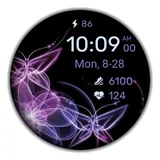
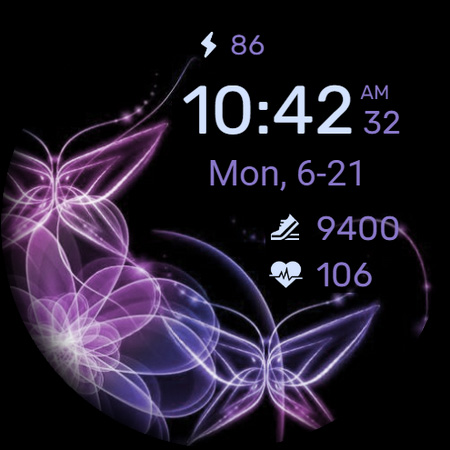
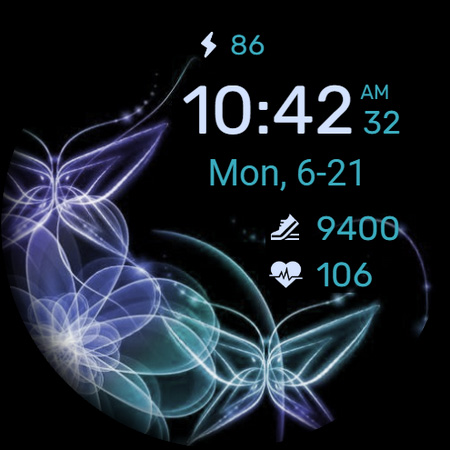
About WaTchG008: Digital watch face
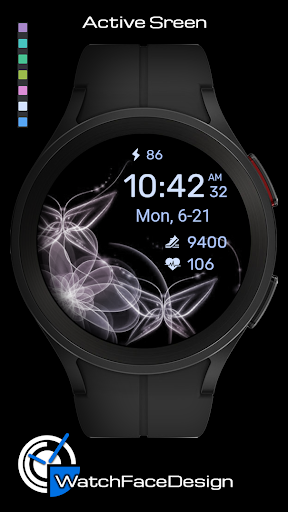
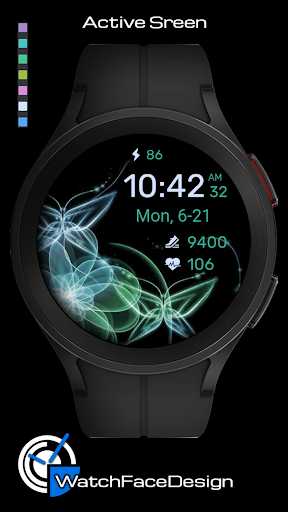
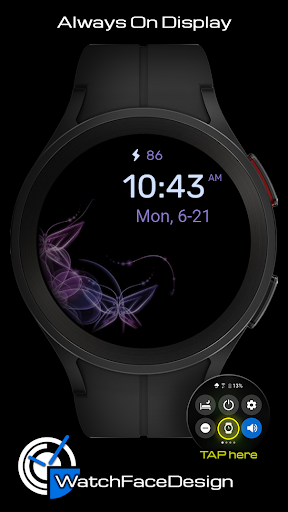
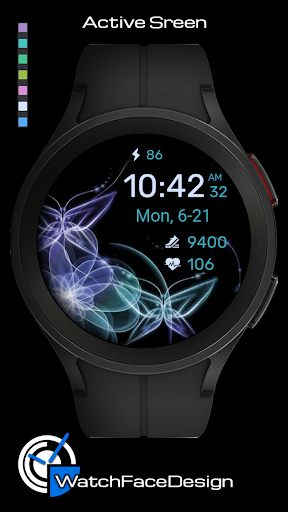
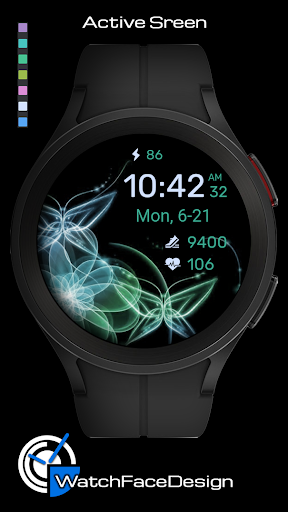
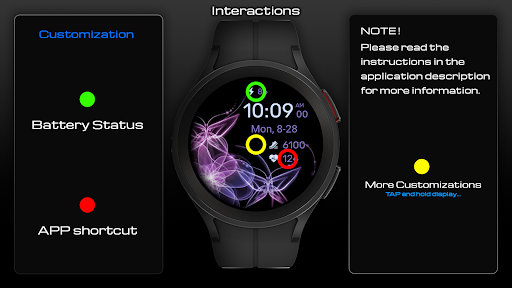
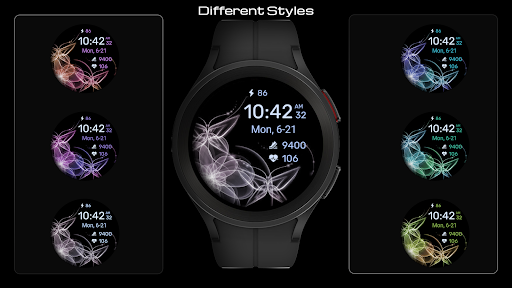
FOLLOW OUR PAGE: https://www.facebook.com/WatchFacesForSamsung [ This watch face is only for Wear OS devices ] This watch face supports all Wear OS devices with API level 30+, such as Samsung Galaxy Watch 4, 5, 6, 7, etc. FEATURES: ★ Theme options (change of colored ornaments, change of text color) ★ More possible theme combinations ★ 12H & 24H time modes ★ 2 touch shortcuts ★ Simple and battery friendly AOD TOUCH CONTROLS: ★ Battery info (click on battery) ★ Custom APP (click on heart rate data) ★ Theme customization (touch and hold in the middle watch, click on customize button) ***some features may not be available on some watches. INSTALLATION NOTES: Companion app on your mobile phone: *Click the button to open the play store on your watch. Here, follow the on-screen instructions.* Where can I find the watch face? In the watch open the watch faces menu, go to the end of the list and click on Add watch face. You will find the new watch face in the list of watch faces. Click the icon to activate the watch face. NOTE! * Make sure the watch is properly connected to the phone. After a few minutes the watch face will transferred on watch / check the watch faces installed by the Wearable app on the phone. * If you are having synchronization problems between your phone and Play Store, install the app directly from watch: search "WaTchG008" from Play Store on watch and hit on install button. * Alternatively, try installing the watch face from web browser on your PC. * Also please make sure you enabled all needed permissions. Please, any problems on this side are NOT caused by the developer. You can uninstall this mobile app later. CONTACT If you need a support or talk about our Privacy Policy, contact us on:
[email protected]
What WaTchG008: Digital watch face Is Used For
WaTchG008: Digital watch face appears to be a Wear OS watch face app for customizing the look of a compatible smartwatch. Based on the metadata, it is intended for devices running Wear OS API level 30+ and may be used on watches such as Samsung Galaxy Watch 4, 5, 6, and 7. Because it is a personalization app, the main use is likely to change the watch’s on-screen clock style rather than to provide general phone functions.
The watch face includes theme options, 12-hour and 24-hour time display, and two touch shortcuts, so it may be useful for users who want quick access to selected actions from the watch face itself. The metadata also mentions battery information, a custom app shortcut tied to heart rate data, and a simple always-on display style. The mobile app appears to act mainly as a companion for installing or transferring the watch face to the watch, while the actual watch face is used on the wearable device.
Common uses
- Install and activate the watch face on a compatible Wear OS smartwatch
- Change the visual theme by adjusting ornament colors and text color
- Switch between 12-hour and 24-hour time formats
- Use touch shortcuts for battery info and a custom app action
- Customize the watch face directly from the watch’s customization menu
- View a simple, battery-friendly always-on display style
- Manage the watch face through the phone companion when needed
How to Download WaTchG008: Digital watch face
If this app is not hosted directly on APKApps official link,
then for the safest and most up-to-date version, install it from its official Google Play listing.