Weather Complications: Wear OS icon

Phone

Weather Complications: Wear OS

Weather amoledwatchfaces™ ⭐ 4.40 1,000+
Version 2.1.0 Everyone

Screenshots

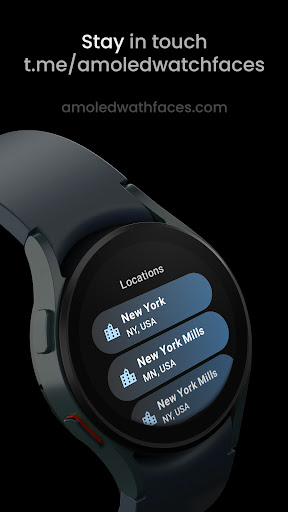
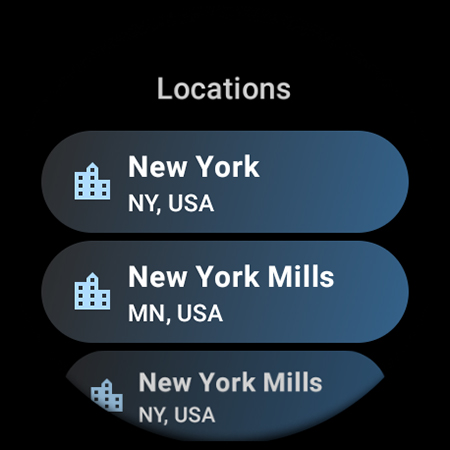
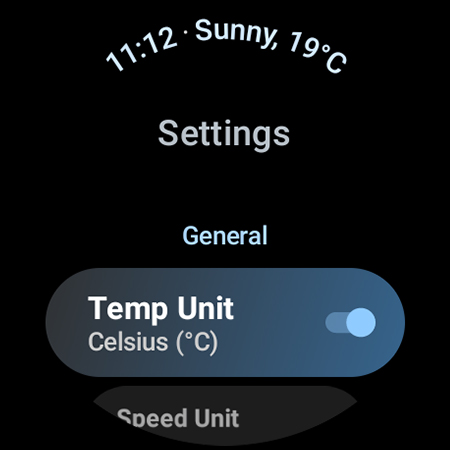
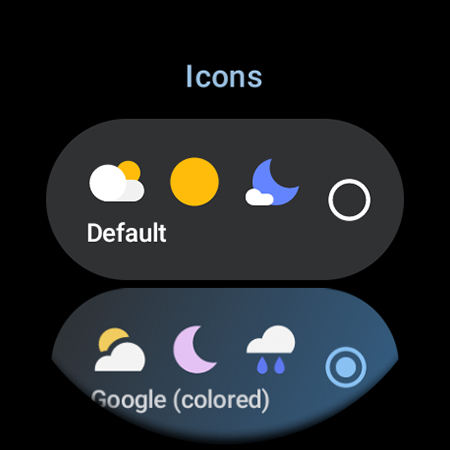
Weather Complications: Wear OS screenshot
Permissions Explained 9 permissions requested View details

This app requests 9 permissions. The table below explains what each permission may allow and what users should review before installing.

Status Permission What it means Why it may be used User safety note
ℹ️ Review Approximate Location (network Based) approximate location (network-based) This is an Android permission or app-specific permission requested by the app. The app may use this permission for features related to its category, device support, background behavior, storage, connectivity, or system integration. Review this permission before installing, especially if it does not match the app’s expected purpose.
ℹ️ Review Precise Location (gps And Network Based) precise location (GPS and network-based) This is an Android permission or app-specific permission requested by the app. The app may use this permission for features related to its category, device support, background behavior, storage, connectivity, or system integration. Review this permission before installing, especially if it does not match the app’s expected purpose.
ℹ️ Review View Wi Fi Connections view Wi-Fi connections This is an Android permission or app-specific permission requested by the app. The app may use this permission for features related to its category, device support, background behavior, storage, connectivity, or system integration. Review this permission before installing, especially if it does not match the app’s expected purpose.
ℹ️ Review View Network Connections view network connections This is an Android permission or app-specific permission requested by the app. The app may use this permission for features related to its category, device support, background behavior, storage, connectivity, or system integration. Review this permission before installing, especially if it does not match the app’s expected purpose.
ℹ️ Review Connect And Disconnect From Wi Fi connect and disconnect from Wi-Fi This is an Android permission or app-specific permission requested by the app. The app may use this permission for features related to its category, device support, background behavior, storage, connectivity, or system integration. Review this permission before installing, especially if it does not match the app’s expected purpose.
ℹ️ Review Full Network Access full network access This is an Android permission or app-specific permission requested by the app. The app may use this permission for features related to its category, device support, background behavior, storage, connectivity, or system integration. Review this permission before installing, especially if it does not match the app’s expected purpose.
ℹ️ Review Run At Startup run at startup This is an Android permission or app-specific permission requested by the app. The app may use this permission for features related to its category, device support, background behavior, storage, connectivity, or system integration. Review this permission before installing, especially if it does not match the app’s expected purpose.
ℹ️ Review Prevent Device From Sleeping prevent device from sleeping This is an Android permission or app-specific permission requested by the app. The app may use this permission for features related to its category, device support, background behavior, storage, connectivity, or system integration. Review this permission before installing, especially if it does not match the app’s expected purpose.
ℹ️ Review Google Play License Check Google Play license check This is an Android permission or app-specific permission requested by the app. The app may use this permission for features related to its category, device support, background behavior, storage, connectivity, or system integration. Review this permission before installing, especially if it does not match the app’s expected purpose.

About Weather Complications: Wear OS

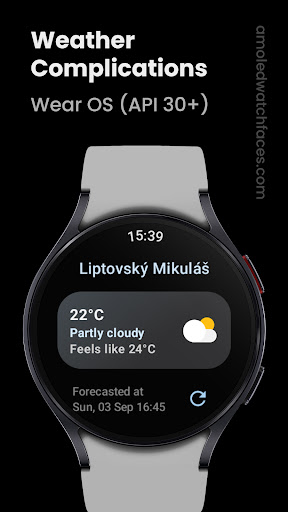
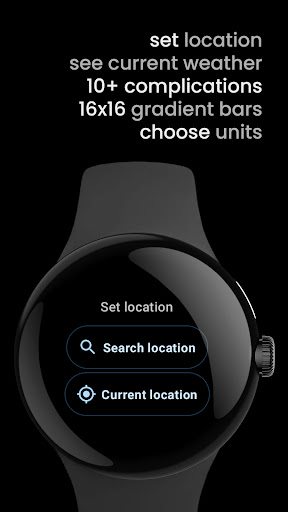
Only for Wear OS API 30+ devices amoledwatchfaces.com Disclaimer: This app cannot be obtained with a BOGO promo All weather related custom complications in a single app. Complications are refreshing in 35min intervals (best possible battery life). Weather data freshness is 15 minutes. When there's no connection, complication continues using forecasted data for current hour. API used for obtaining location info: Places API from Google. WEATHER DATA SOURCES www.weatherapi.com (default) openweathermap.org/api/one-call-3 (custom provider key) SUPPORTED CUSTOM COMPLICATIONS & TYPES • Air Quality Index (EPA) - SHORT_TEXT, LONG_TEXT, RANGED_VALUE • Atmospheric Pressure - SHORT_TEXT, LONG_TEXT, RANGED_VALUE • Beaufort - SHORT_TEXT, LONG_TEXT, ICON, SMALL_IMAGE • Chance of Rain - SHORT_TEXT, LONG_TEXT, RANGED_VALUE • Current / Feels like Temperature - SHORT_TEXT, LONG_TEXT • Weather - SHORT_TEXT, ICON, SMALL_IMAGE • Weather Hi-Lo Progress - RANGED_VALUE • Dew Point - SHORT_TEXT, LONG_TEXT • Feels like - SHORT_TEXT, LONG_TEXT • Hi-Lo Temperature - SHORT_TEXT, LONG_TEXT • Humidity - SHORT_TEXT, LONG_TEXT, RANGED_VALUE • UV Index - SHORT_TEXT, LONG_TEXT, RANGED_VALUE, ICON, SMALL_IMAGE • Weather & Location - LONG_TEXT • Weather & Condition - LONG_TEXT • Weather Summary - LONG_TEXT • Wind - SHORT_TEXT, LONG_TEXT OUR WATCH FACE PORTFOLIO play.google.com/store/apps/dev?id=5591589606735981545 ALL CUSTOM COMPLICATION APPS amoledwatchfaces.com/apps Please send any issues reports or help requests to our support address [email protected] Join our Telegram group for live support and discussion t.me/amoledwatchfaces Newsletter amoledwatchfaces.com/contact#newsletter amoledwatchfaces™ - Awf

What Weather Complications: Wear OS Is Used For

Weather Complications: Wear OS appears to be a companion-style weather app for Wear OS watches, built to provide weather data through custom watch-face complications. Based on the metadata, its main use is adding small weather readouts to a smartwatch face, such as current temperature, chance of rain, humidity, wind, UV index, air quality, pressure, and hi-lo values. It is limited to Wear OS API 30+ devices, so it is intended for smartwatch use rather than a general phone-weather experience.

The app may be most useful for people who want weather information visible at a glance without opening a full weather app. The location permissions suggest it can use the watch or paired device location to supply local weather and related details. Network permissions support fetching weather updates, while the startup and sleep-related permissions may help keep complications updated in the background. The metadata also notes that updates are spaced out to support battery life, so it seems designed for low-overhead display on a watch face.

Common uses likely include checking current conditions during the day, choosing clothing or outdoor plans, and showing weather-related data directly on a custom watch face. It also appears to support multiple complication formats, which may help users match different watch-face layouts and information density.

Common uses

  • Add weather readouts to Wear OS watch faces
  • Check current conditions at a glance
  • Show forecast-style details such as rain chance and hi-lo temperature
  • Display extra metrics like humidity, UV index, pressure, and air quality
  • Use location-based weather for nearby conditions
  • Fit different complication styles on supported watch faces
  • Keep weather info visible without opening a separate app
Best for:
Wear OS users Watch face customization At-a-glance weather Complication widgets Outdoor planning

App Details

Package:
com.weartools.weathercomplications
Category:
Weather
Developer:
amoledwatchfaces™
Version:
2.1.0
Updated:
Nov 13, 2025
Min Android:
11
Age Rating:
Everyone
Contains Ads:
No
In-App Purchases:
No

Official Listing

  • Official listing available on Google Play
  • Package name: com.weartools.weathercomplications
  • Age rating: Everyone

Explore More

Browse more apps in Weather or explore the Phone hub .

Related Weather Apps

Weather data & microclimate : icon

Weather data & microclimate :

Weather Weather Underground

Weather radar, hyperlocal tracker and weather maps: follow your weather station

Version 6.19.1 51.4 MB ⭐ 4.80 10,000,000+ installs
Today Weather:Data by NOAA/NWS icon

Today Weather:Data by NOAA/NWS

Weather todayweather.co

Powered by U.S. National Weather Service. Customizable widgets, radar & warnings

Version Varies with device 22.8 MB ⭐ 4.60 1,000,000+ installs
ByssWeather icon

ByssWeather

Weather byss mobile

Weather radar and forecast watch faces for Wear OS

Version 2.7.7.7 38.1 MB ⭐ 3.98 1,000,000+ installs

How to Download Weather Complications: Wear OS

If this app is not hosted directly on APKApps official link, then for the safest and most up-to-date version, install it from its official Google Play listing.