About RE Equalizer FX
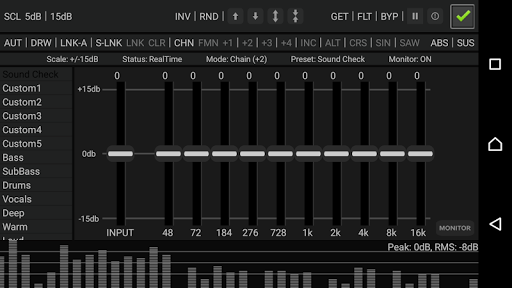
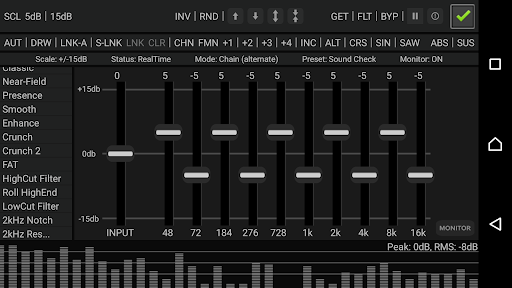
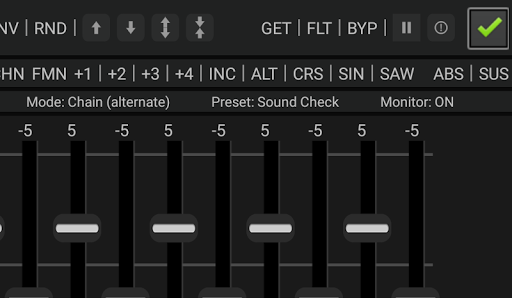
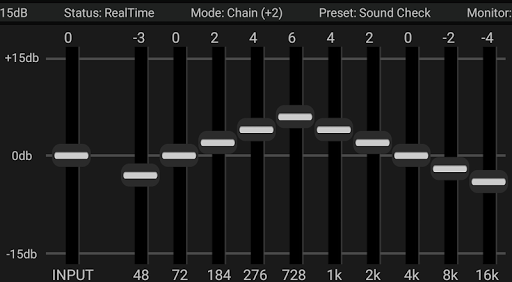
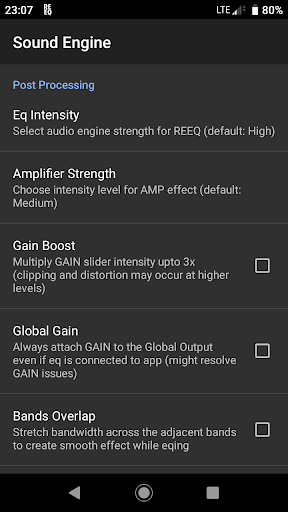
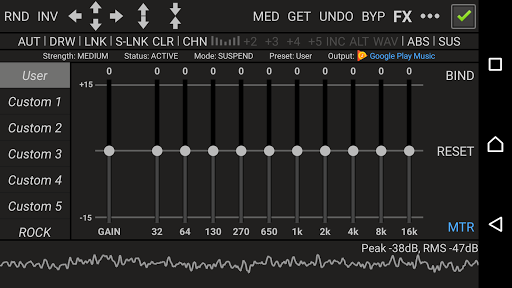
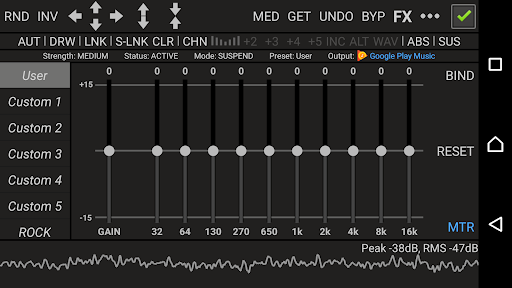
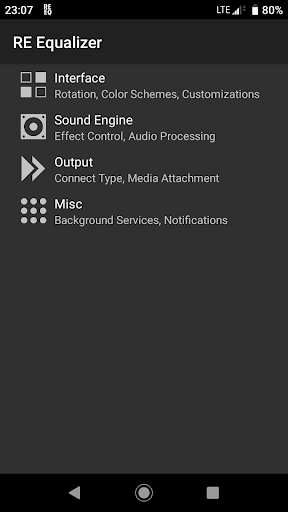
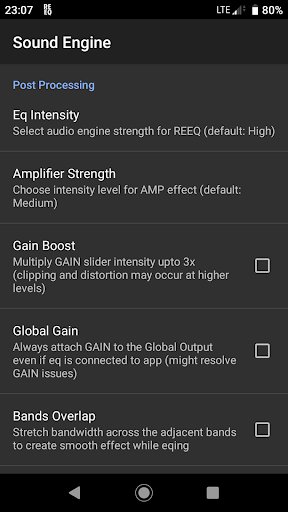
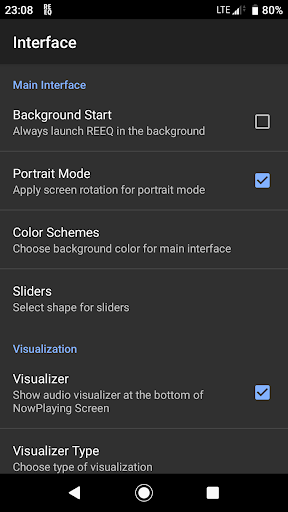
Developed by WiseSchematics, RE Equalizer reflects the design, performance and workflow of a powerful studio grade equalizers on the move. Integrated with advanced features such as Shunt Audio Engine(c) and Smart Interface(c), RE-EQ components utilize special filters which eliminate the artifacts, noise and distortion associated with band interaction, and provide perfect curve and stair-stepped filter responses. Finally, RE-EQ integrated real-time analyzer lets you compare the difference between audio signal. RE-EQ has been primarily designed to achieve 'broad brush' tone-shaping effects thus equipped with fine controls to provide full freedom for sound tuning and tweaking so that users get the mix and sound the way they want, which means spending less time on setup and more time for tuning. Get Full Control Over Sound: - Studio Grade Design and Workflow - Powered with Shunt Audio Engine and Smart Interface Technologies - 10 ISO Faders with One Band per each Octave - Proportional “Q” filters - 20 Built-in Pre-Engineered Presets with 10 Custom Presets - Amplifier effect - Compressor effect to adjust audio dynamic range - Balance effect to adjust the volume of left/right channels - Wide Range of Controls for Rapid Fine Tuning and Shaping the EQ - Gain Scaling Options - Bands Stepping, Mixing, Morphing, Shifting with Multi-Directional Automation Control - 7 Modes for Drawing Multiple Shapes and Curve Formation - Built-in Threshold Gate to Override Clipping Signal - Global BYPASS / REAL TIME Switch - Audio Analyzer for Real Time Monitoring - Available as Standalone and Plugged Version - Detailed Tutorial Available for Learning Purposes RE-EQ comes in 2 forms, Plugged and Standalone. Plugged Version is bundled with “Resound Methods”, an offline audio player for Android OS. RE-EQ is also available as Demo Version for free which is intended for Testing and Checking Purposes but may contain limited features and functionality. Note: For better compatibility and integration with the device, please make sure that no other equalizers or random effects are running in background. If you are facing such issues, please follow the below guideline. -Turn Off or stop/disable any kind of built-in/external equalizers or Audio Effects (like "SoundAlive" etc in Samsung devices) under Application Manager settings before using RE-EQ. Such libraries can cause interference issues and may cancel or block effect from each other. -Always launch target application first like music player, then open RE-EQ. For Detailed User Guide, visit: http://shuntcorp.net/reeq.docs
What RE Equalizer FX Is Used For
RE Equalizer FX appears to be a music and audio app for adjusting how sound plays on an Android phone. Based on the metadata, it is commonly used for tone shaping, balancing audio channels, and applying equalizer settings to music or other playback. The app description also suggests it includes preset-based and manual controls, so users may rely on it when they want more detailed control over bass, treble, and overall sound output.
The listed permissions fit an audio-focused app: changing audio settings is needed for equalizer control, Bluetooth access may support wireless audio devices, and USB storage access may relate to loading or saving audio-related files or presets. It also mentions recording audio and real-time analysis, which suggests some users may use it to monitor or compare sound while tuning settings. Based on the metadata, this app seems aimed at users who want more advanced audio adjustment on a phone rather than casual media playback.
Common uses
- Adjust equalizer settings for music playback
- Tune left and right channel balance
- Apply presets or make manual sound changes
- Monitor audio with real-time analysis
- Use compression or amplifier-style controls for audio shaping
- Work with Bluetooth audio devices
- Manage audio settings on a phone
App Details
Package:
com.wiseschematics.reeq01
Developer:
WiseSchematics
Version:
1.7.5
Updated:
Jan 6, 2026
Min Android:
4.4
Age Rating:
Everyone
Contains Ads:
No
In-App Purchases:
No
Official Listing
-
Official listing available on
Google Play
-
Package name:
com.wiseschematics.reeq01
-
Age rating:
Everyone
Related Music & Audio Apps
Music & Audio
•
Poweramp Software Design (Max MP)
Version build-1020-bundle-play
⭐ 4.30
1,000,000+ installs
Music & Audio
•
KUCO Apps
Version 1.8.0
⭐ 4.60
10,000+ installs
Music & Audio
•
n-Track
Version 10.5.46
⭐ 4.60
10,000+ installs
How to Download RE Equalizer FX
If this app is not hosted directly on APKApps official link,
then for the safest and most up-to-date version, install it from its official Google Play listing.