About Manga Buz
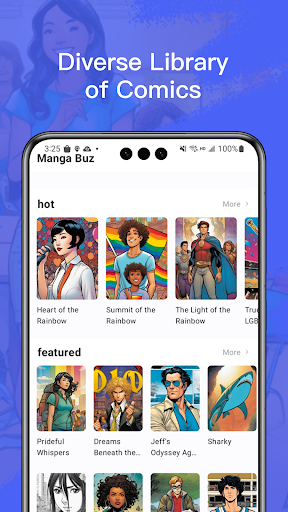
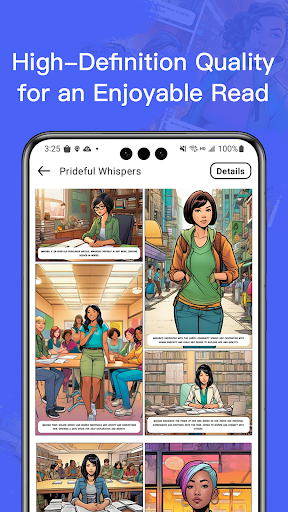
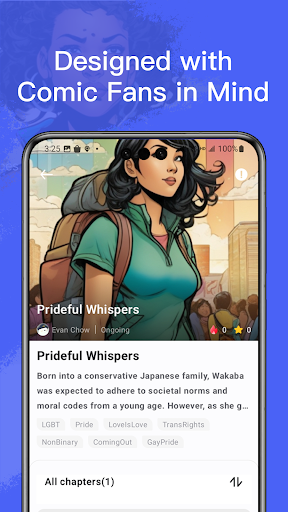
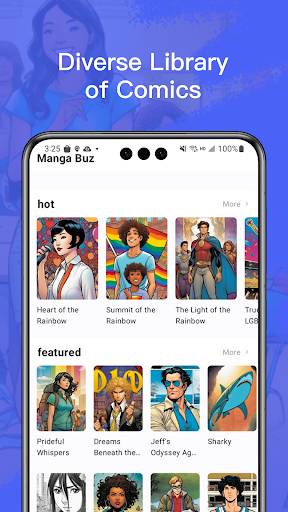
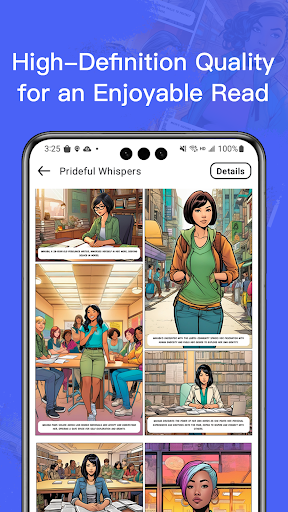
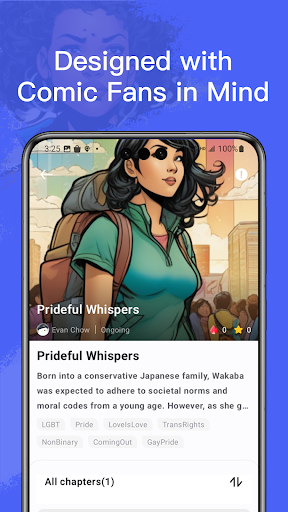
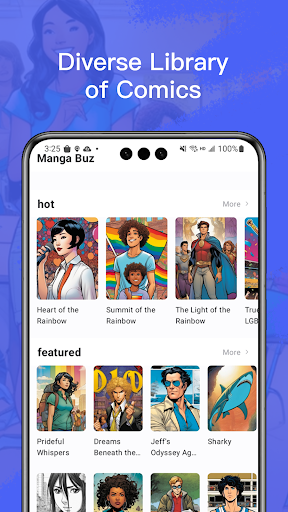
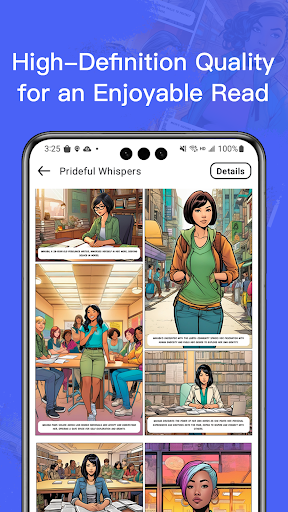
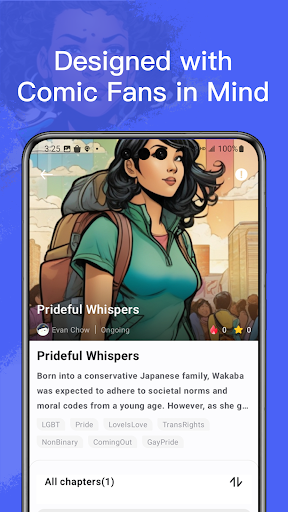
Welcome to Manga Buz, a digital comic platform crafted specifically for comic enthusiasts. Whether you cherish classic comics or the latest series, our extensive library and intuitive reading experience immerse you in endless storytelling worlds. 【A Diverse Library of Comics】 We've meticulously selected top-notch comics from around the globe, encompassing genres like action, fantasy, romance, and mystery to cater to varied reader preferences. With weekly updates, you'll never fall behind. 【High-Definition Quality for an Enjoyable Read】 All comics are presented in high resolution, ensuring the best visual experience on any device. 【Comics at Your Fingertips, Anytime, Anywhere】 Wherever you are, there's no need to worry about carrying comics around. Manga Buz turns your phone or tablet into a portable comic library. 【Designed with Comic Fans in Mind】 We're committed to providing the best reading experience for comic fans. From a user-friendly interface to personalized content recommendations, every detail is crafted to enhance your comic reading journey. Download Manga Buz now and embark on your digital comic adventure!
What Manga Buz Is Used For
Manga Buz appears to be a comics app for reading digital manga and other comic titles on an Android phone or tablet. Based on the metadata, it is centered on a library of comics across genres such as action, fantasy, romance, and mystery, so people would commonly use it to browse and read series in one place.
The app’s network permissions suggest it needs internet access to load comic content and updates, while the "prevent device from sleeping" permission may support longer reading sessions without the screen timing out. The mention of weekly updates and personalized recommendations also suggests it may be used by readers who want ongoing access to new chapters and a more tailored discovery experience.
Because it is listed as a phone app, Manga Buz seems most relevant for mobile reading on the go, though the description also mentions tablet use. It may fit users who prefer a portable comic library rather than a physical collection, and who want a reading app focused on browsing, selecting, and following comic series.
Common uses
- Read manga and digital comics on a phone or tablet
- Browse series across genres like action, fantasy, romance, and mystery
- Check for weekly content updates from the app’s library
- Use it as a portable comic library for reading on the go
- Keep the screen awake during longer reading sessions
- Discover new titles through personalized recommendations
App Details
Package:
com.xm.manga
Developer:
spoercsdingshe
Version:
1.4.8
Updated:
Mar 11, 2025
Min Android:
7.0
Age Rating:
Everyone
Contains Ads:
No
In-App Purchases:
Yes
Official Listing
-
Official listing available on
Google Play
-
Package name:
com.xm.manga
-
Age rating:
Everyone
Related Comics Apps
Comics
•
NAVER WEBTOON
The largest manga, comics, and manhwa community with millions of fans!
Version 3.8.11
54.5 MB
⭐ 4.60
100,000,000+ installs
Comics
•
MangaToon
A universal application for reading comics
Version 3.33.00
40.3 MB
⭐ 4.30
10,000,000+ installs
Comics
•
NAVER WEBTOON
매일 매일 새로운 네이버 웹툰
Version 2.42.1
48.8 MB
⭐ 4.40
10,000,000+ installs
Comics
•
株式会社 集英社
Get the latest manga chapters daily, released simultaneously with Japan.
Version 2.2.2
56.3 MB
⭐ 3.20
10,000,000+ installs
Comics
•
WEBCOMICS HOLDINGS HK LIMITED
Read Manga, Comics & Manhwa of Romance, Action, Fantasy, Drama, BL and more!
Version 3.8.10
36.0 MB
⭐ 4.40
10,000,000+ installs
Comics
•
LEZHIN ENTERTAINMENT
+Not your everyday comic. Everyday.
Version 2026.3.0
21.7 MB
⭐ 3.50
10,000,000+ installs
How to Download Manga Buz
If this app is not hosted directly on APKApps official link,
then for the safest and most up-to-date version, install it from its official Google Play listing.