M3U IPTV Premium icon

Phone

M3U IPTV Premium

Video Players & Editors Herber Entertainment ⭐ 4.80 1,000+
Version 3.0.10.1 Everyone

Screenshots

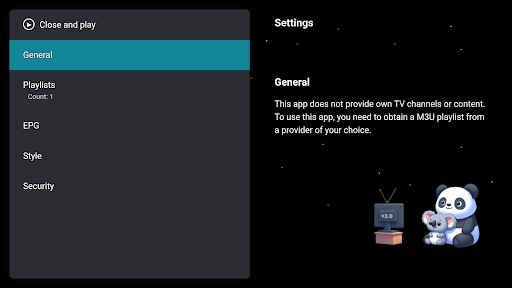
M3U IPTV Premium screenshot
Permissions Explained 7 permissions requested View details

This app requests 7 permissions. The table below explains what each permission may allow and what users should review before installing.

Status Permission What it means Why it may be used User safety note
ℹ️ Review Read The Contents Of Your Usb Storage read the contents of your USB storage This is an Android permission or app-specific permission requested by the app. The app may use this permission for features related to its category, device support, background behavior, storage, connectivity, or system integration. Review this permission before installing, especially if it does not match the app’s expected purpose.
ℹ️ Review View Network Connections view network connections This is an Android permission or app-specific permission requested by the app. The app may use this permission for features related to its category, device support, background behavior, storage, connectivity, or system integration. Review this permission before installing, especially if it does not match the app’s expected purpose.
ℹ️ Review Full Network Access full network access This is an Android permission or app-specific permission requested by the app. The app may use this permission for features related to its category, device support, background behavior, storage, connectivity, or system integration. Review this permission before installing, especially if it does not match the app’s expected purpose.
ℹ️ Review Run At Startup run at startup This is an Android permission or app-specific permission requested by the app. The app may use this permission for features related to its category, device support, background behavior, storage, connectivity, or system integration. Review this permission before installing, especially if it does not match the app’s expected purpose.
ℹ️ Review Draw Over Other Apps draw over other apps This is an Android permission or app-specific permission requested by the app. The app may use this permission for features related to its category, device support, background behavior, storage, connectivity, or system integration. Review this permission before installing, especially if it does not match the app’s expected purpose.
ℹ️ Review Google Play License Check Google Play license check This is an Android permission or app-specific permission requested by the app. The app may use this permission for features related to its category, device support, background behavior, storage, connectivity, or system integration. Review this permission before installing, especially if it does not match the app’s expected purpose.
ℹ️ Review Write Tv Channel/program Information write TV channel/program information This is an Android permission or app-specific permission requested by the app. The app may use this permission for features related to its category, device support, background behavior, storage, connectivity, or system integration. Review this permission before installing, especially if it does not match the app’s expected purpose.

About M3U IPTV Premium

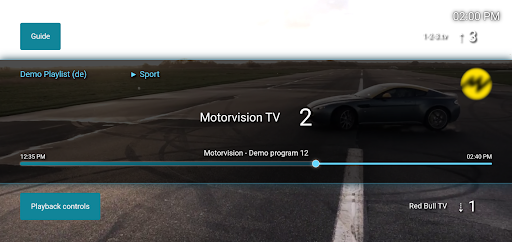
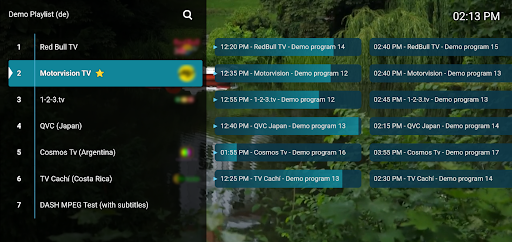
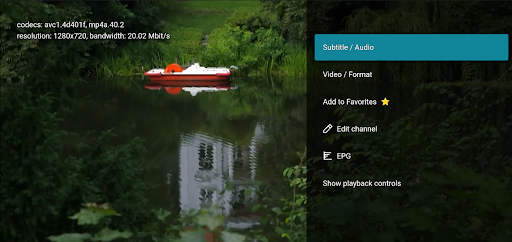
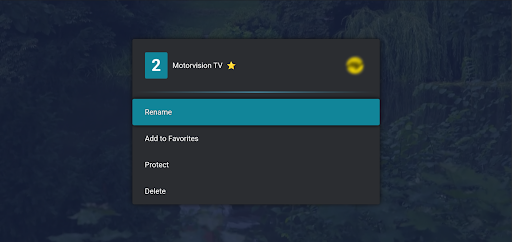
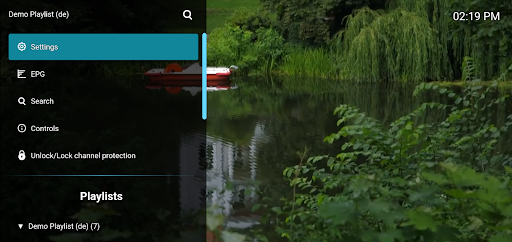
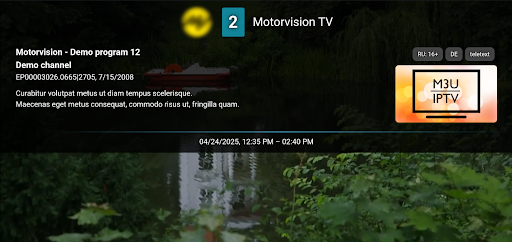
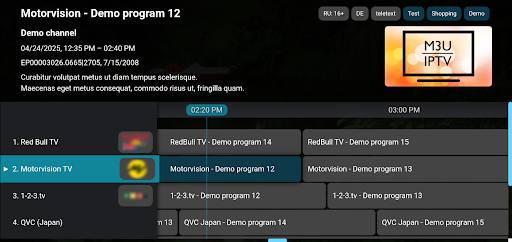
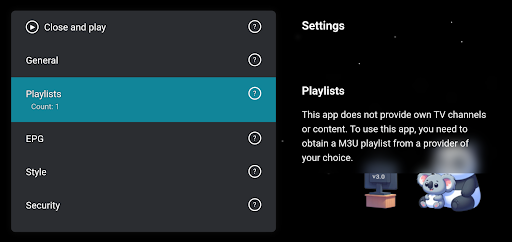
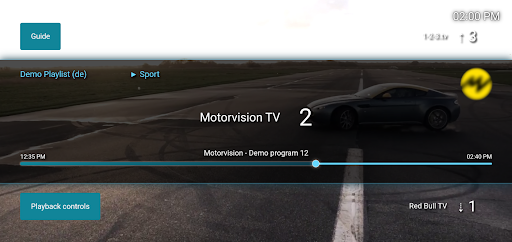
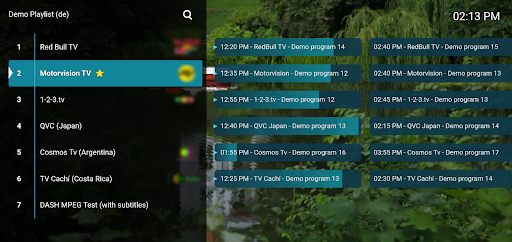
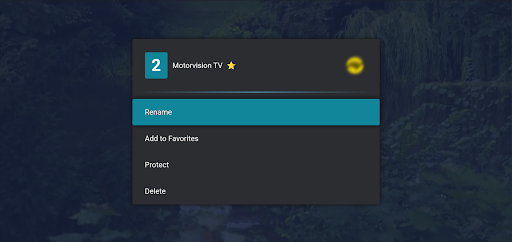
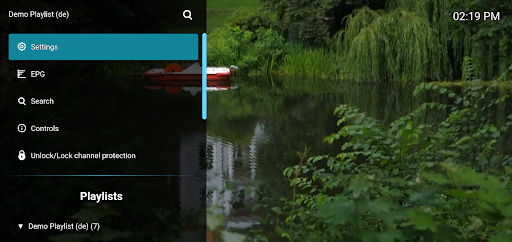
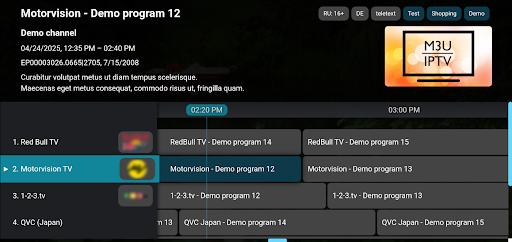
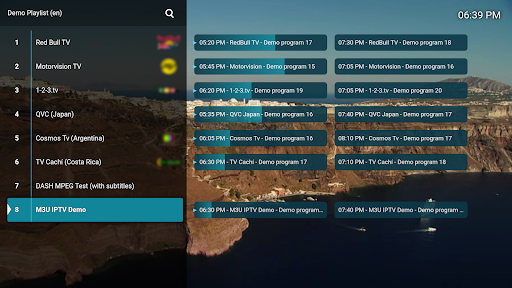
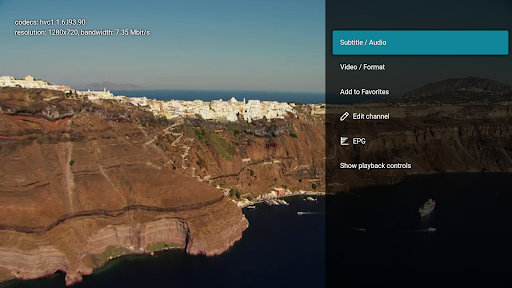
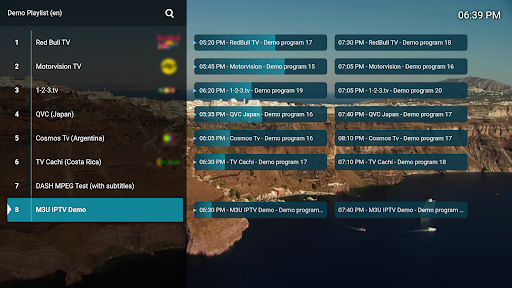
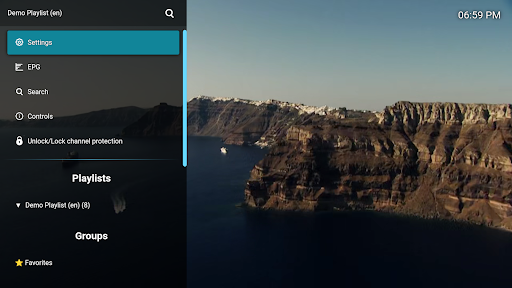
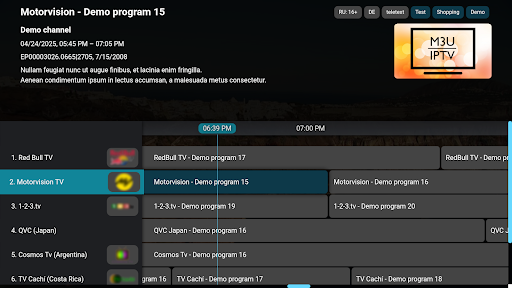
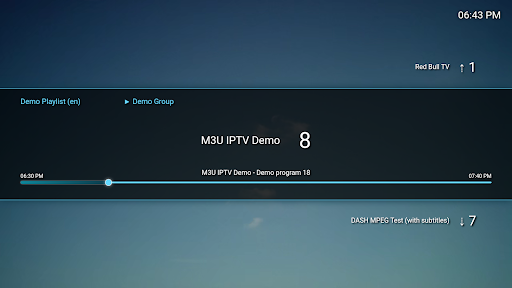
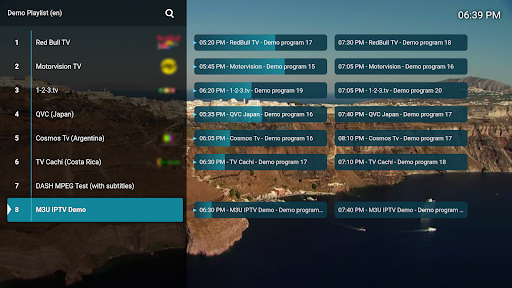
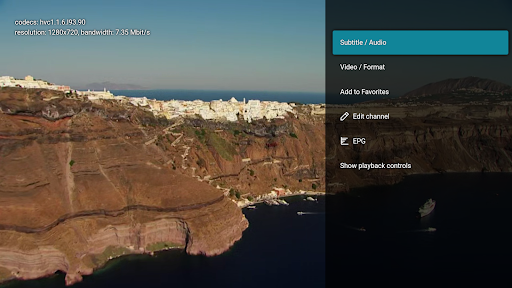
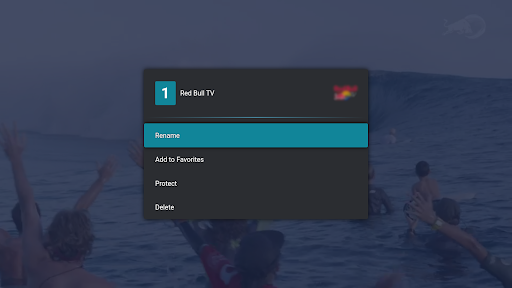
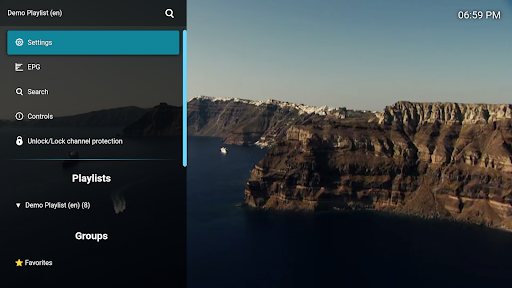
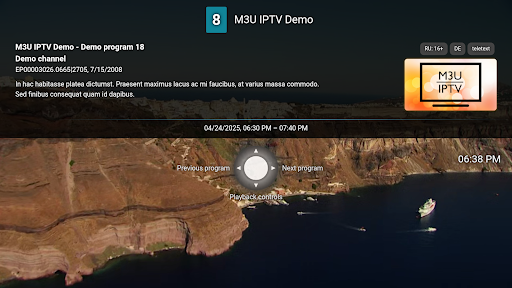
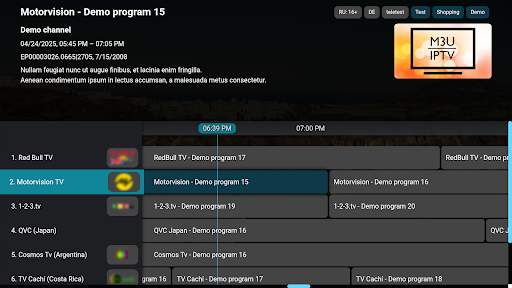
M3U IPTV Premium – The Ultimate IPTV Player Experience Take your IPTV viewing to the next level with M3U IPTV Premium – a powerful, ad-free player built for users who want full control and customization. Based on our popular free version, this premium edition unlocks advanced features and enhanced performance, all with a clean, user-friendly interface. 📺 Key Features: ✅ All Features from the Free Version – Everything you love, now without limits. 🚫 No Ads – Enjoy uninterrupted viewing with a completely ad-free experience. 🎞️ M3U Playlist Support – Stream your own IPTV content (playlist not included). ➕ Unlimited Playlists – Add and switch between as many M3U playlists as you like. 📅 EPG Integration – Add electronic program guide (EPG) sources for a full TV schedule view. 🎨 Customizable UI – Personalize the interface to fit your style and preferences. ⏯️ Advanced Playback Controls – Easily pause, rewind, or fast-forward your streams. 🕓 Catch-Up & Archive Playback – Rewatch missed content with catch-up functionality (if supported). 🛠️ Channel Editor – Rename, reorder, or remove channels to keep things organized. 🔒 Channel Protection – Lock channels with a PIN for privacy and parental control. Important: M3U IPTV Premium does not provide or include any content or playlists. Users must supply their own content. Designed for IPTV enthusiasts and power users alike, M3U IPTV Premium gives you everything you need for the perfect streaming experience.

What M3U IPTV Premium Is Used For

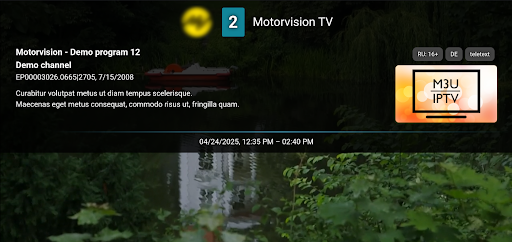
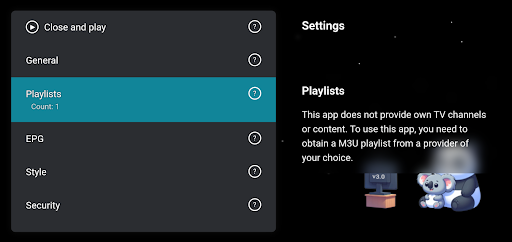
M3U IPTV Premium appears to be a phone-based IPTV player for people who already have their own M3U playlists and related TV guide data. Based on the metadata, it is used to load, organize, and watch IPTV streams rather than provide any built-in channels or media library. The app is in the Video Players & Editors category, which fits a streaming playback tool focused on user-supplied content.

Common use cases may include switching between multiple playlists, viewing an electronic program guide, and managing channels through editing tools like renaming, reordering, or removing entries. The mention of playback controls suggests it is meant for interactive viewing on a phone, while catch-up and archive playback may be useful when the IPTV source supports those features. The channel lock option also points to household or shared-device use where some content may need a PIN.

Its permissions suggest it may need network access to stream content, storage access to read local playlist or related files, and startup support for smoother access. The ability to draw over other apps may relate to playback or controls, while TV channel/program writing appears connected to guide or channel management features.

Common uses

  • Play IPTV streams from user-provided M3U playlists
  • Manage multiple playlists and switch between them
  • View program schedules through EPG sources
  • Organize channels by renaming, reordering, or removing them
  • Use playback controls such as pause, rewind, and fast-forward
  • Access catch-up or archive playback when supported by the source
  • Lock channels with a PIN for privacy or shared devices
Best for:
IPTV viewers Playlist-based streaming Channel management Phone users Household media setup

App Details

Package:
de.herber_edevelopment.m3uiptv_premium
Developer:
Herber Entertainment
Version:
3.0.10.1
Updated:
Feb 17, 2026
Min Android:
6.0
Age Rating:
Everyone
Contains Ads:
No
In-App Purchases:
No

Official Listing

  • Official listing available on Google Play
  • Package name: de.herber_edevelopment.m3uiptv_premium
  • Age rating: Everyone

Explore More

Browse more apps in Video Players & Editors or explore the Phone hub .

Related Video Players & Editors Apps

VBTV - Stream Volleyball Live icon

VBTV - Stream Volleyball Live

Sports Volleyball World

Watch Full Matches, Replays, Rankings and live scores.

Version Varies with device 63.3 MB ⭐ 4.00 1,000,000+ installs
Yatse icon

Yatse

Video Players & Editors Tolriq

Original Kodi remote with easy remote control, streaming & more since 2011!

Version 6.0.1.0 13.9 MB ⭐ 4.54 1,000,000+ installs
TrillerTV icon

TrillerTV

Entertainment Flipps Media Inc.

Watch live sports: football, BKFC, MMA, wrestling, boxing, and more!

Version 8.2.1 36.9 MB ⭐ 3.94 1,000,000+ installs

How to Download M3U IPTV Premium

If this app is not hosted directly on APKApps official link, then for the safest and most up-to-date version, install it from its official Google Play listing.