About Night Clock +
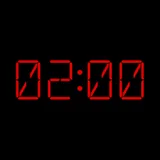
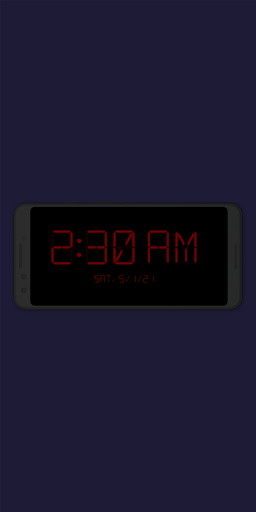
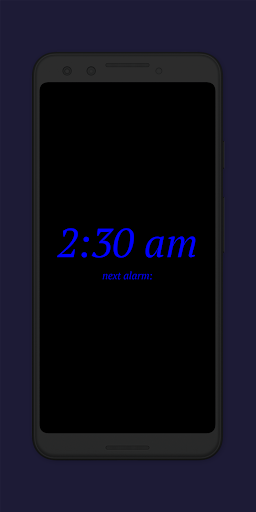
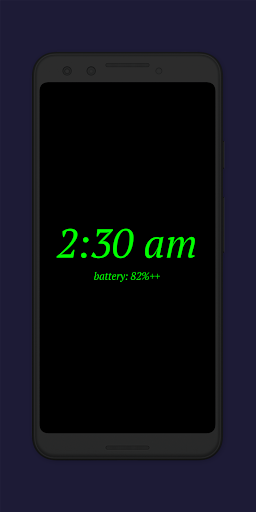
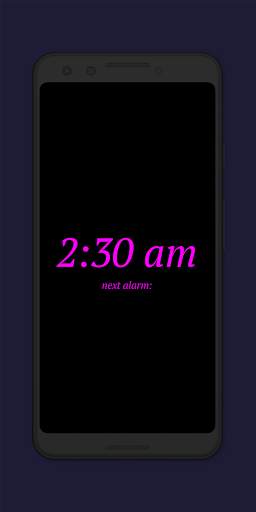
This clock app can be used as a digital bedside clock / night clock and it also offers a flashlight 🔦 for your convenience when leaving your bed at night. Additionally a daylight ☀️ mode is offered, so that an old / unused device could still be used as a beautiful digital clock, both - day ☀️ and night 🌑. This is the supporter version of the Night Clock FREE. It offers all settings and features without any limitations. ℹ️ PERMISSIONS ℹ️ Show / draw above other apps is needed for the automatic start of the night clock, if set Camera / flashlight is needed for flashlight functionality 🔦 ⭐ Features ⭐ + ✍️ choose one of four different font types [+ ONLY - free version offers two font types] + 🌈 completely adjustable font color [+ ONLY] + 🔆 free choice of brightness level for the night clock screen + 📏 completely adjustable display size for the clock elements + ⏰ show the next alarm time set in Android system [+ ONLY] + 🔦 flashlight directly on the night clock screen + 🔌 automatic night clock start, whenever a power cord is connected to the device (if wished, this can be limited to a certain time frame of the day / night) [+ ONLY] + ⏳ automatic night clock start, at a preset time [+ ONLY] + ☀️ daylight mode: can use automatic brightness for a certain period of time every day and a fixed value for the rest of the time [+ ONLY] + ⏱ you can see the total night clock display time in the app settings [+ ONLY] + 📱 integrated screensaver functionality: clock is moving VERY slowly across the screen (adjustable) (This night clock is also part of the Radio Alarm Clock+ app. In case you already own Radio Alarm Clock+, buying this app is not necessary and could only be seen/used as supporting my development and support) Thank you 🙏 - enjoy the app!
What Night Clock + Is Used For
Night Clock + appears to be a productivity app focused on turning an Android phone into a bedside digital clock or night clock. Based on the metadata, people may use it on a nightstand to check the time at a glance without opening another app, and on a desk or shelf as a simple always-visible clock display. It also includes a daylight mode, so an older or unused device could be repurposed as a clock for both daytime and nighttime use.
The listed permissions suggest a few practical functions. The app can draw over other apps for automatic clock start, run at startup, and use the camera/flashlight permission for the built-in flashlight feature. That means it may be used when getting up in the dark, or when users want a quick light source from the phone screen area. The metadata also mentions automatic start when power is connected or at a preset time, which makes it suitable for devices that stay plugged in as bedside displays.
Common uses
- Show the time on a bedside phone screen
- Use a phone as a simple night clock
- Turn on a flashlight from the clock screen
- Display a clock on an old unused device
- Start automatically when plugged in or at a set time
- Use daylight mode for all-day clock display
- View the next Android alarm time if enabled
App Details
Package:
de.program_co.nightclockplusplus
Developer:
Benjamin Laws
Version:
3.1.3
Updated:
Jun 4, 2024
Min Android:
4.1
Age Rating:
Everyone
Contains Ads:
No
In-App Purchases:
No
Official Listing
-
Official listing available on
Google Play
-
Package name:
de.program_co.nightclockplusplus
-
Age rating:
Everyone
Related Productivity Apps
How to Download Night Clock +
If this app is not hosted directly on APKApps official link,
then for the safest and most up-to-date version, install it from its official Google Play listing.