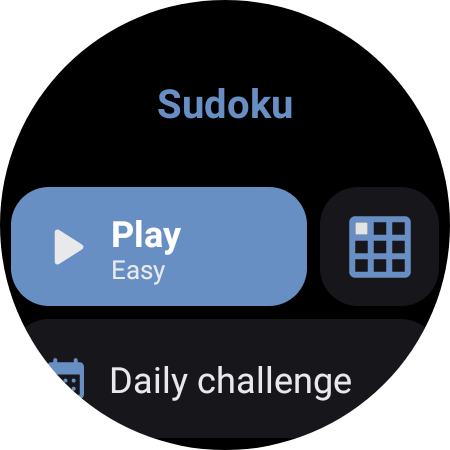
About Sudoku
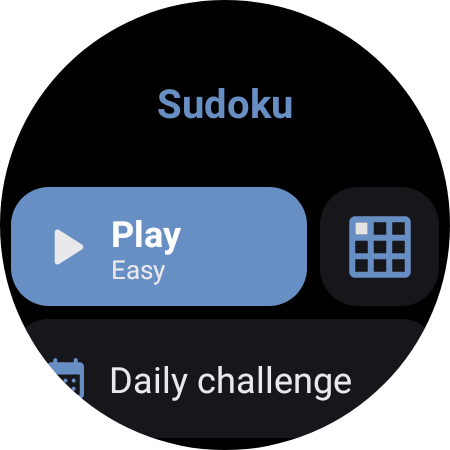
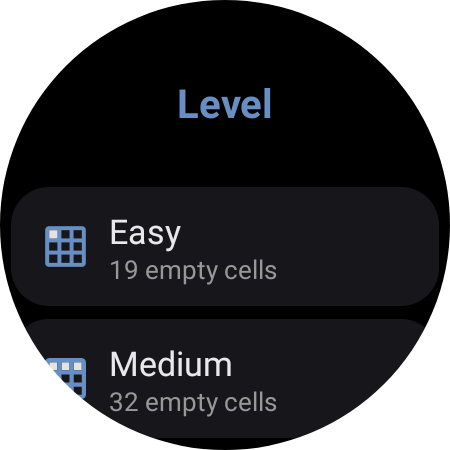
Features: - Play Sudoku; - Check your statistics. Warnings and Alerts: - This application is for Wear OS; - The phone app is only a helper to install the watch app; - This app keeps the screen always on by default while playing; - Some games might have more than one solution; - Lab features are under development and may present issues; - By default lab features are disabled, but they can be enabled on the settings menu under the "Lab" category; - No data is collected by the developer. Instructions: = HOW TO START A GAME: - Open the app; - Click on the level icon; - Select the level; - Click on "Play". = FOR MORE INSTRUCTIONS: - Open the app; - Click on "How to play"; - Check the instructions and rules. Levels: - Easy: 19 empty cells; - Medium: 32 empty cells; - Hard: 46 empty cells; - Expert: 54 empty cells; - Insane: 64 empty cells; - Random: between 19 to 50 empty cells; - Daily challenge: between 25 to 46 empty cells; Statistics (for each level): - Games: =Played: Number of games started; =Won: Amount of games won; =Win rate: A percentage metric that measures the number of impressions won over the number of games played; - Time: =Best: Fastest time for the selected level; =Average. - Sequence: =Current: Current sequence of games won; =Best: Highest sequence (game won) ever reached; =Current (on first try): Current sequence of games won without a wrong solution*; =Best (on first try): Highest sequence (game won) ever reached without a wrong solution*; *Once the board is full, the app will check whether the board is correct. If the board (solution) is not correct, any changes count as a second try; Tested devices: - GW5.
What Sudoku Is Used For
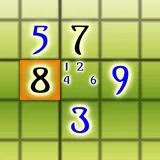
Sudoku appears to be a puzzle app focused on solving number-placement grids. Based on the metadata, it is made for Wear OS, while the phone app mainly acts as a helper to install the watch version. That means its common use is on a smartwatch rather than as a full phone-first game, with the phone serving more as setup and companion access.
Players may use it to start a new puzzle, choose a difficulty level, and track basic play statistics such as games played, wins, streaks, and completion times. The listed levels range from easier boards to harder challenge modes, plus a daily challenge and random puzzles. The app also keeps the screen on while playing and requests vibration control, which suggests the watch experience is meant to stay active during gameplay and may use haptic feedback for interaction or alerts.
Common uses
- Start Sudoku games on a Wear OS watch
- Choose from multiple difficulty levels
- Play daily challenge or random puzzle modes
- Track win rate, streaks, and best times
- Use the phone app as a helper for watch installation
- Keep the display awake during gameplay
- May use vibration for watch-based interaction
App Details
Package:
dev.dect.wear.sudoku
Developer:
Douglas Silva :: Dect
Version:
Varies with device
Updated:
Jul 7, 2025
Min Android:
9
Age Rating:
Everyone
Contains Ads:
Yes
In-App Purchases:
No
Official Listing
-
Official listing available on
Google Play
-
Package name:
dev.dect.wear.sudoku
-
Age rating:
Everyone
Related Puzzle Apps
Board
•
AI Factory Limited
Version 2.42
⭐ 4.60
100,000+ installs
How to Download Sudoku
If this app is not hosted directly on APKApps official link,
then for the safest and most up-to-date version, install it from its official Google Play listing.