Rotation Control Pro icon

Phone

Rotation Control Pro

Personalization CloudEx Inc. ⭐ 4.20 100,000+
Version 7.0.0 Everyone

Screenshots

Rotation Control Pro screenshot
Permissions Explained 10 permissions requested View details

This app requests 10 permissions. The table below explains what each permission may allow and what users should review before installing.

Status Permission What it means Why it may be used User safety note
ℹ️ Review View Network Connections view network connections This is an Android permission or app-specific permission requested by the app. The app may use this permission for features related to its category, device support, background behavior, storage, connectivity, or system integration. Review this permission before installing, especially if it does not match the app’s expected purpose.
ℹ️ Review Expand/collapse Status Bar expand/collapse status bar This is an Android permission or app-specific permission requested by the app. The app may use this permission for features related to its category, device support, background behavior, storage, connectivity, or system integration. Review this permission before installing, especially if it does not match the app’s expected purpose.
ℹ️ Review Full Network Access full network access This is an Android permission or app-specific permission requested by the app. The app may use this permission for features related to its category, device support, background behavior, storage, connectivity, or system integration. Review this permission before installing, especially if it does not match the app’s expected purpose.
ℹ️ Review Run At Startup run at startup This is an Android permission or app-specific permission requested by the app. The app may use this permission for features related to its category, device support, background behavior, storage, connectivity, or system integration. Review this permission before installing, especially if it does not match the app’s expected purpose.
ℹ️ Review Draw Over Other Apps draw over other apps This is an Android permission or app-specific permission requested by the app. The app may use this permission for features related to its category, device support, background behavior, storage, connectivity, or system integration. Review this permission before installing, especially if it does not match the app’s expected purpose.
ℹ️ Review Prevent Device From Sleeping prevent device from sleeping This is an Android permission or app-specific permission requested by the app. The app may use this permission for features related to its category, device support, background behavior, storage, connectivity, or system integration. Review this permission before installing, especially if it does not match the app’s expected purpose.
ℹ️ Review Modify System Settings modify system settings This is an Android permission or app-specific permission requested by the app. The app may use this permission for features related to its category, device support, background behavior, storage, connectivity, or system integration. Review this permission before installing, especially if it does not match the app’s expected purpose.
ℹ️ Review Google Play License Check Google Play license check This is an Android permission or app-specific permission requested by the app. The app may use this permission for features related to its category, device support, background behavior, storage, connectivity, or system integration. Review this permission before installing, especially if it does not match the app’s expected purpose.
ℹ️ Review Bind To An Accessibility Service bind to an accessibility service This is an Android permission or app-specific permission requested by the app. The app may use this permission for features related to its category, device support, background behavior, storage, connectivity, or system integration. Review this permission before installing, especially if it does not match the app’s expected purpose.
ℹ️ Review Update Component Usage Statistics update component usage statistics This is an Android permission or app-specific permission requested by the app. The app may use this permission for features related to its category, device support, background behavior, storage, connectivity, or system integration. Review this permission before installing, especially if it does not match the app’s expected purpose.

About Rotation Control Pro

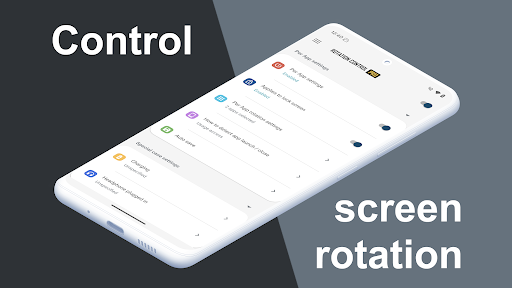
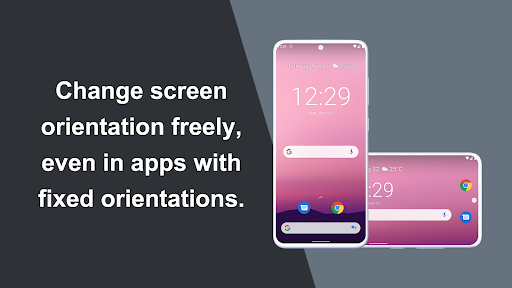
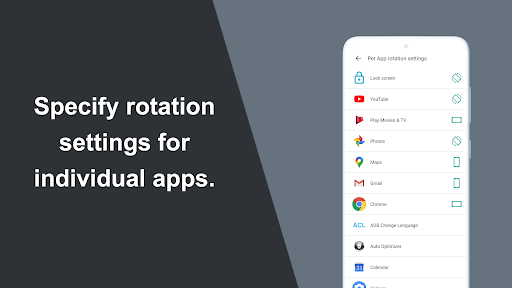
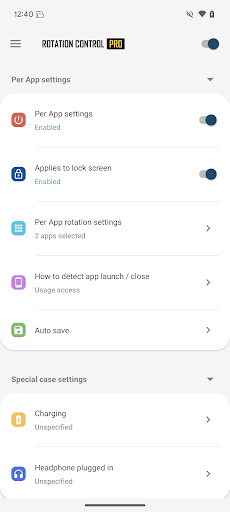
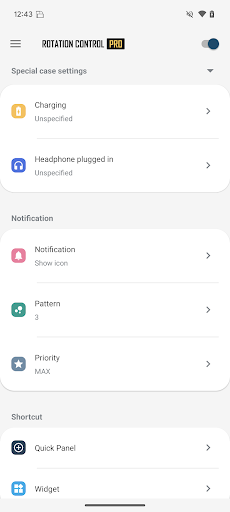
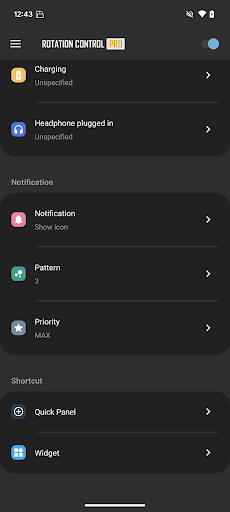
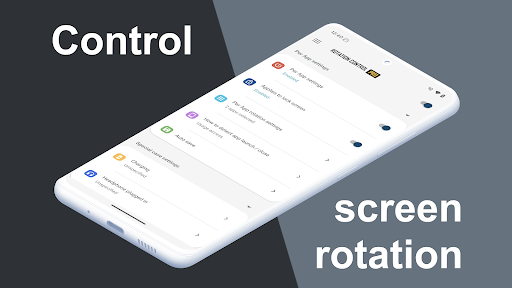
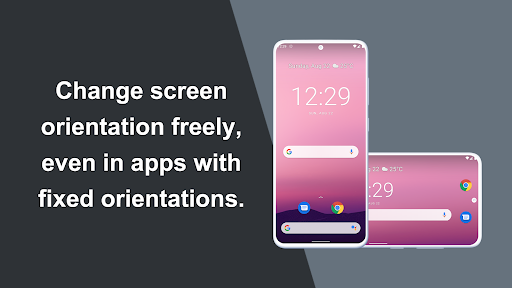
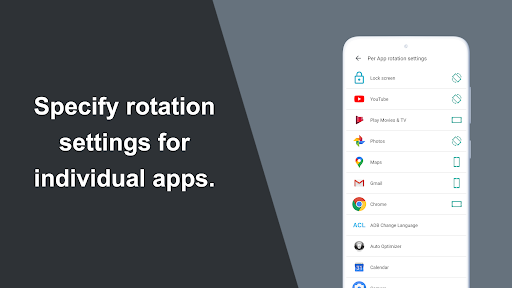
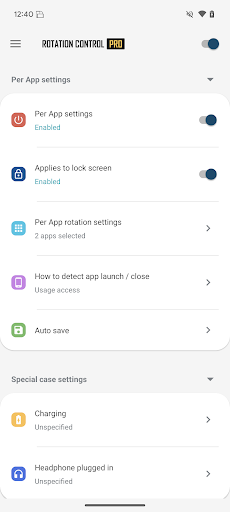
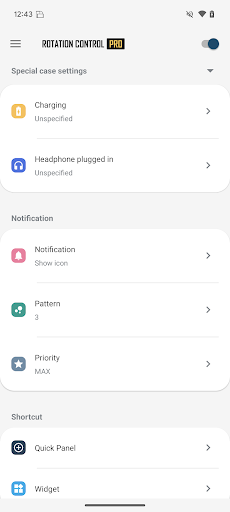
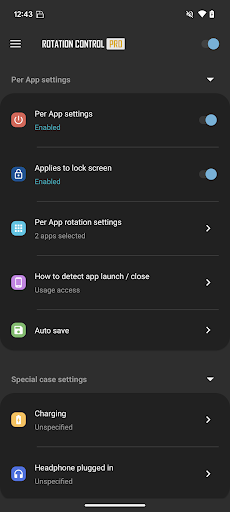
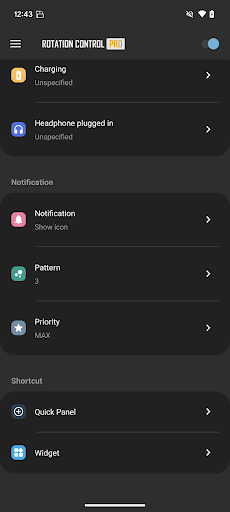
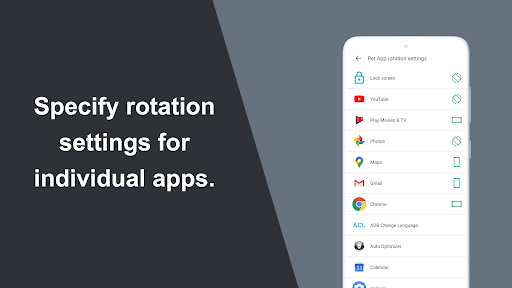
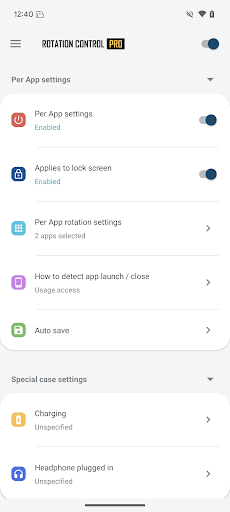
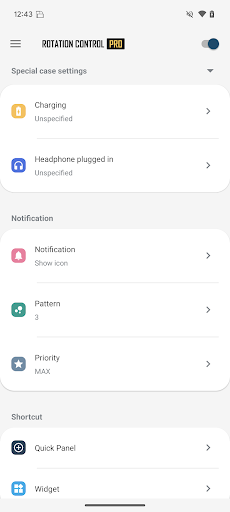
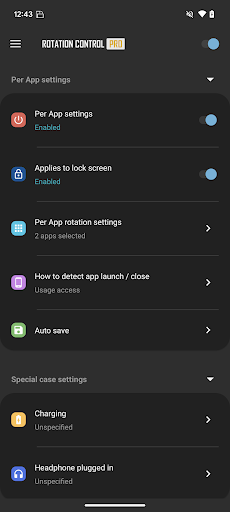
Can force a particular rotation on apps with fixed screen orientation. A simple design with functions that are easy to understand and use. =-=-=-=-=-=-=-=-=-=-=-=-=-=-=-= Recommended for people who: - Want to use their smartphone home screen in landscape mode - Want to use landscape mode games or video apps in portrait mode - Want to always use their tablet in landscape mode - Want to switch between fixed orientations with one tap via the status bar =-=-=-=-=-=-=-=-=-=-=-=-=-=-=-= Features ►Rotation settings Can configure the rotation of the screen. ►Notification settings Control the rotation of the screen easily from the notification bar. ►Per App rotation settings Can configure different rotations for each apps. Rotates to your preset screen orientation upon starting the application. Returns to the original screen orientation on closing the application. ►Special case settings Detects when chargers or earphones are connected and rotates to your preset screen orientation. Returns to the original screen orientation when they are removed. You can check this app's functions and operations with a free trial. Please check the functions and operations by free trial before you buy. https://play.google.com/store/apps/details?id=jp.snowlife01.android.rotationcontrol Rotation Automatic : the screen rotates based on a sensor. Landscape : the screen is fixed to a horizontal orientation. Landscape (Reverse) : the screen is fixed horizontal upside down. Landscape (Auto) : rotates automatically to a horizontal orientation based on a sensor. Portrait : the screen is fixed to a vertical orientation. Portrait (Reverse) : the screen is fixed vertical upside down. Portrait (Auto) : rotates automatically to a vertical orientation based on a sensor. * Some of the direction of rotation may not correspond depending on device specifications. This is not an issue with the app. 【For OPPO users】 This app needs to run a service in the background to detect which app has started. OPPO devices require special settings to operate app services in the background due to their unique specifications. (If you do not do this, services running in the background will be forcibly terminated, and the app will not operate properly.) Please drag this app a little down from the recent apps history and lock it. If you do not know how to set, please search for "OPPO task lock". [Use of AccessibilityService API] This app utilizes the AccessibilityService API to provide the following features: - Lock Screen Orientation Control: Used to change the screen orientation on the lock screen, where control is typically restricted for standard applications. - Per-App Orientation Settings: Used to detect the launch and closure of specified applications to automatically apply the designated orientation settings for each app. Privacy and Data Handling: - This app does not collect personal information, record keystrokes, or read any on-screen content through this API. - Any information processed is used…

What Rotation Control Pro Is Used For

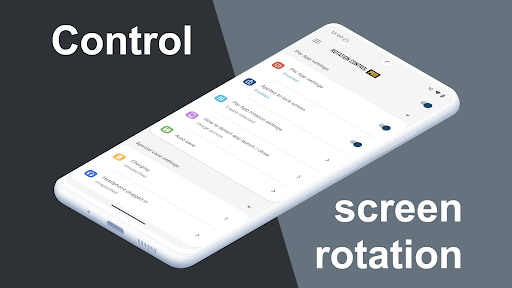
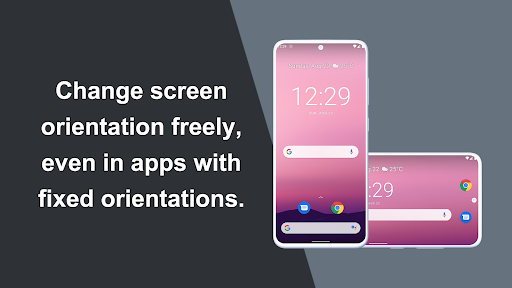
Rotation Control Pro appears to be a screen-orientation utility for Android phones and tablets. Based on the metadata, it is used to force apps or the device itself into a chosen rotation, especially when an app normally locks to one orientation. This may be helpful if you want a home screen in landscape, prefer a tablet to stay horizontal, or need certain apps to open in a fixed portrait or landscape mode.

The app also seems designed for quick control and per-app behavior. It may let you change orientation from the notification area, apply different rotation rules to specific apps, and switch back to the previous orientation when an app closes. The metadata also mentions special cases like reacting to charger or earphone connections, which suggests it can adjust rotation automatically in some situations. Permissions such as modifying system settings, drawing over other apps, and using an accessibility service fit that kind of device-control functionality.

Common uses

  • Force a chosen screen orientation for apps that do not follow the device sensor
  • Set different rotation rules for individual apps
  • Switch orientations quickly from the status bar or notification area
  • Keep the home screen or tablet display in landscape mode
  • Open media or game apps in a preferred portrait or landscape layout
  • Restore the previous rotation when an app closes
  • Use charger or earphone connection triggers for preset rotation changes
Best for:
Phone users Tablet users Orientation control Per-app settings Quick toggles

App Details

Package:
jp.snowlife01.android.rotationcontrolpro
Developer:
CloudEx Inc.
Version:
7.0.0
Updated:
Mar 17, 2026
Min Android:
8.0
Age Rating:
Everyone
Contains Ads:
No
In-App Purchases:
No

Official Listing

  • Official listing available on Google Play
  • Package name: jp.snowlife01.android.rotationcontrolpro
  • Age rating: Everyone

Explore More

Browse more apps in Personalization or explore the Phone hub .

Related Personalization Apps

Zedge™ Wallpapers & Ringtones icon

Zedge™ Wallpapers & Ringtones

Personalization Zedge

Discover millions of background wallpapers & ringtones or make your own with AI.

Version 9.14.2 55.5 MB ⭐ 4.70 500,000,000+ installs
Parallel Space - app cloning icon

Parallel Space - app cloning

Personalization LBE Tech

Run multiple accounts of the same app on a single device

Version 4.0.9557 34.4 MB ⭐ 4.10 100,000,000+ installs
Facemoji AI Emoji Keyboard icon

Facemoji AI Emoji Keyboard

Personalization Nexileap

6000+ Emojis, Custom Keyboard, Fonts, Themes, Genmoji AI Generator,Stickers,GIFs

Version 3.6.3.1 36.7 MB ⭐ 4.70 100,000,000+ installs
Wallpaper 4K HD – Wallcraft icon

Wallpaper 4K HD – Wallcraft

Personalization Nebuchadnezzar DOO

Check Wallcraft Live 4D Wallpaper - 4k HD wallpapers & stunning 3D backgrounds!

Version Varies with device 29.6 MB ⭐ 4.60 100,000,000+ installs
Neon Love Theme icon

Neon Love Theme

Personalization Delicate theme for Android App

Install our stylish keyboard with Neon Love Theme now!

Version 10.7.2.0323 33.2 MB ⭐ 4.60 100,000,000+ installs
Photo Lock App - Hide Pictures icon

Photo Lock App - Hide Pictures

Personalization Battery Stats Saver

Ultimate Gallery Lock App - Hide Pictures, Videos and Lock Apps Instantly!

Version 2.1.12 24.6 MB ⭐ 4.60 100,000,000+ installs

How to Download Rotation Control Pro

If this app is not hosted directly on APKApps official link, then for the safest and most up-to-date version, install it from its official Google Play listing.