Smart Tools icon

Phone

Smart Tools

Tools Smart Tools co. ⭐ 4.60 1,000,000+

Measure length, angle, distance, height, direction and sound with your phone.

Version 2.1.17a 6.2 MB Everyone

Screenshots

Smart Tools screenshot
Permissions Explained 9 permissions requested View details

This app requests 9 permissions. The table below explains what each permission may allow and what users should review before installing.

Status Permission What it means Why it may be used User safety note
⚠️ Sensitive Camera access android.permission.CAMERA Allows the app to use the device camera. Used for QR scanning, taking photos, video calls, document capture, AR features, or profile images. Sensitive permission. Grant only when camera features are expected.
Common Vibration control android.permission.VIBRATE Allows the app to control device vibration. Used for notifications, alerts, haptic feedback, timers, alarms, or game feedback. Generally low risk by itself.
ℹ️ Review Keep device awake android.permission.WAKE_LOCK Allows the app to prevent the device from sleeping while a task is running. Used for media playback, downloads, navigation, alarms, calls, or long-running background tasks. Review battery usage if the app keeps the device awake too often.
⚠️ Sensitive Precise location android.permission.ACCESS_FINE_LOCATION Allows the app to access the device’s precise location when granted by the user. Used for maps, navigation, local recommendations, weather, rideshare, nearby devices, or location-based content. Sensitive permission. Grant only when location access matches the app’s purpose.
⚠️ Sensitive Microphone access android.permission.RECORD_AUDIO Allows the app to record audio from the device microphone. Used for voice messages, calls, video chat, speech search, audio recording, or voice commands. Sensitive permission. Only grant it to apps where microphone use is expected.
⚠️ Sensitive Read external storage android.permission.READ_EXTERNAL_STORAGE Allows the app to read files from shared device storage. Used by media players, file managers, backup apps, editors, upload tools, and document apps. Sensitive permission. Review carefully if the app does not need access to files or media.
⚠️ Sensitive Modify external storage android.permission.WRITE_EXTERNAL_STORAGE Allows the app to write or modify files in shared device storage. Used for saving downloads, media files, exports, edited documents, backups, or cached content. Sensitive permission. Make sure file access matches the app’s purpose.
ℹ️ Review Vending Check License com.android.vending.CHECK_LICENSE This is an Android permission or app-specific permission requested by the app. The app may use this permission for features related to its category, device support, background behavior, storage, connectivity, or system integration. Review this permission before installing, especially if it does not match the app’s expected purpose.
ℹ️ Review Launcher Permission Install Shortcut com.android.launcher.permission.INSTALL_SHORTCUT This is an Android permission or app-specific permission requested by the app. The app may use this permission for features related to its category, device support, background behavior, storage, connectivity, or system integration. Review this permission before installing, especially if it does not match the app’s expected purpose.

About Smart Tools

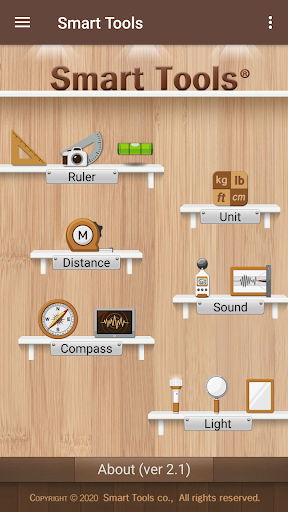
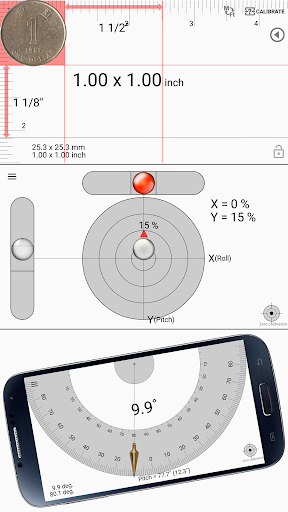
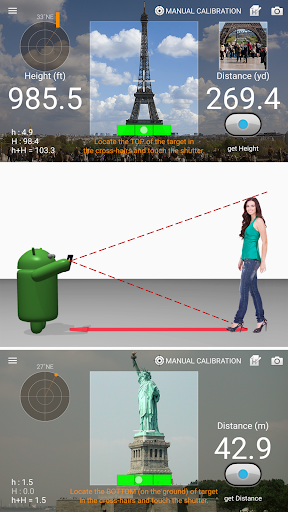
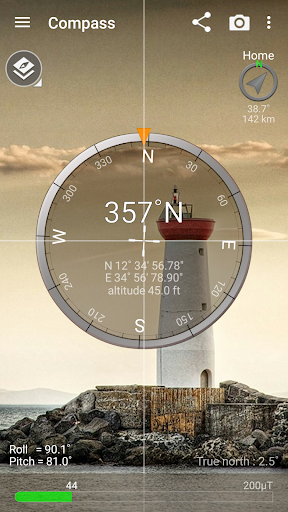
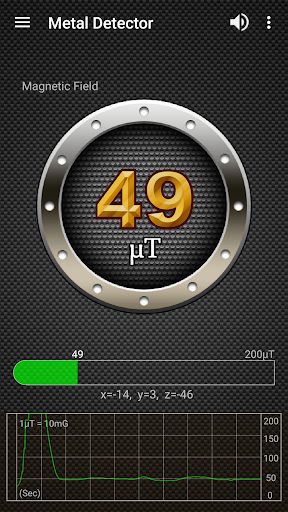
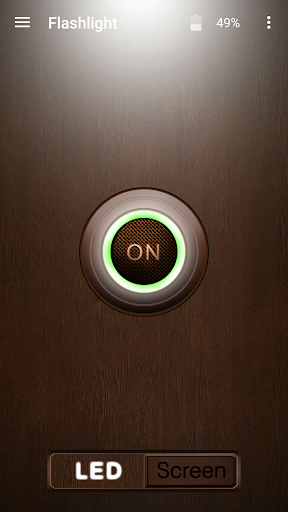
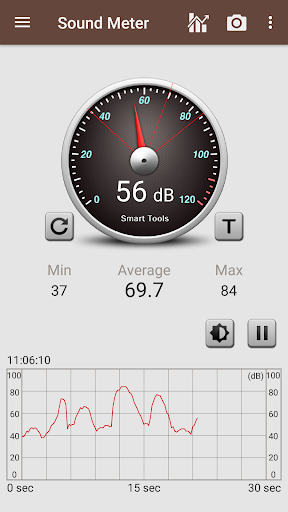
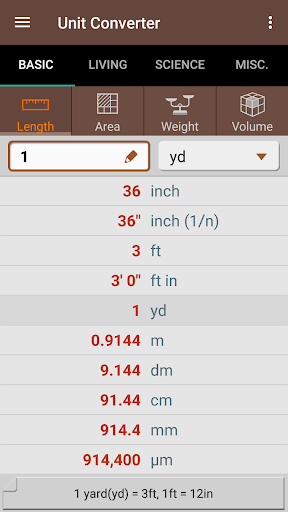
Smart Tools® is the complete package of 6 individual apps. It has 6 sets below for a total of 15 tools. In a word, All-in-One. ★★★ The second packaged version ("Smart Tools 2") was newly released. This app ("Smart Tools") will continue to be updated, but we strongly recommend that new users purchase the new version. ★★★ Set 1. Smart Ruler Pro : length, angle, slope, level, thread Set 2. Smart Measure Pro : distance, height, width, area Set 3. Smart Compass Pro : compass, metal detector, GPS Set 4. Sound Meter Pro : sound meter, vibrometer Set 5. Smart Light Pro : flashlight, magnifier, mirror Set 6. Unit Converter : unit For more information, watch YouTube video and visit the blog. I hope my apps are useful to your SMART Life. Thank you. * It is a one-time payment. The app price is charged only once. ** This app is not compatible with the devices without a compass sensor (e.g Moto G4, Galaxy J, Galaxy TabA ...). ** Off-line support: You can open this app without any connection. After installation, open the app 1-2 times with your device connect to Wi-Fi or 3G/4G. ** This app does not include Map and Exchange rates due to the lack of internet access.

What Smart Tools Is Used For

Smart Tools appears to be a phone-based utility app that combines several measurement and conversion tools in one place. Based on the metadata, it may be used for everyday tasks like checking length, angle, slope, distance, height, width, area, and unit conversions without needing separate apps. That makes it useful in situations where a quick estimate or basic measurement is needed on the go.

The app also includes tools for compass and GPS-related functions, sound level checking, flashlight and magnifier use, and a few sensor-based utilities. Its permission list suggests some features rely on the camera, microphone, location, storage, and device sensors, so it may be intended for hands-on field use rather than passive background work. The metadata also notes offline support, which may make it practical when internet access is limited, though some features depend on compatible hardware such as a compass sensor.

Common uses

  • Measure length, angle, slope, and level with the ruler tools
  • Estimate distance, height, width, and area using measurement tools
  • Use compass, GPS, and metal-detection related functions when supported by the device
  • Check sound levels or vibration with the audio sensor tools
  • Access flashlight, magnifier, and mirror utilities from one app
  • Convert units for common everyday measurements
  • Use it as an offline utility app on a phone with compatible sensors
Best for:
everyday measurements phone utility use sensor-based tools offline use field work

App Details

Package:
kr.aboy.tools
Category:
Tools
Developer:
Smart Tools co.
Version:
2.1.17a
Updated:
Mar 17, 2026
Min Android:
6.0
Age Rating:
Everyone
Contains Ads:
No
In-App Purchases:
No

Official Listing

  • Official listing available on Google Play
  • Package name: kr.aboy.tools
  • Age rating: Everyone

Explore More

Browse more apps in Tools or explore the Phone hub .

Related Tools Apps

ZUMIMALL icon

ZUMIMALL

Business Shenzhen Junan Technology Co., Ltd

Version 6.0.1 ⭐ 4.60 100,000+ installs

How to Download Smart Tools

If this app is not hosted directly on APKApps official link, then for the safest and most up-to-date version, install it from its official Google Play listing.