The Ensign icon

Phone

The Ensign

Role Playing Amir Rajan ⭐ 4.10 1,000+
Version 19.12 Everyone 10+

Screenshots

The Ensign screenshot
Permissions Explained 6 permissions requested View details

This app requests 6 permissions. The table below explains what each permission may allow and what users should review before installing.

Status Permission What it means Why it may be used User safety note
ℹ️ Review Read The Contents Of Your Usb Storage read the contents of your USB storage This is an Android permission or app-specific permission requested by the app. The app may use this permission for features related to its category, device support, background behavior, storage, connectivity, or system integration. Review this permission before installing, especially if it does not match the app’s expected purpose.
ℹ️ Review Modify Or Delete The Contents Of Your Usb Storage modify or delete the contents of your USB storage This is an Android permission or app-specific permission requested by the app. The app may use this permission for features related to its category, device support, background behavior, storage, connectivity, or system integration. Review this permission before installing, especially if it does not match the app’s expected purpose.
ℹ️ Review Pair With Bluetooth Devices pair with Bluetooth devices This is an Android permission or app-specific permission requested by the app. The app may use this permission for features related to its category, device support, background behavior, storage, connectivity, or system integration. Review this permission before installing, especially if it does not match the app’s expected purpose.
ℹ️ Review Full Network Access full network access This is an Android permission or app-specific permission requested by the app. The app may use this permission for features related to its category, device support, background behavior, storage, connectivity, or system integration. Review this permission before installing, especially if it does not match the app’s expected purpose.
ℹ️ Review Control Vibration control vibration This is an Android permission or app-specific permission requested by the app. The app may use this permission for features related to its category, device support, background behavior, storage, connectivity, or system integration. Review this permission before installing, especially if it does not match the app’s expected purpose.
ℹ️ Review Google Play License Check Google Play license check This is an Android permission or app-specific permission requested by the app. The app may use this permission for features related to its category, device support, background behavior, storage, connectivity, or system integration. Review this permission before installing, especially if it does not match the app’s expected purpose.

About The Ensign

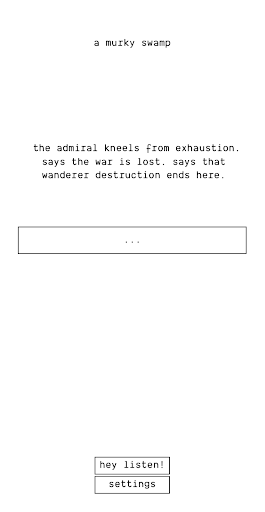
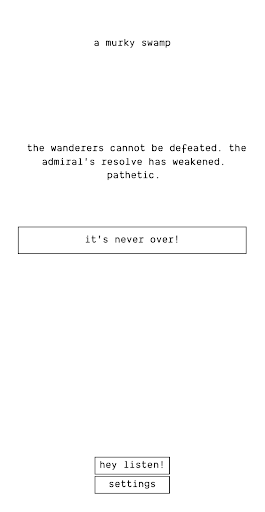
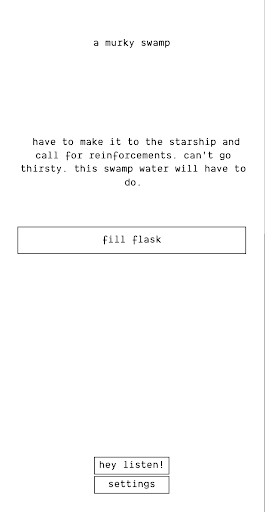
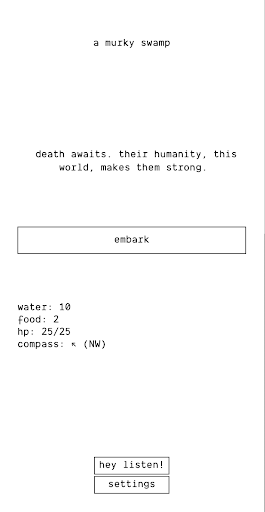
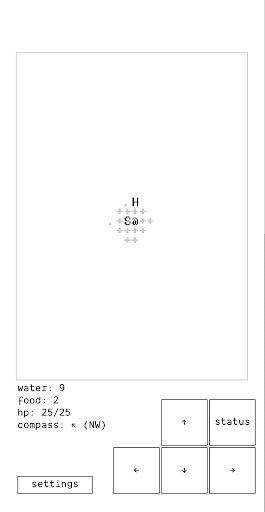
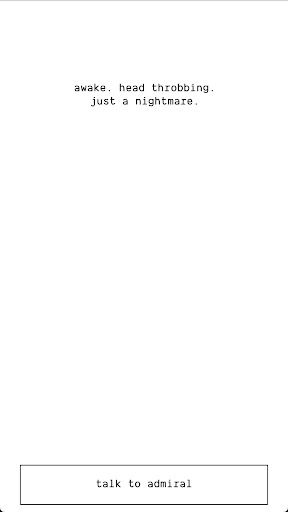
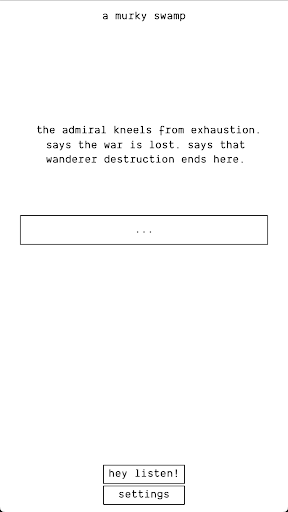
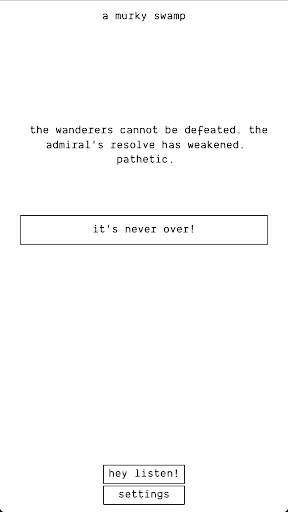
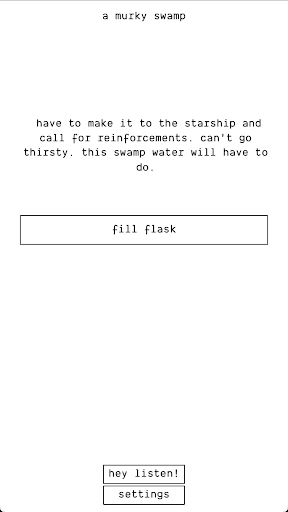
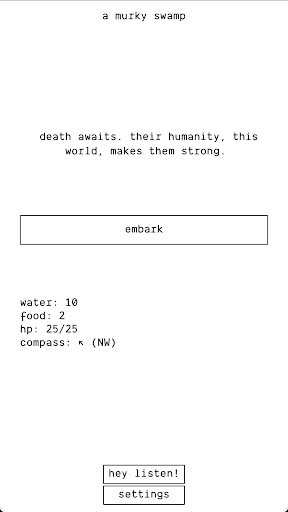
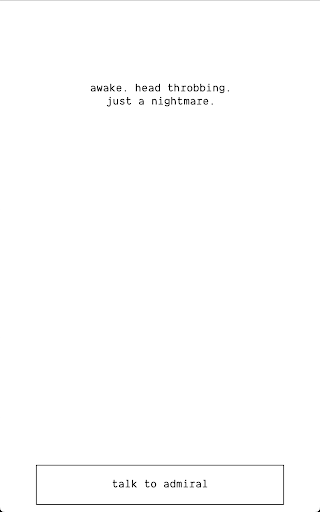
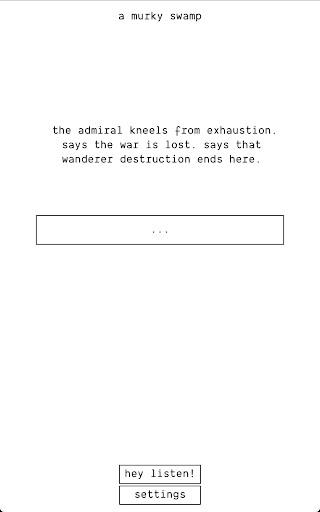
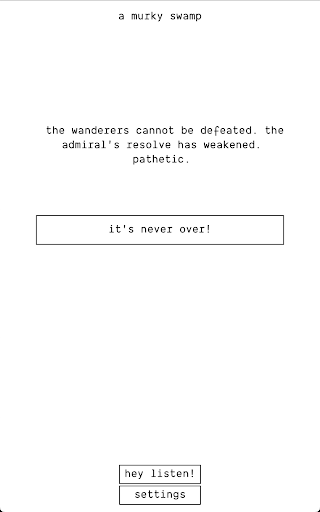
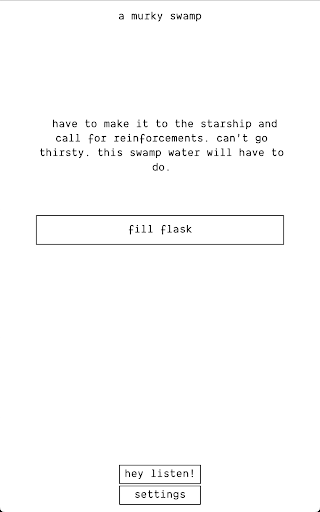
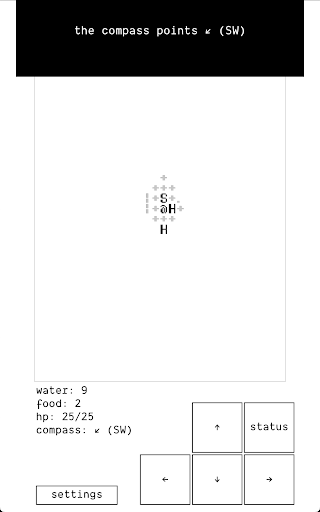
- Official Android release of The Ensign - No ads. - No micro transactions. - No data usage (playable without wifi)). - No elevated permissions. - Made with love by indie game developers. The Ensign is the pre-sequel to the critically acclaimed RPG, A Dark Room. It's a Soulsian experience that covers the events leading up to lighting the fire. Death awaits.

What The Ensign Is Used For

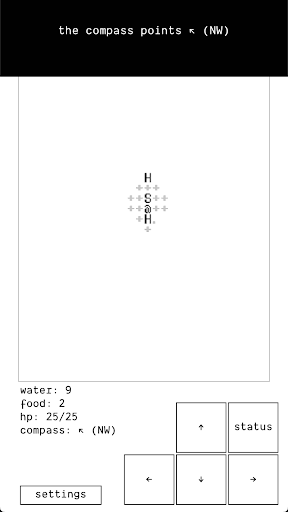
The Ensign appears to be a single-player role-playing game for Android phones. Based on the metadata, it is the official Android release of an indie title and is described as a pre-sequel to A Dark Room, so players would commonly use it for story-driven gameplay, exploration, and progress-based challenge rather than casual utility or media consumption.

The app’s permission set includes USB storage access, Bluetooth pairing, full network access, and vibration control. In practical terms, that may support saving game data, basic device interactions, and gameplay feedback such as haptics. The metadata also notes no ads, no in-app purchases, and no data usage for play, which suggests it is meant to be played offline after installation, though the presence of network permission means the app may still perform limited online checks or related tasks. Since it is categorized as Role Playing and marked as a phone app, it is most relevant for users looking for a compact mobile RPG experience.

Common uses

  • Play a story-focused RPG on an Android phone
  • Experience a prequel-style game connected to A Dark Room
  • Use it for offline gameplay after installation, based on the metadata
  • Expect challenge-driven progression rather than fast-action gameplay
  • Rely on vibration feedback during play, if enabled by the app
  • Use stored device access for game data or save-related files
  • May connect to network services for limited app functions or licensing
Best for:
RPG fans Single-player games Offline play Phone gaming Story-driven gameplay

App Details

Package:
net.amirrajan.theensign
Category:
Role Playing
Developer:
Amir Rajan
Version:
19.12
Updated:
Mar 20, 2026
Min Android:
8.0
Age Rating:
Everyone 10+
Contains Ads:
No
In-App Purchases:
No

Official Listing

  • Official listing available on Google Play
  • Package name: net.amirrajan.theensign
  • Age rating: Everyone 10+

Explore More

Browse more apps in Role Playing or explore the Phone hub .

Related Role Playing Apps

Sorcery! icon

Sorcery!

Role Playing inkle Ltd
Version 1.6b6 109.1 MB ⭐ 4.40 100,000+ installs
Slay icon

Slay

Strategy Sean O'Connor
Version 2.5.1 ⭐ 4.10 10,000+ installs

How to Download The Ensign

If this app is not hosted directly on APKApps official link, then for the safest and most up-to-date version, install it from its official Google Play listing.