About FX File Explorer: Plus License
FX Plus adds media, networking, and cloud capabilities to FX File Explorer. If you experience any issues, please contact
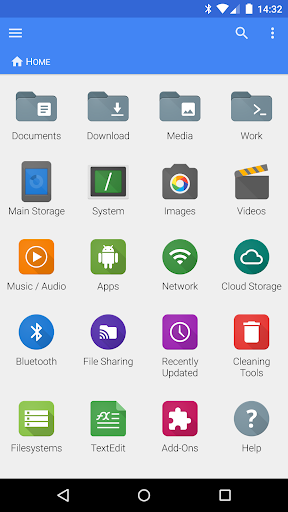
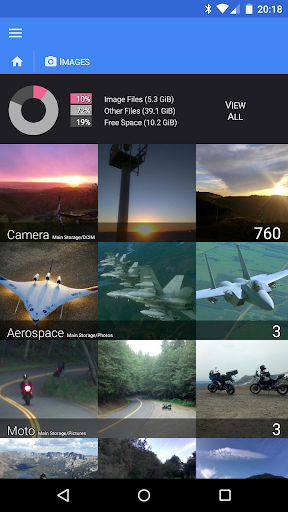
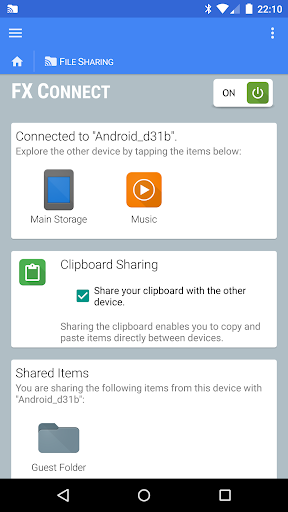
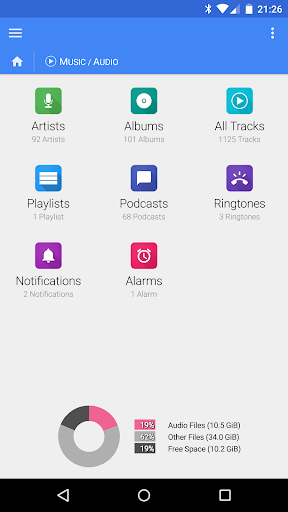
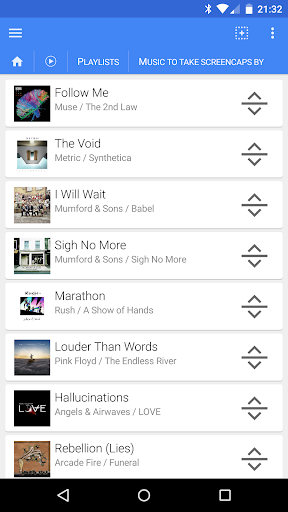
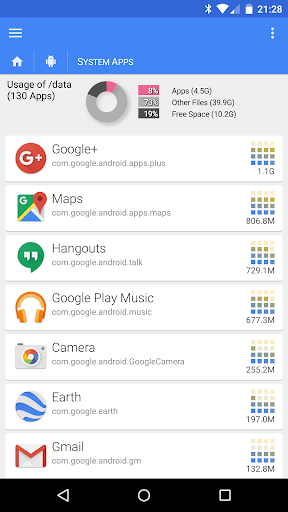
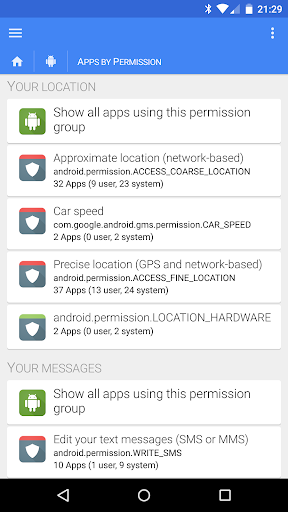
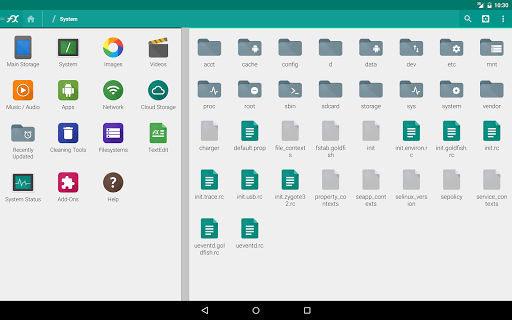
[email protected]. THIS IS ONLY A LICENSE KEY. You must have FX File Explorer installed for it to work. This add-on will not appear in your application launcher. Its functionality is accessed within FX: you will see two new categories appear on the FX homescreen: "Internet and Network" and "Media" (as shown in the first screenshot). Please install FX and try it out before purchasing: https://play.google.com/store/apps/details?id=nextapp.fx *********************************************************** File/Media Capabilities: * Create and extract AES-128 and AES-256 encrypted zip files; browse file contents, view images/media without decrypting * Browse/manage installed applications * Browse image and video collections * Browse audio by artist, album, playlist, or view all tracks * Rearrange playlists with drag and drop (multiple files can be rearranged by selecting them) Network / Cloud Capabilities: * [NEW] FX Connect: Transfer files and media between two phones directly; connect with NFC or Wi-Fi * [NEW] FX Web Access: Browse and manage files and media using your computer's web browser * Windows networking (SMB) * FTP (including secure FTP-S and FTP-ES) * SSH FTP (Secure Shell FTP) * WebDAV * Cloud Storage: Google Drive (incl. Google Docs), Dropbox, SugarSync, Box (Box.net), and SkyDrive (SkyDrive requires Android 2.2 or later) * Stream video and audio media files from SMB, FTP, SSH, Google Drive, Dropbox, SugarSync, Box, and SkyDrive to media player applications * Browse the local network for Windows (SMB) shares * Find FTP and SSH FTP local network shares using multicast DNS (mDNS) service discovery (Bonjour/Zeroconf/Avahi) * Encrypted keyring (used to avoid entering sensitive passwords in public while not allowing access in event of device theft) * Download and convert Google Drive / Google Docs files into Microsoft Word, Excel, PowerPoint, OpenDocument, PDF, and other formats Bluetooth Capabilities: * Send files via OBEX Push (also available on most devices in free version) * Bluetooth FTP Client * Discover / pair devices from within FX File Explorer
What FX File Explorer: Plus License Is Used For
FX File Explorer: Plus License appears to be an add-on license for FX File Explorer rather than a standalone app. Based on the metadata, it is used to unlock extra file, media, networking, and cloud features inside FX. It will not show up in the app launcher on its own, and users would need FX File Explorer installed first for the license to have any effect.
Common uses may include browsing and managing files, viewing images and videos, handling audio libraries, and working with encrypted ZIP files. The license also appears to enable network and cloud access such as SMB, FTP, SFTP, WebDAV, Google Drive, Dropbox, and other storage services, plus features like web access from a computer browser and direct phone-to-phone transfer. Since the app focuses on file management and network connectivity, it may be especially relevant for users who move media between devices, access shared folders, or manage content across local and cloud storage.
Common uses
- Unlocks extra features inside FX File Explorer
- May help manage local files, images, video, and audio collections
- Supports network file access such as SMB, FTP, SFTP, and WebDAV
- Appears to add cloud storage integration for services like Google Drive and Dropbox
- May allow browser-based access to files from a computer
- Can be useful for transferring files between two phones
- May support encrypted ZIP file creation and extraction
How to Download FX File Explorer: Plus License
If this app is not hosted directly on APKApps official link,
then for the safest and most up-to-date version, install it from its official Google Play listing.