Waterkaarten: Boat Navigation icon

Phone

Waterkaarten: Boat Navigation

Maps & Navigation Waterkaarten ⭐ 4.10 500,000+
Version 12.2.1 Everyone

Screenshots

Waterkaarten: Boat Navigation screenshot
Permissions Explained 10 permissions requested View details

This app requests 10 permissions. The table below explains what each permission may allow and what users should review before installing.

Status Permission What it means Why it may be used User safety note
ℹ️ Review Approximate Location (network Based) approximate location (network-based) This is an Android permission or app-specific permission requested by the app. The app may use this permission for features related to its category, device support, background behavior, storage, connectivity, or system integration. Review this permission before installing, especially if it does not match the app’s expected purpose.
ℹ️ Review Precise Location (gps And Network Based) precise location (GPS and network-based) This is an Android permission or app-specific permission requested by the app. The app may use this permission for features related to its category, device support, background behavior, storage, connectivity, or system integration. Review this permission before installing, especially if it does not match the app’s expected purpose.
ℹ️ Review Read The Contents Of Your Usb Storage read the contents of your USB storage This is an Android permission or app-specific permission requested by the app. The app may use this permission for features related to its category, device support, background behavior, storage, connectivity, or system integration. Review this permission before installing, especially if it does not match the app’s expected purpose.
ℹ️ Review Modify Or Delete The Contents Of Your Usb Storage modify or delete the contents of your USB storage This is an Android permission or app-specific permission requested by the app. The app may use this permission for features related to its category, device support, background behavior, storage, connectivity, or system integration. Review this permission before installing, especially if it does not match the app’s expected purpose.
ℹ️ Review View Wi Fi Connections view Wi-Fi connections This is an Android permission or app-specific permission requested by the app. The app may use this permission for features related to its category, device support, background behavior, storage, connectivity, or system integration. Review this permission before installing, especially if it does not match the app’s expected purpose.
ℹ️ Review View Network Connections view network connections This is an Android permission or app-specific permission requested by the app. The app may use this permission for features related to its category, device support, background behavior, storage, connectivity, or system integration. Review this permission before installing, especially if it does not match the app’s expected purpose.
ℹ️ Review Full Network Access full network access This is an Android permission or app-specific permission requested by the app. The app may use this permission for features related to its category, device support, background behavior, storage, connectivity, or system integration. Review this permission before installing, especially if it does not match the app’s expected purpose.
ℹ️ Review Run At Startup run at startup This is an Android permission or app-specific permission requested by the app. The app may use this permission for features related to its category, device support, background behavior, storage, connectivity, or system integration. Review this permission before installing, especially if it does not match the app’s expected purpose.
ℹ️ Review Prevent Device From Sleeping prevent device from sleeping This is an Android permission or app-specific permission requested by the app. The app may use this permission for features related to its category, device support, background behavior, storage, connectivity, or system integration. Review this permission before installing, especially if it does not match the app’s expected purpose.
ℹ️ Review Receive Data From Internet receive data from Internet This is an Android permission or app-specific permission requested by the app. The app may use this permission for features related to its category, device support, background behavior, storage, connectivity, or system integration. Review this permission before installing, especially if it does not match the app’s expected purpose.

About Waterkaarten: Boat Navigation

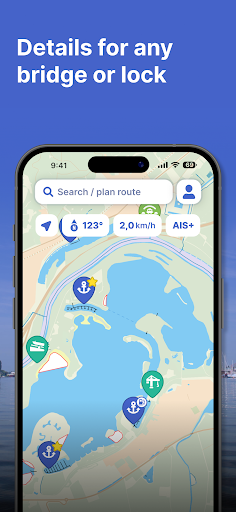
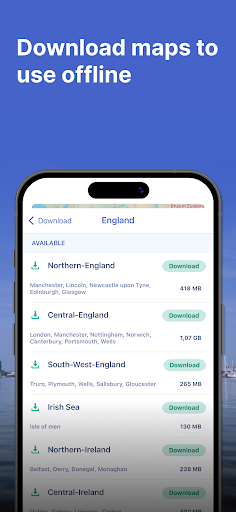
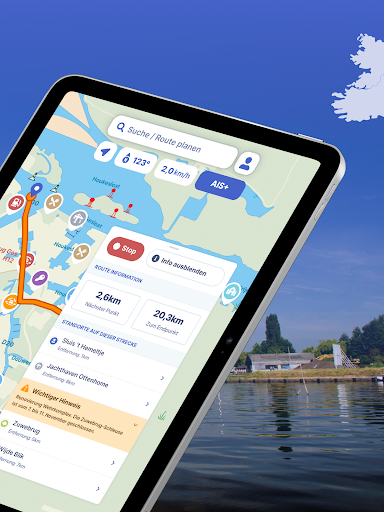
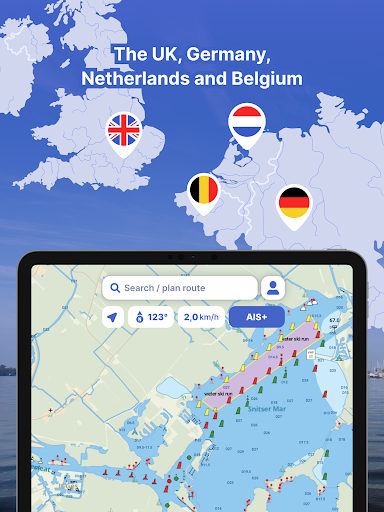
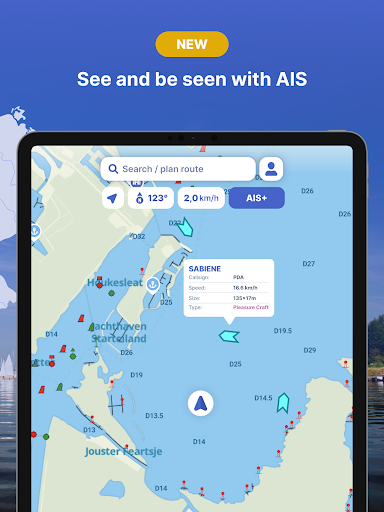
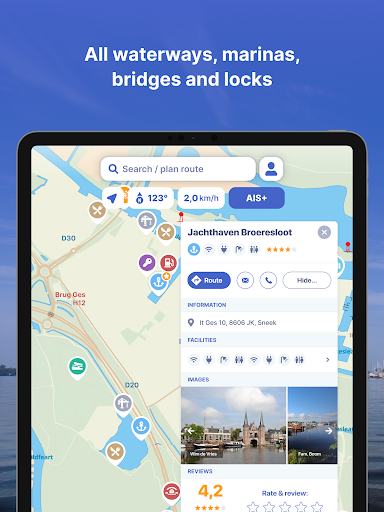
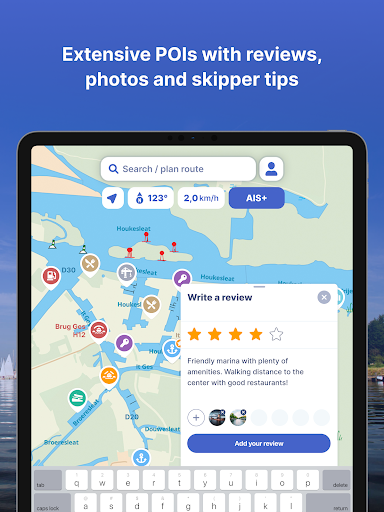
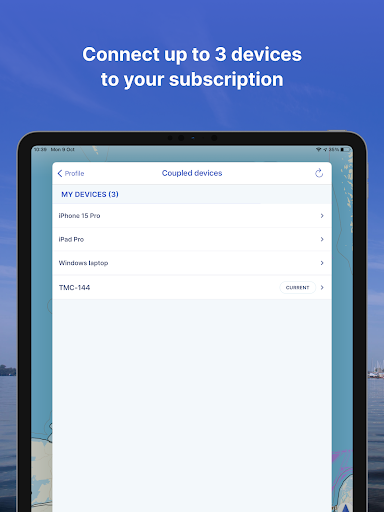
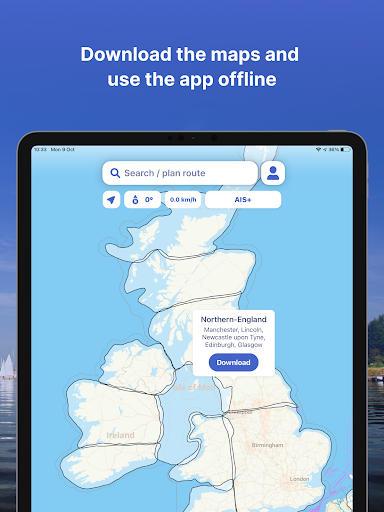
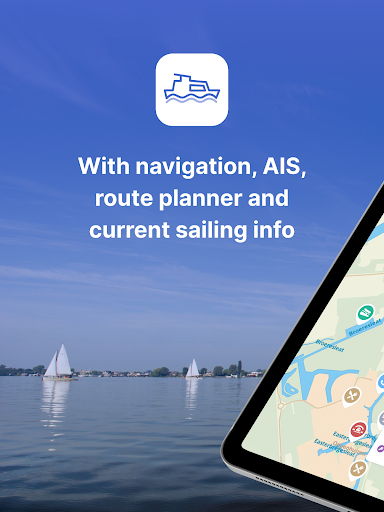
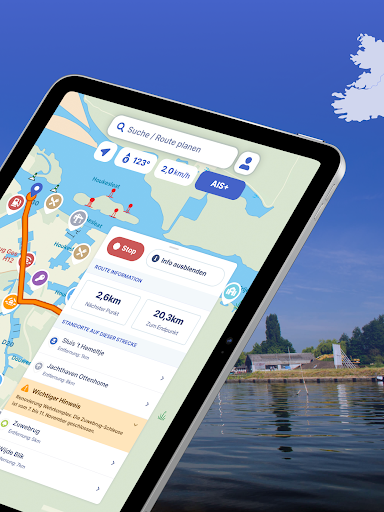
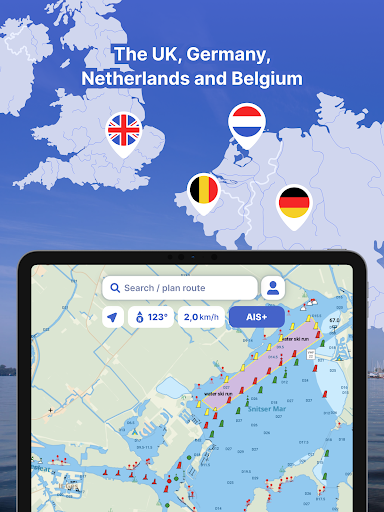
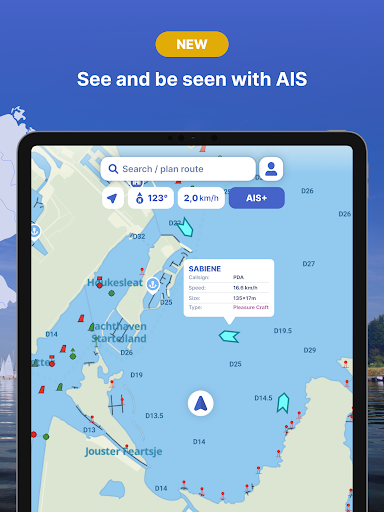
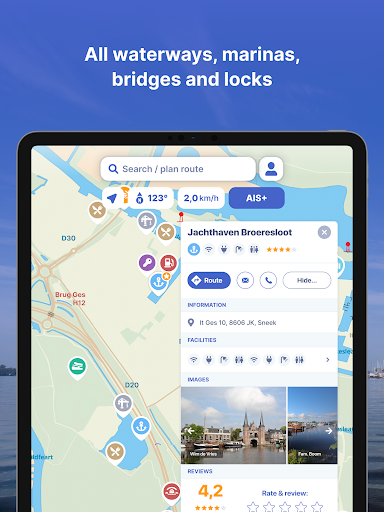
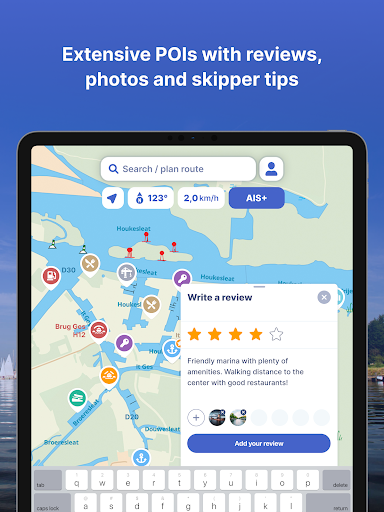
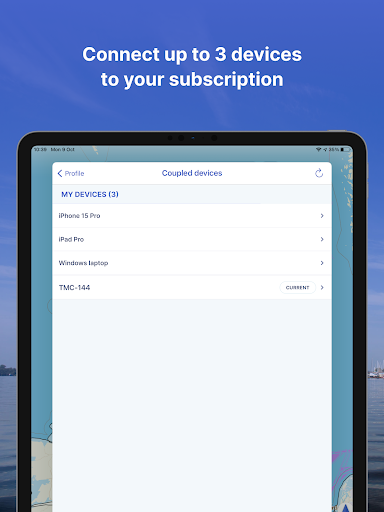
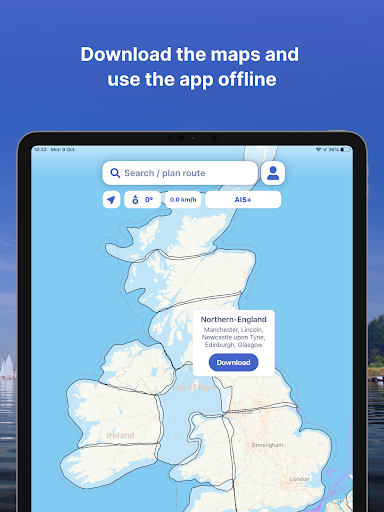
The most comprehensive app for safe and well-prepared boating navigation. With route planner, water maps, AIS pairing, marinas, bridges and locks, offline use and more. Try it now and plan your next trip! With the Waterkaarten app (formerly ANWB Waterkaarten) you have everything you need at hand: • 8 countries, 1 price: Complete nautical maps of the United Kingdom and Ireland, Netherlands, Germany, France, Belgium, Denmark and Switzerland • Almanack info: Access all information you need on the water with just a few taps in the app • Current information about marinas, bridges and locks including opening times • Plan optimal routes between your starting point and destination, including the objects you encounter • AIS+: See all the boats near you on the water and at rest including their names and speed with just a tap • AIS pairing: Connect your AIS device to the app and see at a glance where surrounding ships are located Comprehensive and user friendly: • Locations of more than 8,000 marinas and all details of their existing facilities • More than 275,000 nautical objects (bridges, locks, markings, mooring places and more) • Stay up-to-date with the current navigation reports and obstructions from government agencies such as Rijkswaterstaat • Regular updates and free access to all new features • Show or hide 60 different layers of information on the nautical maps to see exactly what you need • Radio silence on the water? No problem! Download the corresponding charts for offline use • Each user account can be used on up to 3 devices at no extra cost • Free Windows version included • Reliable service: We are at your service 7 days a week - simply email us at [email protected] How it works: The Waterkaarten app is free during the 7-day trial. After that you can choose from one of our paid subscriptions. The subscription ends after credit expires. Subscriptions are not automatically renewed. If you purchase a subscription during the free 7-day trial period, we will add your new credit to your remaining balance. Payment methods for subscription: • The subscription will be charged to your Google account • At Google you can use different payment methods, such as PayPal or credit card Even more boating pleasure with a Waterkaarten account: you can create an account in the app to activate your subscription on a total of 3 devices. Note: • The file size of the offline map material is very large and you are advised to download it on a stable Wi-Fi connection • Prolonged use of GPS in the background can considerably shorten the battery life of your device Do you have questions about the app? Please contact our helpdesk ([email protected]) or read more on our website: www.waterkaarten.app/en. Please note that this app is only intended as an aid when navigating on the water. Stay alert to your surroundings while boating.

What Waterkaarten: Boat Navigation Is Used For

Waterkaarten: Boat Navigation appears to be a nautical maps and route-planning app for people navigating on inland waters and coastal routes. Based on the metadata, it is commonly used to check water maps, plan trips between points, and review navigation details such as marinas, bridges, locks, and route objects before or during a boating trip.

The app also seems geared toward practical on-water use, including offline access to charts when network coverage is limited. Its location permissions suggest it may use GPS or network-based positioning to show where you are on the water, while network and startup permissions indicate it may keep maps, route data, and navigation information available while the device is in use. The AIS-related features suggest it may also be used to view nearby vessel information or connect to an AIS device for situational awareness. Because it is a phone app in the Maps & Navigation category, it appears most relevant for boaters who want a portable planning and reference tool on an Android phone.

Common uses

  • Plan boating routes between a start and destination
  • Check nautical maps and waterway information
  • Look up marinas, bridges, and locks before traveling
  • Use offline charts when internet access is limited
  • View nearby vessels through AIS-related features
  • Review navigation reports and waterway obstructions
  • Use location data to follow your position on the water
Best for:
Boaters Route planning Nautical maps Offline navigation Phone use

App Details

Package:
nl.anwb.android.anwbwaterkaarten
Developer:
Waterkaarten
Version:
12.2.1
Updated:
Mar 12, 2026
Min Android:
11
Age Rating:
Everyone
Contains Ads:
No
In-App Purchases:
Yes

Official Listing

  • Official listing available on Google Play
  • Package name: nl.anwb.android.anwbwaterkaarten
  • Age rating: Everyone

Explore More

Browse more apps in Maps & Navigation or explore the Phone hub .

Related Maps & Navigation Apps

GPS, Maps, Driving Directions icon

GPS, Maps, Driving Directions

Maps & Navigation AppVerge Technologies, LLC

Navigate seamlessly with Real-Time Traffic, Offline Maps, and Voice Navigation.

Version 13.89 208.7 MB ⭐ 4.00 100,000,000+ installs
Sygic GPS Navigation & Maps icon

Sygic GPS Navigation & Maps

Maps & Navigation Sygic.

Sygic GPS Navigation with 3D offline maps is compatible with Android Auto.

Version Varies with device 103.6 MB ⭐ 4.20 50,000,000+ installs
Radarbot: Radar Detector, GPS icon

Radarbot: Radar Detector, GPS

Maps & Navigation Radarbot Company

Speedcam alerts and navigation. 100% Legal and Reliable. Never pay another fine!

Version Varies with device 61.4 MB ⭐ 4.10 50,000,000+ installs
GPS+ Maps, Navigation, Traffic icon

GPS+ Maps, Navigation, Traffic

Maps & Navigation JVSTUDIOS

GPS+ ensures you're always on track, live traffic info and offline maps included

Version 4.0.48 118.7 MB ⭐ 4.60 10,000,000+ installs

How to Download Waterkaarten: Boat Navigation

If this app is not hosted directly on APKApps official link, then for the safest and most up-to-date version, install it from its official Google Play listing.