About KWGT Kustom Widget Pro Key
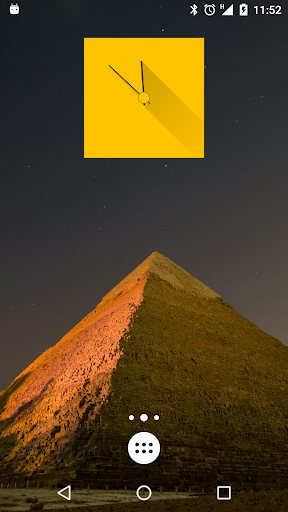
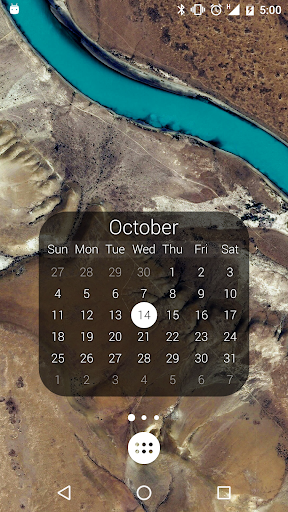
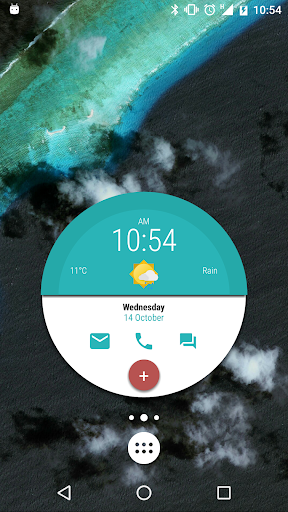
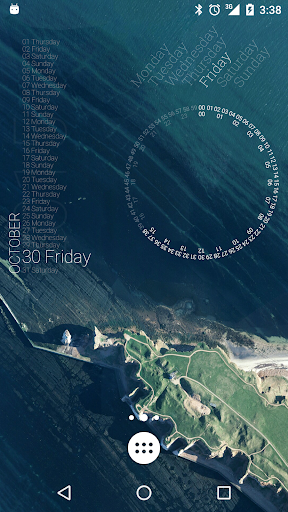
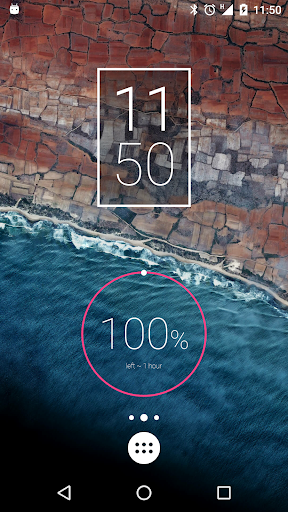
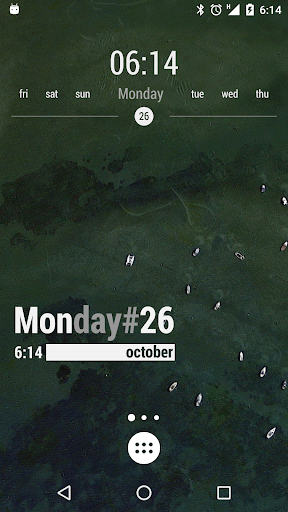
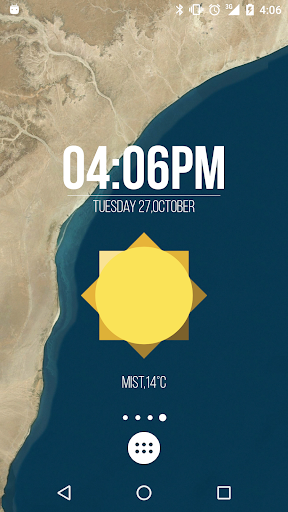
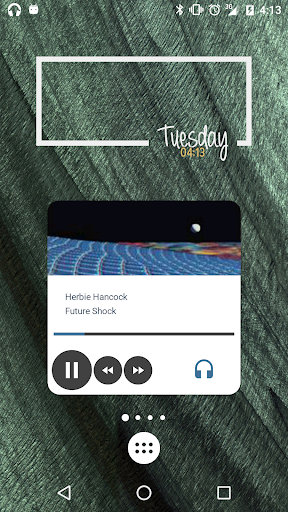
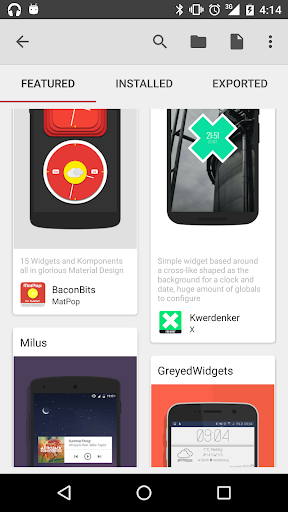
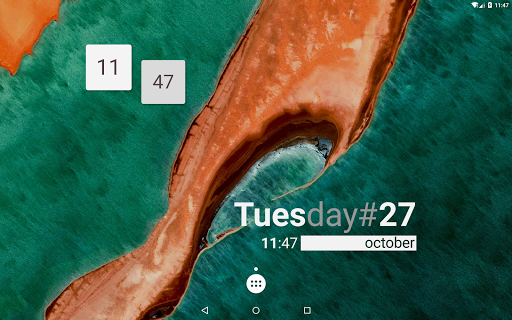
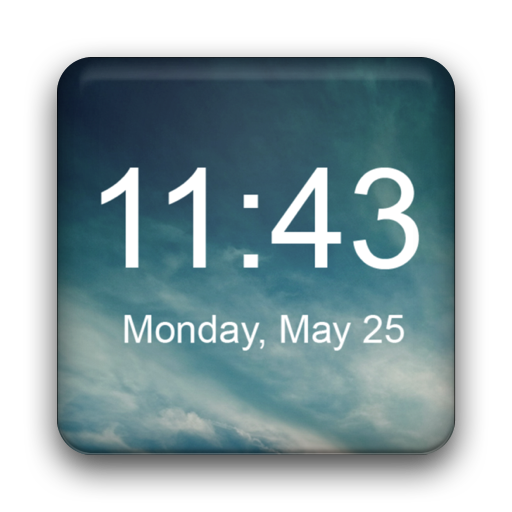
THIS IS JUST A PRO KEY, YOU WILL NEED Kustom Widget APP TOO! Make your Android Launcher or Lockscreen look unique with Kustom the most powerful Widget creator ever! Use its awesome WYSIWYG (What You See Is What You Get) editor to create you own designs and display any data you need, at once and without draining your battery as many others tools do! You want animations too? Then check out KWGT little brother Kustom Live Wallpaper! This key unlocks the following extras in KWGT: - Remove the ADS - Support the dev! - Unlock import from SD and all external skins - Recover preset - Buzz Launcher import support - Save the world from alien invasion With Kustom Widget you can create customized Digital and Analog Clocks, Live Map Widget, Weather Widget, Text Widget, sophisticated Battery or Memory meters, randomly changing images, Music Players, World clocks, Astronomy widgets and much much more. Imagination is the limit. You get: - Some skin to start with and some Komponent (a Widget in Kustom) - Text with custom fonts, colors, sizes and effects - Shapes like Ovals, Rects, Arcs, Triangles, Exagons and more - 3D flip transformations, curved and skewed text - Gradients, shadows, tiling and color filters - Zooper like progress bars and series - Layers with overlay effects like pro image / photo editors (blur, clear, xor, difference, saturation) - Touch actions / hotspots on any object you create - PNG / JPG / WEBp Image and SVG (scalable vector graphics) support - Google Fitness support (segments, calories, steps, distance, sleep) - Complex programming language with functions, conditionals and global variables - Change Widget Background or aspect based on touch, time, location, weather, anything! - Dynamic download of content via HTTP (live maps, weather and so on) - Native music utilities (current playing song title, album, cover) - Weather with wind chill, feels like temperature and more - RSS and free XML / XPATH / Text download - Tasker support (load preset via Tasker, change variable via Tasker and so on) - A huge amount of data to display such as: date, time, battery (with duration estimation), calendar, astronomy (sunrise, sunset, illumination, stardate), CPU speed, memory, countdowns, WiFi and cellular status, traffic info, next alarm, location, moving speed, rom/device, ip, network data and much more) Similar apps (go check them out, KWGT is better, full comparison HERE): - HD Widgets - Zooper Widgets - UCCW Ultimate Custom Widget - Make your own widget - Buzz widget
What KWGT Kustom Widget Pro Key Is Used For
KWGT Kustom Widget Pro Key appears to be a license unlock for the KWGT widget creator app, rather than a standalone widget app. Based on the metadata, it is used to enable extra features in KWGT, such as removing ads, importing from external skins, restoring presets, and adding certain import options. Because it is a key, it typically works together with the main Kustom Widget app on an Android phone.
Common use cases center on customizing a launcher or lock screen with widgets that show information like time, date, battery, weather, music status, calendar entries, and fitness data. The description also points to a visual editor for building custom layouts with shapes, text, images, effects, and touch actions. That makes it more relevant for users who want to design personalized home screen widgets rather than those looking for a simple preset widget pack.
The only listed permission is Google Play license check, which fits a paid unlock key. On phones, it may be used by people who already use KWGT and want access to the Pro features needed for importing, saving, and managing more advanced widget setups.
Common uses
- Unlocks Pro features for KWGT, the main widget creator app
- Used for customizing Android home screen or lock screen widgets
- May help with importing external skins and restoring presets
- Suitable for building clocks, weather widgets, music widgets, and status meters
- Designed for users who want detailed visual control over widget layout
- Works as a companion key rather than a full standalone widget app
- Relies on Google Play license verification
App Details
Package:
org.kustom.widget.pro
Developer:
Kustom Industries
Version:
F
Updated:
Jul 29, 2025
Min Android:
5.0
Age Rating:
Everyone
Contains Ads:
No
In-App Purchases:
No
Official Listing
-
Official listing available on
Google Play
-
Package name:
org.kustom.widget.pro
-
Age rating:
Everyone
Related Tools Apps
Personalization
•
AIO Mobile Soft
Version 7.0.2
⭐ 4.50
1,000,000+ installs
Personalization
•
UNVOID
Version 2.190.0
⭐ 4.70
100,000+ installs
How to Download KWGT Kustom Widget Pro Key
If this app is not hosted directly on APKApps official link,
then for the safest and most up-to-date version, install it from its official Google Play listing.