GIF Maker, GIF Editor Pro icon

Phone

GIF Maker, GIF Editor Pro

Photography GIF Maker & GIF Editor & Video Maker ⭐ 4.60 50,000+
Version Varies with device Everyone

Screenshots

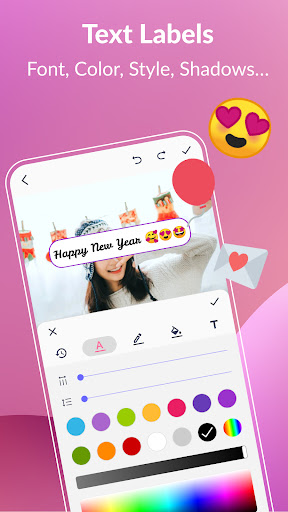
GIF Maker, GIF Editor Pro screenshot
Permissions Explained 6 permissions requested View details

This app requests 6 permissions. The table below explains what each permission may allow and what users should review before installing.

Status Permission What it means Why it may be used User safety note
ℹ️ Review Read The Contents Of Your Usb Storage read the contents of your USB storage This is an Android permission or app-specific permission requested by the app. The app may use this permission for features related to its category, device support, background behavior, storage, connectivity, or system integration. Review this permission before installing, especially if it does not match the app’s expected purpose.
ℹ️ Review Modify Or Delete The Contents Of Your Usb Storage modify or delete the contents of your USB storage This is an Android permission or app-specific permission requested by the app. The app may use this permission for features related to its category, device support, background behavior, storage, connectivity, or system integration. Review this permission before installing, especially if it does not match the app’s expected purpose.
ℹ️ Review View Network Connections view network connections This is an Android permission or app-specific permission requested by the app. The app may use this permission for features related to its category, device support, background behavior, storage, connectivity, or system integration. Review this permission before installing, especially if it does not match the app’s expected purpose.
ℹ️ Review Full Network Access full network access This is an Android permission or app-specific permission requested by the app. The app may use this permission for features related to its category, device support, background behavior, storage, connectivity, or system integration. Review this permission before installing, especially if it does not match the app’s expected purpose.
ℹ️ Review Prevent Device From Sleeping prevent device from sleeping This is an Android permission or app-specific permission requested by the app. The app may use this permission for features related to its category, device support, background behavior, storage, connectivity, or system integration. Review this permission before installing, especially if it does not match the app’s expected purpose.
ℹ️ Review Google Play License Check Google Play license check This is an Android permission or app-specific permission requested by the app. The app may use this permission for features related to its category, device support, background behavior, storage, connectivity, or system integration. Review this permission before installing, especially if it does not match the app’s expected purpose.

About GIF Maker, GIF Editor Pro

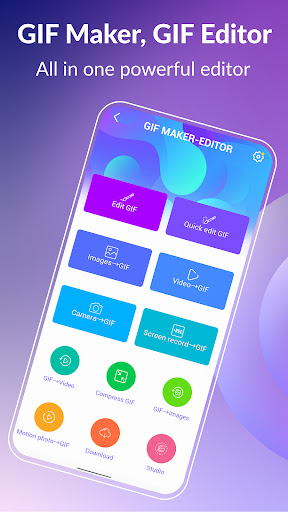
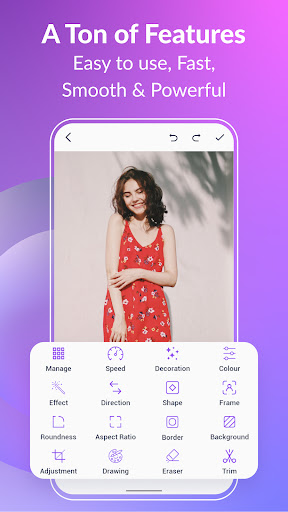
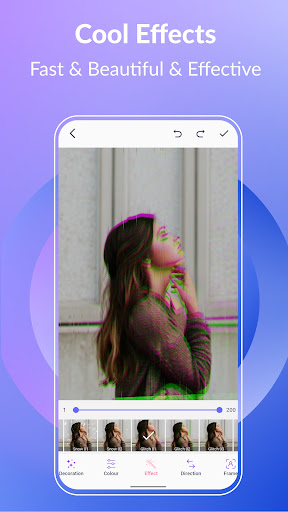
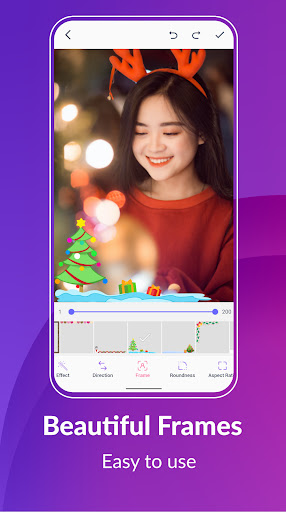
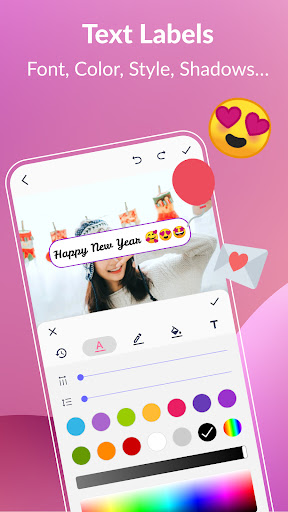
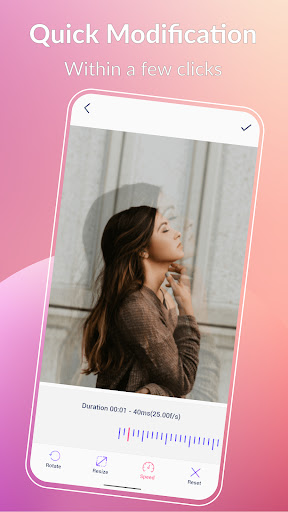
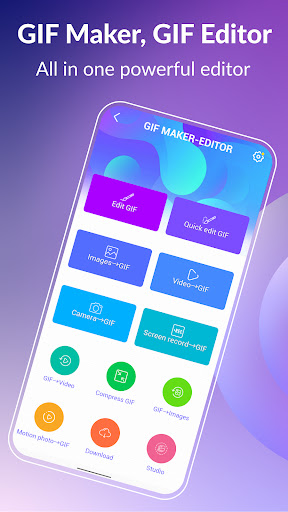
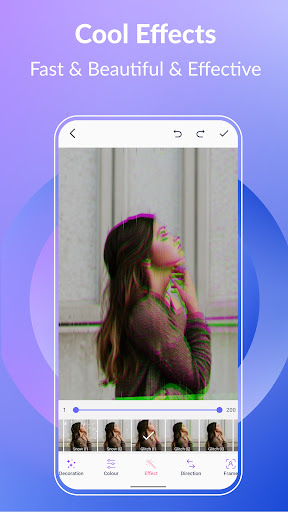
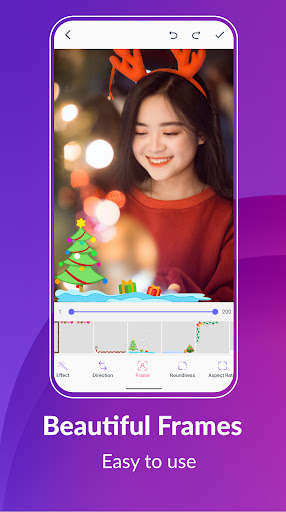
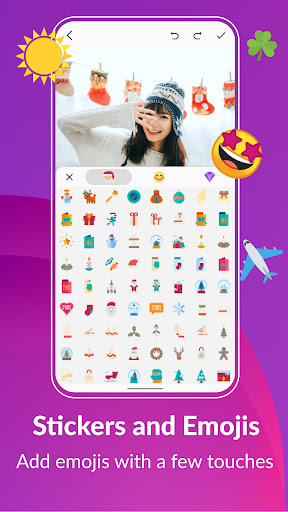
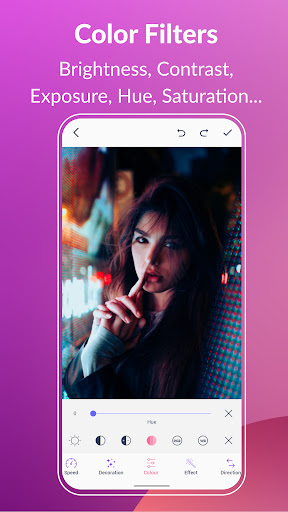
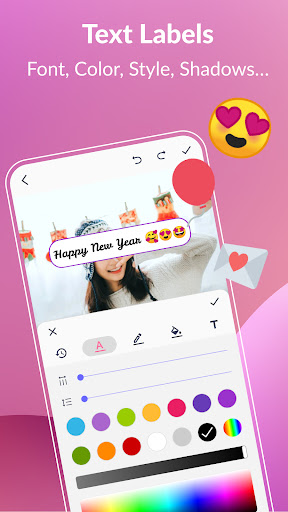
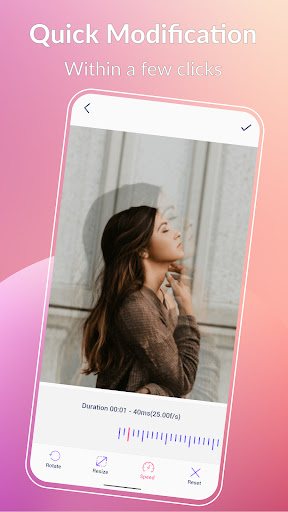
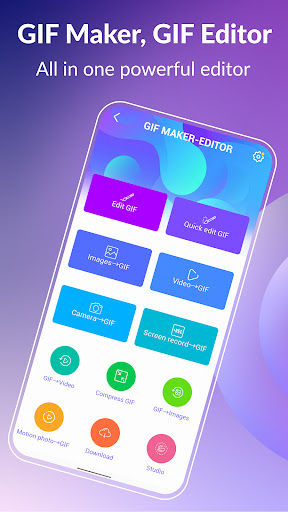
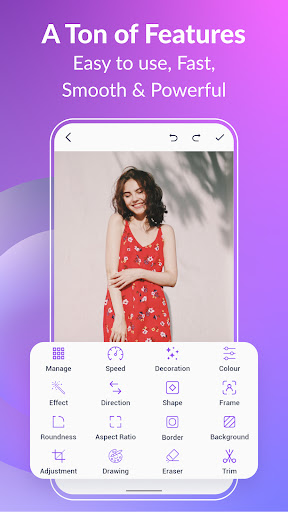
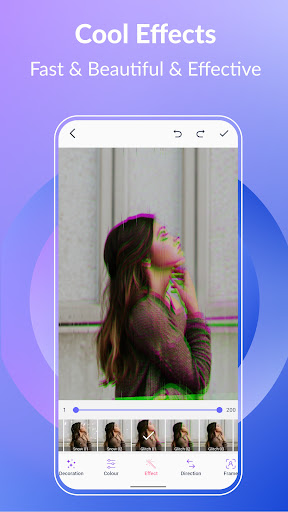
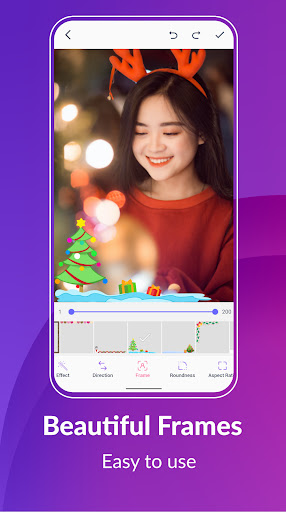
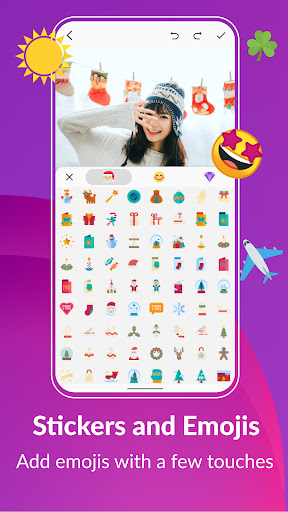
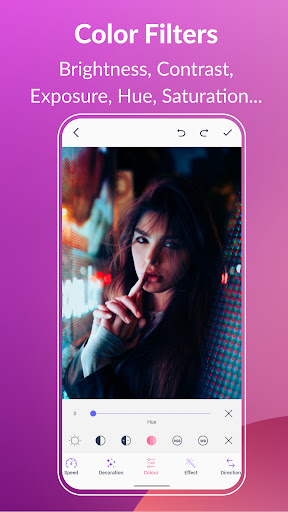
Ad-free, Up to 600 frames and 720x1280(HD) pixels are supported. Unleash your creativity with GIF Maker & GIF Editor Pro, the all-in-one gif app that lets you create and edit high-quality animated gifs without any watermarks. With its intuitive and user-friendly interface, you can easily transform images, videos, screen recordings and even existing gifs into stunning animations. GIF Maker & GIF Editor Pro supports a wide range of popular video and image formats including PNG, JPEG, MP4, MPEG, FLV, 3GP, GIF and more. You can easily customize and edit your gifs to perfectly capture your unique style. Whether you prefer a dark or light theme, GIF Maker & GIF Editor Pro offers the perfect environment for unleashing your creativity. Start making stunning gifs that stand out and get noticed today with GIF Maker & GIF Editor Pro. Support up to 22 languages: English, Français, Español, Italian, 한국인, 中文, 日本語, Deutsche, हिंदी, Pусский, Tiếng Việt, Português, Ελληνικά, Bahasa, Türk, ไทย, Polski, Dansk, Suomen kiel, Nederlands, Norsk, Svenska. GIF Creator & GIF Editor: ·Transform your memories into stunning animated GIFs with our versatile app. Whether you want to convert a video clip, combine multiple images, or even record your screen, you can easily create high-quality GIFs with just a few taps. There are tons of features like crop, resize, speed, emoji, filters, trim, stickers, aspect ratio, roundness, and more. With up to 600 frames and 50 frames per second supported. Your creations will be saved as high-quality GIFs or videos with no watermarks. Compress GIF: ·Easily share smaller, more manageable GIFs and animated images with our GIF compressor tool. Choose from multiple quality options to find the perfect balance between file size and image quality. Convert GIF to Video, GIF converter: ·Effortlessly convert GIF to video with just three clicks. Maintain the same quality and resolution for seamless transitions. GIF Background: ·Make your GIFs come alive with background options like transparent, black, white, solid color, gradient colors, blur, and more. Quick edit GIF: ·Transform your GIFs with ease using our quick modification tools. Resize, adjust play speed, and more in just a few seconds. GIF Effects and Picture frames: ·Add some style to your GIFs with our cool effects and beautiful picture frames. Choose from popular options like 1977, Amaro, Brannan, Early Bird, Hefe, Glitches, VHS, and more. Color filters: ·Bring your GIFs to life with our color filters. Adjust brightness, contrast, exposure, hue, saturation, and white balance. Text labels and Memes: ·Add captivating text labels to your GIFs with ease. Choose from a variety of styles, colors, shadows, border, background color, spacings, font, and adjust the timing to ensure your message is seen in your GIF. Stickers and Emojis: ·Bring some fun and personality to your GIFs with our collection of funny stickers, emojis. Easily adjust the timing to show your stickers and emojis, and even combine…

What GIF Maker, GIF Editor Pro Is Used For

GIF Maker, GIF Editor Pro appears to be a photography and media-editing app focused on creating and adjusting animated GIFs on Android phones. Based on the metadata, it is commonly used to turn videos, image sequences, screen recordings, or existing GIFs into new animations, then refine them with editing tools such as trimming, resizing, speed changes, filters, stickers, and aspect-ratio adjustments.

It may also be useful for people who want to compress GIFs, convert GIFs to video, or manage output quality for sharing. The storage permissions suggest it needs access to files on the device so it can import media and save edited results, while the network permissions likely support app-related online functions such as license checks or connected features. Since it is a phone app in the Photography category, it seems aimed at everyday mobile editing rather than advanced desktop-style production.

Common uses

  • Create animated GIFs from video clips or photos
  • Edit existing GIFs with crop, trim, resize, and speed controls
  • Add effects such as filters, stickers, emoji, and background changes
  • Convert GIFs to video or save animations in different formats
  • Compress GIF files to make them easier to share
  • Work with media stored on the device through USB storage access
  • Use on an Android phone for quick, mobile-friendly GIF editing

Best for:
mobile GIF editing photo and video clips social sharing quick file conversion phone app

App Details

Package:
pro.gif.videotogif.gifeditor.gifmaker
Category:
Photography
Developer:
GIF Maker & GIF Editor & Video Maker
Version:
Varies with device
Updated:
Mar 3, 2026
Min Android:
Varies with device
Age Rating:
Everyone
Contains Ads:
No
In-App Purchases:
No

Official Listing

  • Official listing available on Google Play
  • Package name: pro.gif.videotogif.gifeditor.gifmaker
  • Age rating: Everyone

Explore More

Browse more apps in Photography or explore the Phone hub .

Related Photography Apps

BeatSync icon

BeatSync

Video Players & Editors KineMaster, Video Editor Experts Group

A must-have for Reels, Shorts, and TikTok! Easy & free to make great videos now!

Version 4.0.174 139.9 MB ⭐ 4.33 5,000,000+ installs
PixelFlow icon

PixelFlow

Video Players & Editors PixelFlow Tech Private Limited

Intro maker, outro maker & Logo animation, 2D video intro maker for YT Channel

Version 2.6.6 79.8 MB ⭐ 4.23 5,000,000+ installs
MIX icon

MIX

Photography PINGUO TECHNOLOGY HK CO LIMITED

Photo Editor Pro&Rich Editing Tools&Share Your Own Photo Filter to MIX Community

Version 4.9.63 116.9 MB ⭐ 3.77 10,000,000+ installs

How to Download GIF Maker, GIF Editor Pro

If this app is not hosted directly on APKApps official link, then for the safest and most up-to-date version, install it from its official Google Play listing.