Rock ID - Stone Identifier icon

Phone

Rock ID - Stone Identifier

Education AIBY Inc. ⭐ 4.30 500,000+
Version 1.7.2 Everyone

Screenshots

Rock ID - Stone Identifier screenshot
Permissions Explained 8 permissions requested View details

This app requests 8 permissions. The table below explains what each permission may allow and what users should review before installing.

Status Permission What it means Why it may be used User safety note
ℹ️ Review Take Pictures And Videos take pictures and videos This is an Android permission or app-specific permission requested by the app. The app may use this permission for features related to its category, device support, background behavior, storage, connectivity, or system integration. Review this permission before installing, especially if it does not match the app’s expected purpose.
ℹ️ Review View Wi Fi Connections view Wi-Fi connections This is an Android permission or app-specific permission requested by the app. The app may use this permission for features related to its category, device support, background behavior, storage, connectivity, or system integration. Review this permission before installing, especially if it does not match the app’s expected purpose.
ℹ️ Review View Network Connections view network connections This is an Android permission or app-specific permission requested by the app. The app may use this permission for features related to its category, device support, background behavior, storage, connectivity, or system integration. Review this permission before installing, especially if it does not match the app’s expected purpose.
ℹ️ Review Full Network Access full network access This is an Android permission or app-specific permission requested by the app. The app may use this permission for features related to its category, device support, background behavior, storage, connectivity, or system integration. Review this permission before installing, especially if it does not match the app’s expected purpose.
ℹ️ Review Run At Startup run at startup This is an Android permission or app-specific permission requested by the app. The app may use this permission for features related to its category, device support, background behavior, storage, connectivity, or system integration. Review this permission before installing, especially if it does not match the app’s expected purpose.
ℹ️ Review Control Vibration control vibration This is an Android permission or app-specific permission requested by the app. The app may use this permission for features related to its category, device support, background behavior, storage, connectivity, or system integration. Review this permission before installing, especially if it does not match the app’s expected purpose.
ℹ️ Review Prevent Device From Sleeping prevent device from sleeping This is an Android permission or app-specific permission requested by the app. The app may use this permission for features related to its category, device support, background behavior, storage, connectivity, or system integration. Review this permission before installing, especially if it does not match the app’s expected purpose.
ℹ️ Review Read Google Service Configuration read Google service configuration This is an Android permission or app-specific permission requested by the app. The app may use this permission for features related to its category, device support, background behavior, storage, connectivity, or system integration. Review this permission before installing, especially if it does not match the app’s expected purpose.

About Rock ID - Stone Identifier

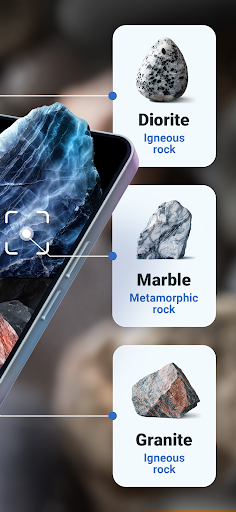
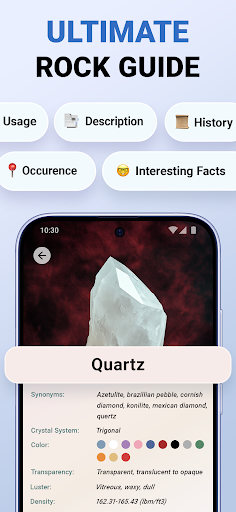
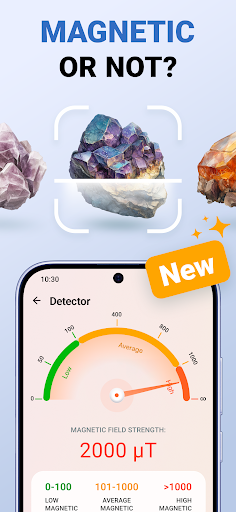
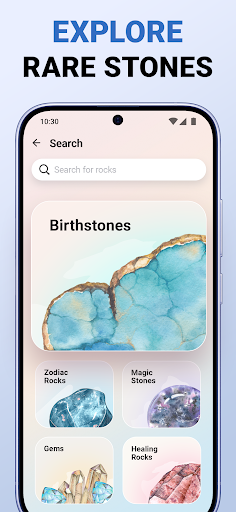
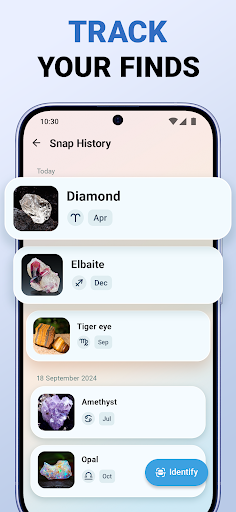
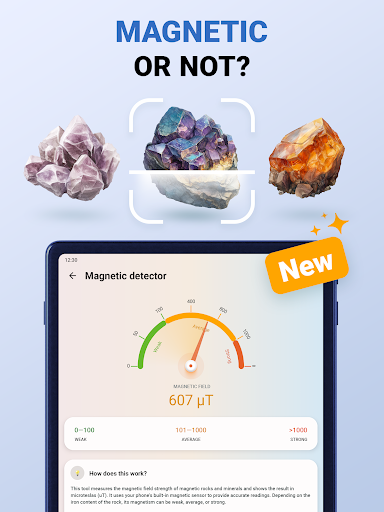
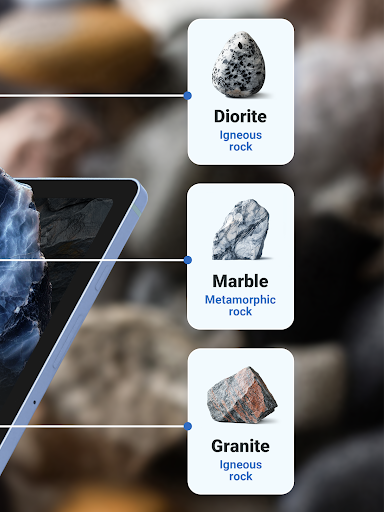
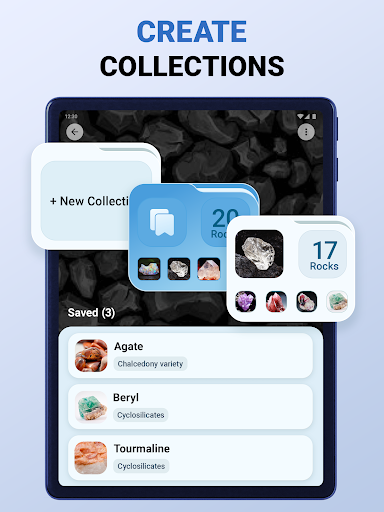
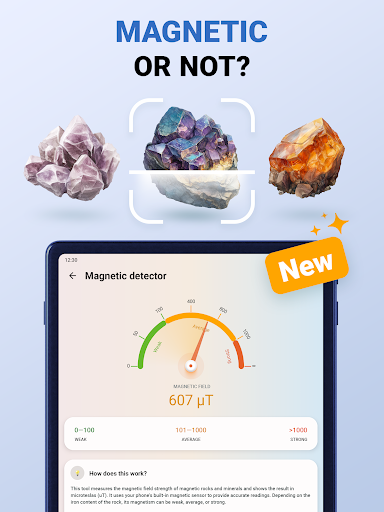
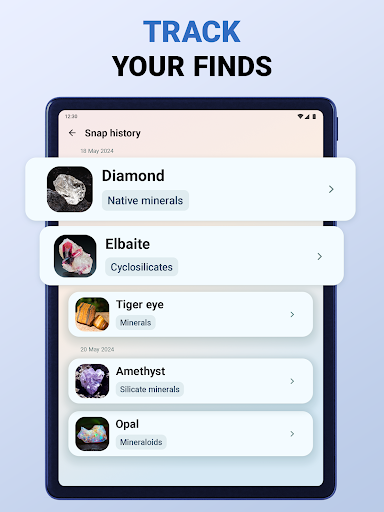
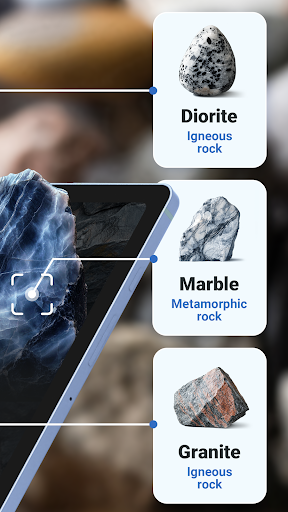
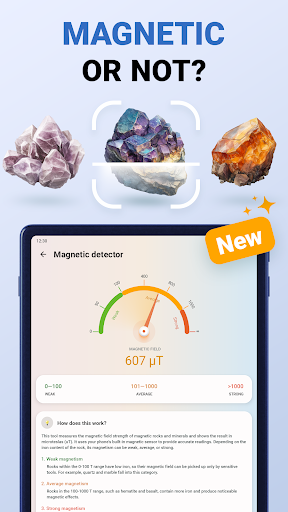
Rock ID—your digital rock identifier and guide to the world of rocks. Discover your passion for geology with our top-notch stone identifier and rock scanner! If you’re into gems, rocks, stones, gemstones, and minerals and dream about assembling the ultimate collection of magic crystals, then look no further than Rock ID. With our expert stone and crystal identifier, no gem will slip through your hands! Use our swift rock scanner to recognize precious gems in mere seconds and add them to your custom collection. What can Rock ID do? 1. Recognize stones. Snap a picture of any gem, crystal, rock, stone, fossil, or mineral and get an instant recognition result. Powered by AI, our search engine will identify your rock out of thousands of other stones gathered in its vast database. 2. Help with gem appraisal. It’s hard to tell the difference between real and fake diamonds, pearls, and jade stones, especially if you’re only starting your journey as a rock enthusiast. Use our smart AI scanner to recognize your rocks and see if you have an authentic gemstone or a similar cheaper rock. 3. Provide insightful rock facts. Did you know that igneous rocks are formed from magma? Or that real diamonds can cut glass? You can learn all about that and even more from our stone profiles. Each rock, crystal, gem, and stone in the app has a comprehensive description of its features, history, usage, occurrence, and even interesting facts you may have never guessed! 4. Manage gemstone collections. Never lose your marbles—keep all your minerals in one place! Create your custom gem collections and save newly identified rocks to them whenever and wherever you want. 5. Keep track of your stone identifications. This gem identifier allows you to track your interesting finds and stores them for you permanently. Even if it has been months since you identified that labradorite on your evening stroll, you can always access it through your snap history! What do you get with Rock ID? • A prompt mineral, rock, stone, gem, and fossil identifier powered by cutting-edge AI technology • Extensive and comprehensive rock descriptions • Personal custom collections with unlimited rocks • Detailed history of all stone, gem, crystal, and mineral identifications • Easy-to-navigate, user-friendly design Discover your passion for geology with Rock ID! Dig into the vast world of gems and minerals and strike knowledge gold! Subscribe to Rock ID Premium to get unlimited access to all the app’s features: • Subscriptions are billed weekly, monthly, or annually at the rate depending on the subscription plan. • Subscription automatically renews unless auto-renew is turned off at least 24 hours before the end of the current period. All personal data is protected in accordance with the Terms of Use and Privacy Policy: http://aiby.mobi/rockid_android/privacy http://aiby.mobi/rockid_android/terms/ For any questions or inquiries, please use our customer support form at http://aiby.mobi/rockid_android/support/

What Rock ID - Stone Identifier Is Used For

Rock ID - Stone Identifier appears to be an education app for identifying rocks, stones, gems, crystals, fossils, and minerals from photos. Based on the metadata, people may use it to take a picture of an item and get a recognition result, which can be helpful when learning geology, comparing specimens, or sorting a personal rock collection.

The app also seems designed for users who want more context after identification. It may provide rock profiles with facts, descriptions, and background information, along with tools to save finds into custom collections and review identification history later. The camera-related permission fits its main scanning function, while network access suggests it may send images or data for online recognition. On a phone, this kind of app is typically used in the field, at home, or while organizing collected samples.

Common uses

  • Identify rocks, stones, gems, crystals, fossils, and minerals from photos
  • Compare a specimen with stored examples or database-style results
  • Learn basic facts and descriptions about different geological items
  • Save identified items into custom collections
  • Review past identifications through a history screen
  • Use the app for casual geology learning or hobby collecting
  • Scan objects on a phone camera while outdoors or at home
Best for:
rock hobbyists beginner geology learners gem collectors photo-based identification phone users

App Details

Package:
rock.identifier.stone.gem.crystal.mineral
Category:
Education
Developer:
AIBY Inc.
Version:
1.7.2
Updated:
Feb 14, 2025
Min Android:
11
Age Rating:
Everyone
Contains Ads:
No
In-App Purchases:
Yes

Official Listing

  • Official listing available on Google Play
  • Package name: rock.identifier.stone.gem.crystal.mineral
  • Age rating: Everyone

Explore More

Browse more apps in Education or explore the Phone hub .

Related Education Apps

Rock Identifier: Stone ID icon

Rock Identifier: Stone ID

Lifestyle Next Vision Limited

Identify Rock, Stone Scanner, Gem ID, Crystals and Minerals with Rock Identifier

Version 2.4.3 120.2 MB ⭐ 4.50 10,000,000+ installs

How to Download Rock ID - Stone Identifier

If this app is not hosted directly on APKApps official link, then for the safest and most up-to-date version, install it from its official Google Play listing.