Pydroid 3 - IDE for Python 3 icon

Phone

Pydroid 3 - IDE for Python 3

Education Lider Soft KZ ⭐ 4.40 10,000,000+

Learn Python 3 with the most powerful Python 3 interpreter & IDE on Google Play

Version Varies with device 74.9 MB Everyone

Screenshots

Pydroid 3 - IDE for Python 3 screenshot
Permissions Explained 14 permissions requested View details

This app requests 14 permissions. The table below explains what each permission may allow and what users should review before installing.

Status Permission What it means Why it may be used User safety note
ℹ️ Review Vending Billing com.android.vending.BILLING This is an Android permission or app-specific permission requested by the app. The app may use this permission for features related to its category, device support, background behavior, storage, connectivity, or system integration. Review this permission before installing, especially if it does not match the app’s expected purpose.
⚠️ Sensitive Modify external storage android.permission.WRITE_EXTERNAL_STORAGE Allows the app to write or modify files in shared device storage. Used for saving downloads, media files, exports, edited documents, backups, or cached content. Sensitive permission. Make sure file access matches the app’s purpose.
⚠️ Sensitive Read external storage android.permission.READ_EXTERNAL_STORAGE Allows the app to read files from shared device storage. Used by media players, file managers, backup apps, editors, upload tools, and document apps. Sensitive permission. Review carefully if the app does not need access to files or media.
Common Internet access android.permission.INTERNET Allows the app to open network connections and communicate with online services. Commonly used for streaming, syncing, login, ads, analytics, downloads, cloud features, and app updates. Common permission. Review the app’s behavior if it does not appear to need online access.
Common View network status android.permission.ACCESS_NETWORK_STATE Allows the app to check whether the device is connected to Wi-Fi, mobile data, or another network. Often used to avoid loading content when offline or to adjust loading based on connection quality. Generally low risk by itself.
ℹ️ Review Vending Check License com.android.vending.CHECK_LICENSE This is an Android permission or app-specific permission requested by the app. The app may use this permission for features related to its category, device support, background behavior, storage, connectivity, or system integration. Review this permission before installing, especially if it does not match the app’s expected purpose.
ℹ️ Review Gms Permission Ad Id com.google.android.gms.permission.AD_ID This is an Android permission or app-specific permission requested by the app. The app may use this permission for features related to its category, device support, background behavior, storage, connectivity, or system integration. Review this permission before installing, especially if it does not match the app’s expected purpose.
ℹ️ Review Manage External Storage android.permission.MANAGE_EXTERNAL_STORAGE This is an Android permission or app-specific permission requested by the app. The app may use this permission for features related to its category, device support, background behavior, storage, connectivity, or system integration. Review this permission before installing, especially if it does not match the app’s expected purpose.
ℹ️ Review Access Superuser android.permission.ACCESS_SUPERUSER This is an Android permission or app-specific permission requested by the app. The app may use this permission for features related to its category, device support, background behavior, storage, connectivity, or system integration. Review this permission before installing, especially if it does not match the app’s expected purpose.
ℹ️ Review Keep device awake android.permission.WAKE_LOCK Allows the app to prevent the device from sleeping while a task is running. Used for media playback, downloads, navigation, alarms, calls, or long-running background tasks. Review battery usage if the app keeps the device awake too often.
ℹ️ Review Foreground Service android.permission.FOREGROUND_SERVICE This is an Android permission or app-specific permission requested by the app. The app may use this permission for features related to its category, device support, background behavior, storage, connectivity, or system integration. Review this permission before installing, especially if it does not match the app’s expected purpose.
ℹ️ Review Send notifications android.permission.POST_NOTIFICATIONS Allows the app to send notifications to the device. Used for alerts, reminders, messages, account activity, updates, or media controls. Review notification settings if the app sends too many alerts.
ℹ️ Review C2dm Permission Receive com.google.android.c2dm.permission.RECEIVE This is an Android permission or app-specific permission requested by the app. The app may use this permission for features related to its category, device support, background behavior, storage, connectivity, or system integration. Review this permission before installing, especially if it does not match the app’s expected purpose.
ℹ️ Review Finsky Permission Bind Get Install Referrer Service com.google.android.finsky.permission.BIND_GET_INSTALL_REFERRER_SERVICE This is an Android permission or app-specific permission requested by the app. The app may use this permission for features related to its category, device support, background behavior, storage, connectivity, or system integration. Review this permission before installing, especially if it does not match the app’s expected purpose.

About Pydroid 3 - IDE for Python 3

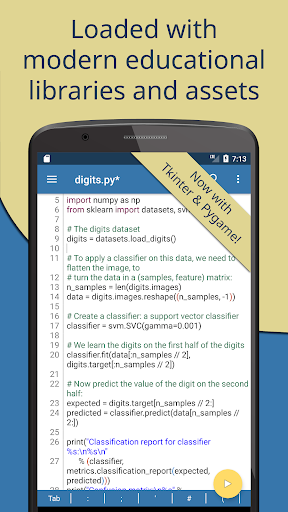
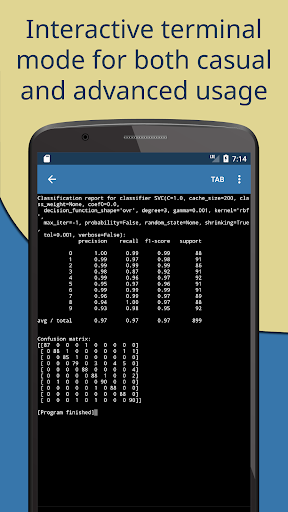
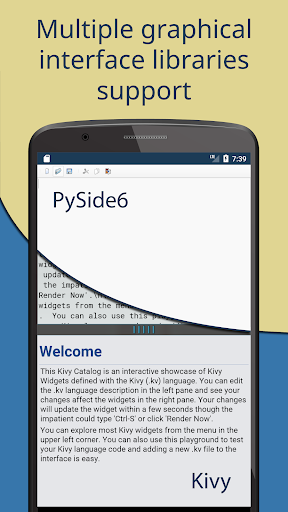
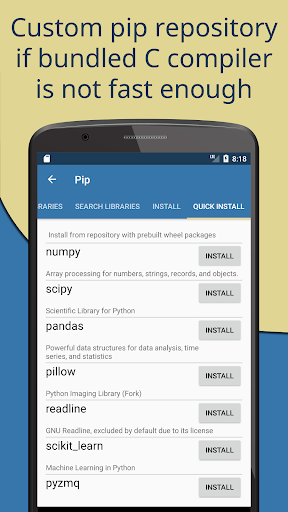
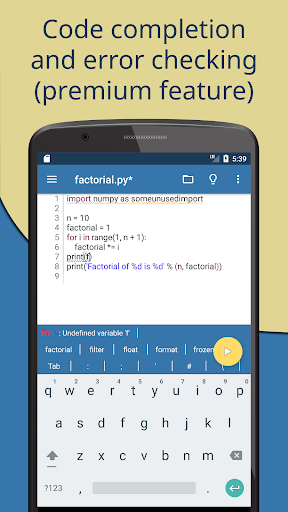
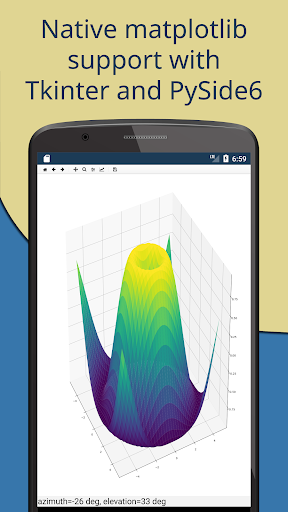
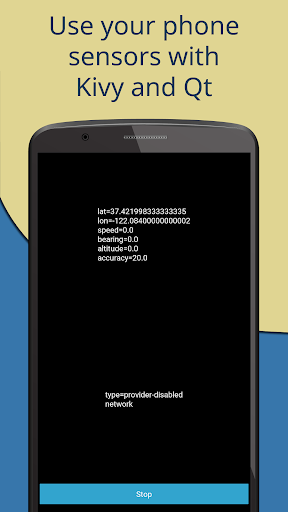
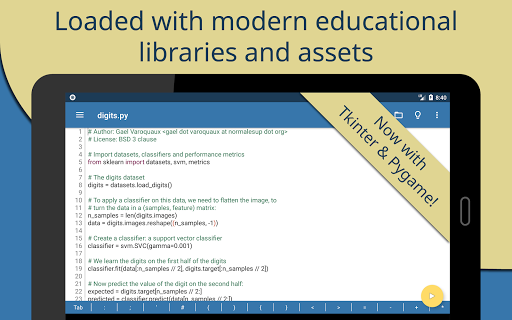
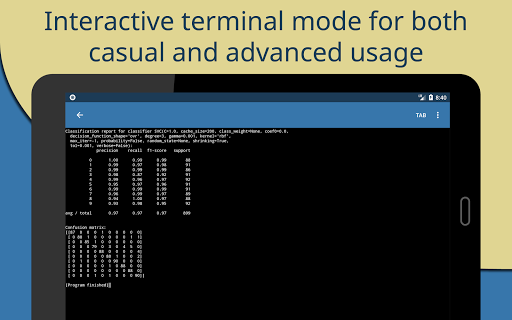
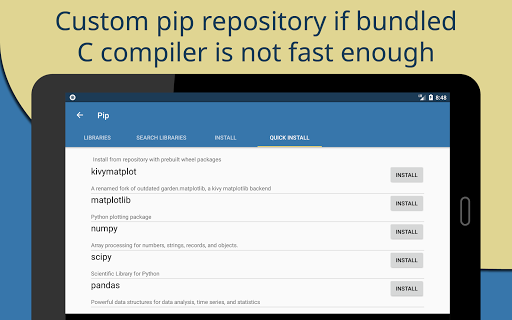
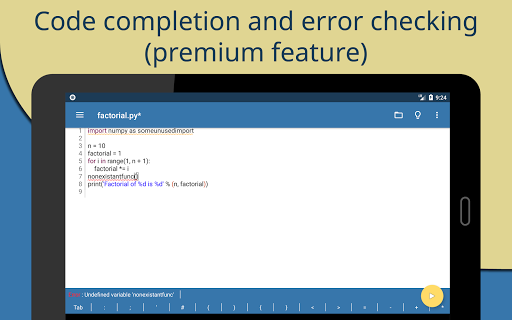
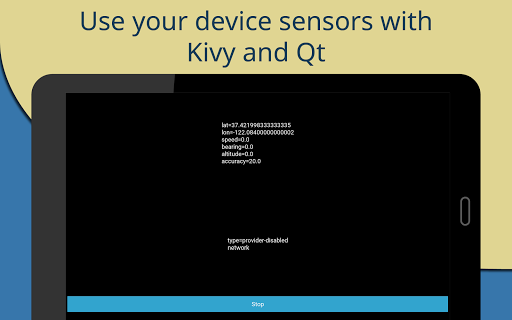
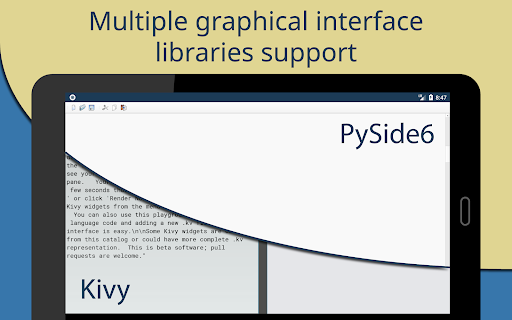
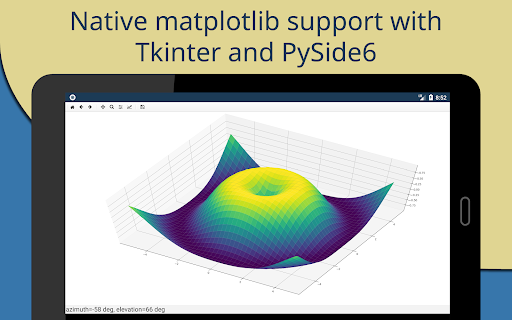
Pydroid 3 is the most easy to use and powerful educational Python 3 IDE for Android. Features: - Offline Python 3 interpreter: no Internet is required to run Python programs. - Pip package manager and a custom repository for prebuilt wheel packages for enhanced scientific libraries, such as numpy, scipy, matplotlib, scikit-learn and jupyter. - OpenCV is now available (on devices with Camera2 API support). * - TensorFlow and PyTorch are also available. * - Examples available out-of-the-box for quicker learning. - Complete Tkinter support for GUI. - Full-featured Terminal Emulator, with a readline support (available in pip). - Built-in C, C++ and even Fortran compiler designed specially for Pydroid 3. It lets Pydroid 3 build any library from pip, even if it is using native code. You can also build & install dependencies from a command line. - Cython support. - PDB debugger with breakpoints and watches. - Kivy graphical library with a shiny new SDL2 backend. - PySide6 support available in Quick Install repository along with matplotlib PySide6 support with no extra code required. - Matplotlib Kivy support available in Quick Install repository. - pygame 2 support. Editor features: - Code prediction, auto indentation and real time code analysis just like in any real IDE. * - Extended keyboard bar with all symbols you need to program in Python. - Syntax highlighting & themes. - Tabs. - Enhanced code navigation with interactive assignment/definition gotos. - One click share on Pastebin. * Features marked by asterisk are available in Premium version only. Quick manual. Pydroid 3 requires at least 250MB free internal memory. 300MB+ is recommended. More if you are using heavy libraries such as scipy. To run debug place breakpoint(s) clicking on the line number. Kivy is detected with “import kivy”, “from kivy“ or "#Pydroid run kivy”. PySide6 is detected with “import PySide6”, “from PySide6“ or "#Pydroid run qt”. The same for sdl2, tkinter and pygame. There is a special mode "#Pydroid run terminal" to ensure your program runs in terminal mode (this is useful with matplotlib that automatically runs in GUI mode) Why are some libraries premium-only? These libraries were extremely hard to port, so we had to ask another developer to do that. Under agreement, his forks of these libraries are provided to the premium users only. If you would like to develop free forks of these libraries - contact us. Take a part in development of Pydroid 3 by reporting bugs or providing feature requests to us. We appreciate that. As Pydroid 3 main goal is to help user learn Python 3 programming language, our first priority is porting scientific libraries (so system-related libraries are ported only when they are used as dependencies of some other educational package). Legal information. Some binaries in Pydroid 3 APK are licensed under (L)GPL, email us for the source code. GPL pure Python libraries bundled with Pydroid 3 are considered to be coming in the source code form already…

What Pydroid 3 - IDE for Python 3 Is Used For

Pydroid 3 appears to be a Python 3 coding environment for Android phones, designed for learning, testing, and editing Python programs on the device itself. Based on the metadata, it is commonly used as an on-the-go IDE where users can write scripts, run them offline, and practice Python without needing a desktop computer. The education category and built-in examples suggest it may be aimed at students, hobbyists, and developers who want a mobile workspace for Python basics and experimentation.

The app also seems suited to more advanced Python tasks, since it mentions pip support, scientific libraries, a terminal, debugging tools, and support for GUI-related libraries like Tkinter, Kivy, and PySide6. Permissions such as storage access and network access align with saving code files, installing packages, and downloading components. Based on the metadata, users may also rely on it for running small projects, trying out notebooks or data-related libraries, and building or testing code that needs native compilation support.

Common uses

  • Write and run Python 3 code directly on an Android phone
  • Practice programming offline without needing an internet connection
  • Install Python packages through pip and manage project dependencies
  • Test scripts with debugging tools, breakpoints, and code analysis
  • Experiment with GUI libraries such as Tkinter, Kivy, or PySide6
  • Use the terminal emulator for command-line workflows and package tasks
  • Work with code files and save or load projects from device storage
Best for:
Python learners Mobile coding Students Hobby developers On-device scripting Phone app

App Details

Package:
ru.iiec.pydroid3
Category:
Education
Developer:
Lider Soft KZ
Version:
Varies with device
Updated:
Jan 10, 2026
Min Android:
Varies with device
Age Rating:
Everyone
Contains Ads:
Yes
In-App Purchases:
Yes

Official Listing

  • Official listing available on Google Play
  • Package name: ru.iiec.pydroid3
  • Age rating: Everyone

Explore More

Browse more apps in Education or explore the Phone hub .

Related Education Apps

Sololearn: Learn to code icon

Sololearn: Learn to code

Education Sololearn - Learn to Code

Learn to code in Python, JavaScript, Java, HTML with the Sololearn coding app

Version 4.126.0 34.2 MB ⭐ 4.60 10,000,000+ installs
GitHub icon

GitHub

Productivity GitHub

Triage notifications, review, comment, and merge, right from your mobile device

Version 1.251.0 15.6 MB ⭐ 4.80 10,000,000+ installs
Termius - Modern SSH Client icon

Termius - Modern SSH Client

Business Termius Corporation

Beautifully designed terminal with built-in SSH, SFTP, Telnet and Mosh

Version 7.5.1 66.0 MB ⭐ 4.60 1,000,000+ installs

How to Download Pydroid 3 - IDE for Python 3

If this app is not hosted directly on APKApps official link, then for the safest and most up-to-date version, install it from its official Google Play listing.